Skip to content
English
  • Español
  • Português
  • Connectors
  • Pricing
  • Templates
  • Learn
    • Free Course
    • Tutorials
    • Help Center
    • Looker Studio
    • Sheets
    • Marketing data analysis
    • Porter
    Edit Content

    Learn Looker Studio

    • Take our course
    • Complete Looker Studio tutorial
    • Connect data
    • Copy a Looker Studio template
    • Fix your reports
    • Data blending
    • Charts
    • Controls
    • Filters
    • Calculated fields
    • Grouping (REGEX)
    • Sharing
    • Design
    • Speed

    Connect your data

    • Paid Media

    • Facebook Ads
    • Google Ads
    • TikTok Ads
    • Twitter Ads
    • LinkedIn Ads
    • Google

    • Google Sheets
    • Google Analytics 4
    • Google Business Profile
    • Social Media

    • Facebook Insights
    • Instagram Insights
    • LinkedIn Pages
    • Twitter Analytics
    • E-commerce & CRM

    • Shopify
    • HubSpot
    • Mailchimp
    Edit Content
    • Paid Media

    • Facebook Ads
    • TikTok Ads
    • Twitter Ads
    • LinkedIn Ads
    • Google

    • Google Analytics 4
    • Google Business Profile
    • CRM & Email

    • Hubspot
    • Mailchimp
    • Klaviyo
    • ActiveCampaign
    • E-commerce

    • Shopify
    • Woocommerce
    • Amazon Seller Central
    • Social Media

    • Facebook Insights
    • Instragam Insights
    • LinkedIn Pages
    • Twitter Analytics
    • Competitor Analysis

    • Facebook Organic Competitor
    • Instagram Organic Competitor
    Edit Content

    KPIs

    Paid media

    • Facebook Ads
    • Google Ads
    • TikTok Ads
    • Twitter Ads

    Google

    • Google Analytics 4
    • Google Business Profile

    Social media

    • Facebook Insights
    • Instragam Insights
    • LinkedIn Pages
    • Twitter Analytics

    E-comm & CRM

    • Shopify
    • Mailchimp
    Edit Content

    Billing

    • Invoices
    • Upgrades, downgrades
    • Cancellations
    • Pricing
    • Go to help center
Book a free setup
Sign in with Google

Best free SEM report templates for Looker Studio (2024)

Google Ads Peak hours Report template for Marketing teams and agencies

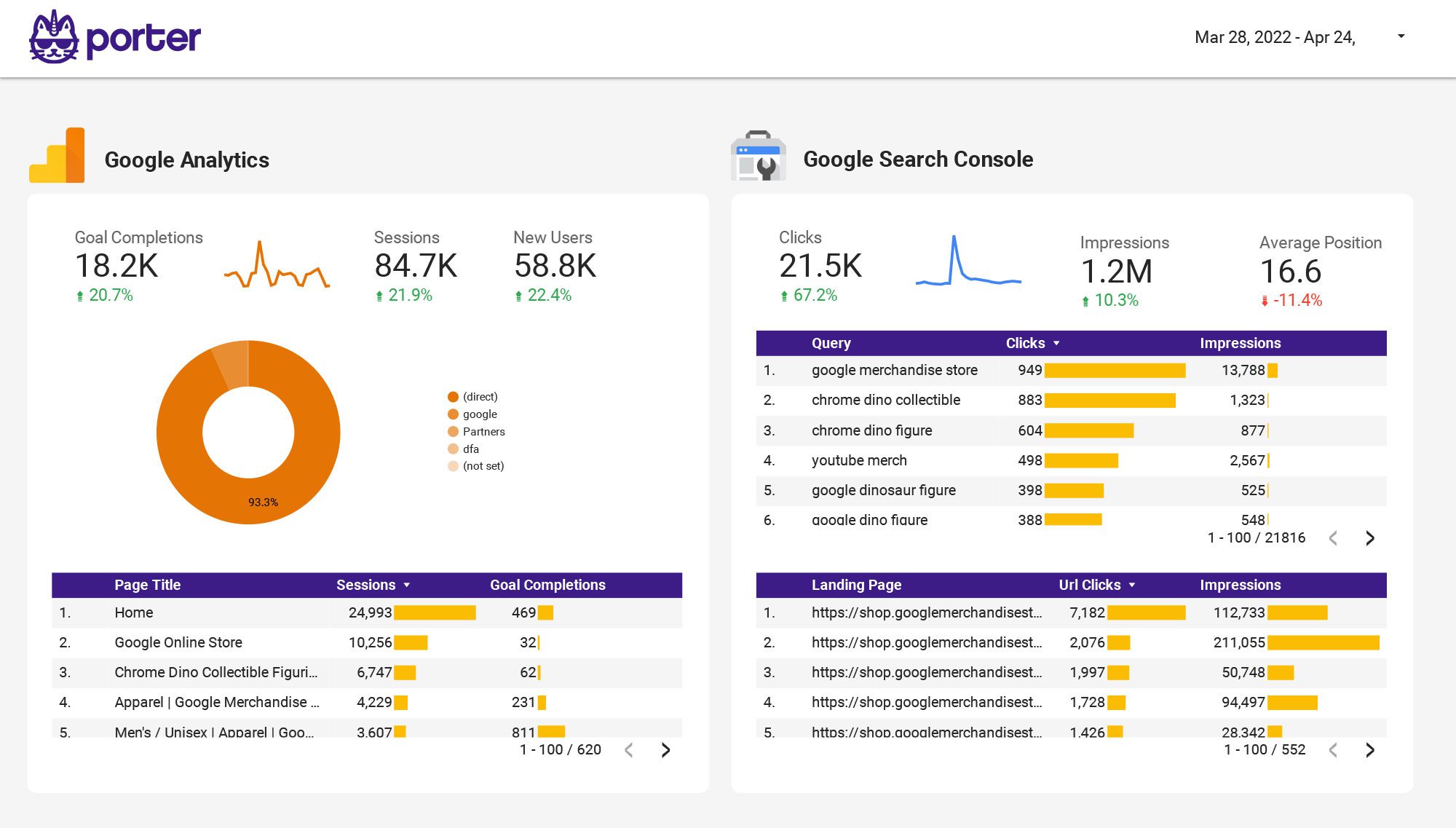
Optimize your PPC strategy with the Google Ads Peak hours report template. Track key metrics like conversion rate, CPC, and CTR. Analyze performance by campaign type, device, and time. Measure impressions and audience size during peak hours. Ideal for marketing teams to consolidate insights and achieve specific goals.

Get template »

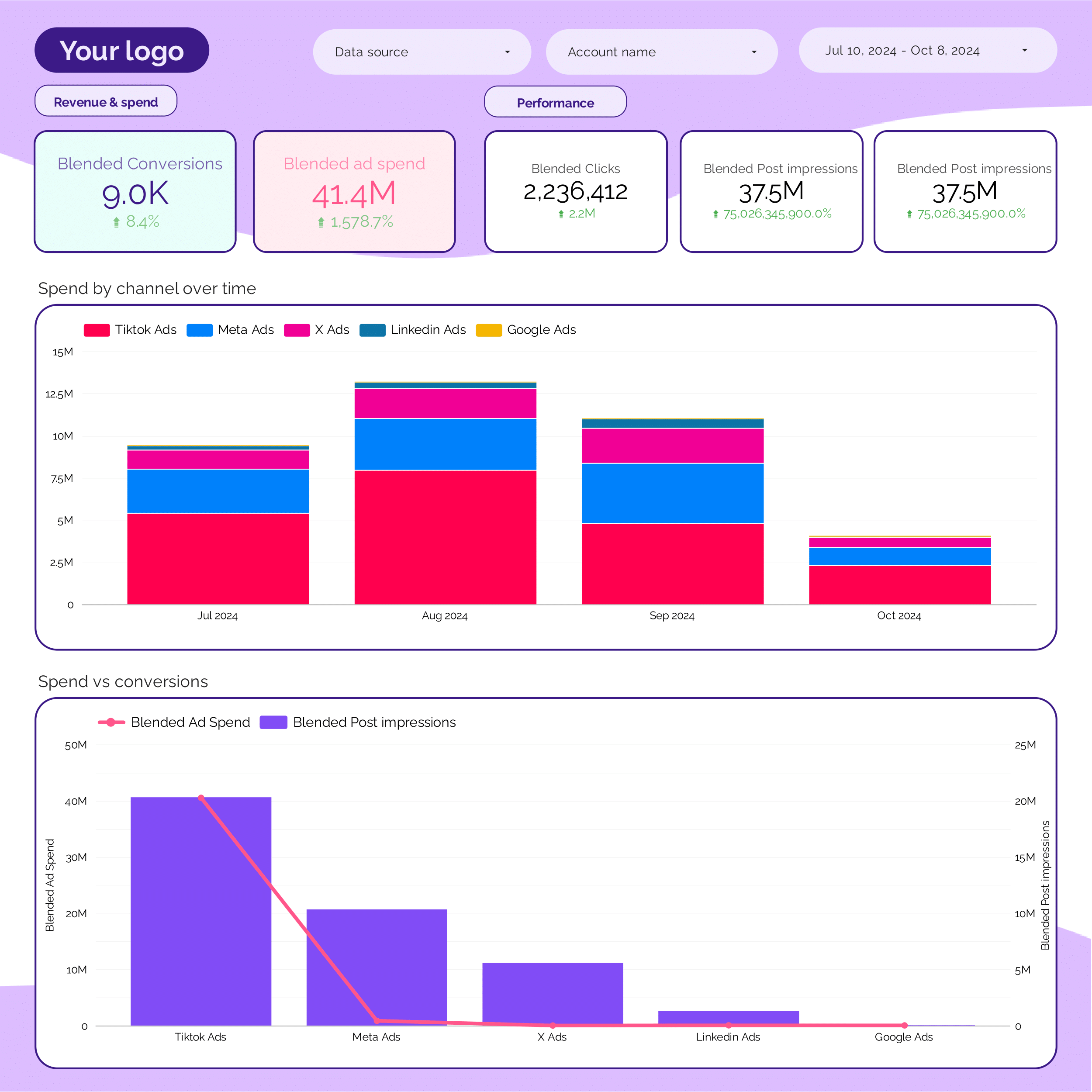
Cross-channel Report template for Marketing teams and agencies

Get template »
Page1 Page2

Connectors

  • Google Looker Studio
  • Google Sheets

Tutorials

  • Looker Studio tutorial
  • Facebook Ads to Looker Studio
  • Shopify to Looker Studio
  • Supermetrics alternatives
  • Marketing calculators

Looker Studio templates

  • Digital Marketing
  • E-commerce
  • PPC
  • Social Media
  • SEO
  • Lead generation
  • Facebook Ads

Google Sheets templates

  • Facebook Ads
  • PPC
  • Social Media
  • E-commerce

Report templates

  • Report templates
  • Dashboard templates
  • Dashboard examples
  • © 2024 Portermetrics - All rights reserved.
  • Terms of Service
  • Privacy Policy
  • Content policy