Automate your marketing reporting with our free, white-label report templates on Google Data Studio (formerly Looker Studio). Used by +10,000 marketing teams and agencies in 60 countries.
 Get all Data Studio templates for free →
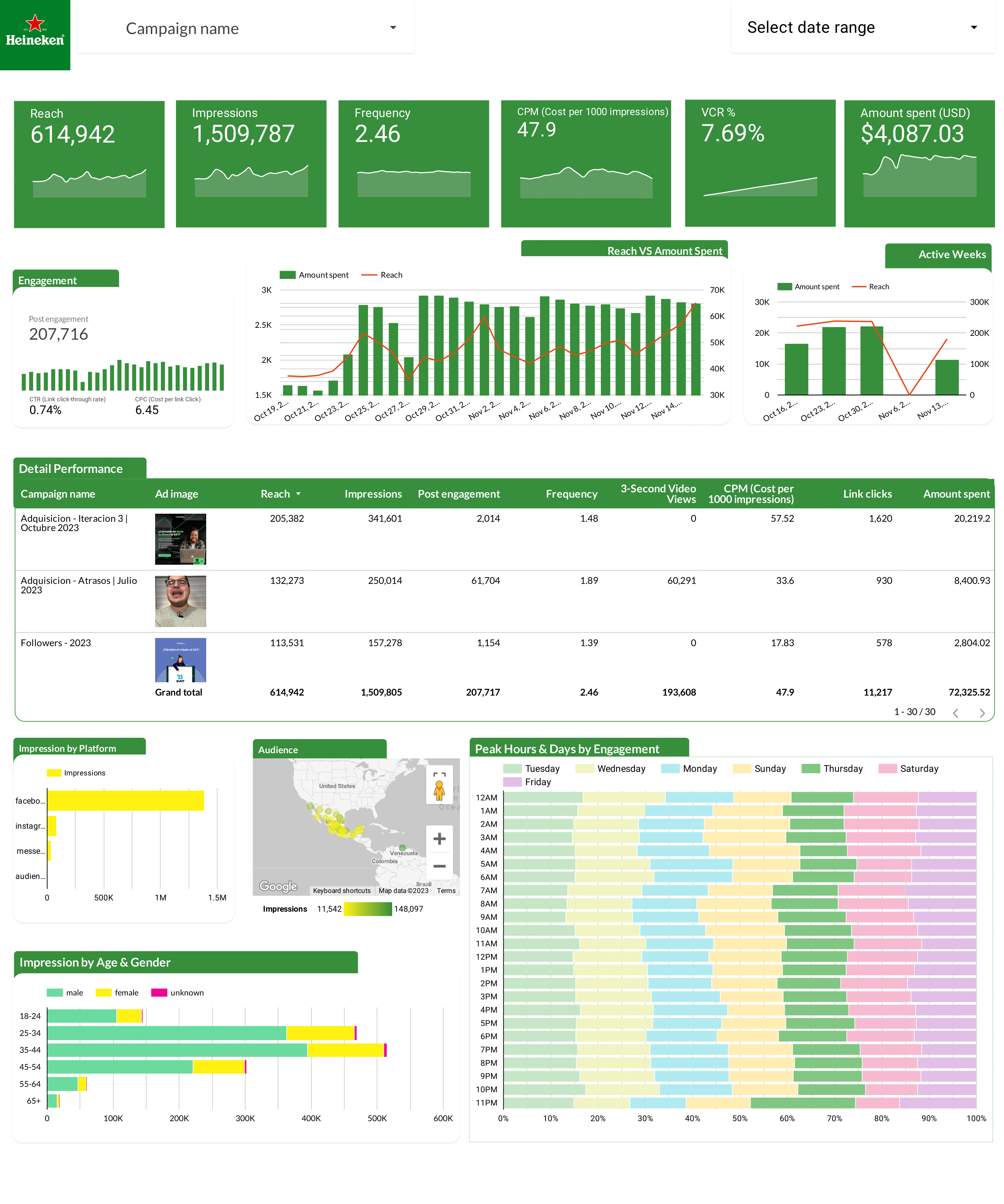
Track spend, CPA, ROAS, CTR, and frequency by campaign and ad set. Segment by audience, placement, and geography. Monitor funnel from impressions to purchases.
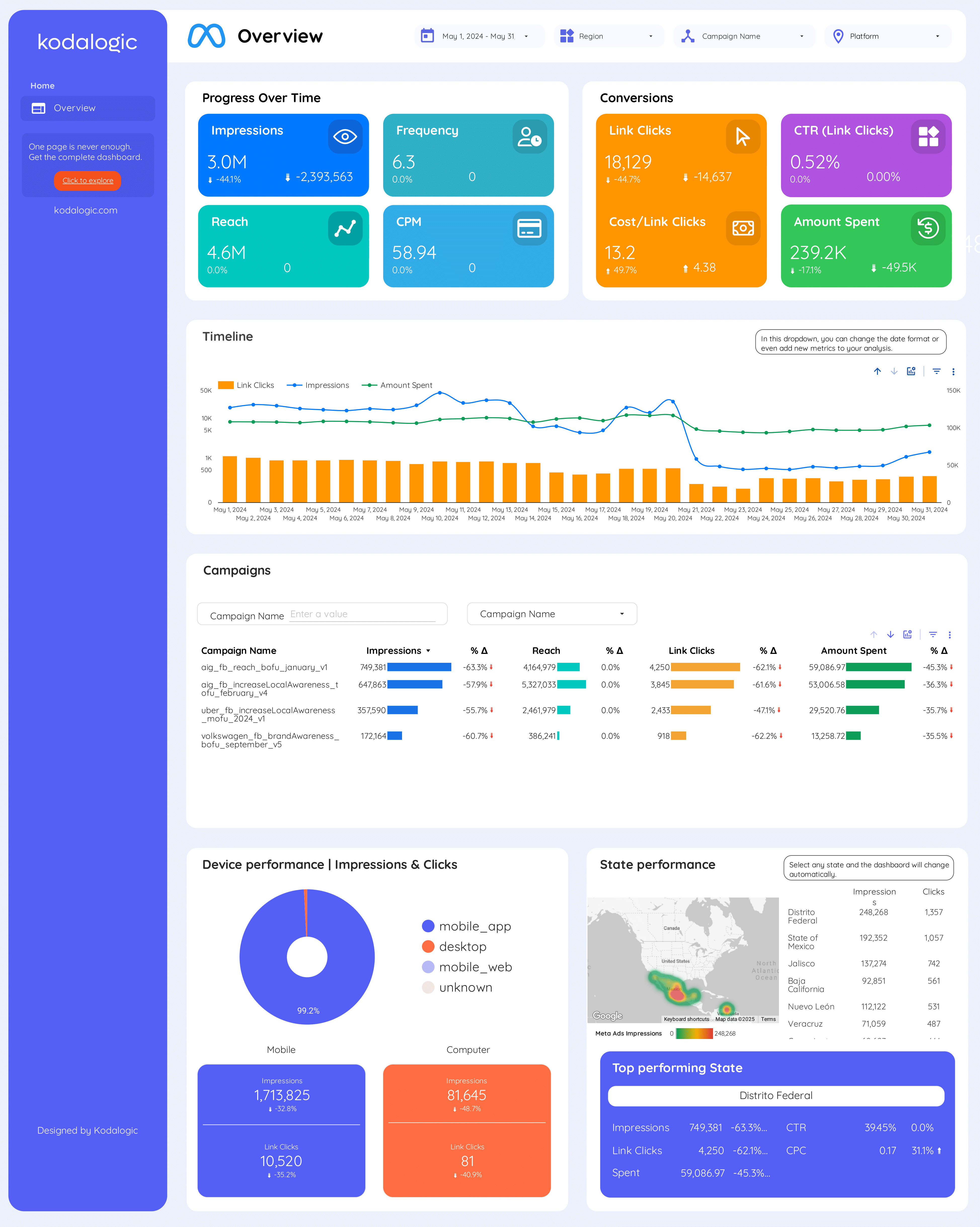
Track spend, CPA, ROAS, reach, and frequency from Meta Ads. Segment by campaign objective, audience, ad set, and placement. Compare period-over-period.
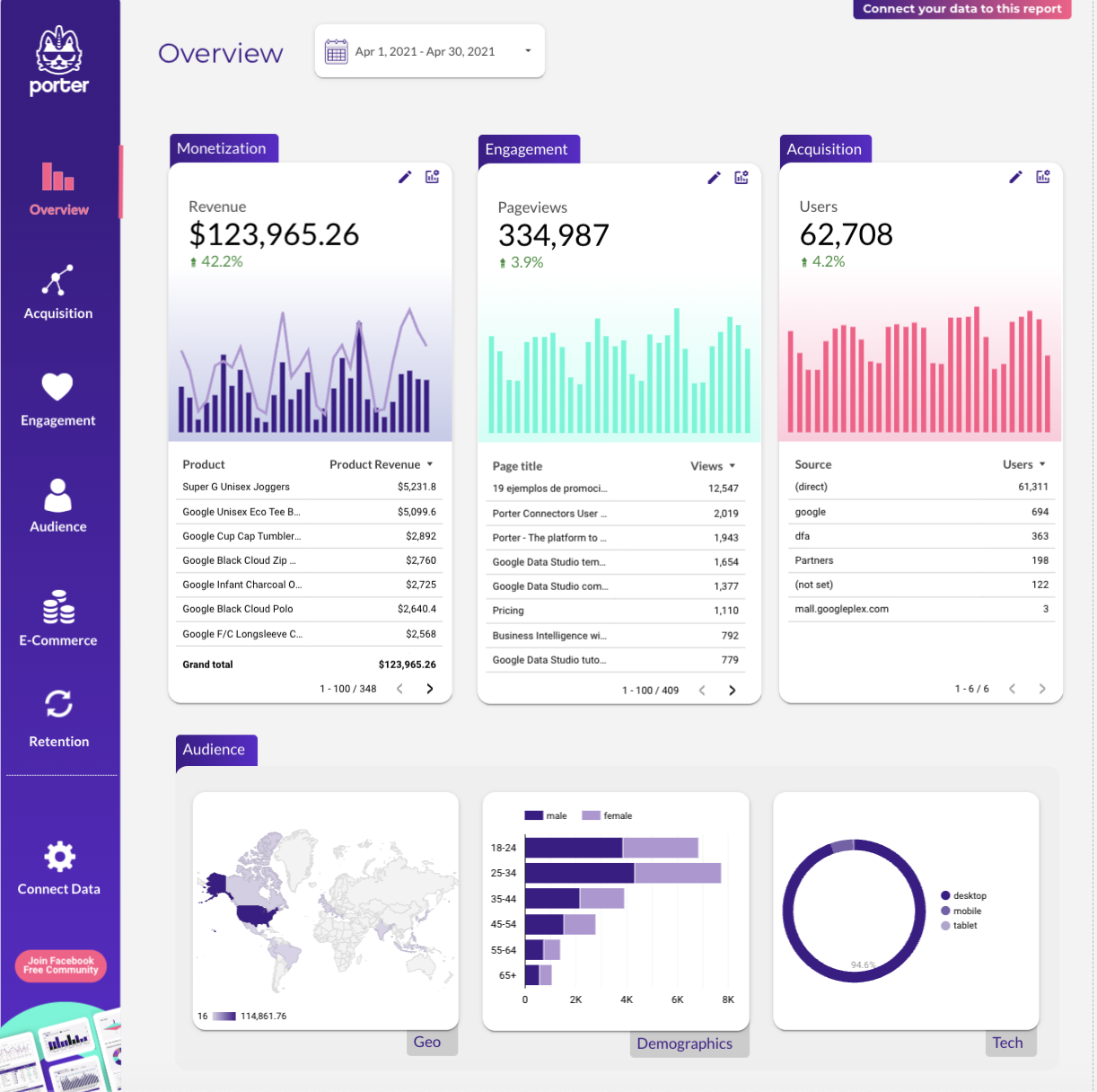
Track sessions, users, bounce rate, and conversion events by channel, landing page, and device. Segment by acquisition source to see what drives traffic and what converts.
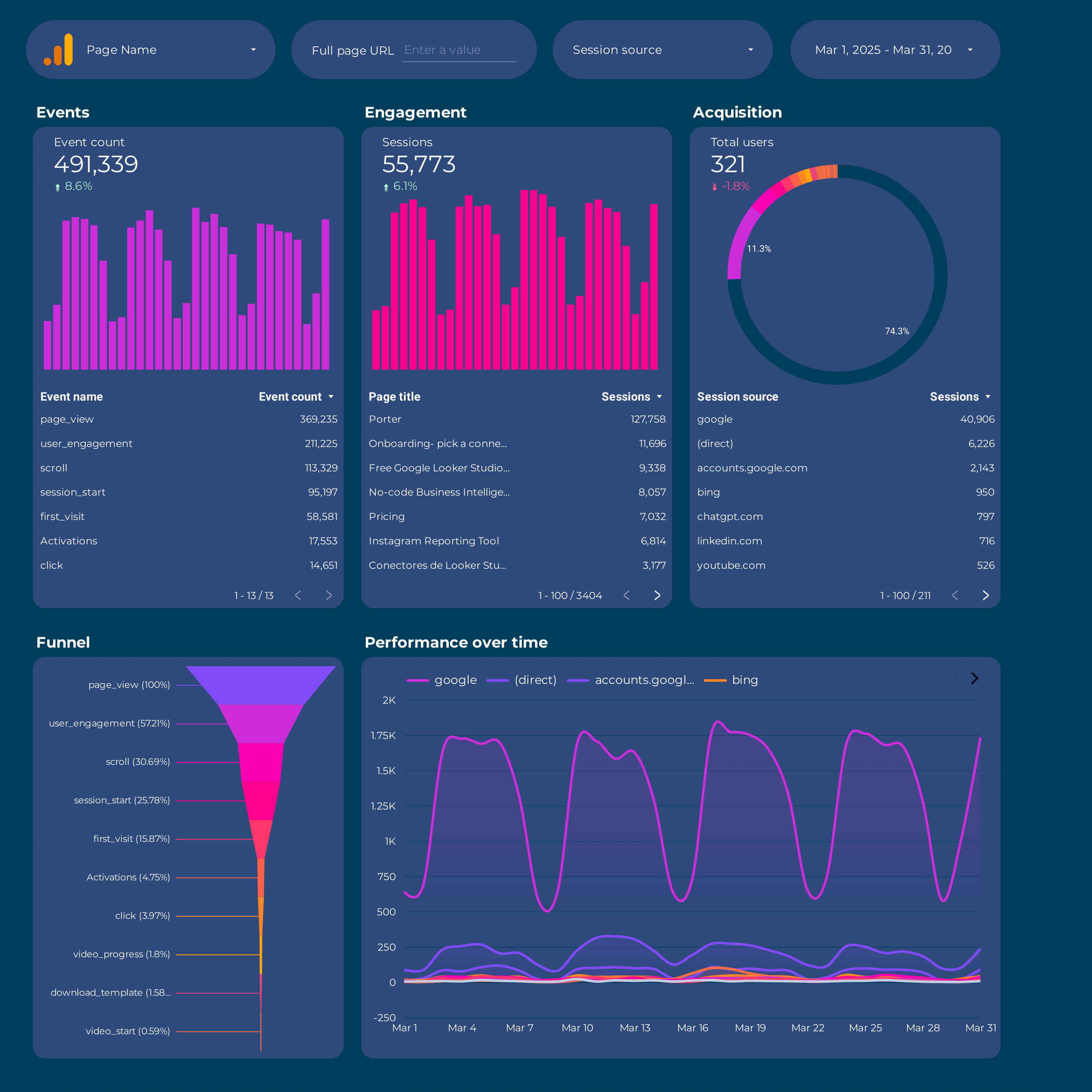
Track sessions, users, bounce rate, and conversion events by channel, landing page, and device. Segment by acquisition source to see what drives traffic and what converts.
Track sessions, users, bounce rate, and conversion events by channel, landing page, and device. Segment by acquisition source to see what drives traffic and what converts.
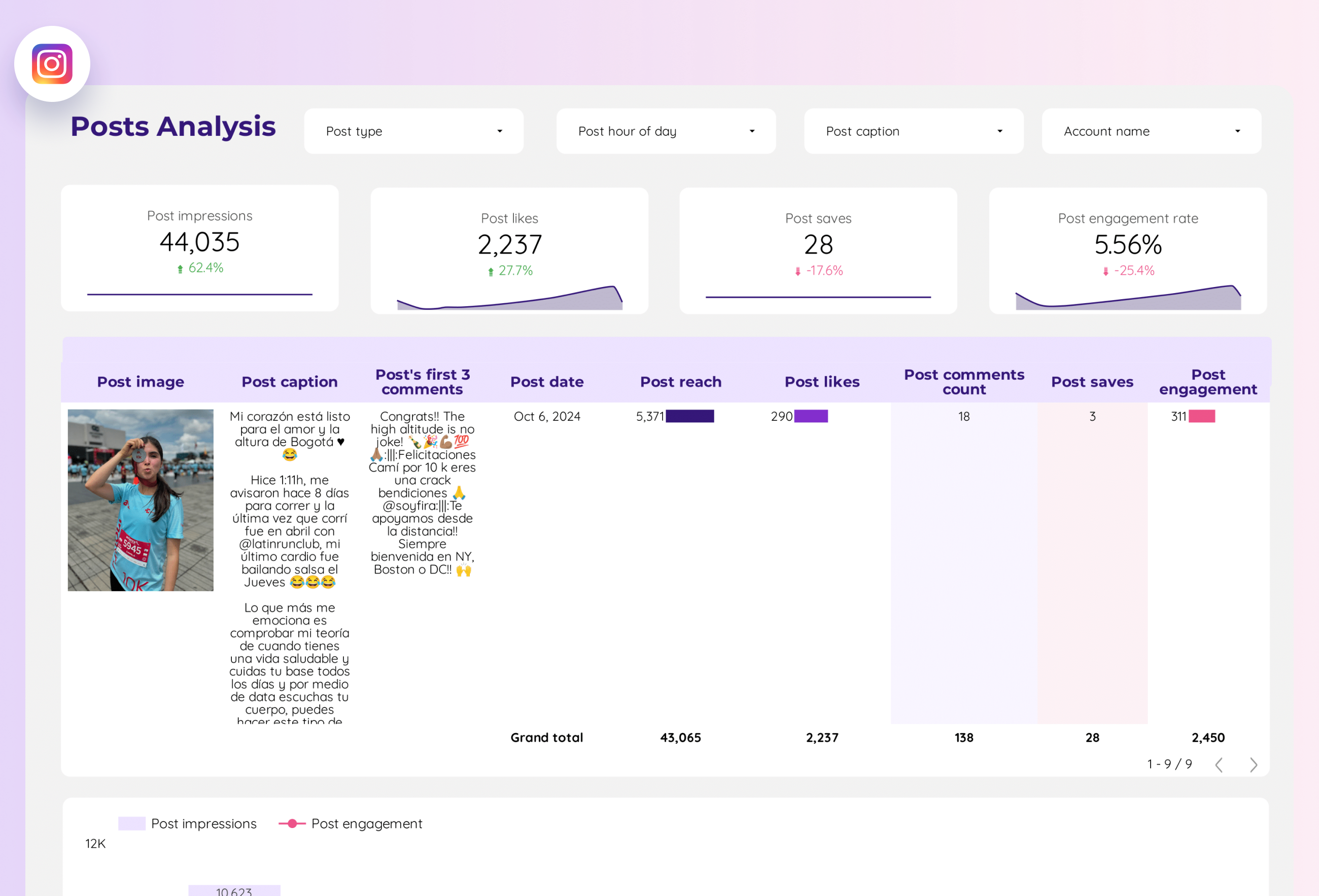
Track reach, impressions, profile visits, follower growth, and engagement rate. Analyze top posts by likes, comments, saves, and shares. Segment by content type.
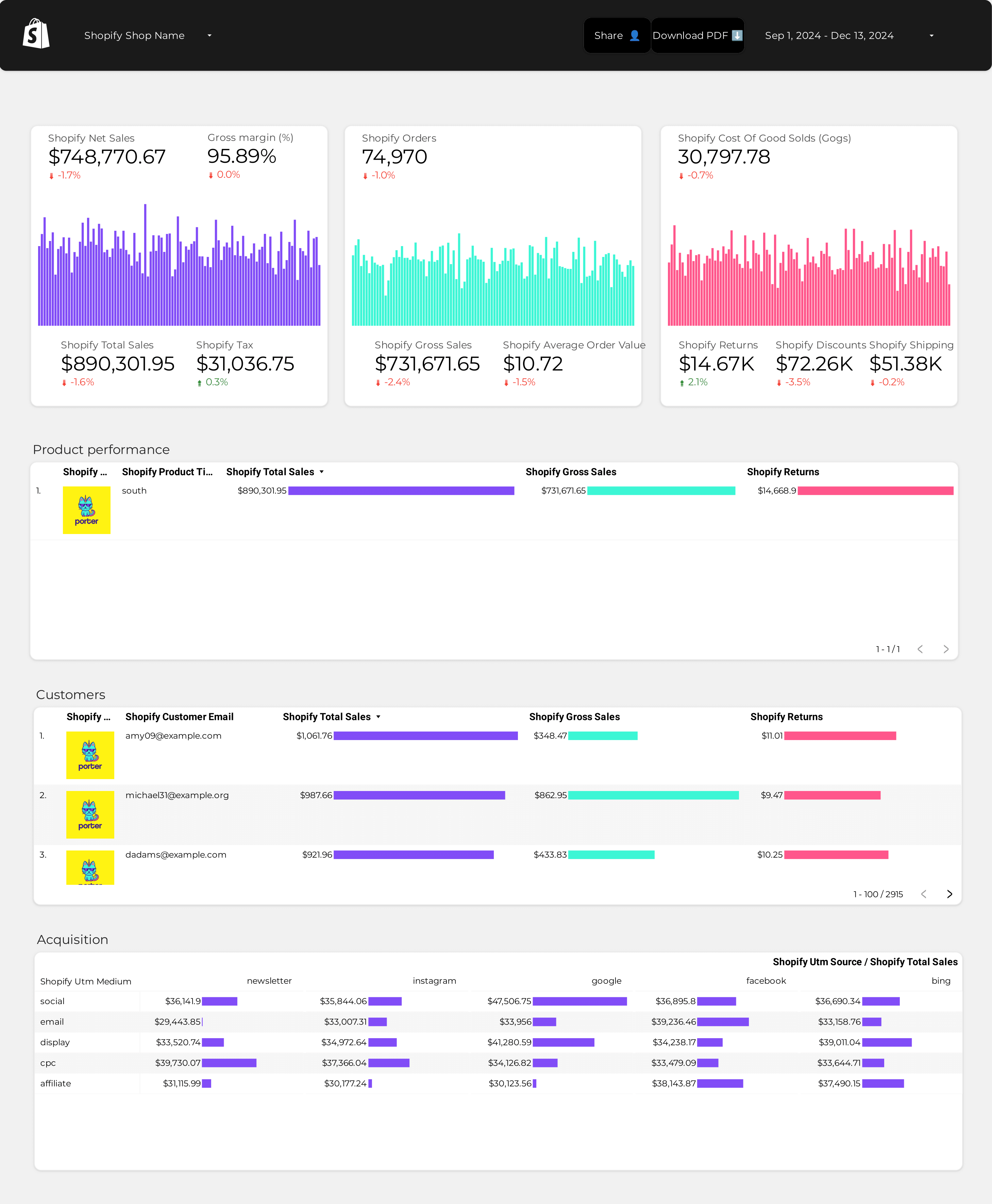
Track revenue, orders, AOV, conversion rate, and refund rate. Segment by product, traffic source, and customer type (new vs returning). Monitor daily sales trends.
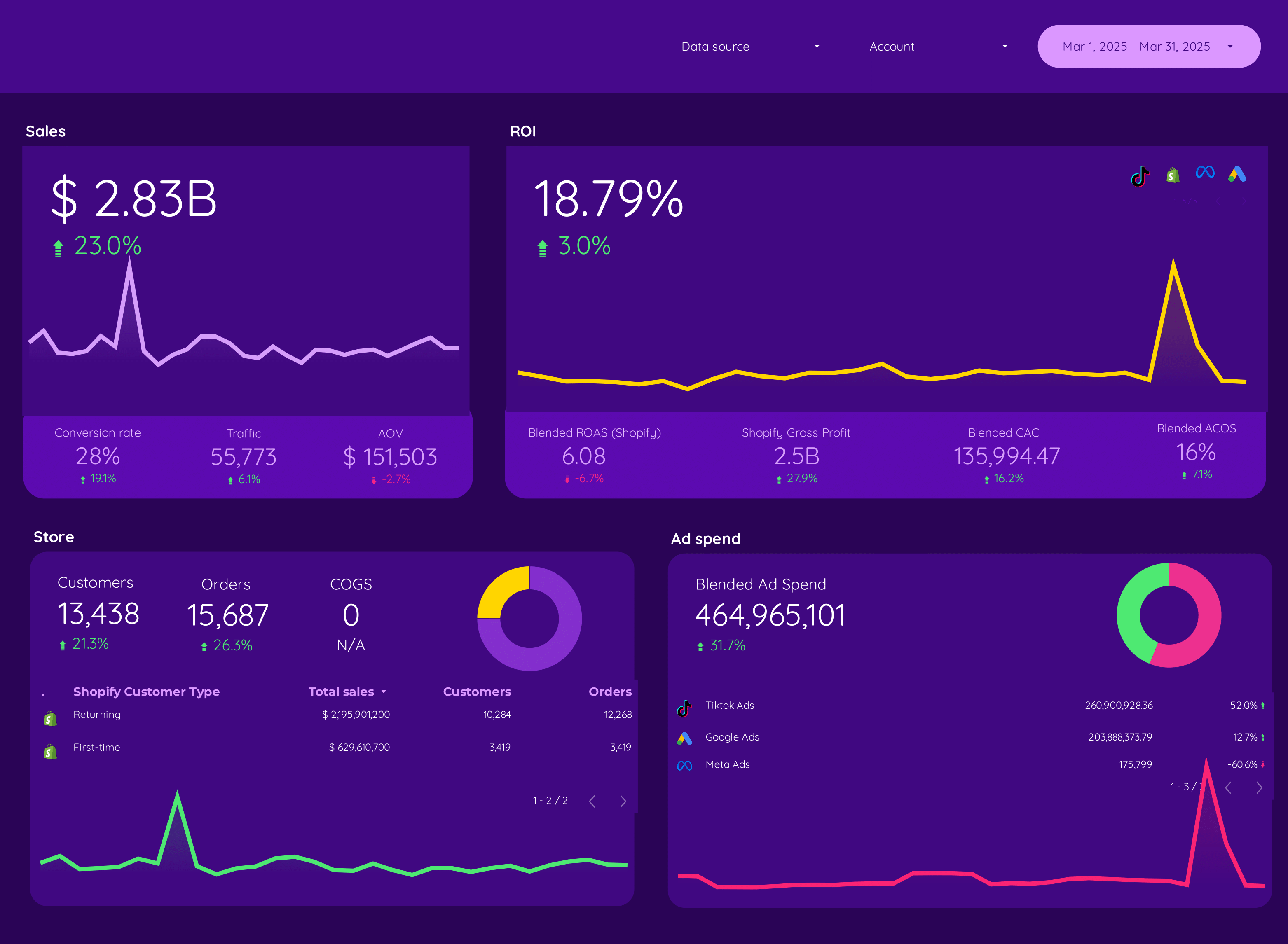
Track revenue, orders, AOV, conversion rate, and cart abandonment. Segment by product, traffic source, and customer type (new vs returning).
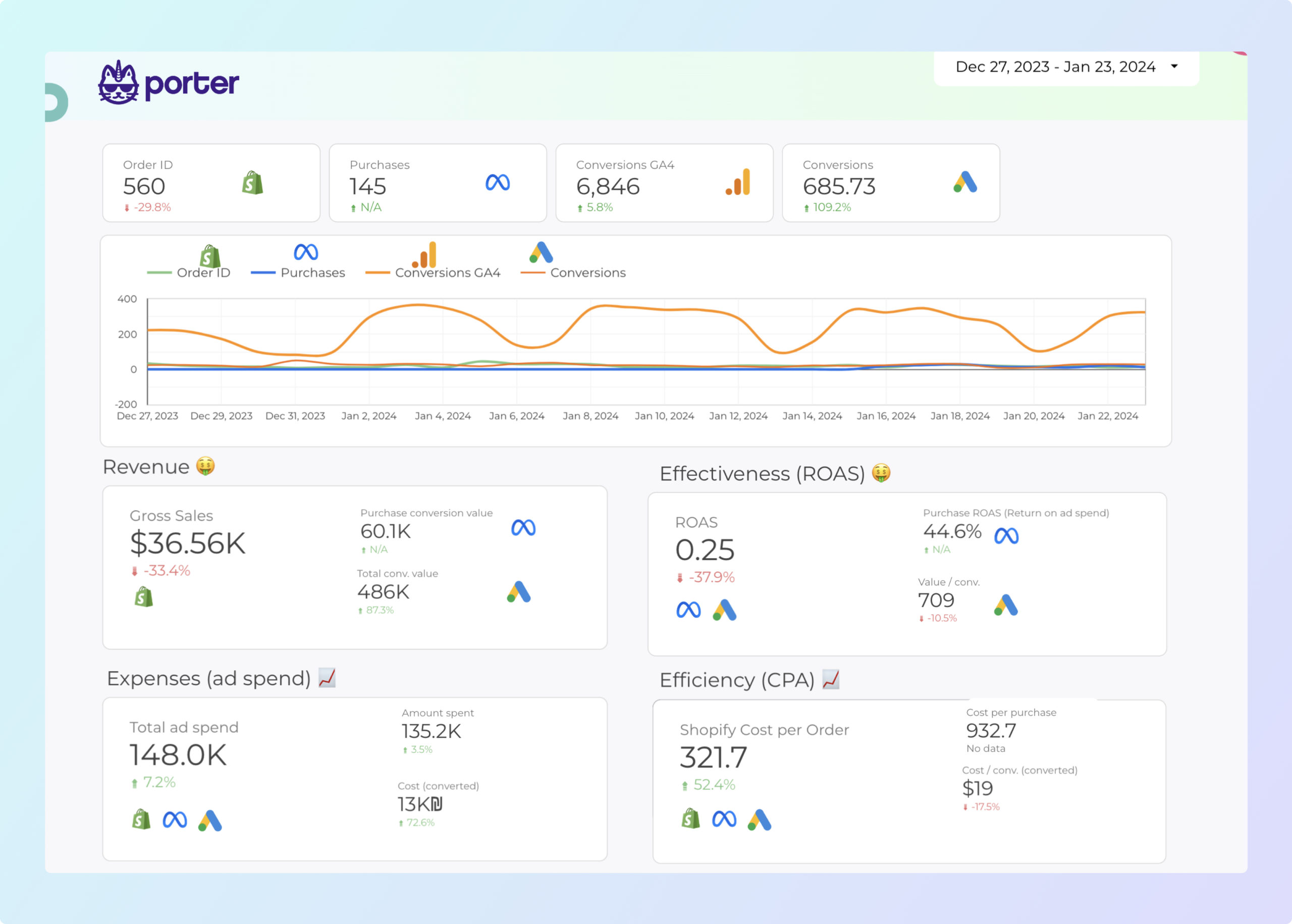
Track revenue, orders, AOV, conversion rate, and cart abandonment. Segment by product, traffic source, and customer type (new vs returning).
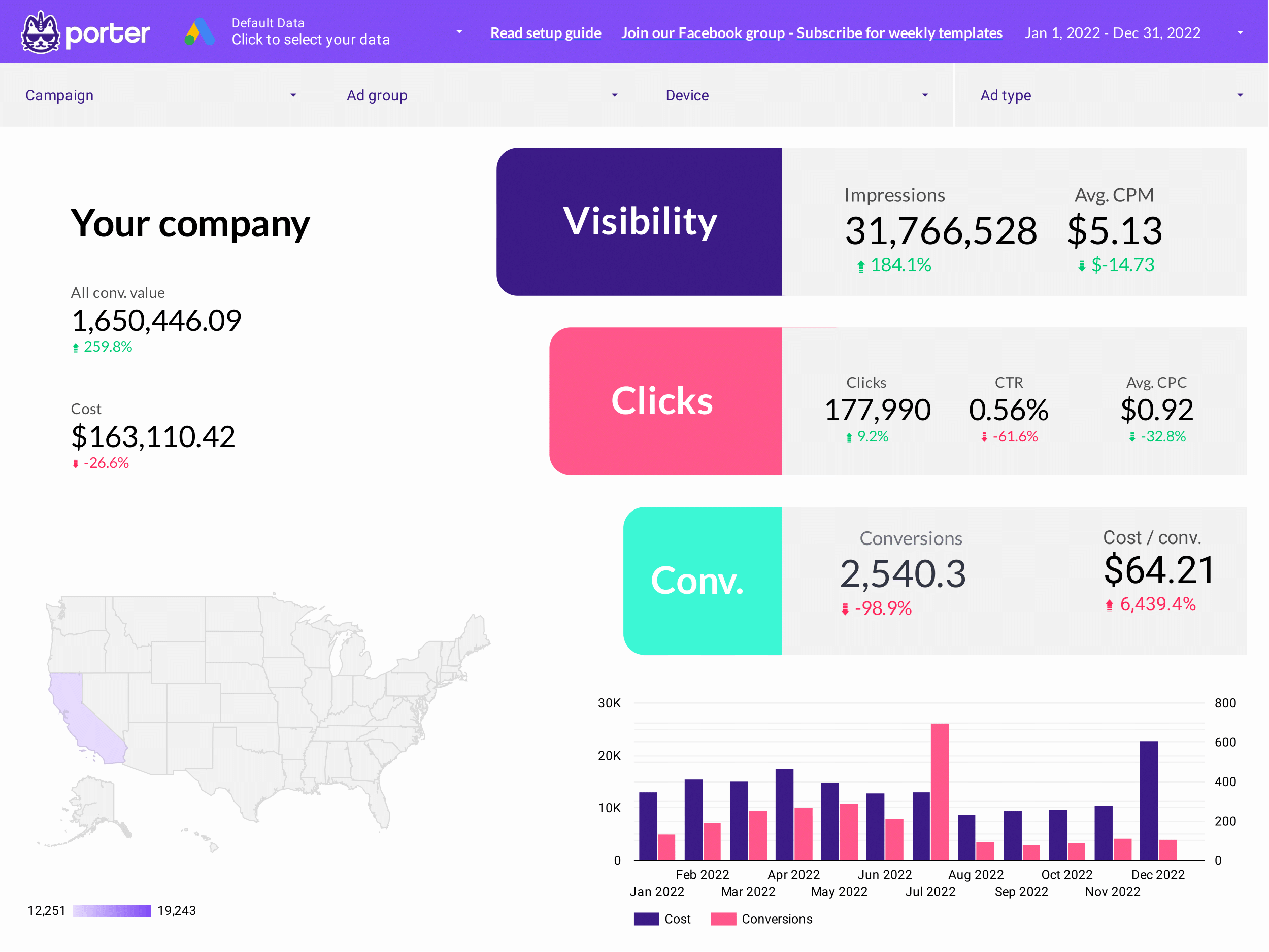
Google Ads Data Studio template for PPC specialists. Track key metrics like conversion rate, ROI, and CTR.
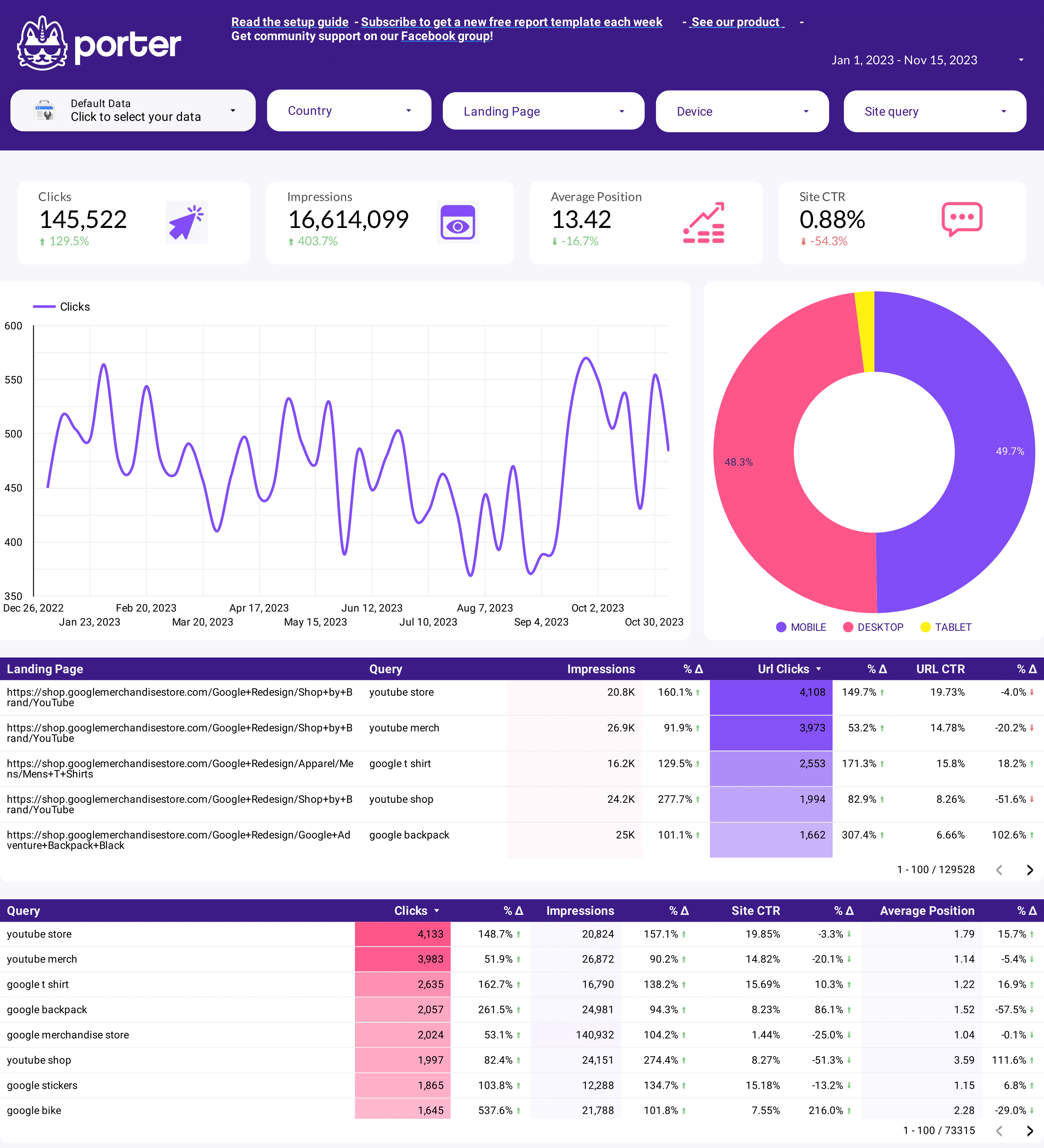
Monitor keyword positions, organic clicks, CTR, and impressions from Google Search Console. Track branded vs non-branded queries and spot ranking changes week over week.
Monitor keyword positions over time, visibility score, and SERP feature ownership. Track competitor ranking movements and spot position drops.
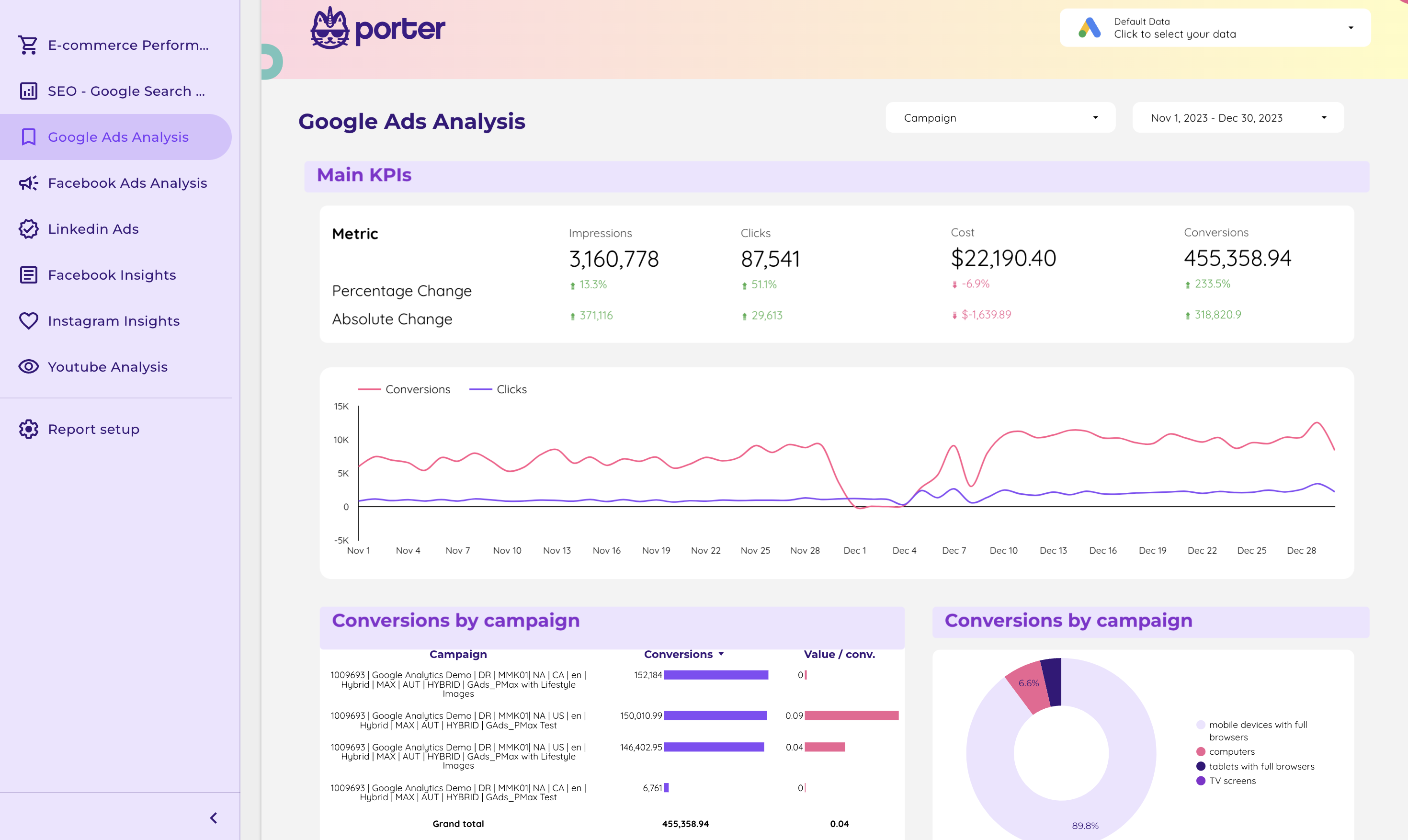
Blend Meta Ads, Google Ads, and GA4 into one view. Compare spend, ROAS, CPA, and conversions across channels. See which platform delivers the lowest cost per acquisition.
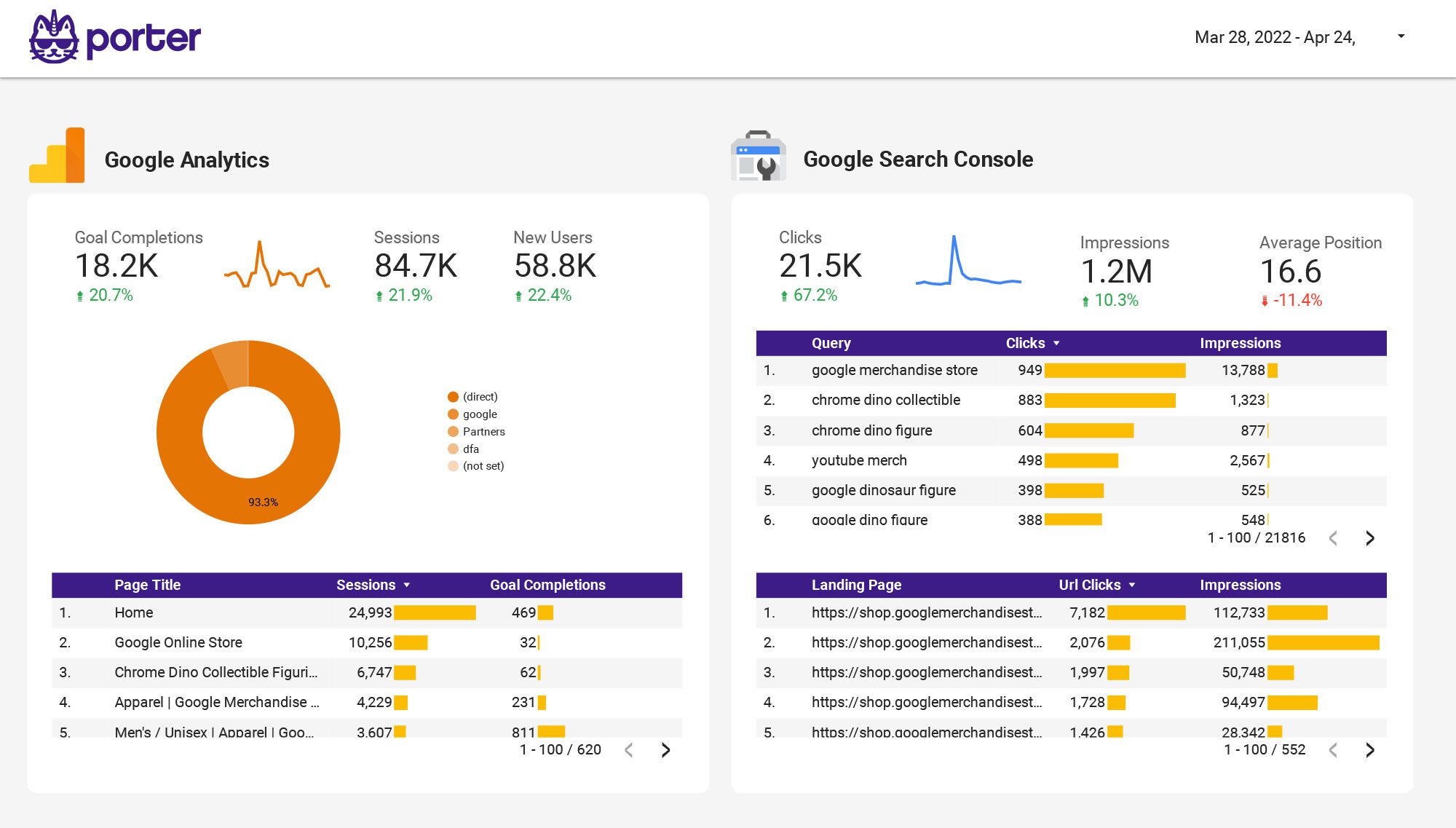
Blend organic, paid, social, and email data into one dashboard. Compare channel contribution to traffic, leads, and revenue. Find your best-performing mix.
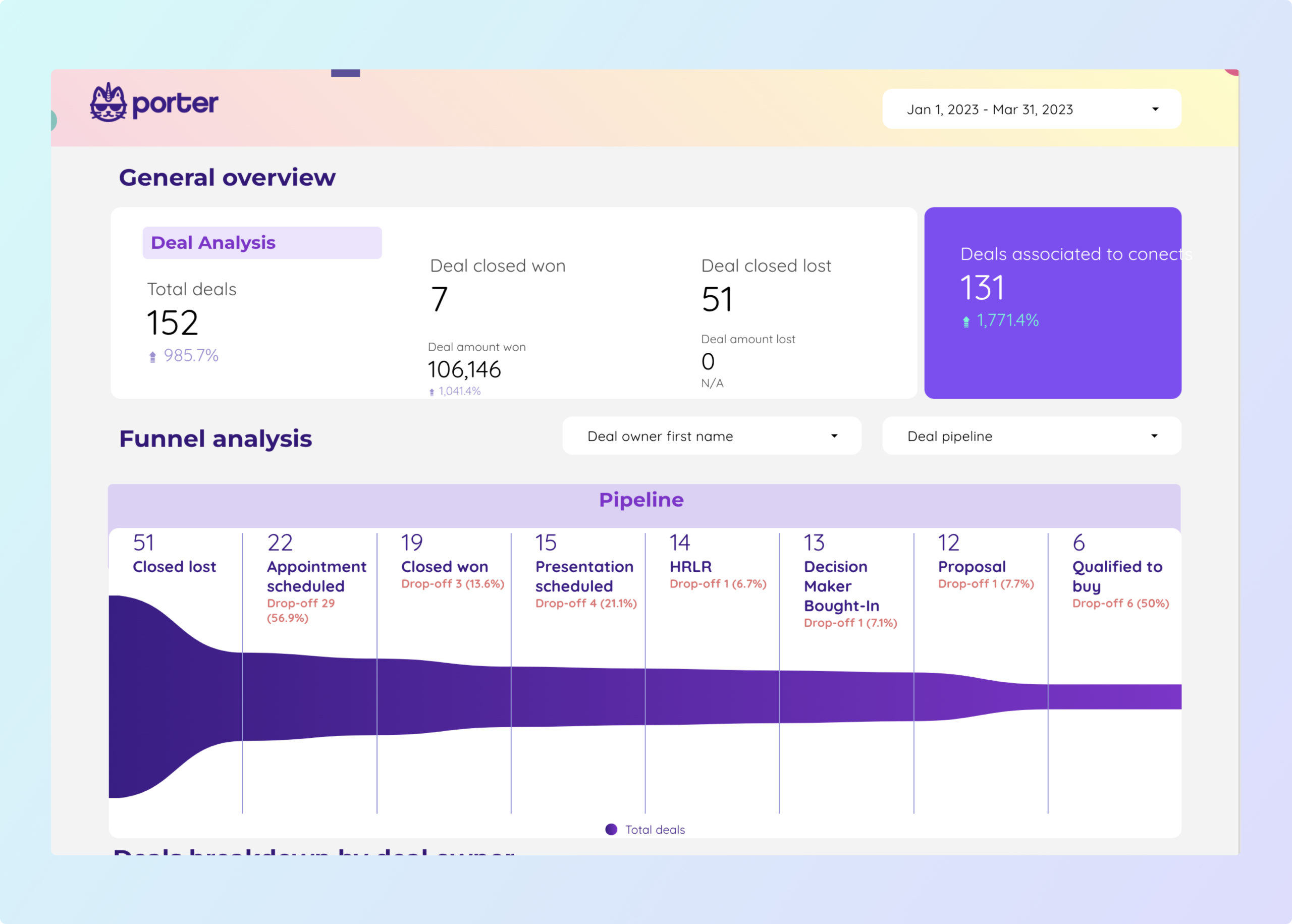
Monitor deals by pipeline stage, contact lifecycle, MQLs to SQLs conversion rate, and revenue by source. Break down by deal owner, company size, and close date.
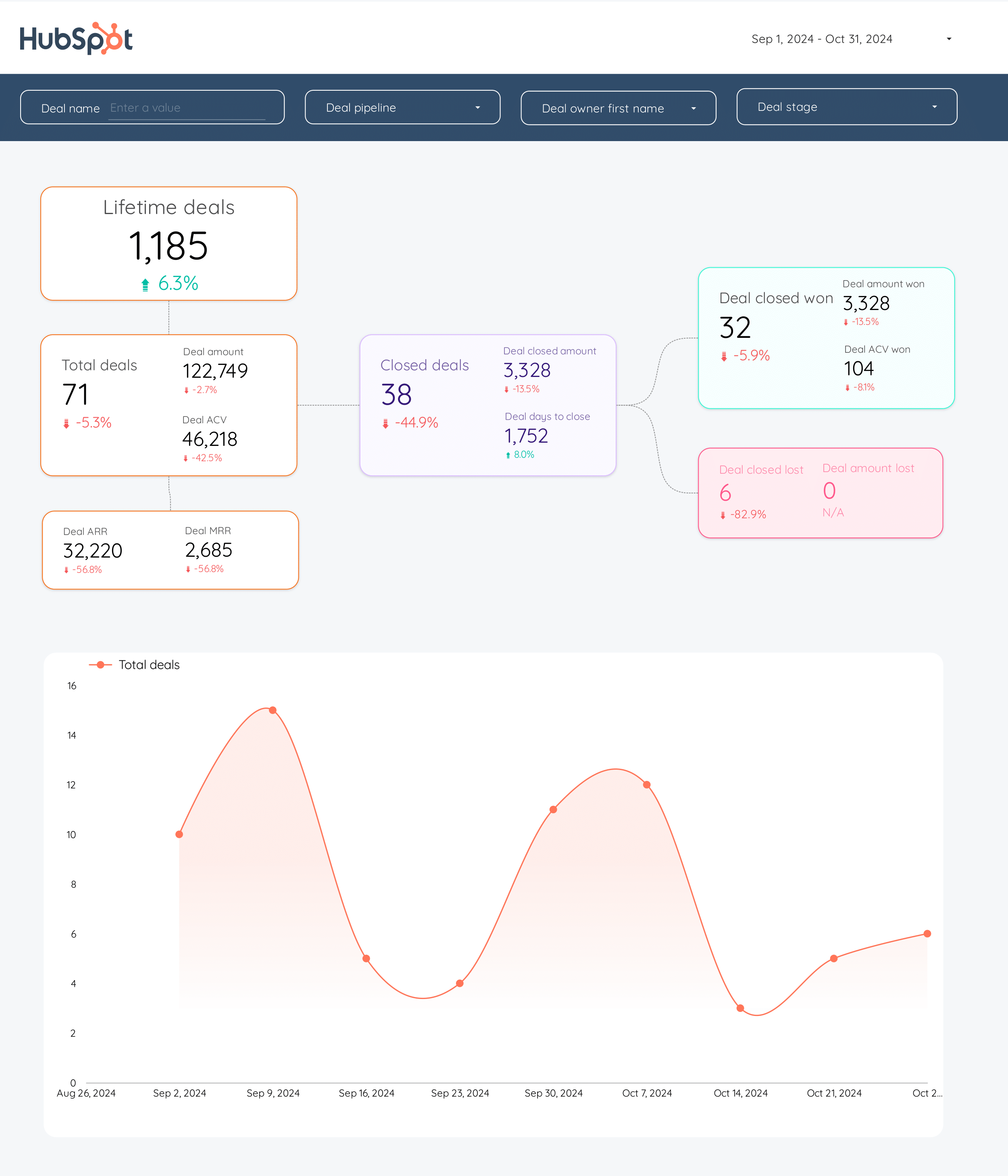
Track deals by pipeline stage, contact lifecycle, MQLs to SQLs, and revenue by source. Analyze deal velocity, win rate, and average deal size by owner.
Track total clicks, impressions, average CTR, and position by query and page. Monitor index coverage, sitemap status, and content performance.
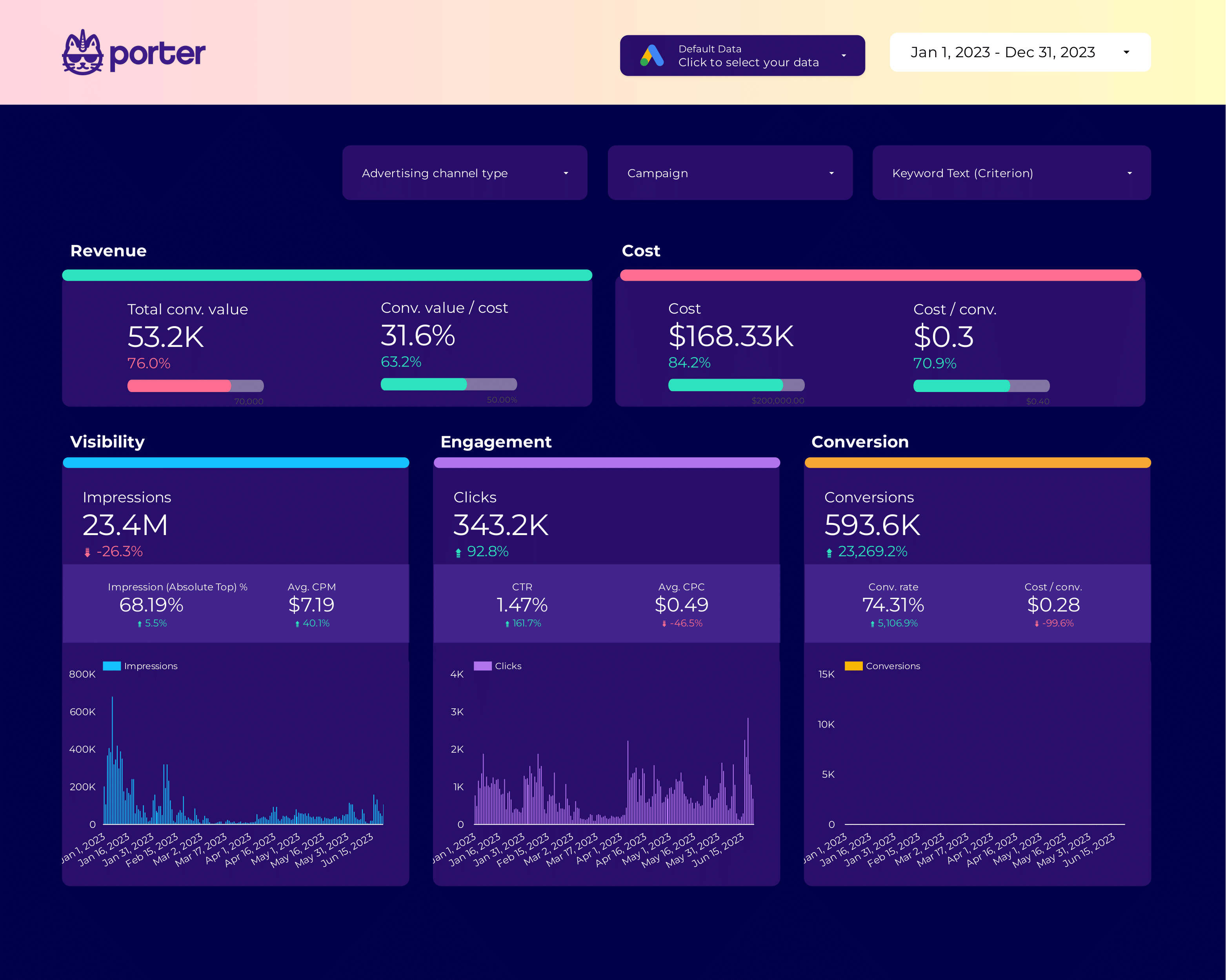
High-level marketing dashboard: traffic, leads, MQLs, conversions, and revenue. Track goal progress and KPI trends for CMO and stakeholder reporting.
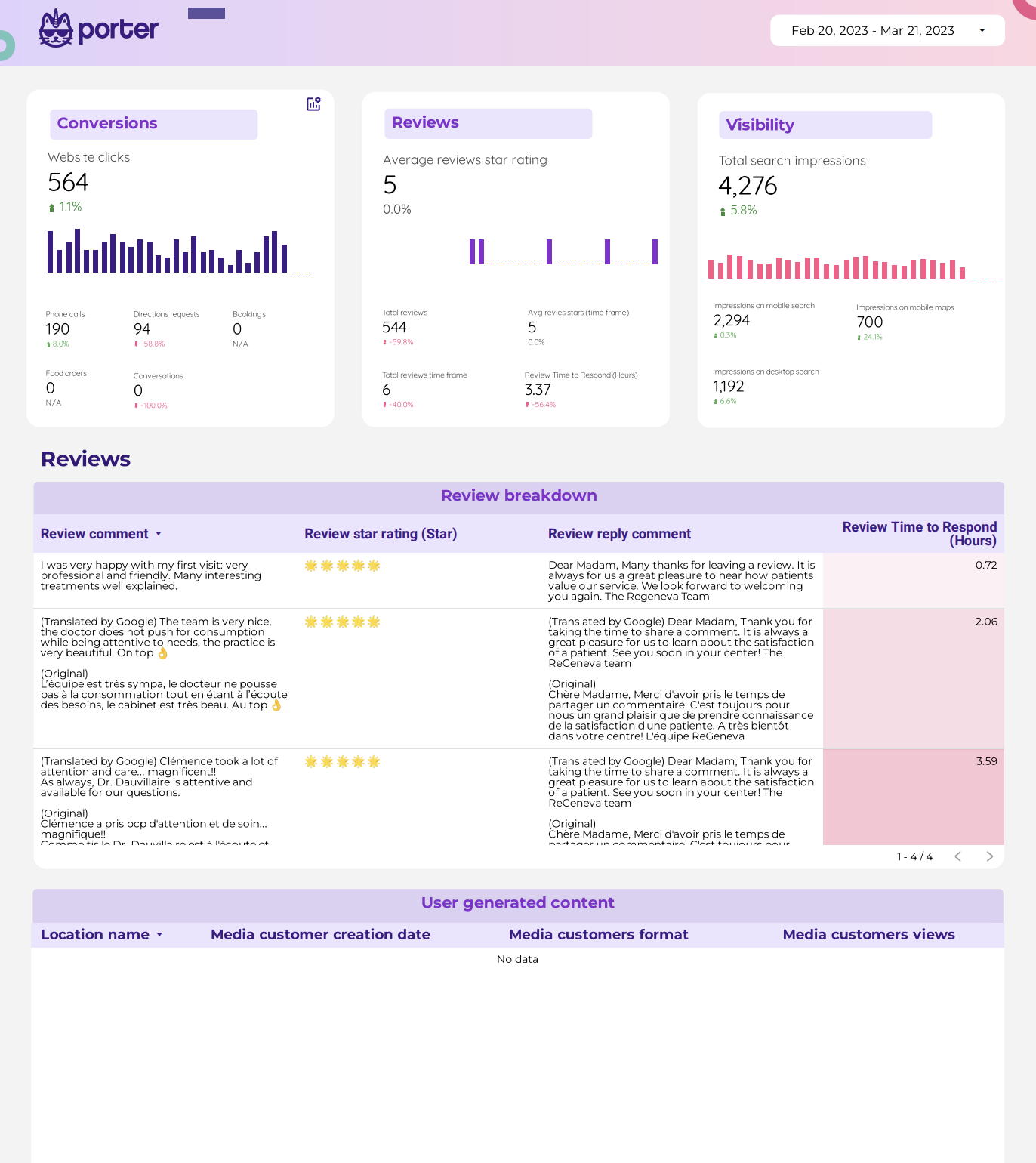
Track profile views, search queries, direction requests, phone calls, and photo views. Compare performance across multiple locations and monitor review ratings.
Track profile views, search queries, direction requests, phone calls, and photo views. Compare performance across multiple locations and monitor review ratings.
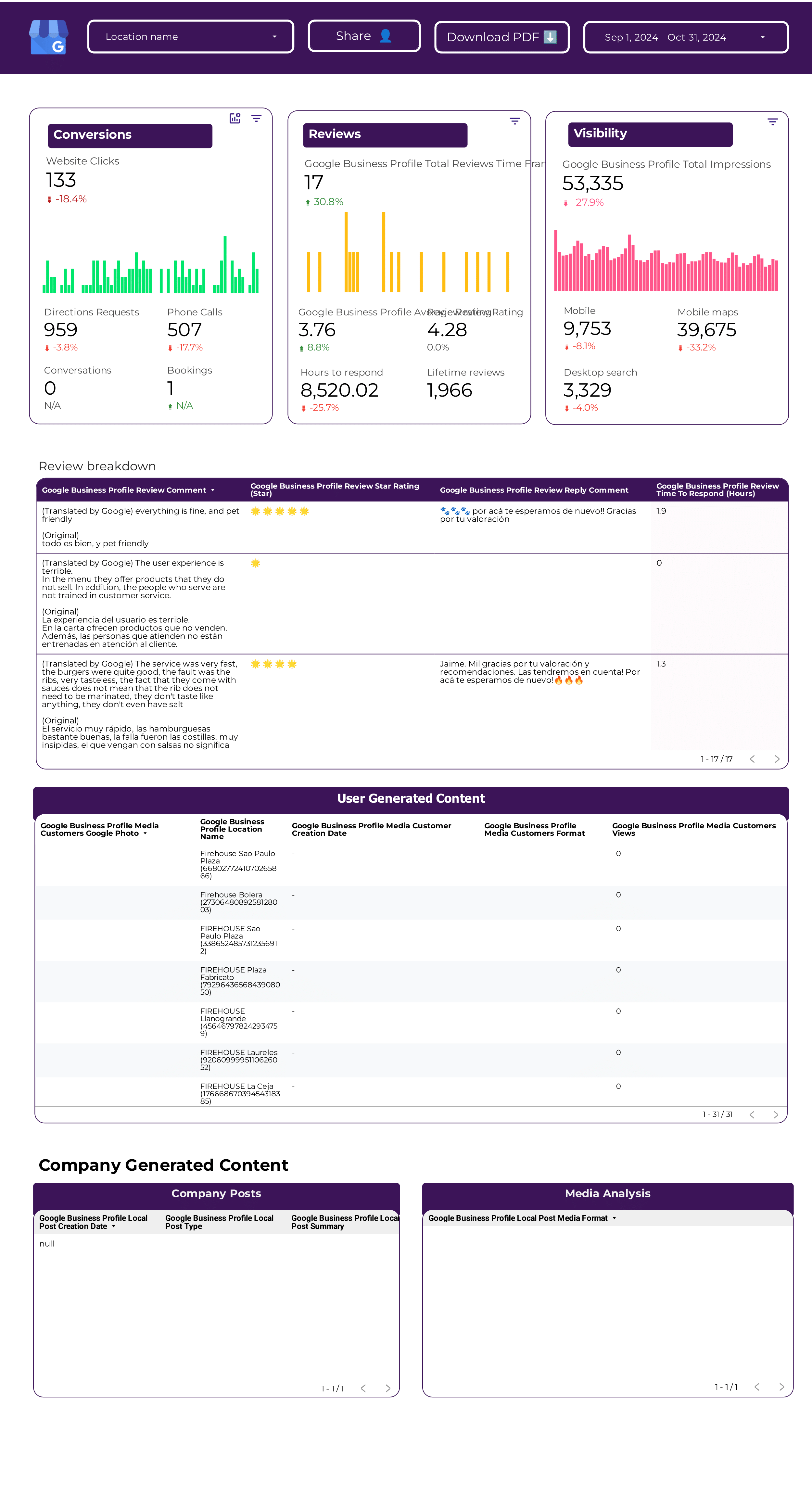
Google Business Profile Data Studio template helps track key metrics like CTR, conversion rate, and CAC. Analyze impressions, clicks, and reviews by location, age, and gender.
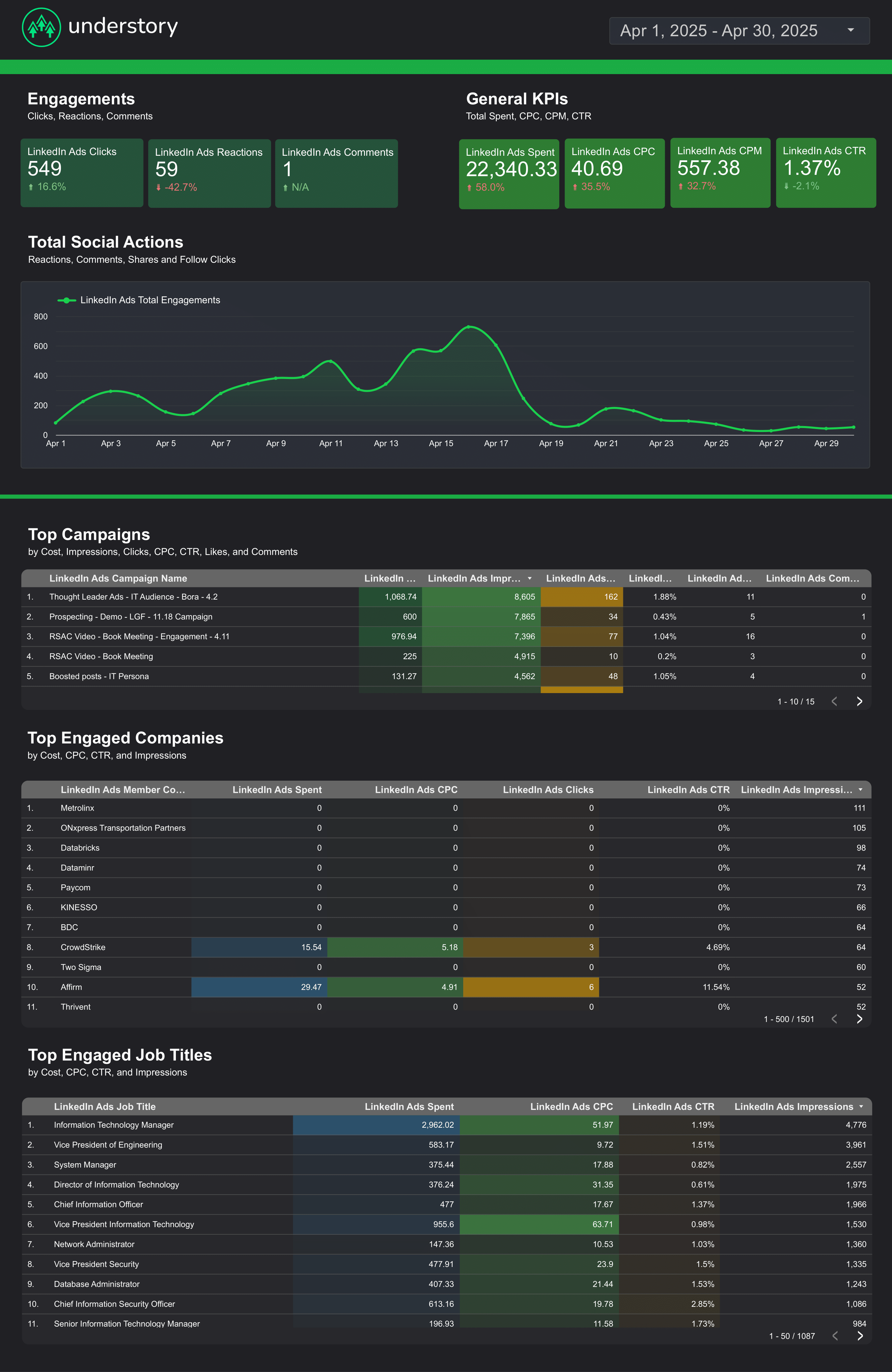
Monitor impressions, clicks, CTR, CPC, and lead form completions from LinkedIn Ads. Break down by campaign, audience segment, and ad format.
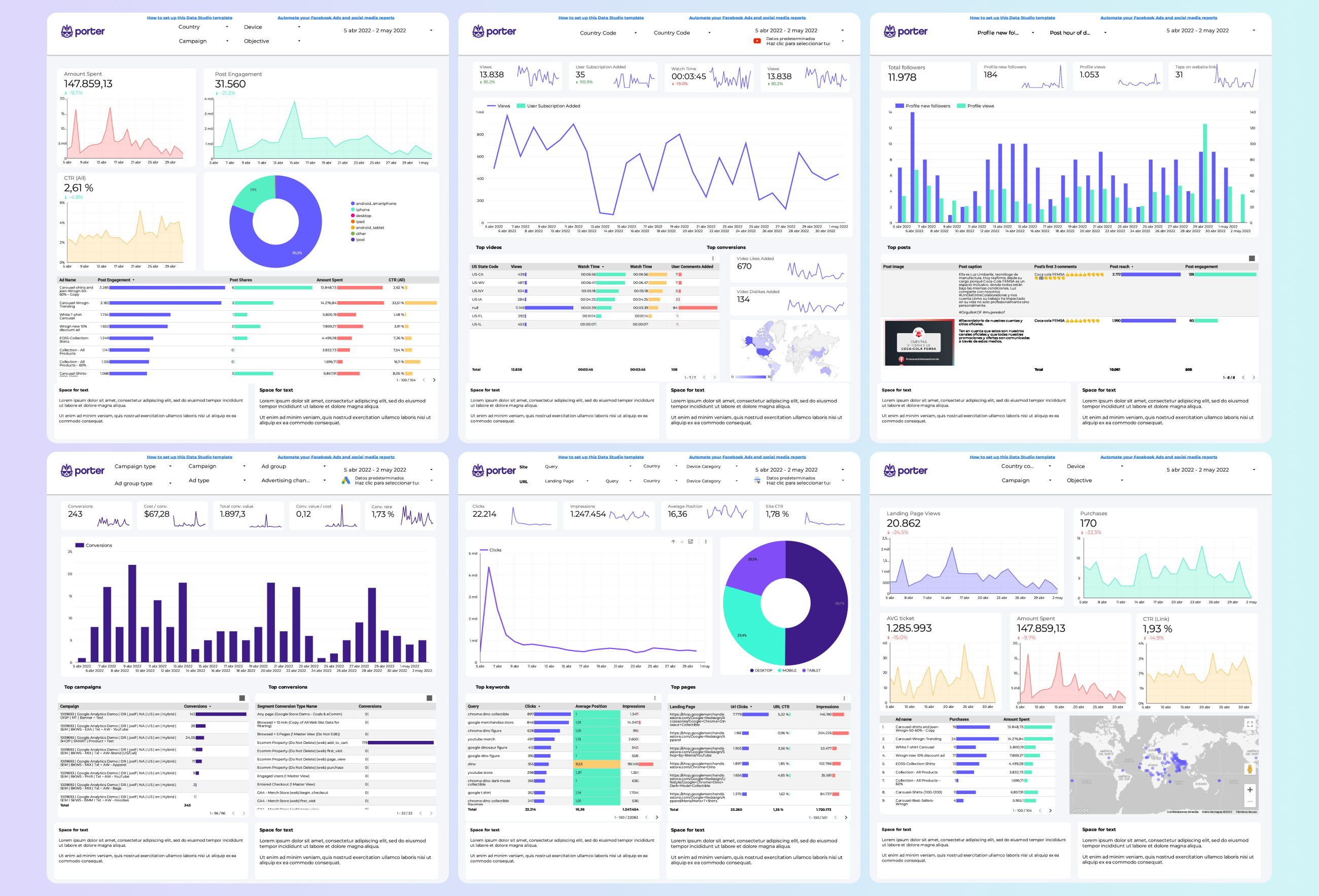
Monitor all client accounts from one dashboard. Track spend, ROAS, leads, and conversions per client. Flag underperforming campaigns and automate weekly client reports.
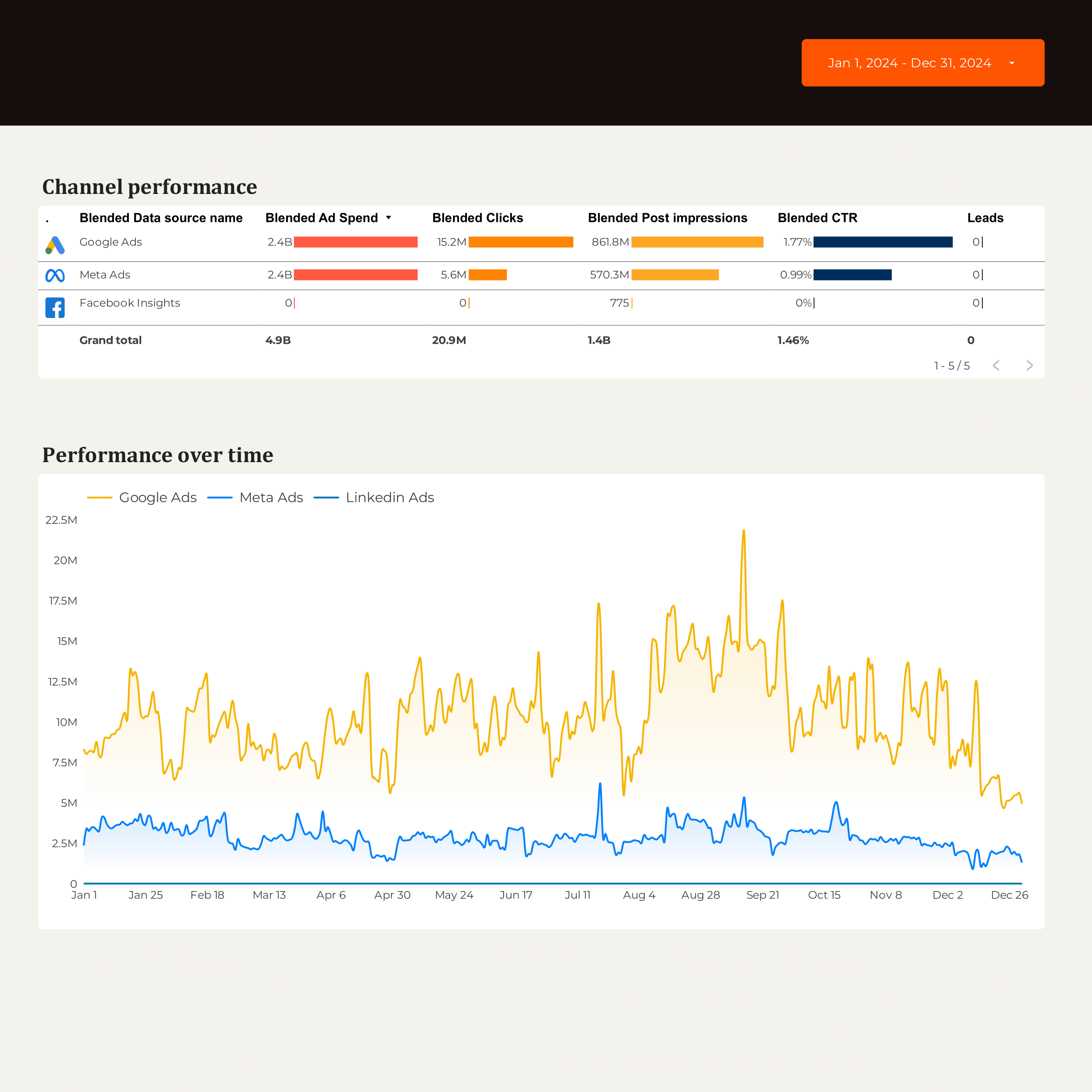
Track MQLs, SQLs, conversion rate, cost per acquisition, and customer lifetime value. Analyze by industry, company size, and deal stage. Blend CRM and email data.
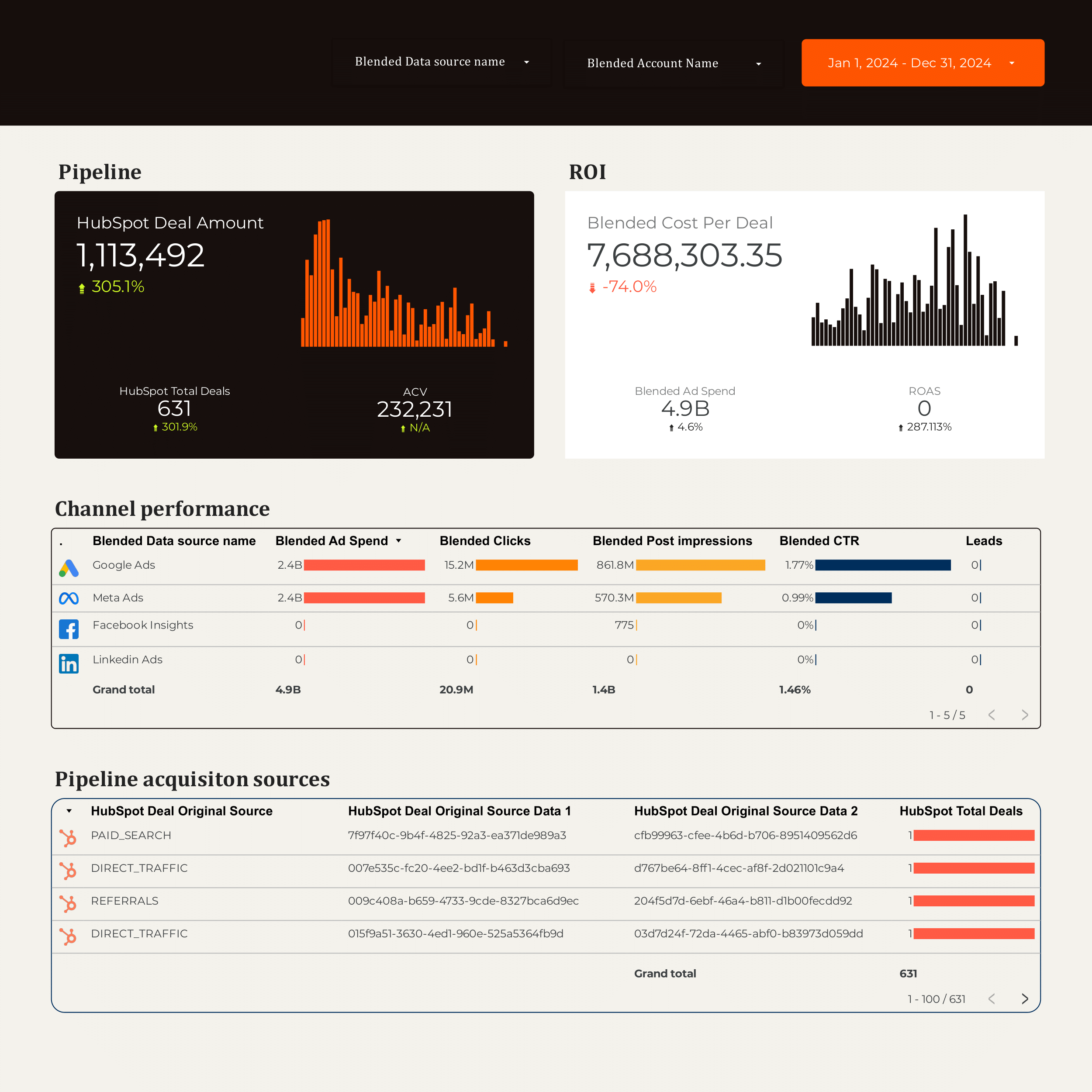
Optimize your B2B marketing strategy with this Data Studio template. Integrate data from Hubspot, CRM, Facebook Ads, Google Ads, LinkedIn Ads, and Google Analytics 4.
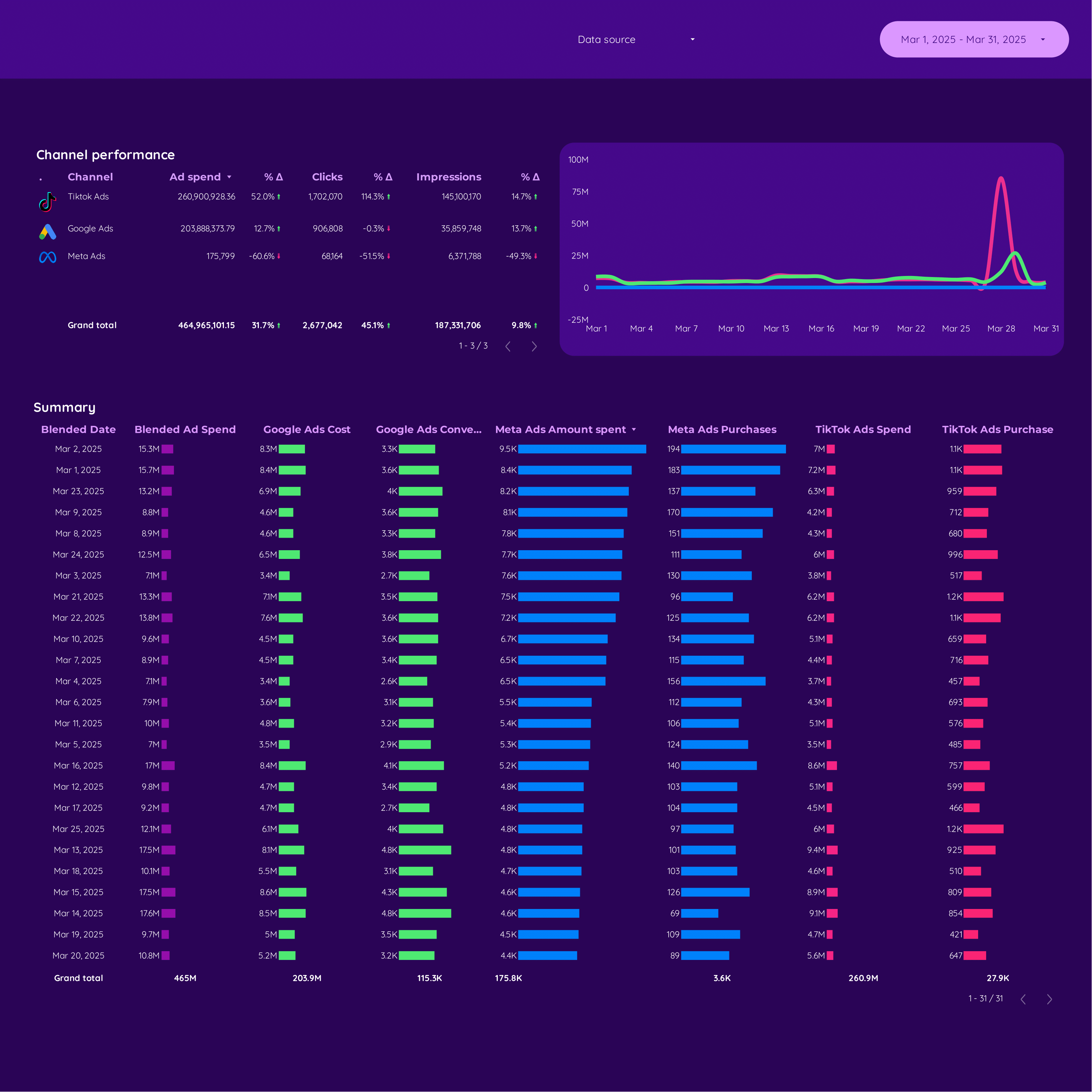
Blend Shopify revenue with Meta Ads and Google Ads spend. Track ROAS, CPA, and conversion rate by campaign. See which paid channel drives the most profitable orders.
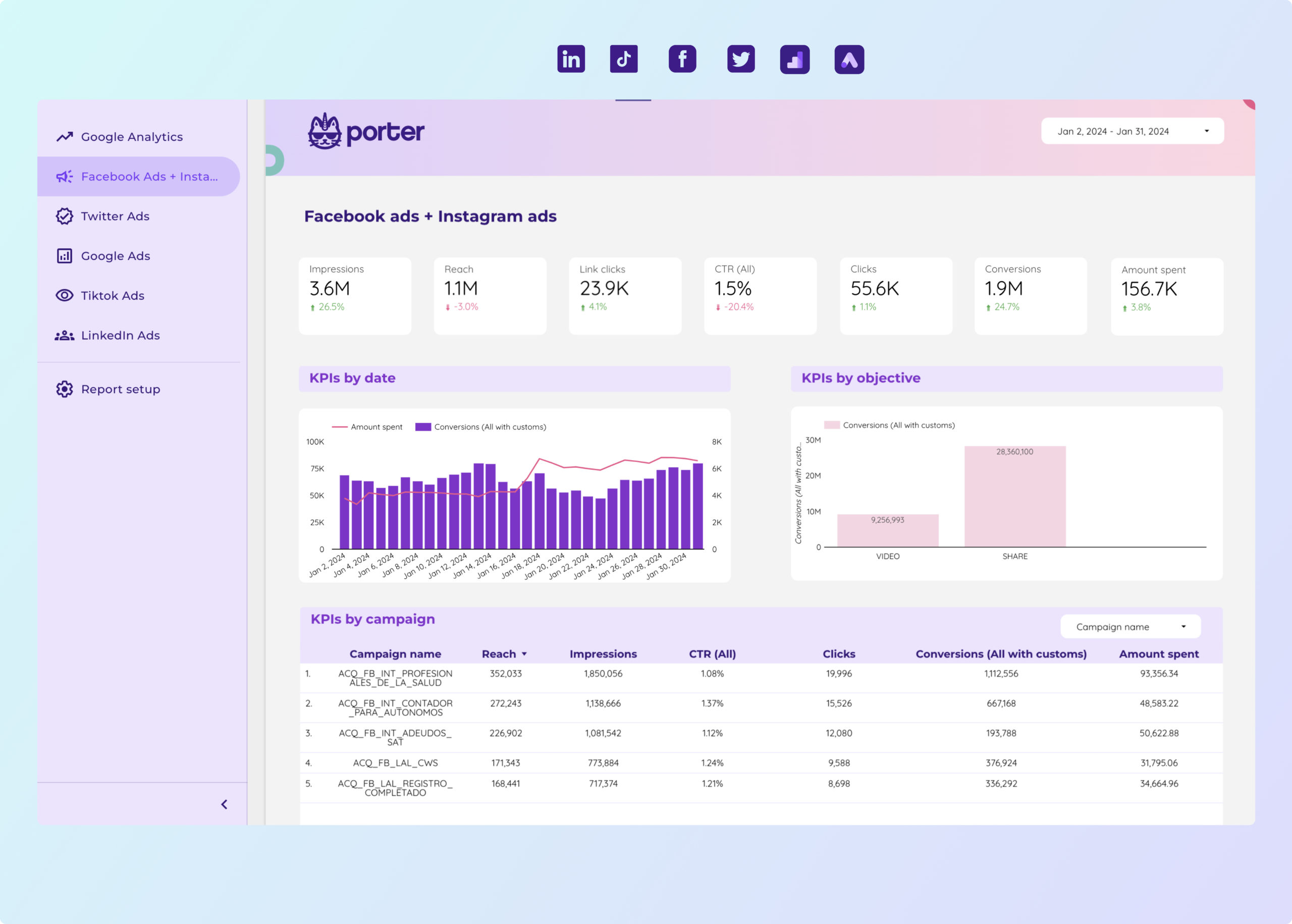
Paid media Data Studio template for PPC specialists. Track CTR, conversion rate, CPA, and more.
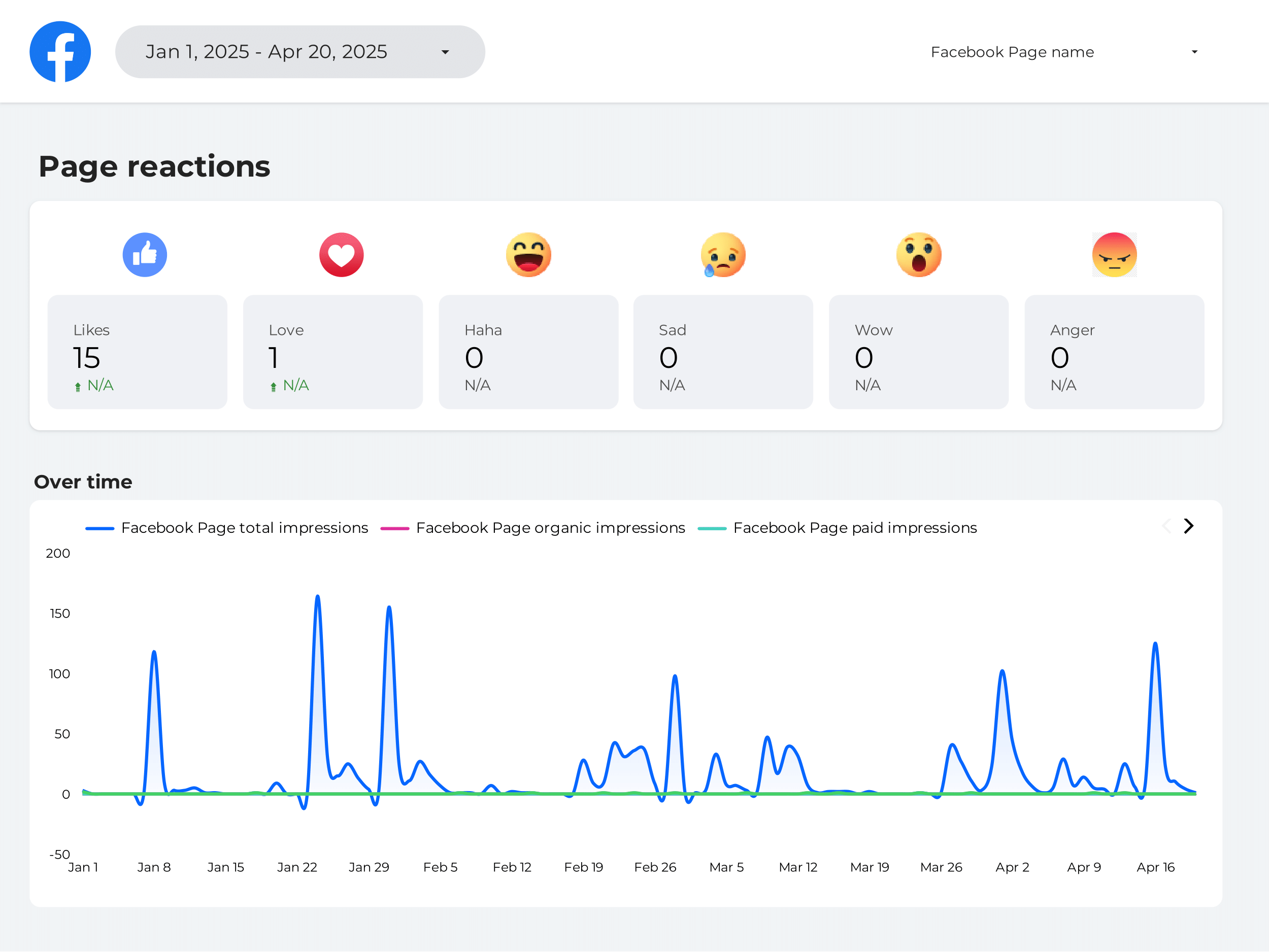
Measure brand reach, impressions, mention volume, and share of voice across social and paid channels. Track awareness-to-consideration funnel metrics.
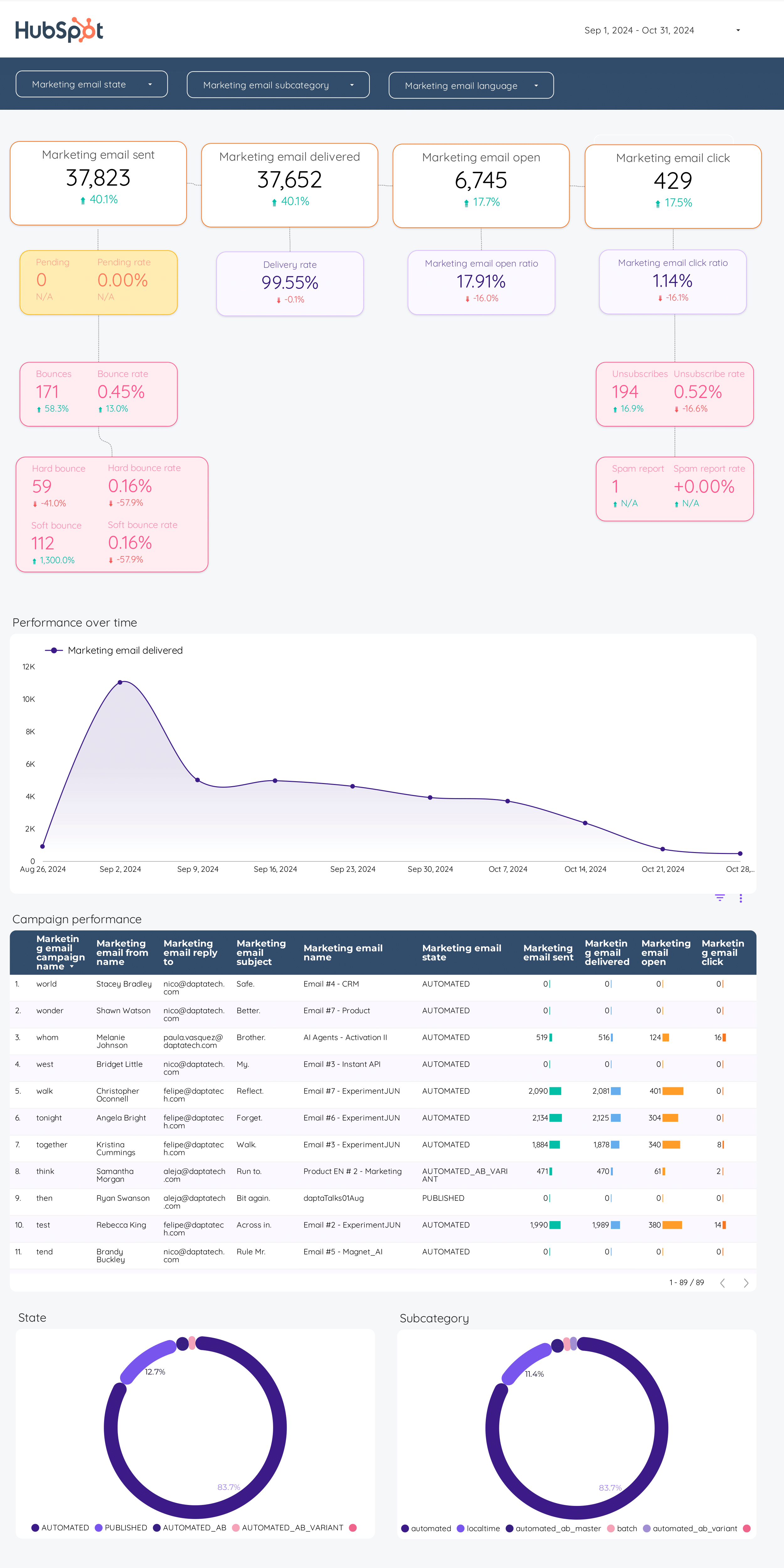
Monitor open rate, click-through rate, bounce rate, and revenue attribution. Compare automated flows vs one-time campaigns. Track list growth and churn.
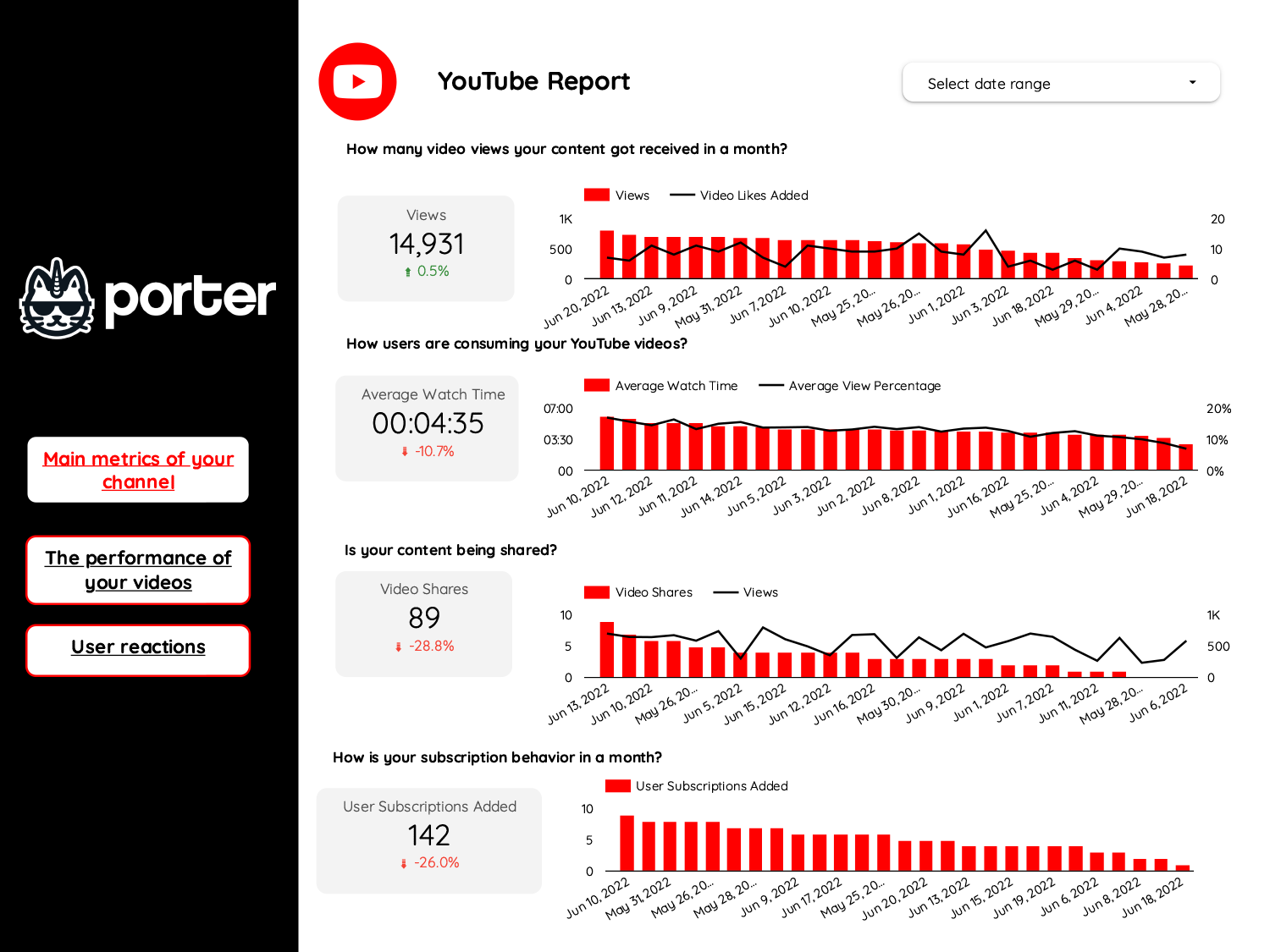
Track views, watch time, subscriber growth, and engagement rate by video. Identify top-performing content and audience retention drop-off points.
Track views, watch time, subscriber growth, and engagement rate by video. Identify top-performing content and audience retention drop-off points.
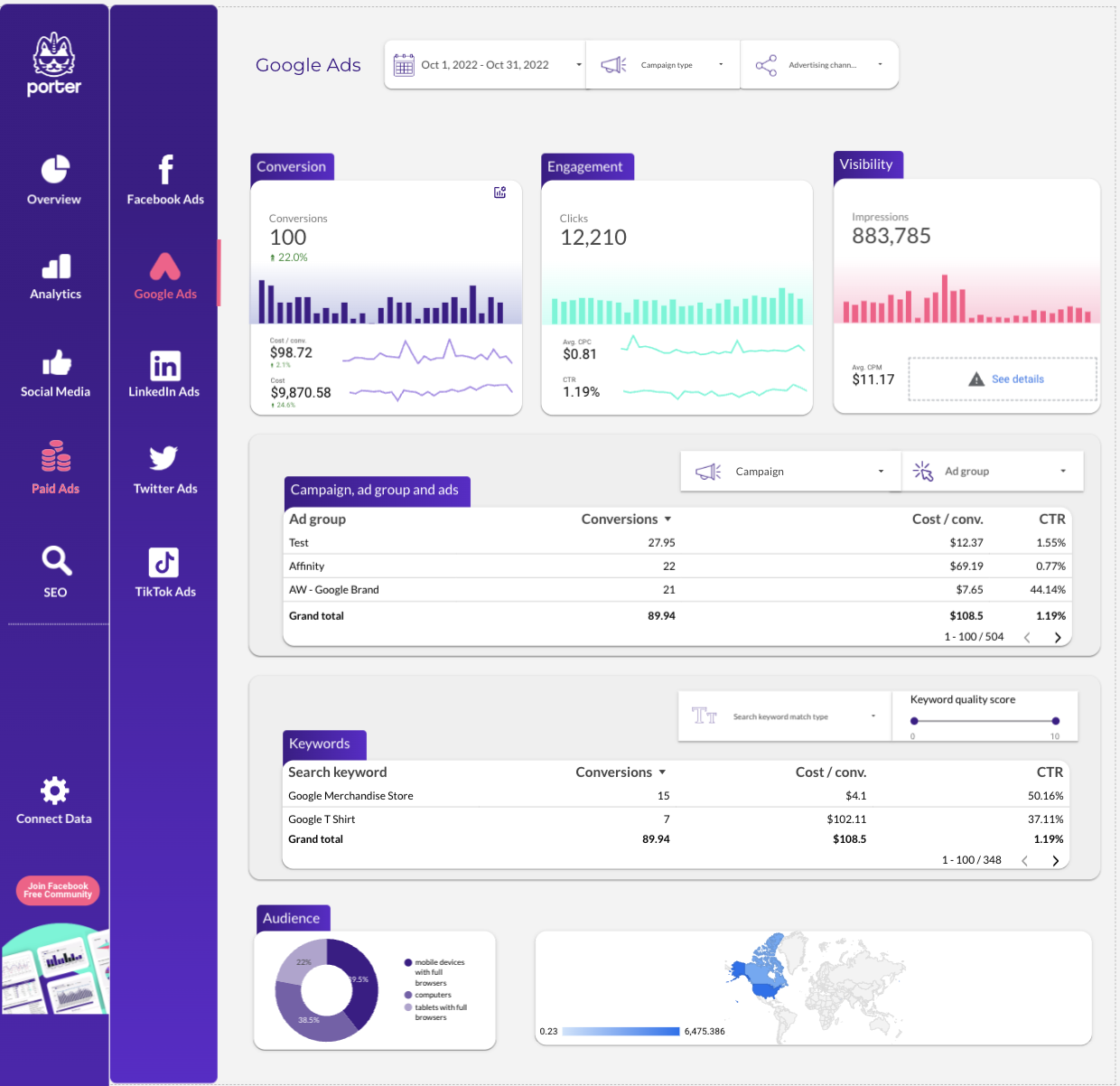
Consolidate organic, paid, social, and email performance. Track sessions, leads, conversions, and revenue by channel. See your full marketing funnel.
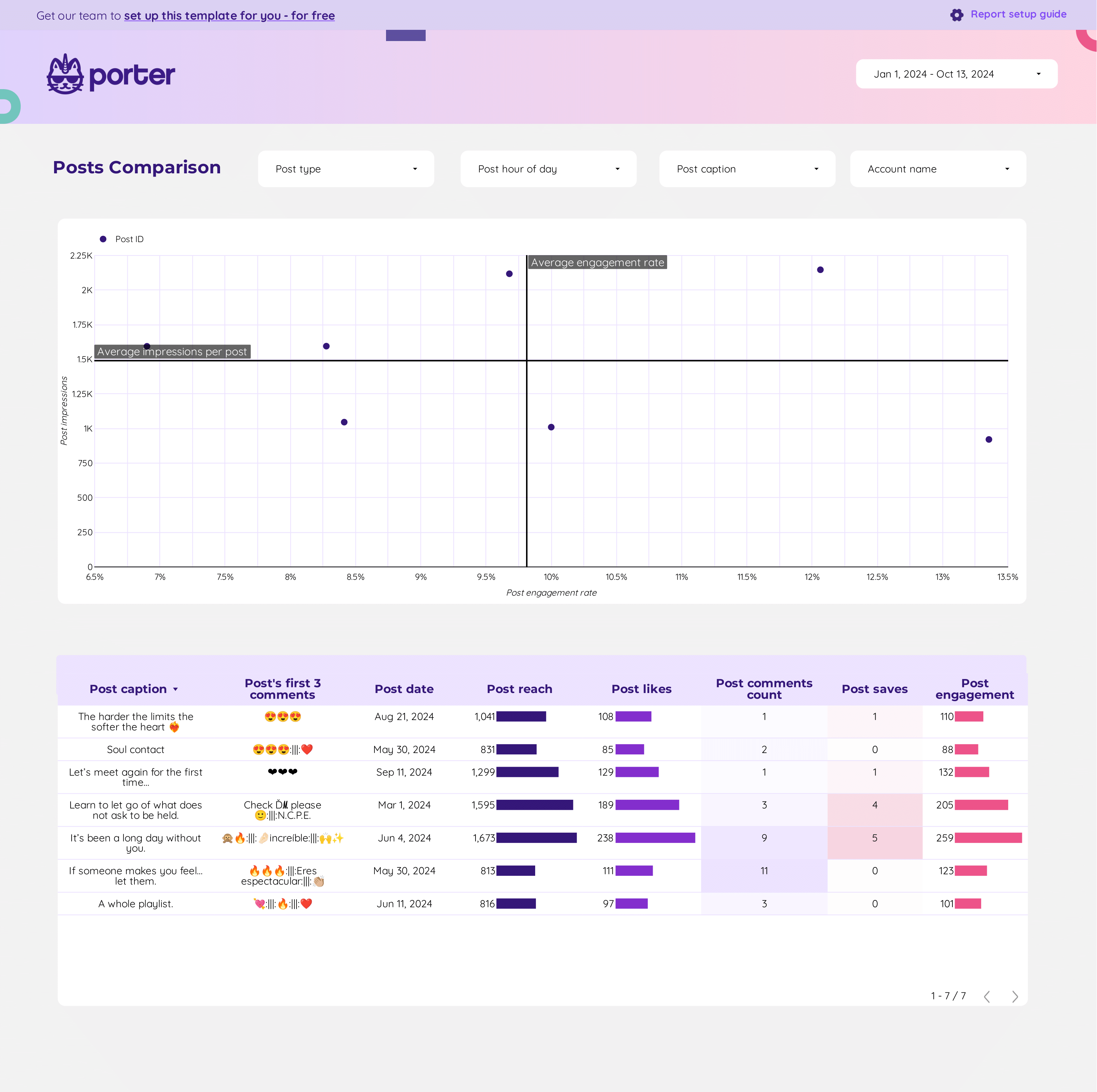
Content performance Data Studio template unifies key metrics like conversion rate, cost per conversion, and engagement across Google Analytics 4, Instagram Insights, and.
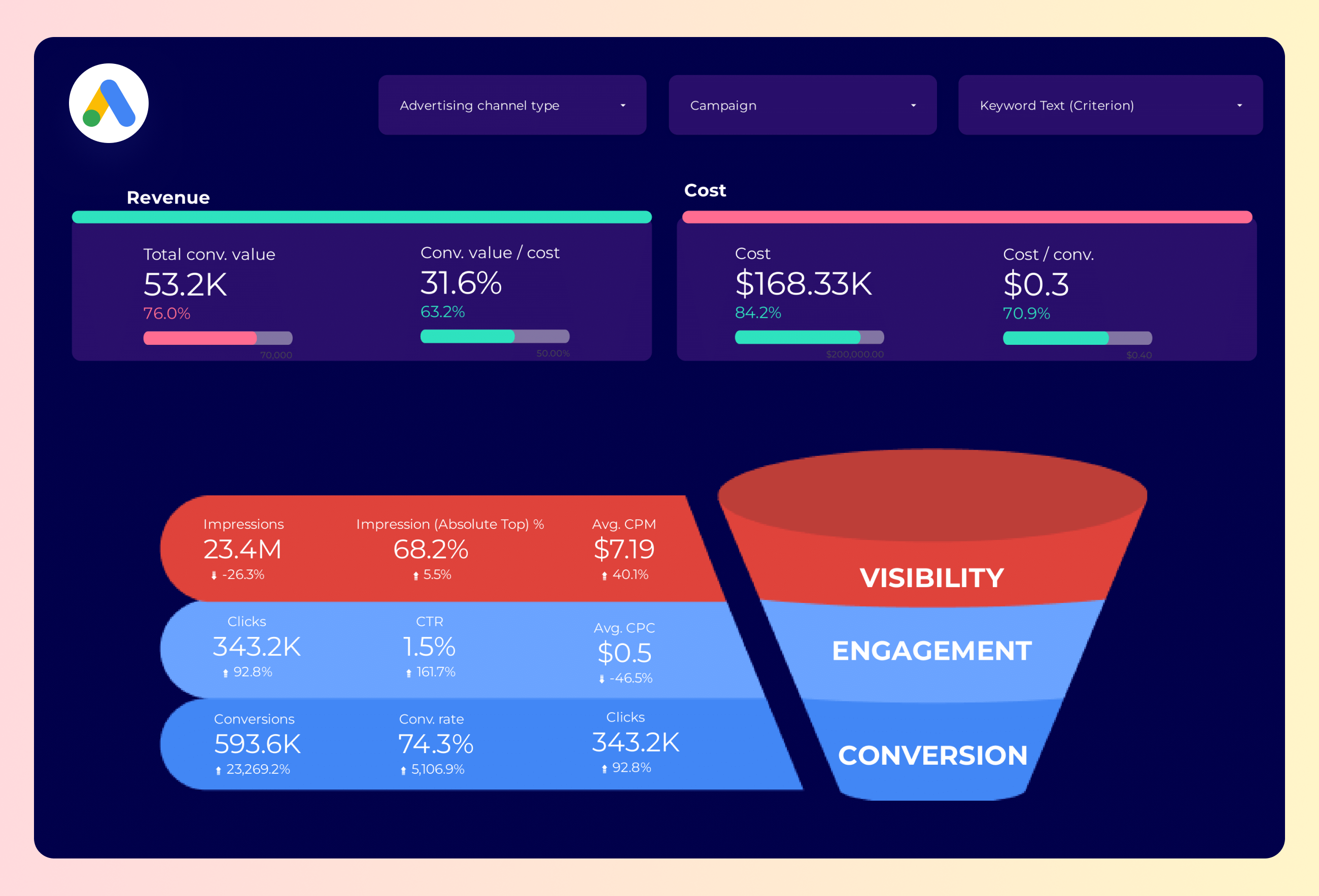
Map the Google Ads funnel: impressions → clicks → conversions. Track drop-off rates, CPA, and conversion rate by campaign and ad group.
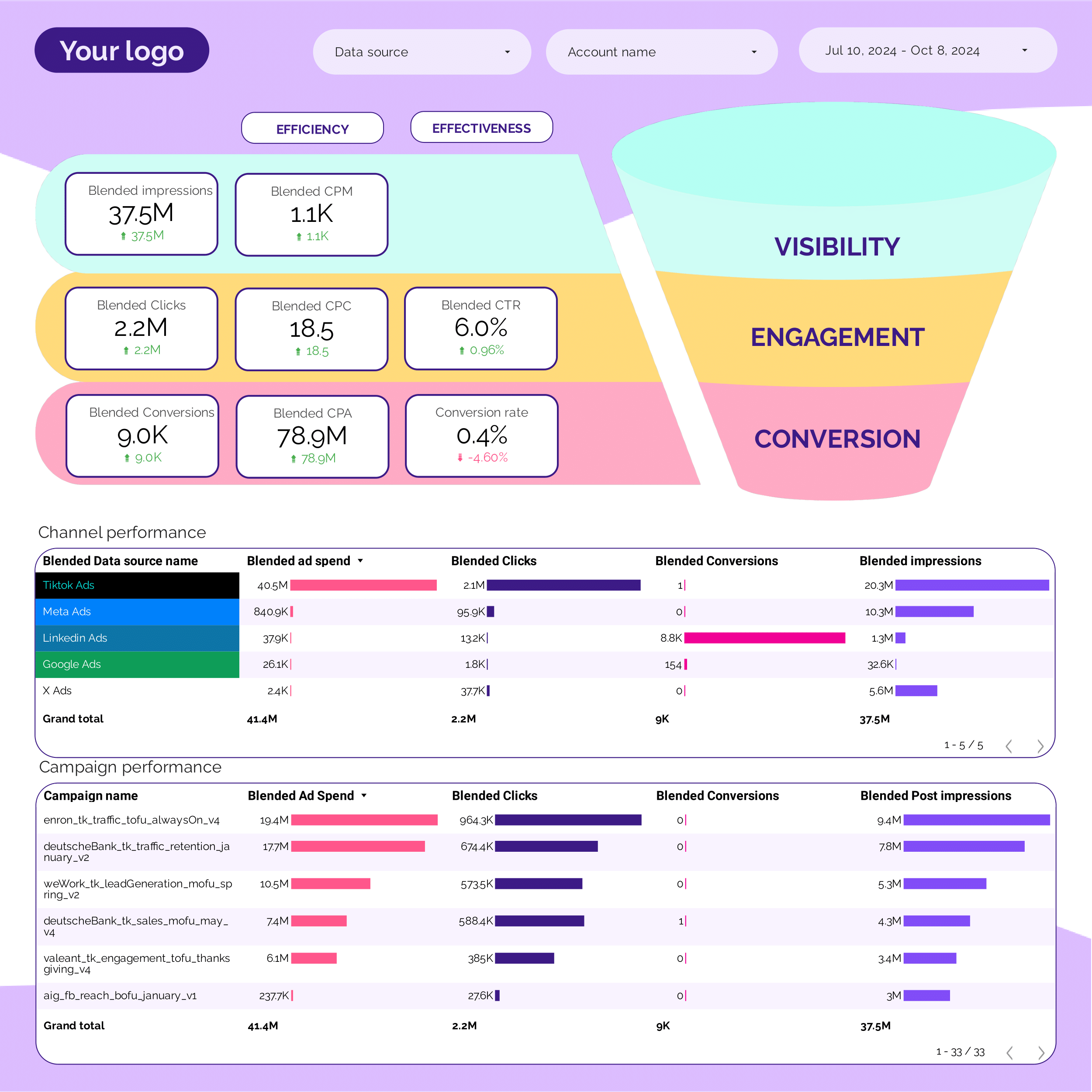
Map the paid media funnel: impressions → clicks → leads → conversions. Track drop-off rates at each stage and CPA by funnel step.
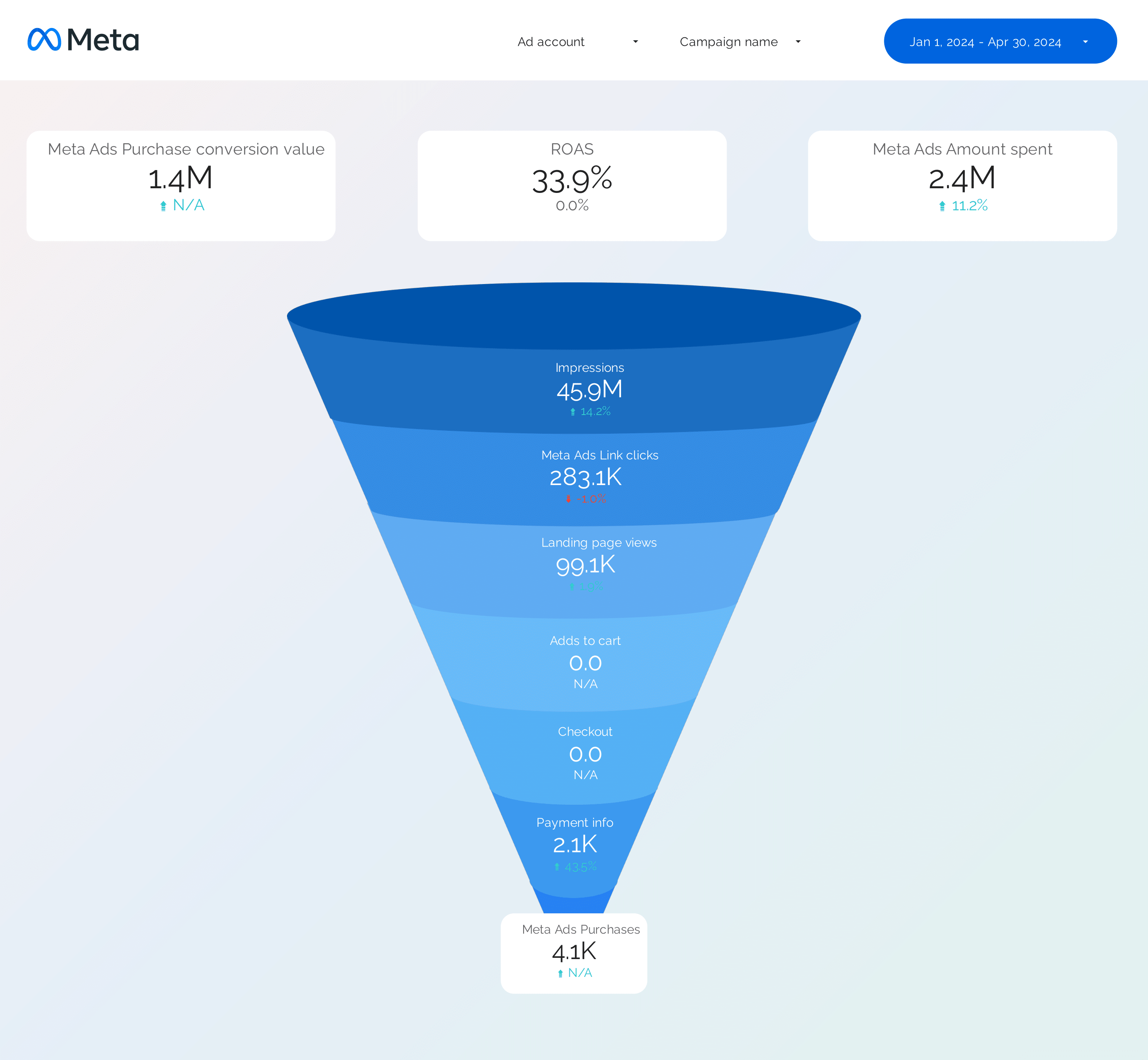
Track and measure key metrics like CTR, CPA, and conversion rate with the Facebook Ads Funnel Data Studio template. Analyze audience targeting, ad creative, and placement strategy.
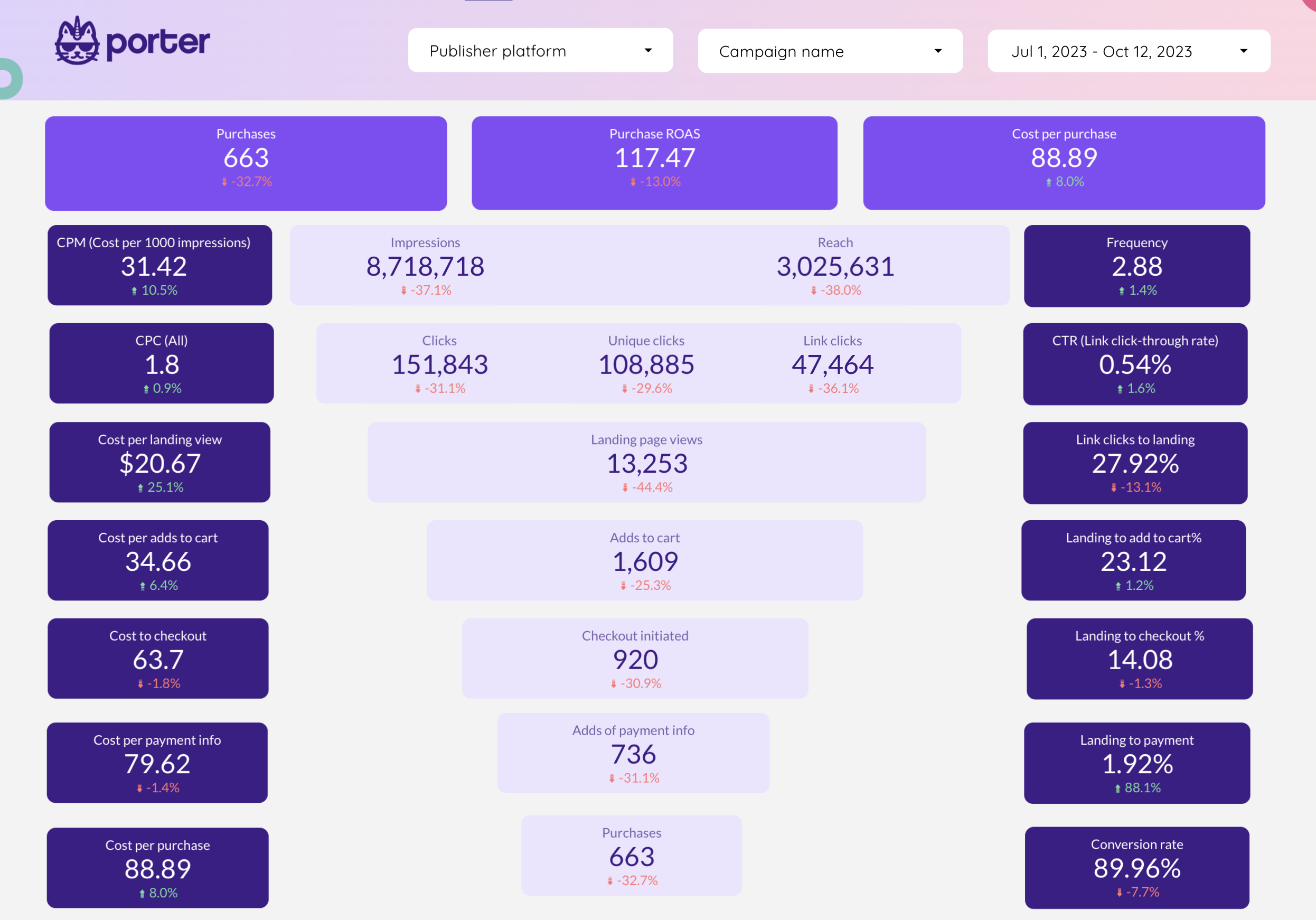
Visualize the Facebook Ads funnel: reach → link clicks → landing page views → add to cart → purchases. Track conversion rate and CPA at each funnel step.
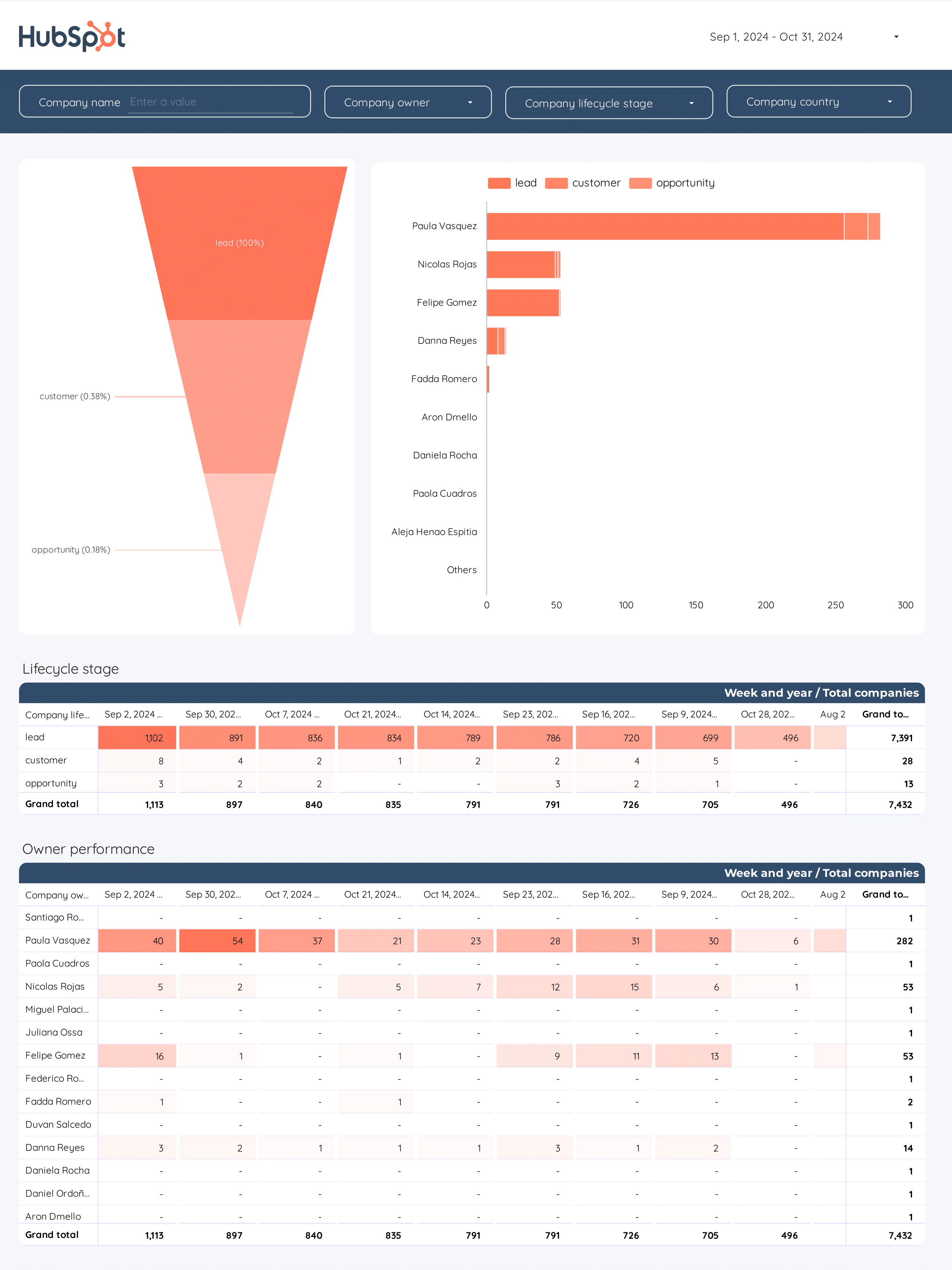
Track and analyze your B2B marketing funnel with the B2B Funnel Data Studio template. Integrate data from Hubspot to measure key metrics and KPIs.
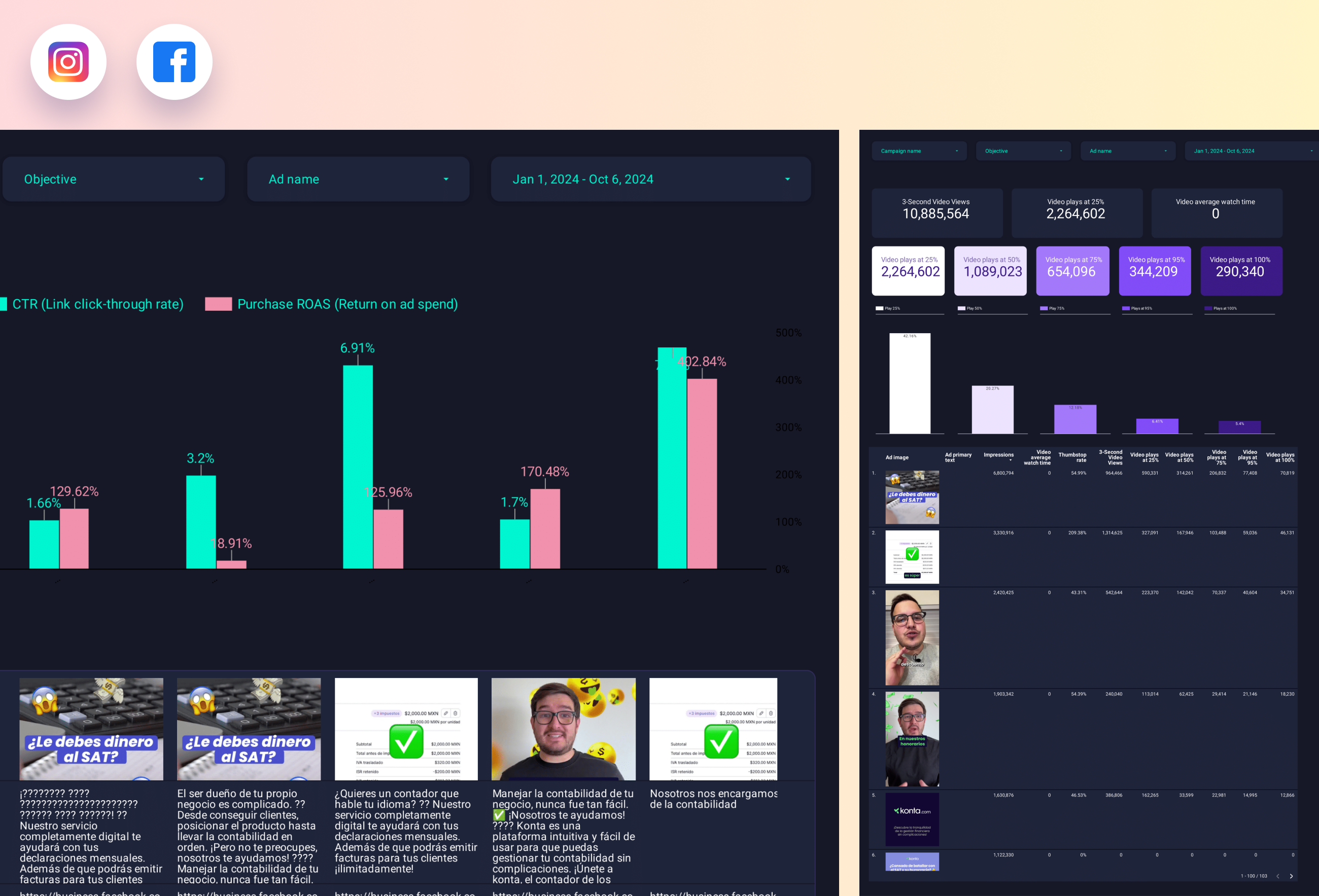
Analyze ad creative performance: CTR, cost per click, conversion rate, and ROAS by ad image and copy variant. Spot winning creatives and kill underperformers fast.
Analyze ad creative variants: CTR, CPC, conversion rate, and ROAS by image, headline, and copy. Identify winning combinations and pause underperformers.
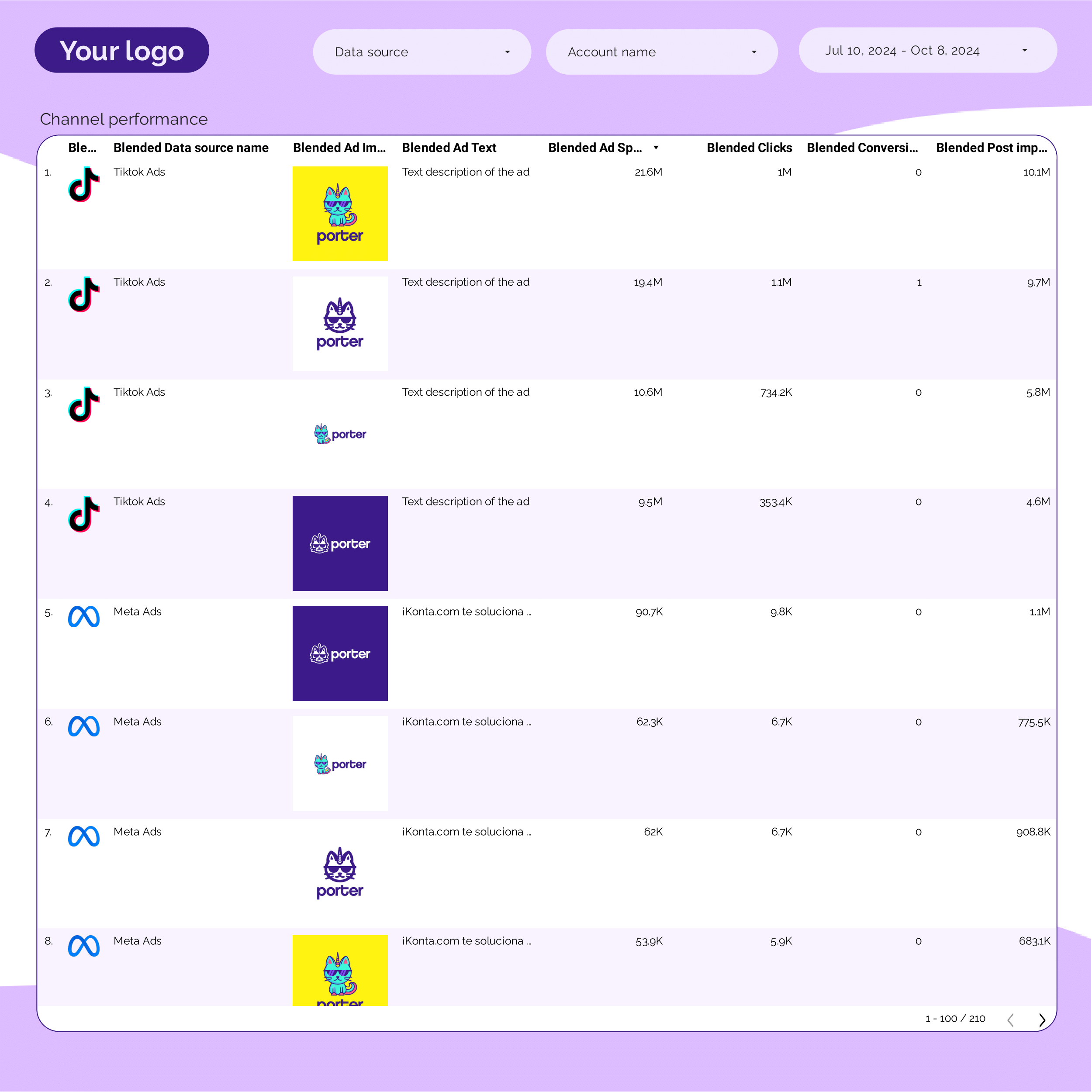
Unify your PPC Creative performance with Data Studio. Track and analyze key metrics across TikTok, Facebook, Google, Twitter, and LinkedIn Ads.
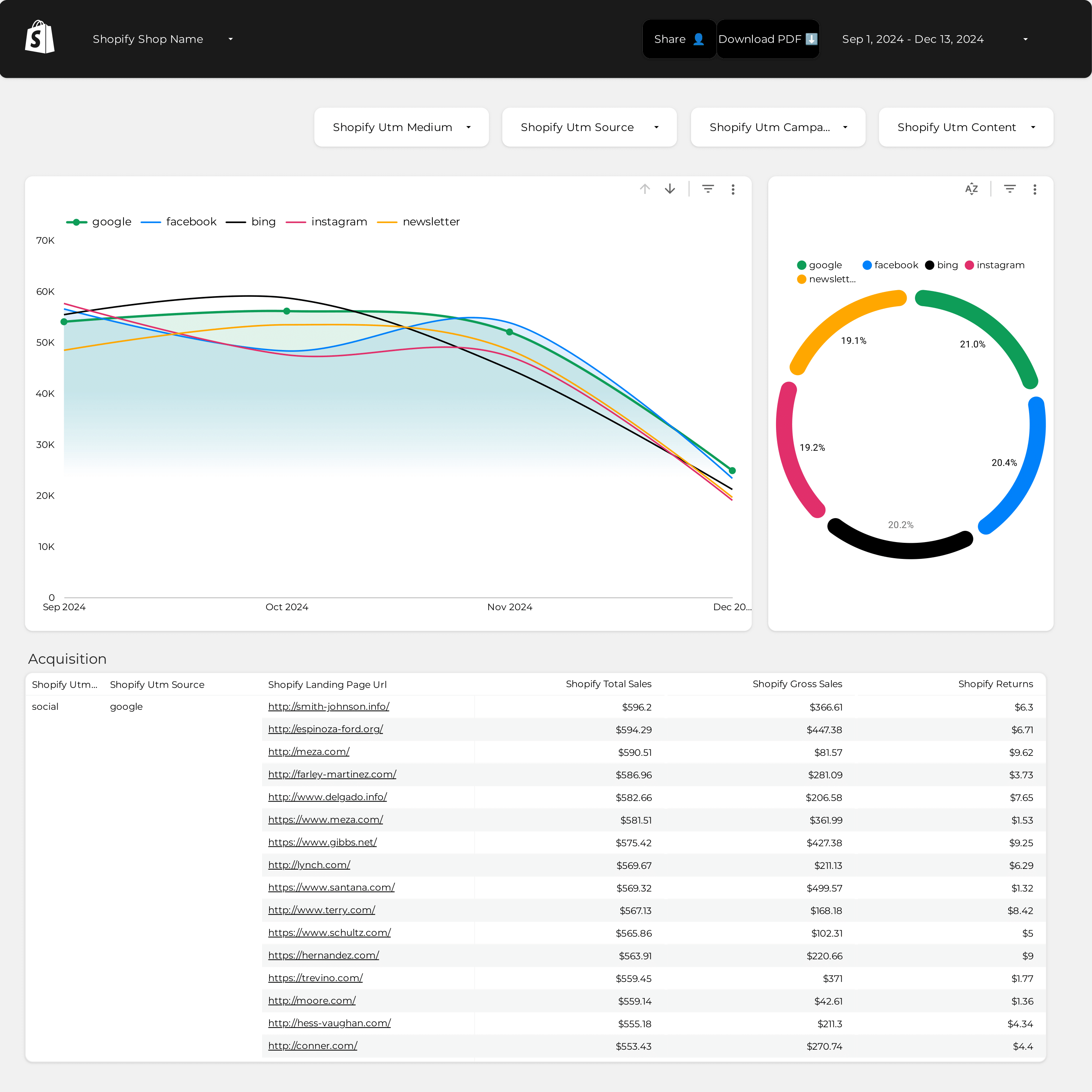
Unify your e-commerce strategy with the Shopify Attribution Data Studio template. Track and measure key metrics from Shopify and PPC campaigns.
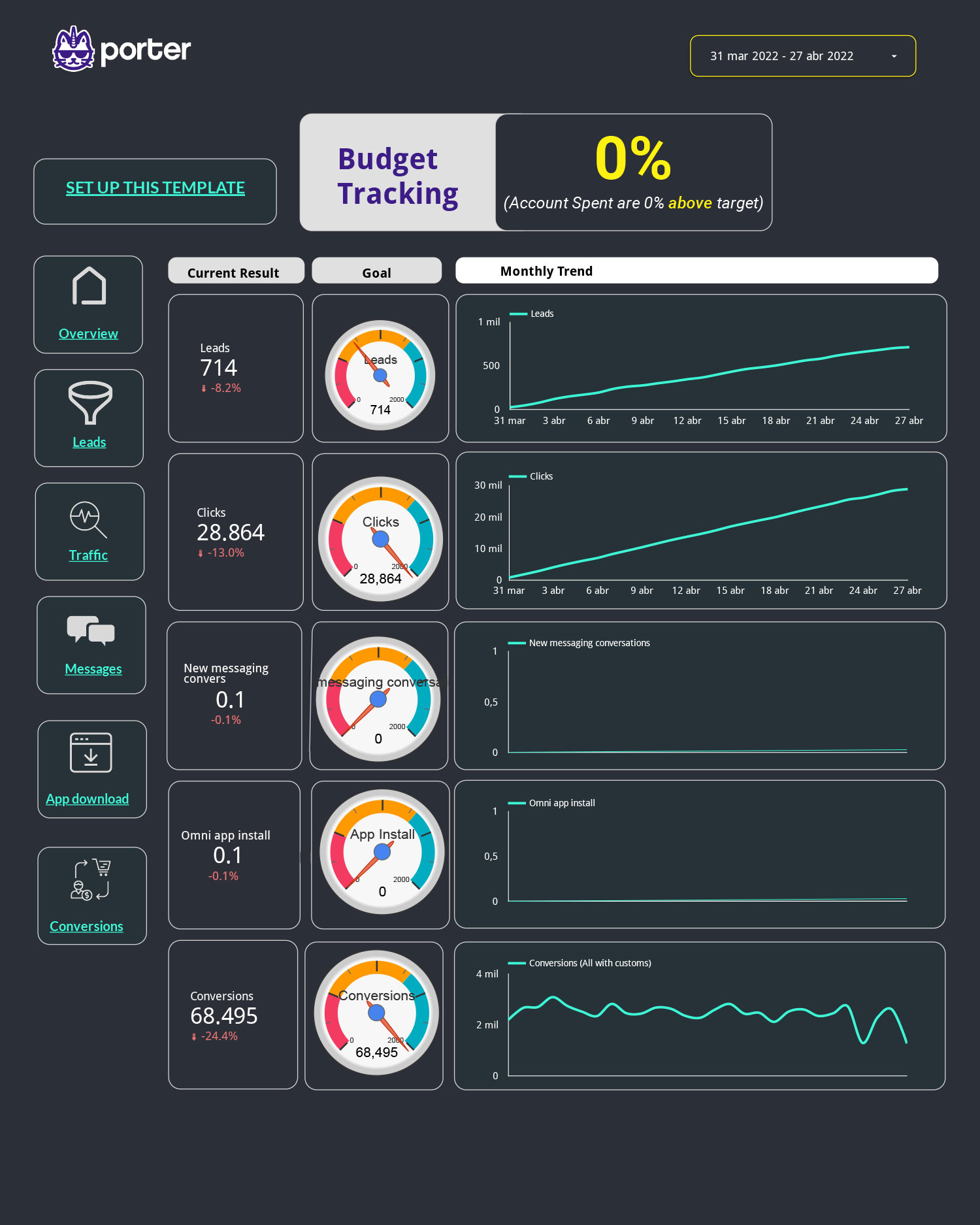
Track daily spend vs budget allocation, pacing percentage, and projected overspend. Break down by campaign and ad set to catch budget issues before they drain your account.
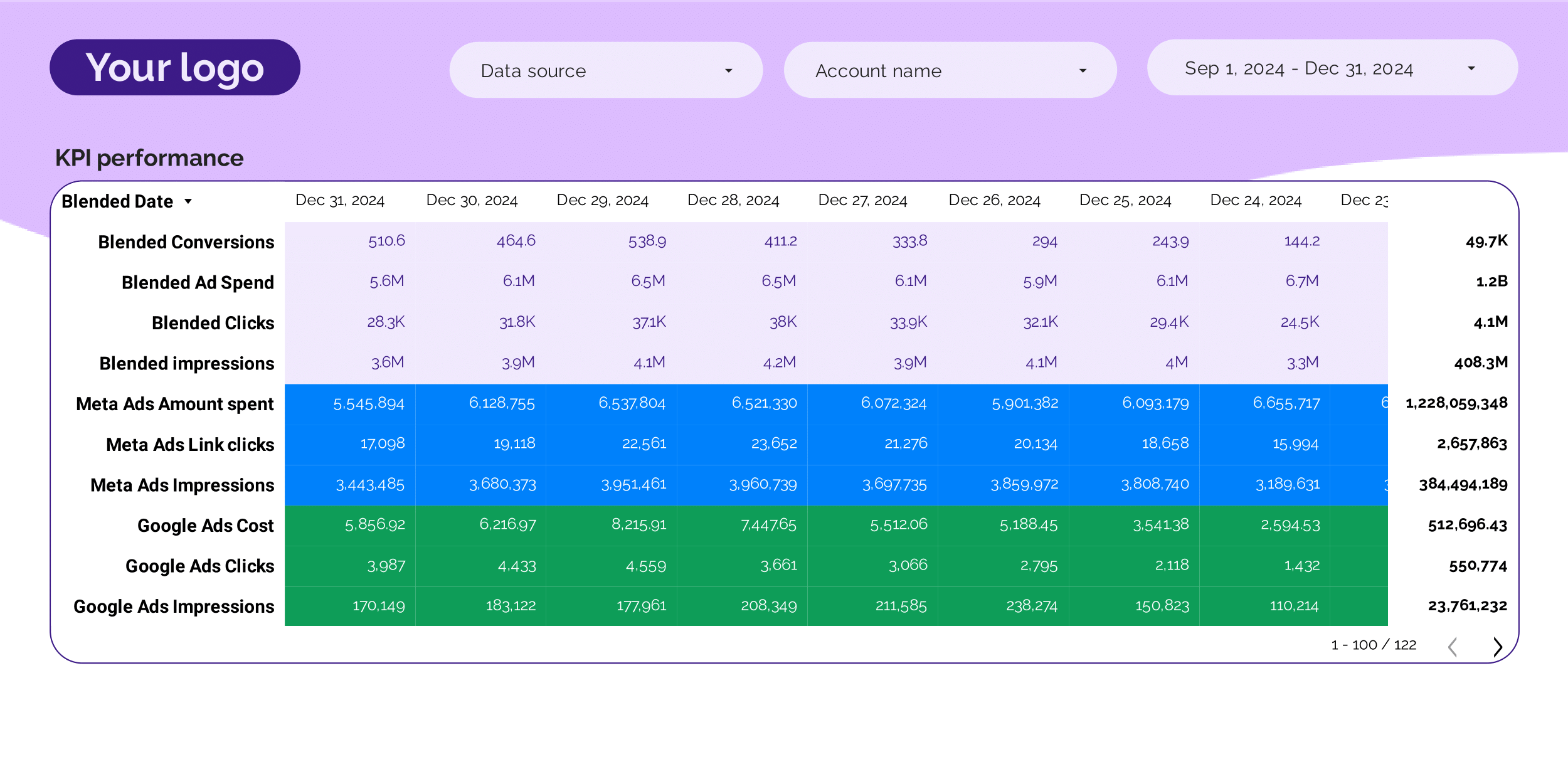
Executive-level PPC overview: total spend, blended ROAS, CPA, and conversion volume. Compare period-over-period trends across all paid channels.
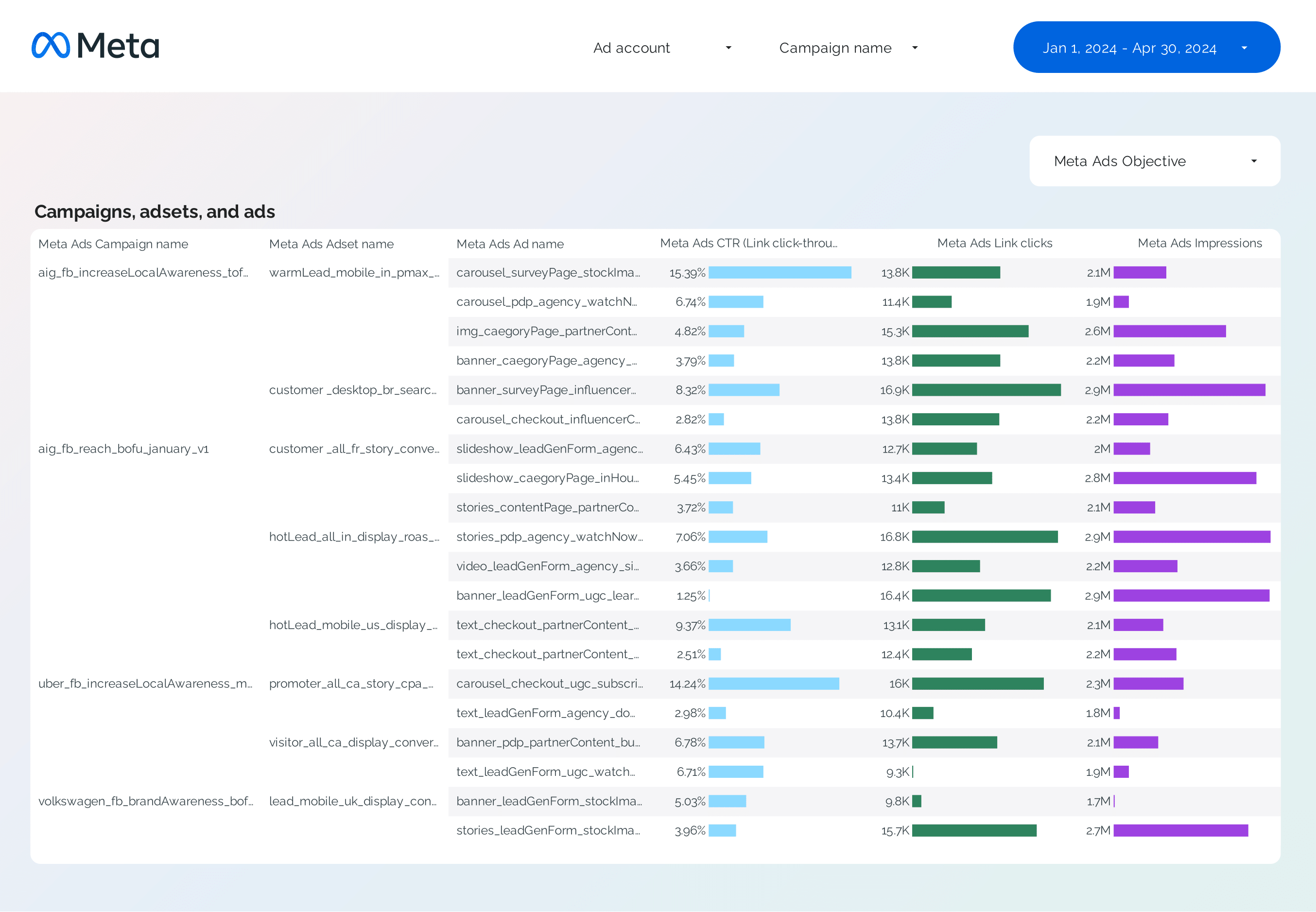
Deep-dive into Facebook Ads campaigns: spend, CPA, ROAS, reach, and frequency by campaign. Compare period-over-period performance and flag anomalies.
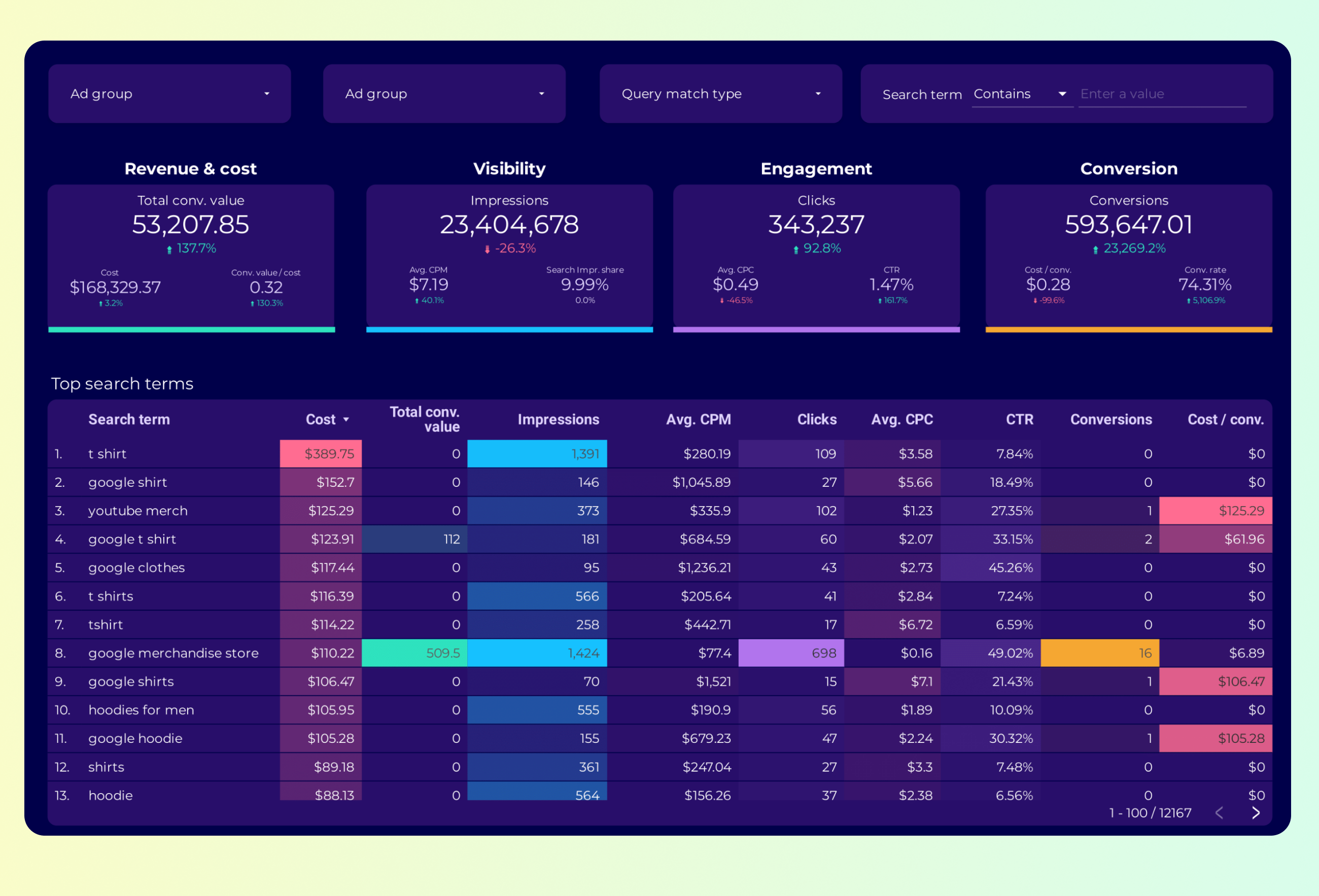
Analyze keyword-level performance: impressions, clicks, CPC, conversion rate, and quality score. Find high-cost low-conversion keywords to cut waste.
Analyze keyword opportunities: search volume, current position, CTR, and traffic potential. Prioritize keywords by impact and track ranking progress.
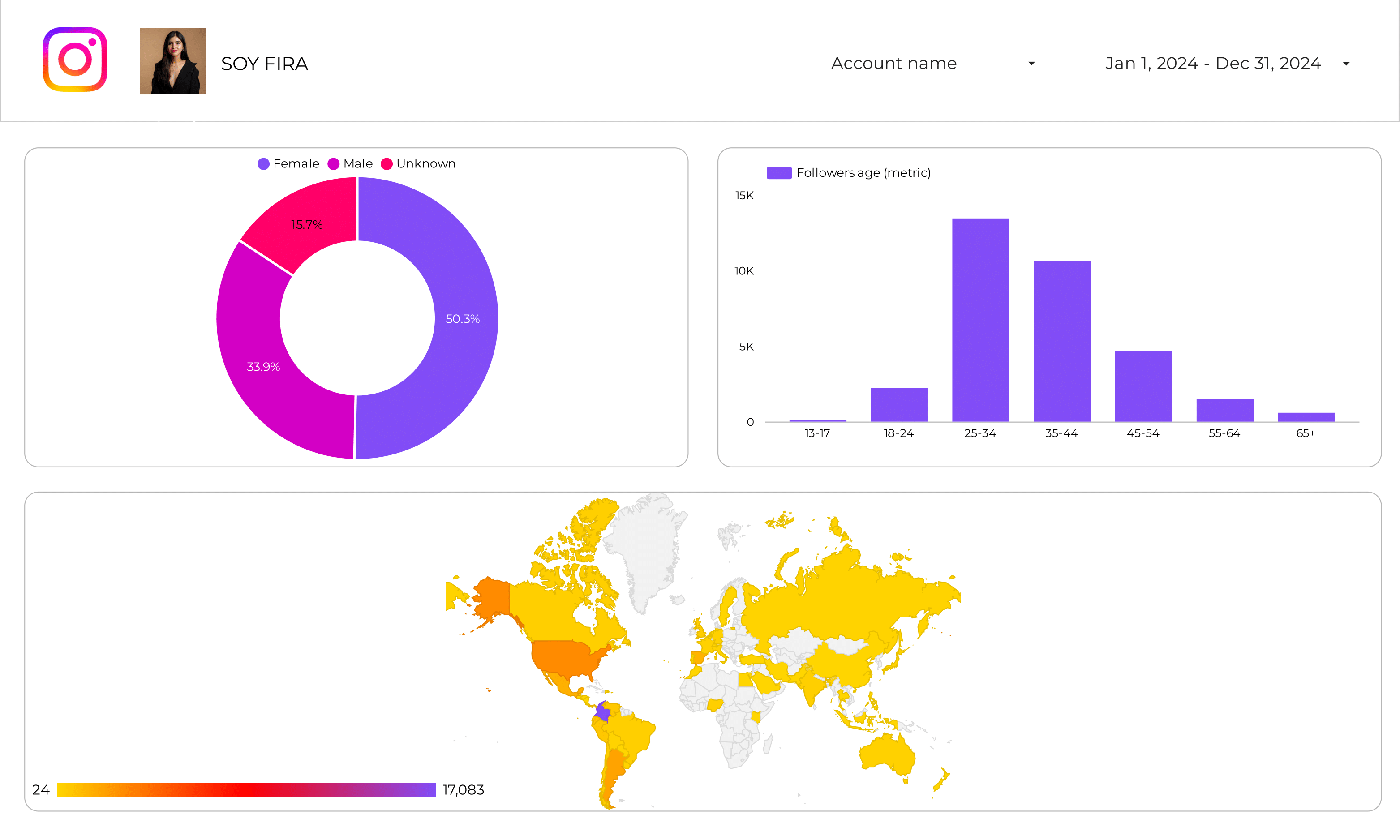
Analyze your Instagram Insights Audience with this Data Studio template. Track key metrics and performance.
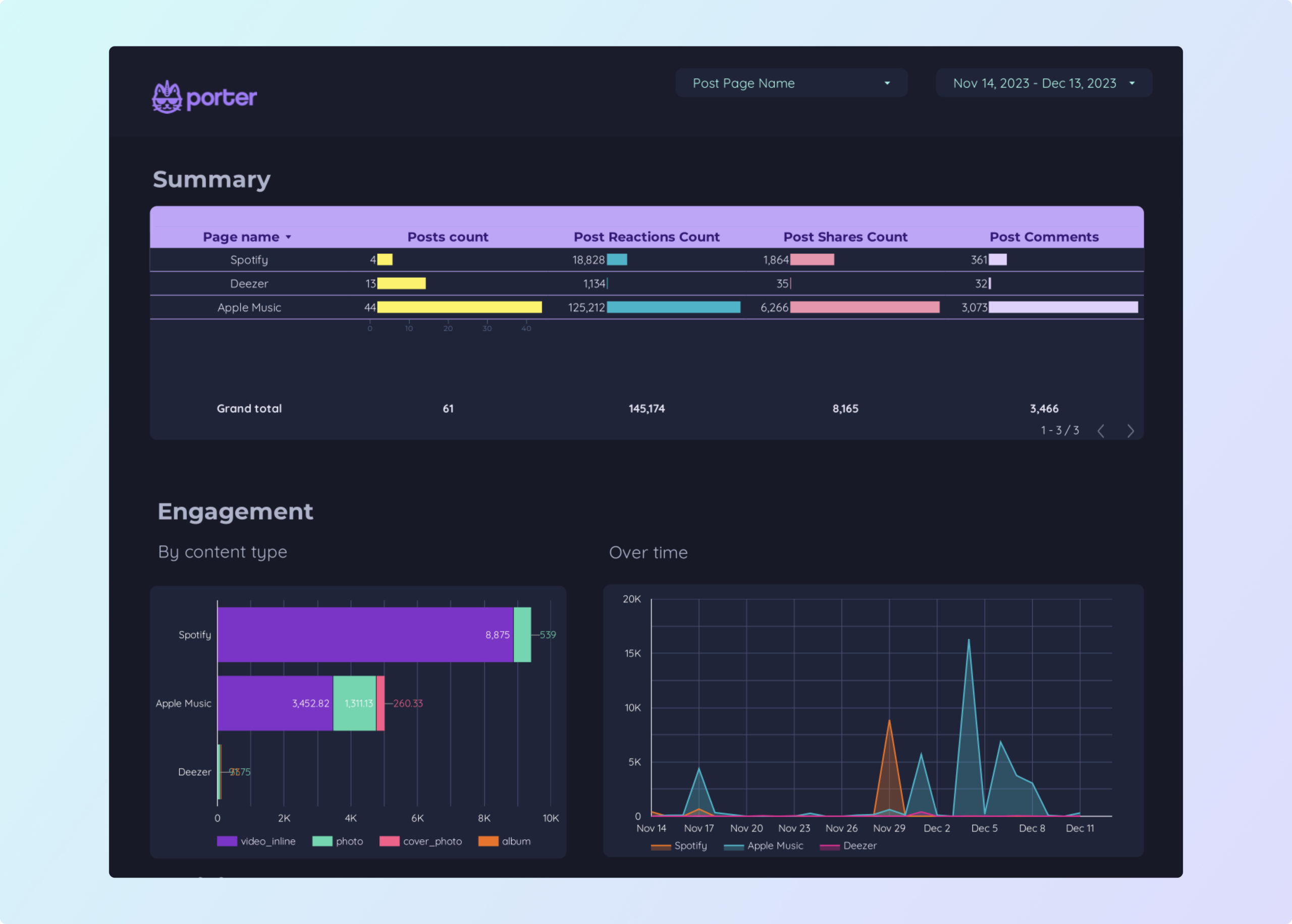
Benchmark your Facebook Page against competitors. Compare follower growth, engagement rate, post frequency, and top-performing content types side by side.
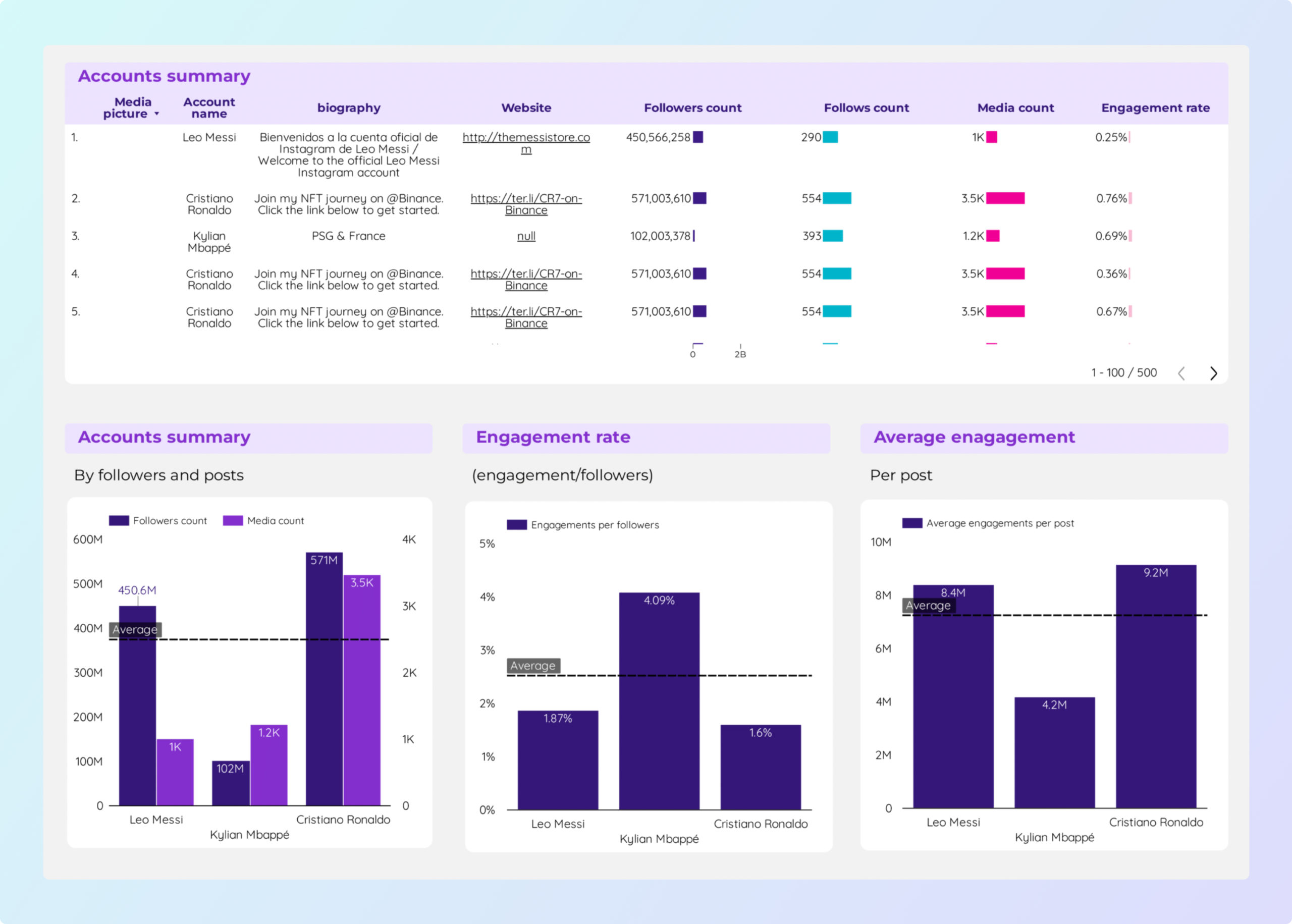
Social Media competitors Data Studio template helps track key metrics like CTR, ROI, and engagement rate.
Benchmark your Facebook Page against competitors. Compare follower growth, engagement rate, post frequency, and top-performing content types side by side.
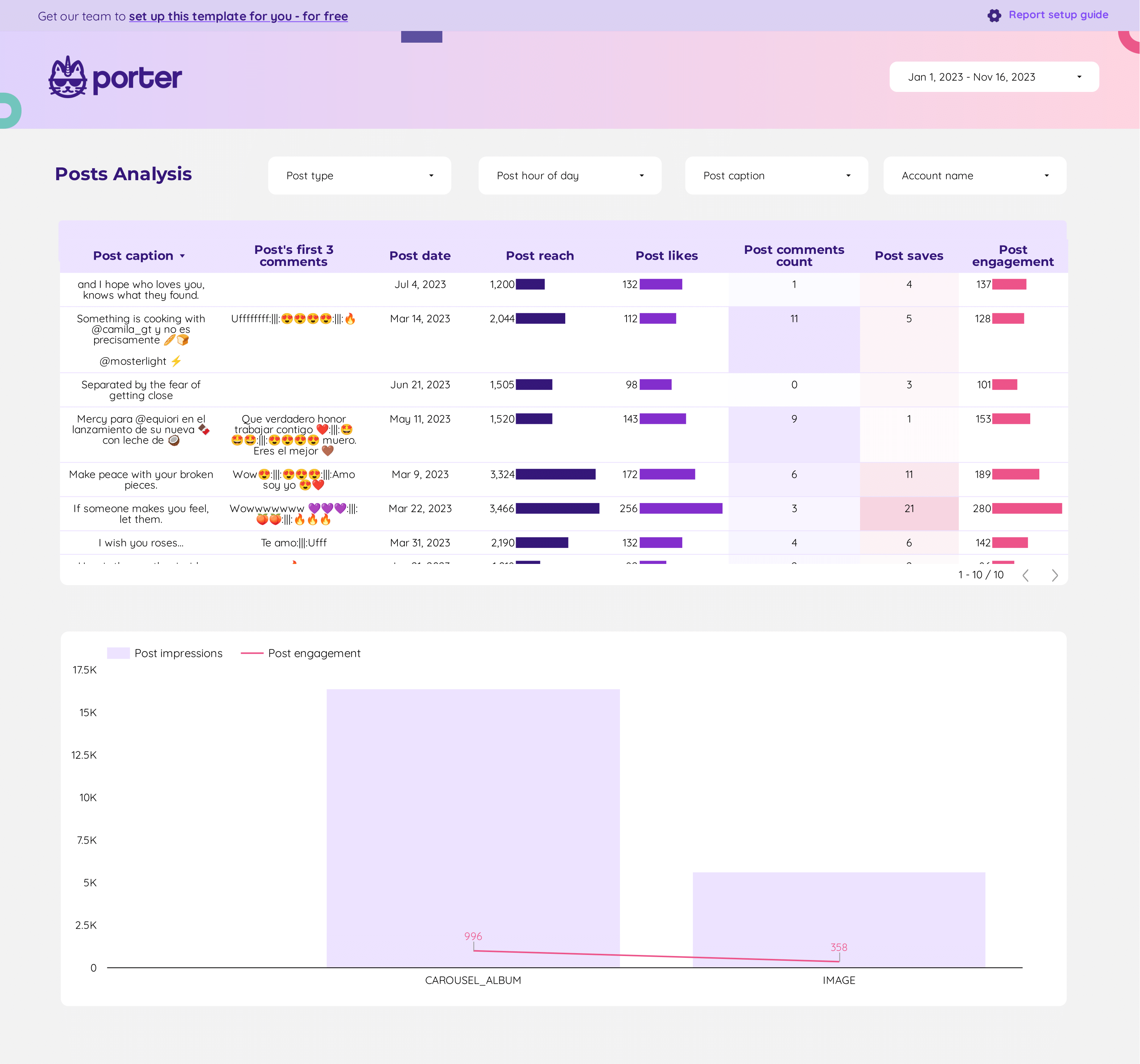
Track hashtag reach, impressions, and engagement by tag. Identify which hashtags drive the most profile visits and follower growth.
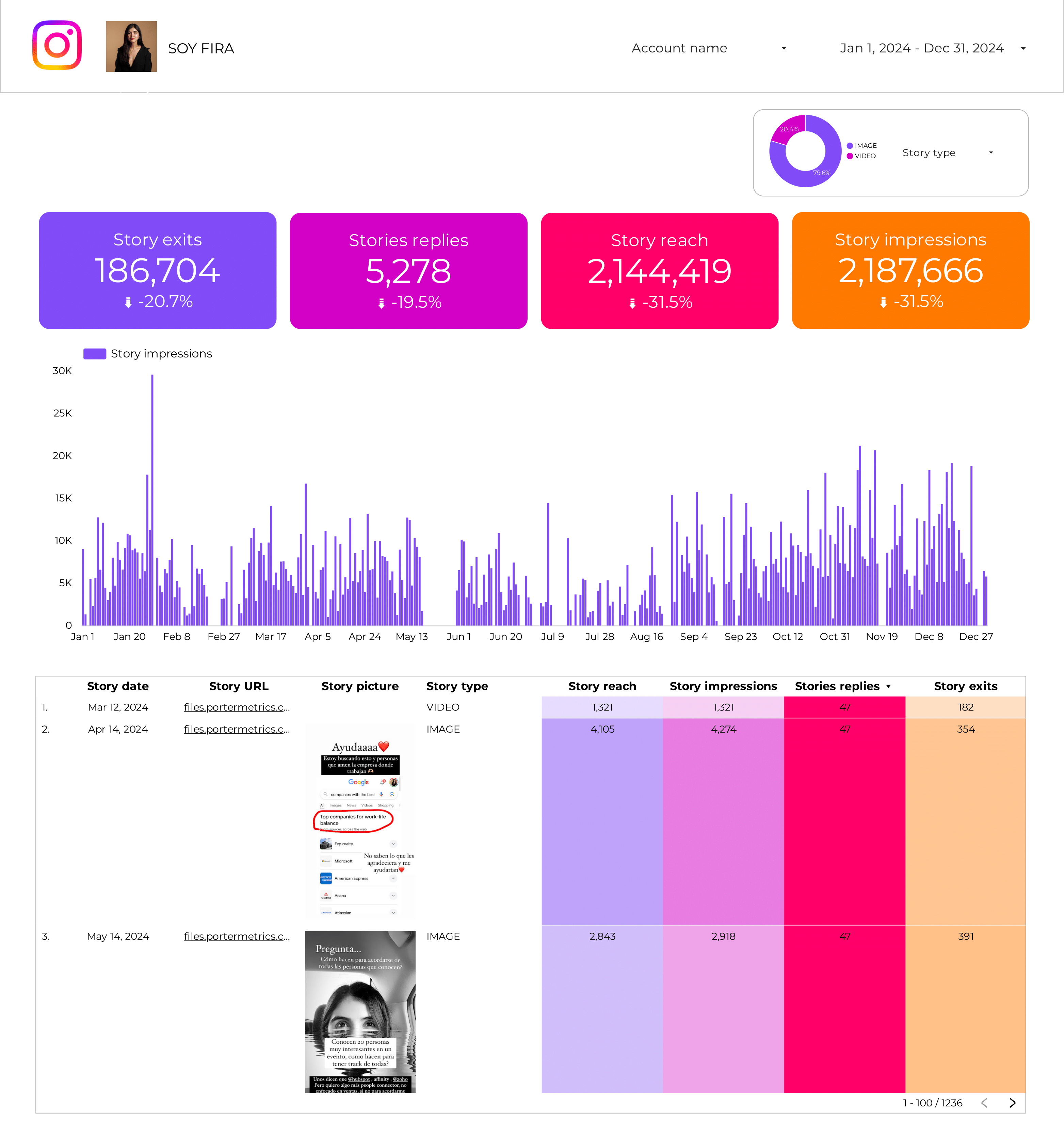
Instagram Insights Stories Data Studio template helps track key metrics like conversion rate, CPA, AOV, and engagement. Analyze by audience, media type, and time.
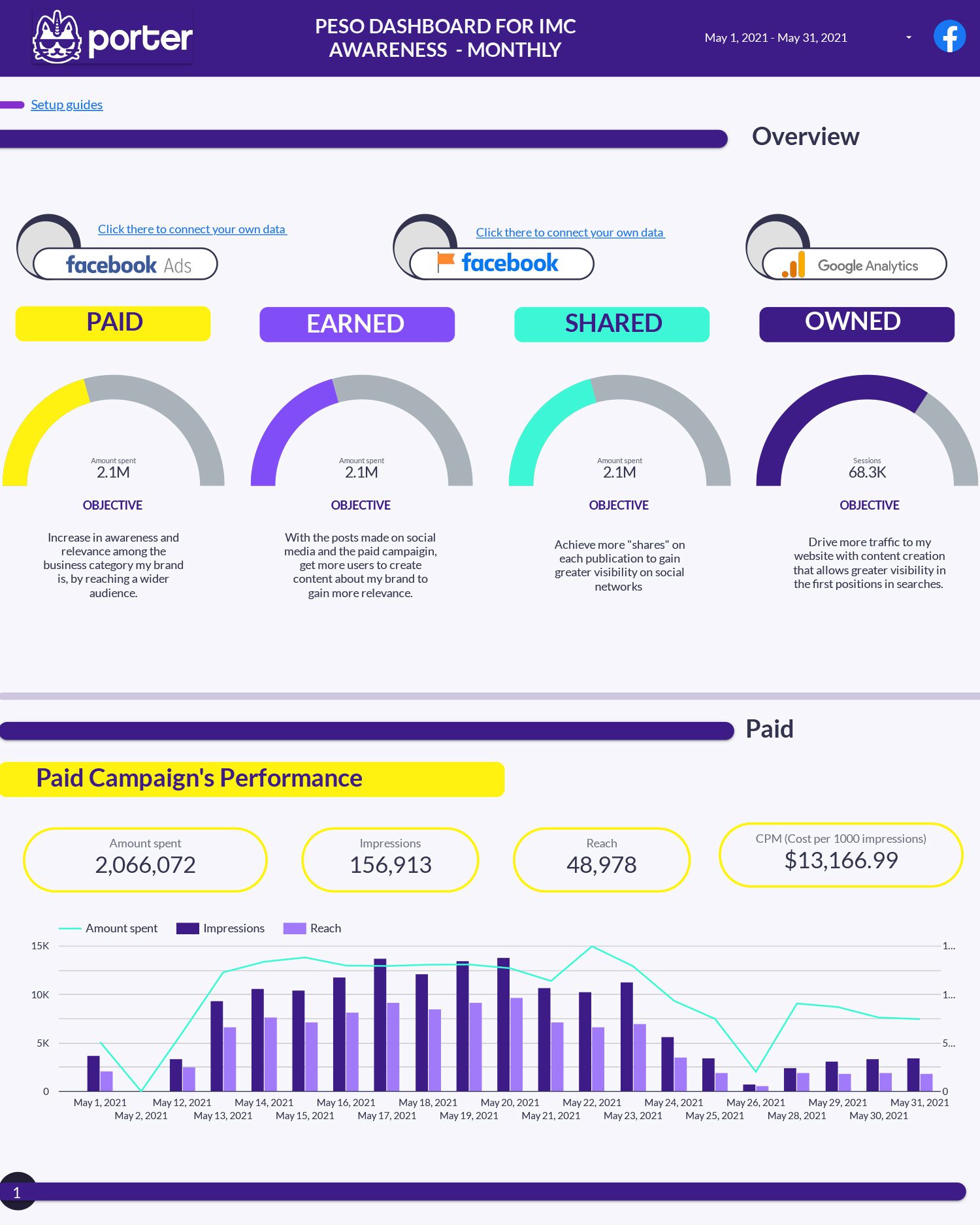
Organize marketing by Paid, Earned, Shared, and Owned media. Track reach, engagement, and conversions per channel type to find your optimal mix.
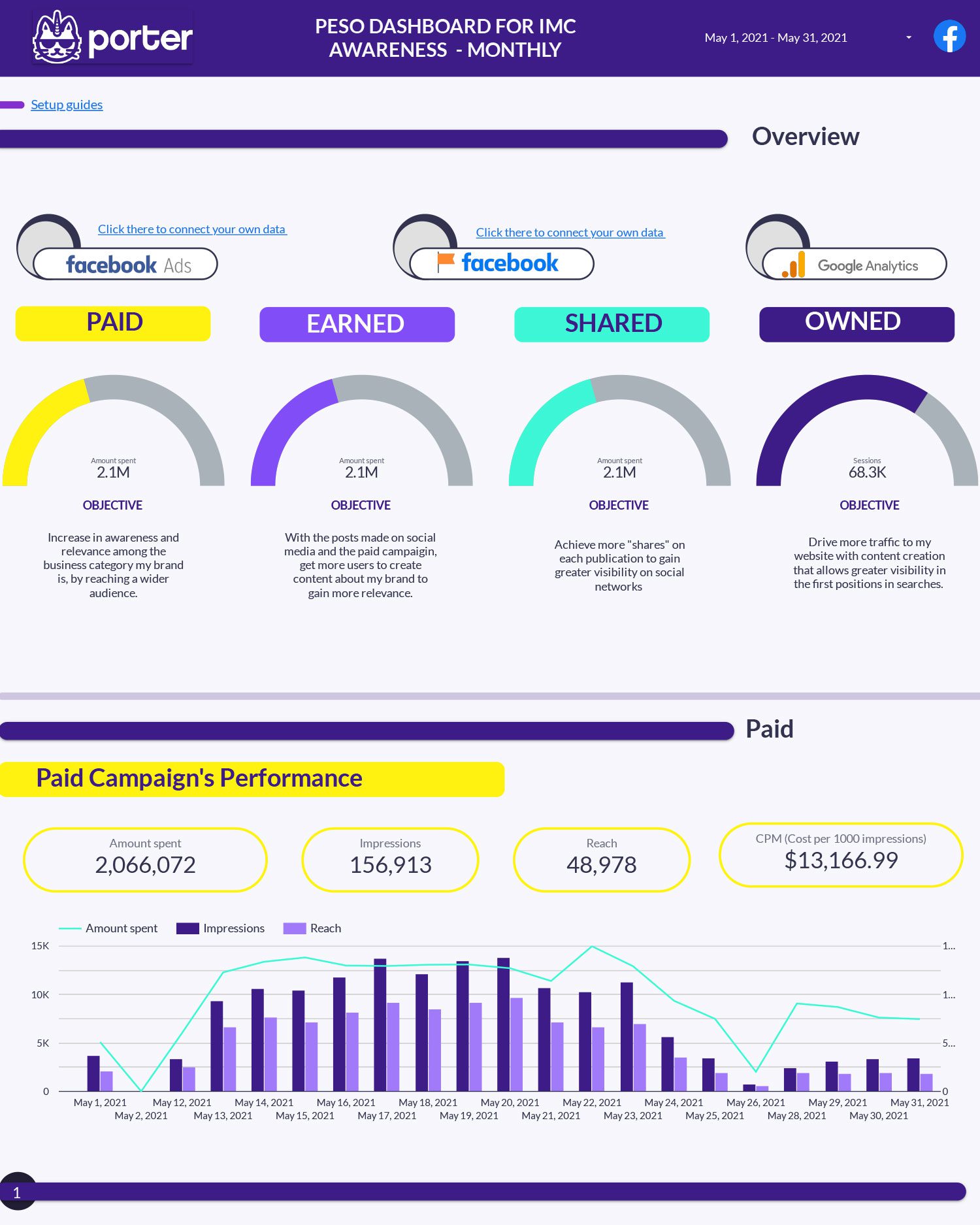
Organize marketing by Paid, Earned, Shared, and Owned media. Track reach, engagement, and conversions per channel type to balance your marketing mix.
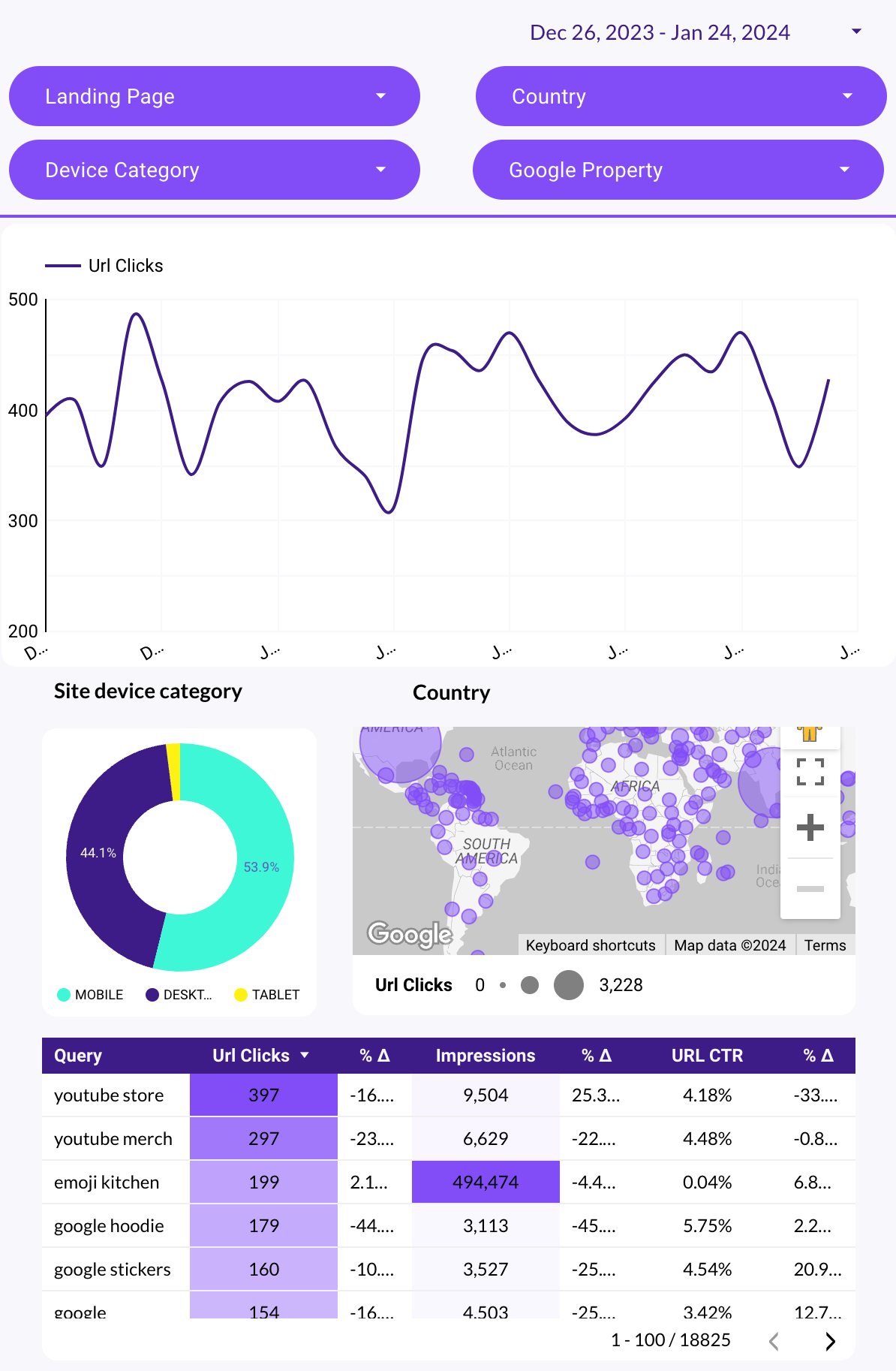
Audit on-page SEO factors: title tags, meta descriptions, headings, page speed, and internal linking. Track indexed pages and crawl errors from Search Console.
Audit on-page SEO factors: title tags, meta descriptions, headings, page speed, and internal linking. Track indexed pages and crawl errors from Search Console.
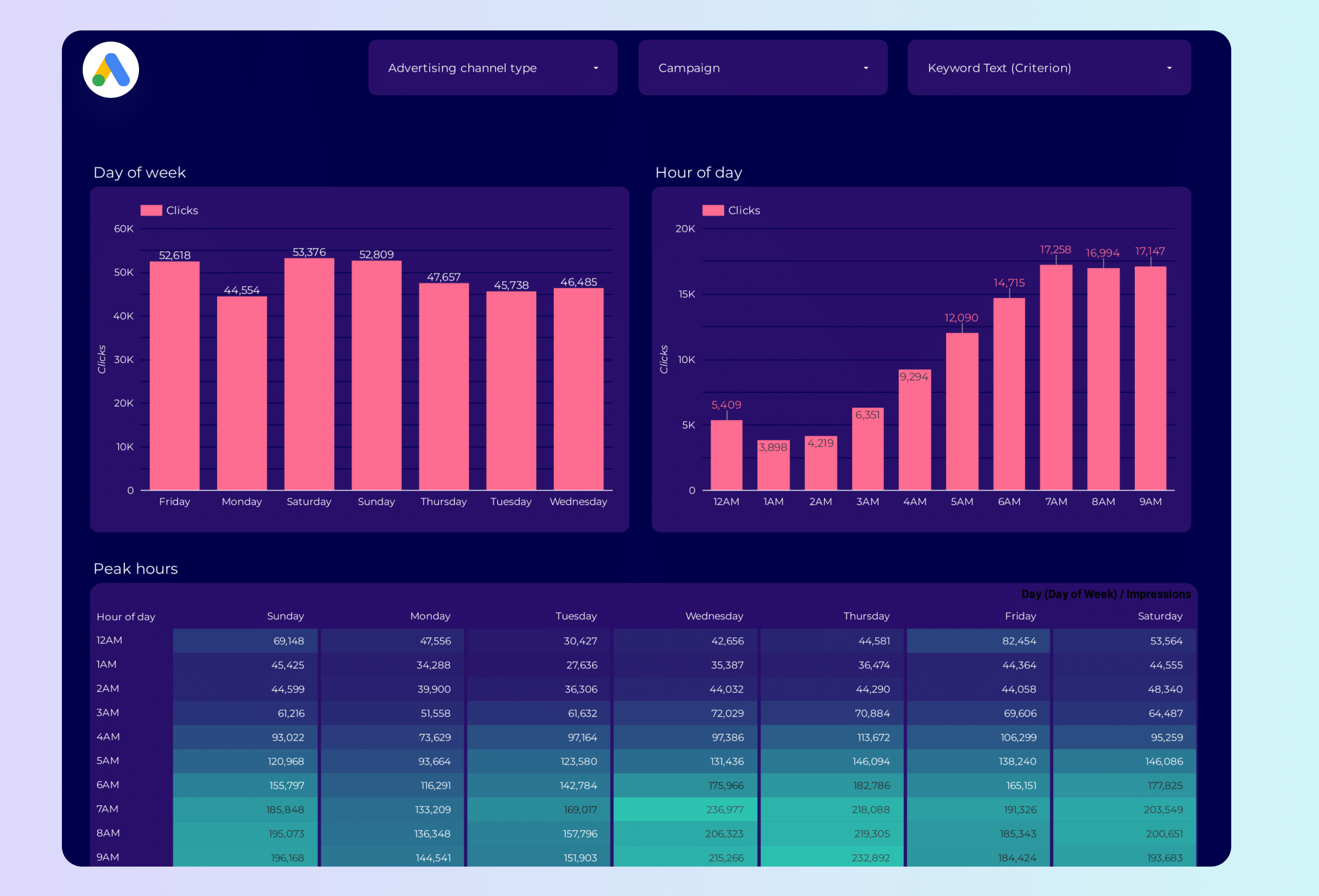
Google Ads Peak hours Data Studio template helps PPC specialists track key metrics like conversion rate, CPC, and CTR. Analyze performance by campaign type, device, and time.
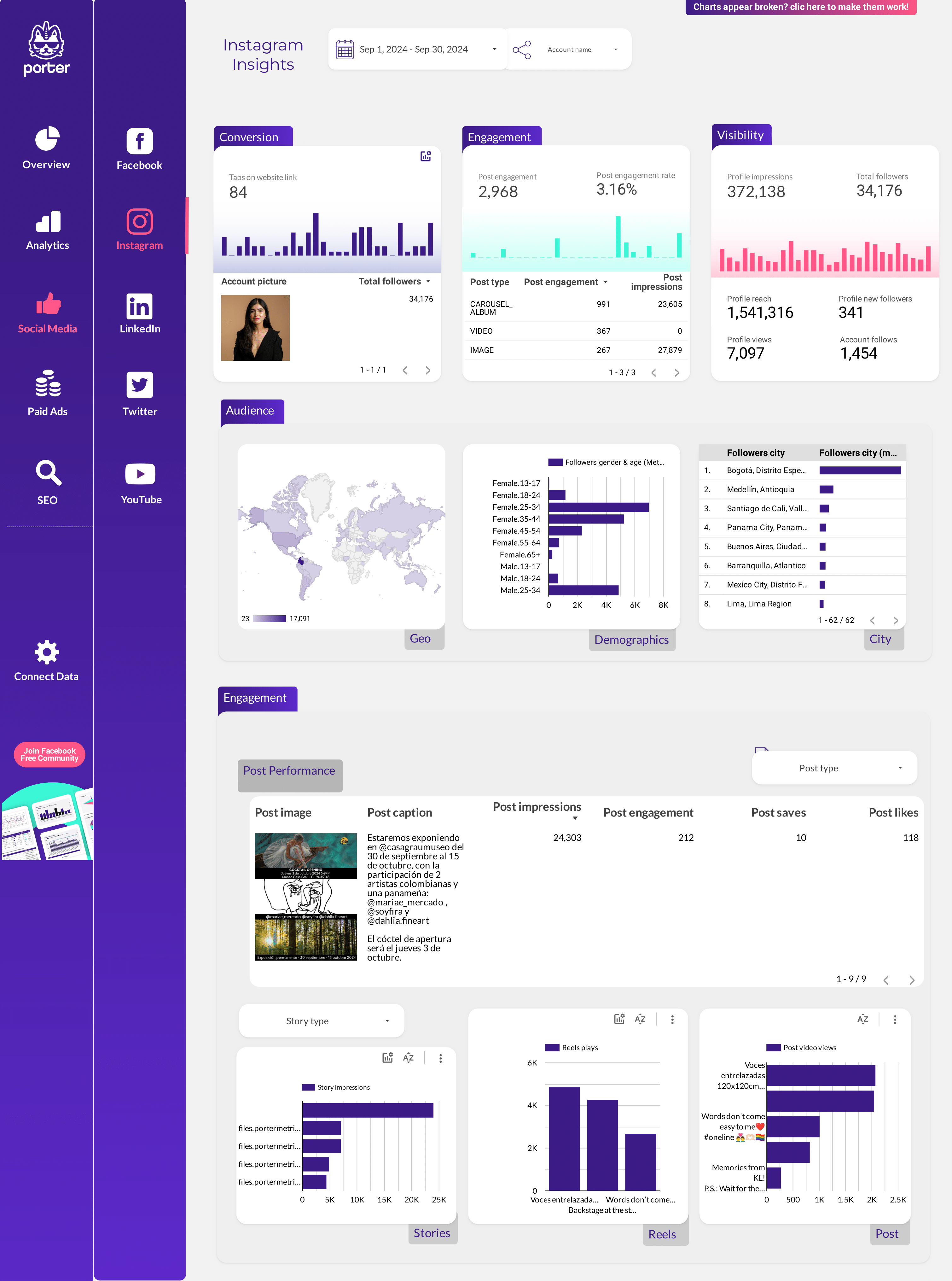
Client-ready social media report with reach, engagement, follower growth, and top posts across Instagram, Facebook, and LinkedIn. Designed for sharing.
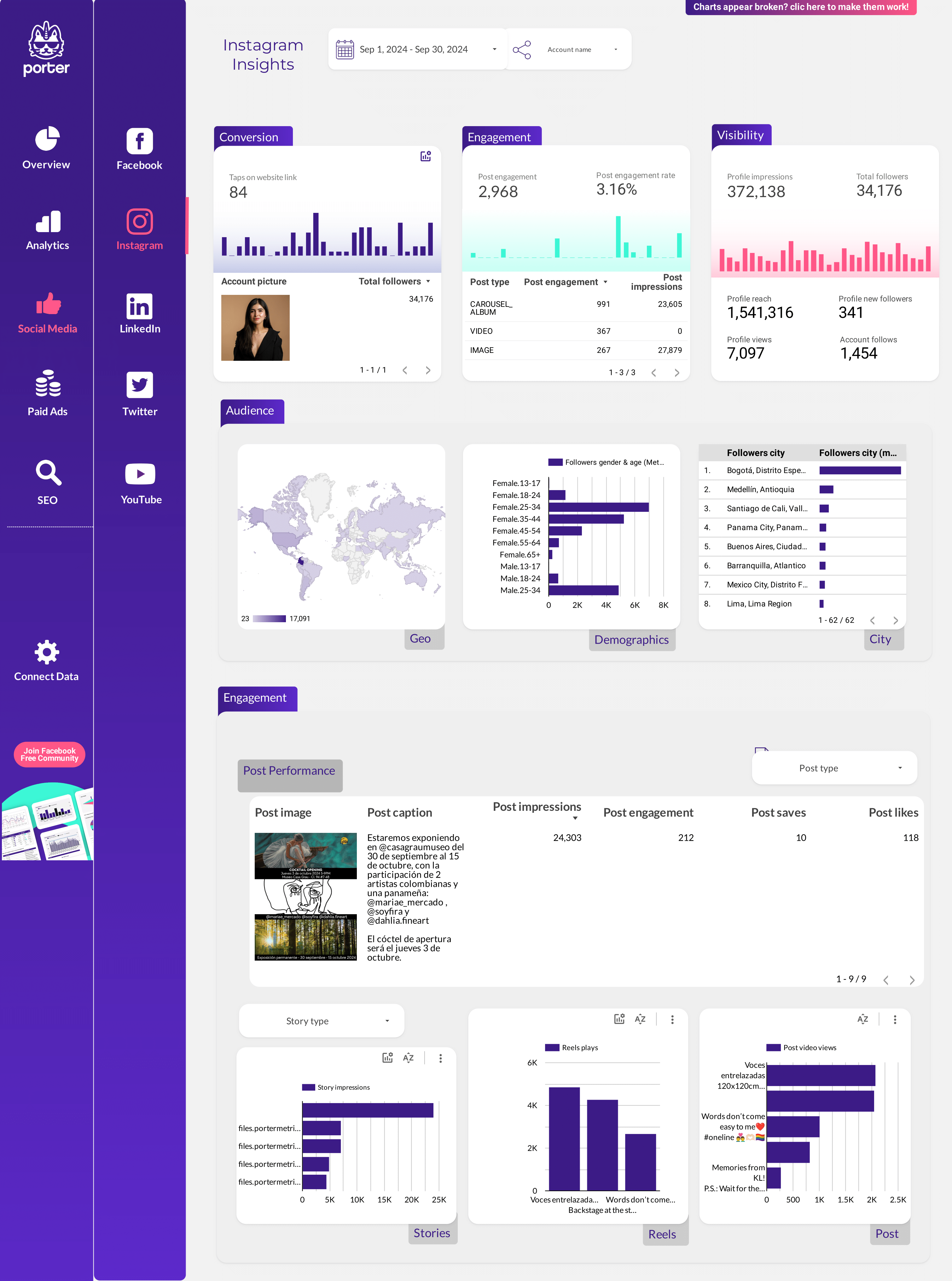
Social Media Client presentation Data Studio template: Analyze key metrics like conversion rate and engagement. Track campaign performance across Instagram and Facebook Insights.
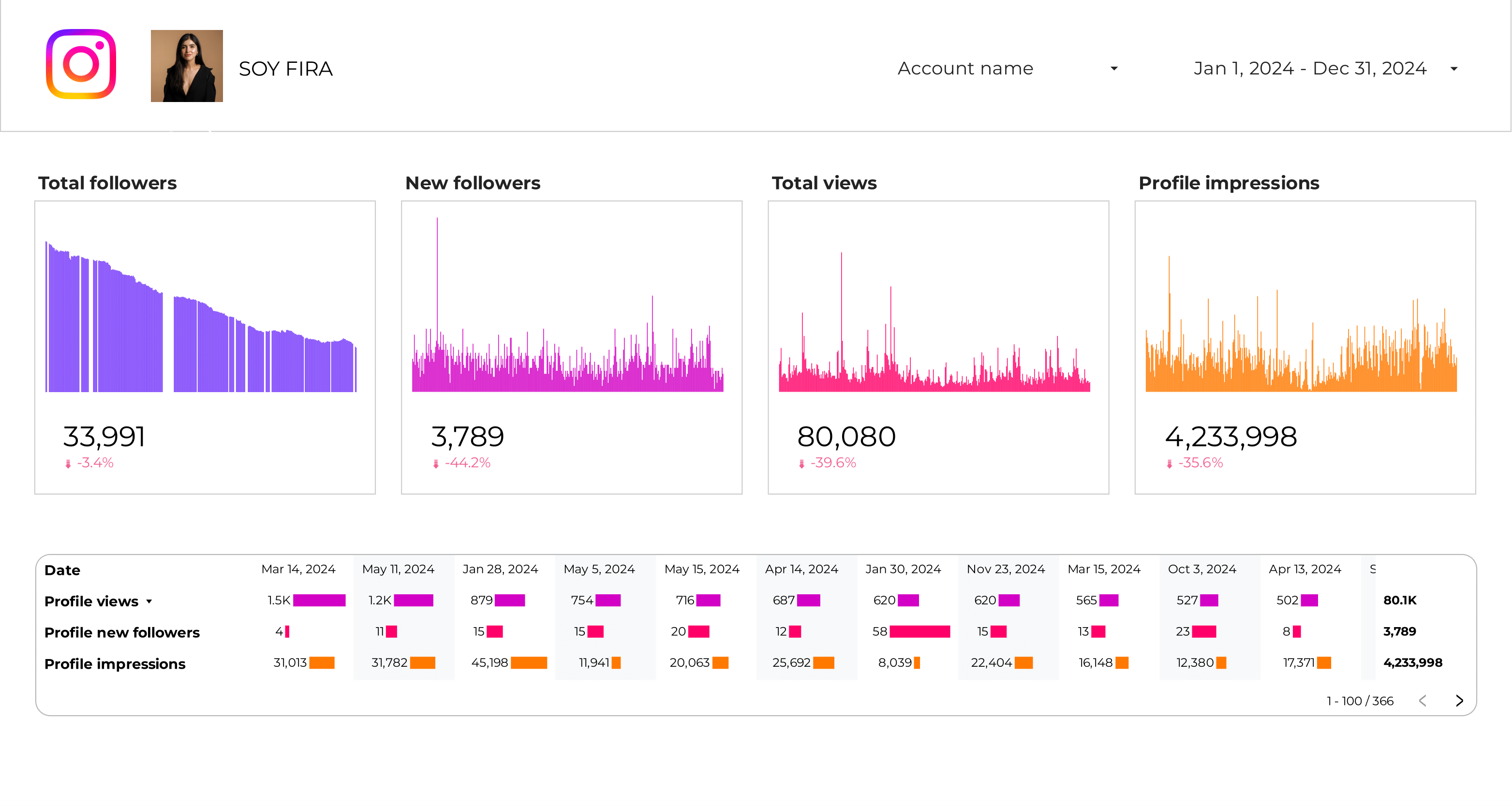
Monitor daily follower growth, unfollows, net change, and growth rate. Analyze follower demographics by age, gender, city, and country.
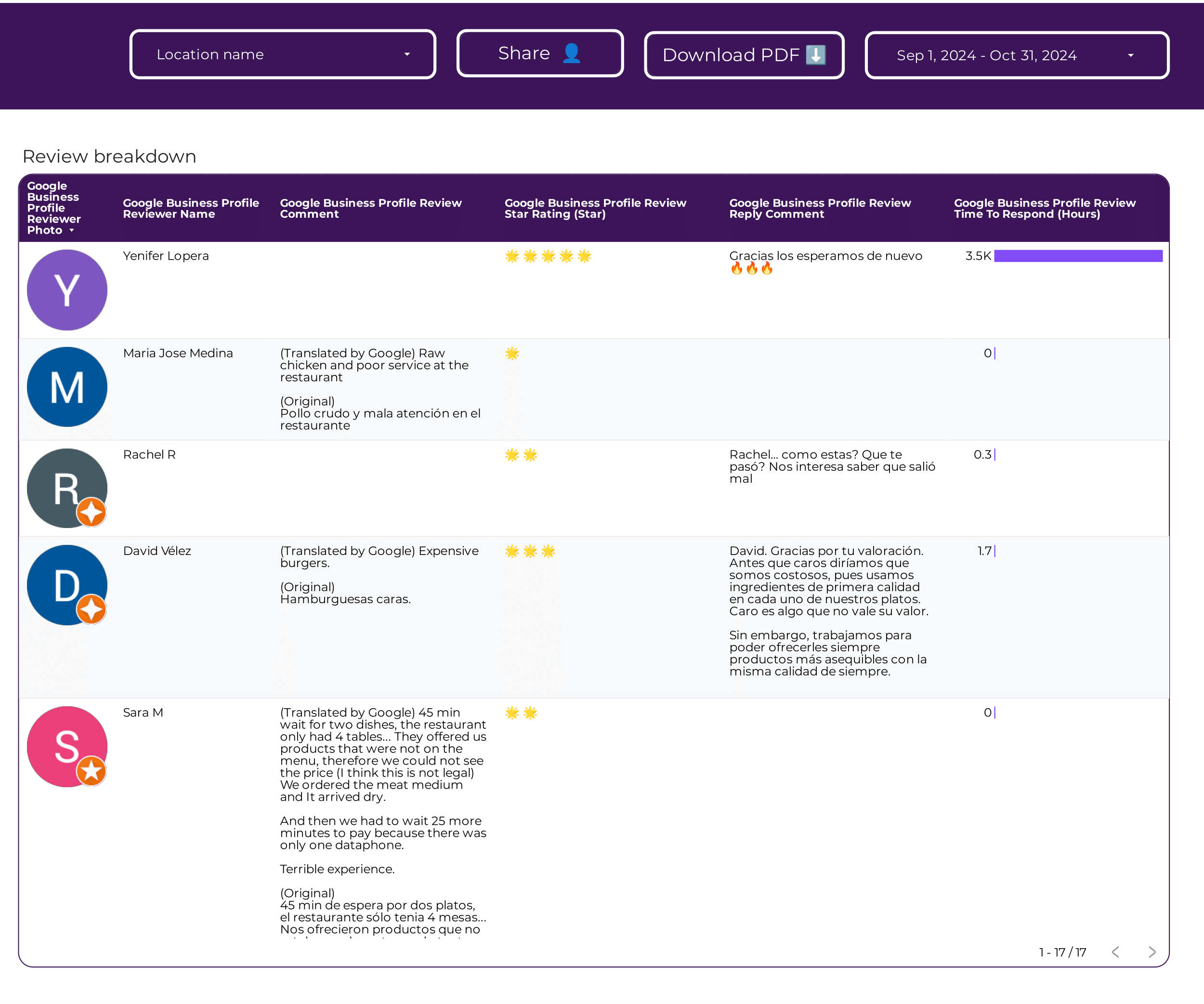
Monitor review volume, average rating, response rate, and sentiment over time. Track reviews by location and identify trending complaints or praise.
Split organic traffic into branded and non-branded queries. Measure how much traffic comes from brand awareness vs discovery. Track CTR and position for each segment.
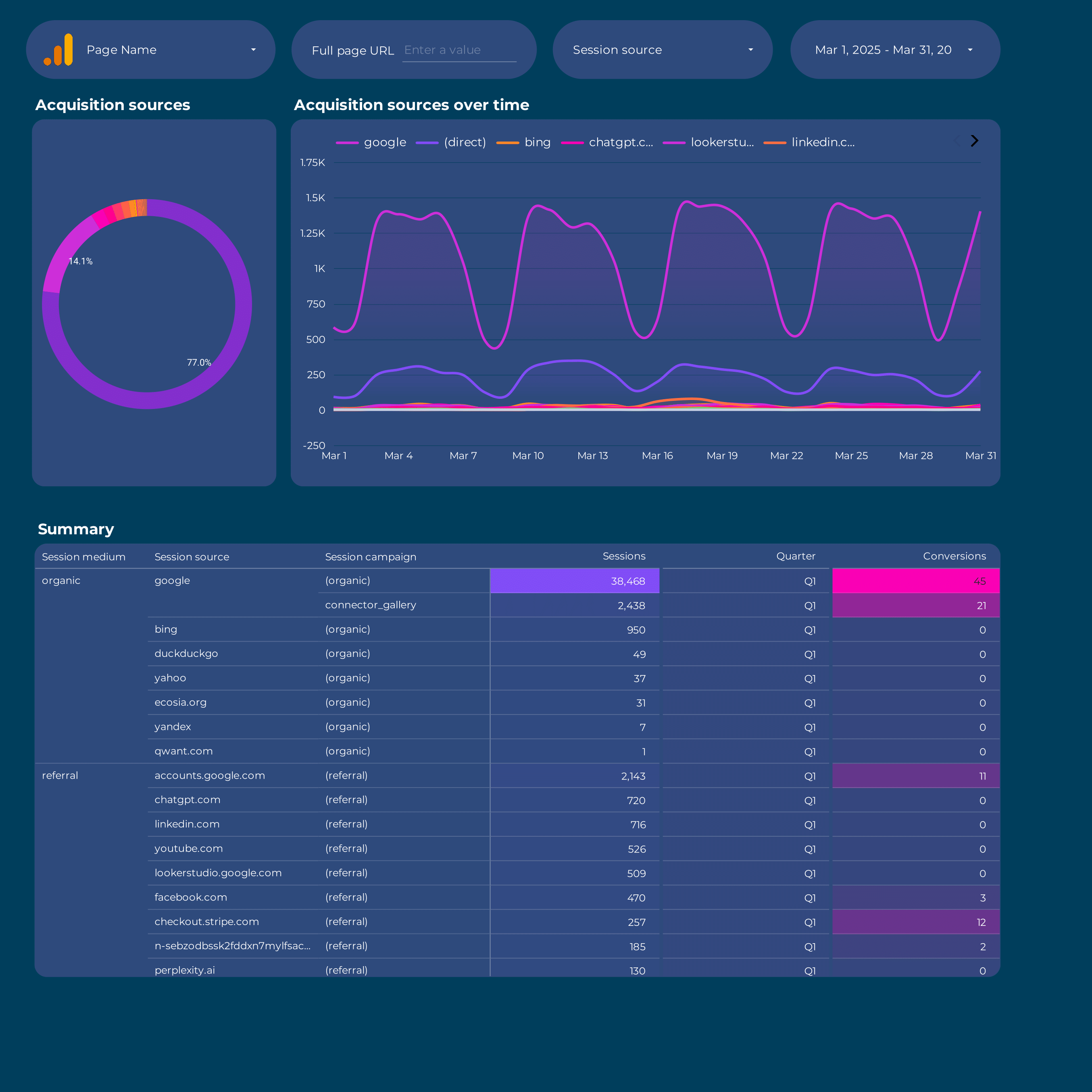
Analyze traffic sources: organic, paid, social, referral, and direct. Track new users, conversion rate, and revenue by channel and campaign.
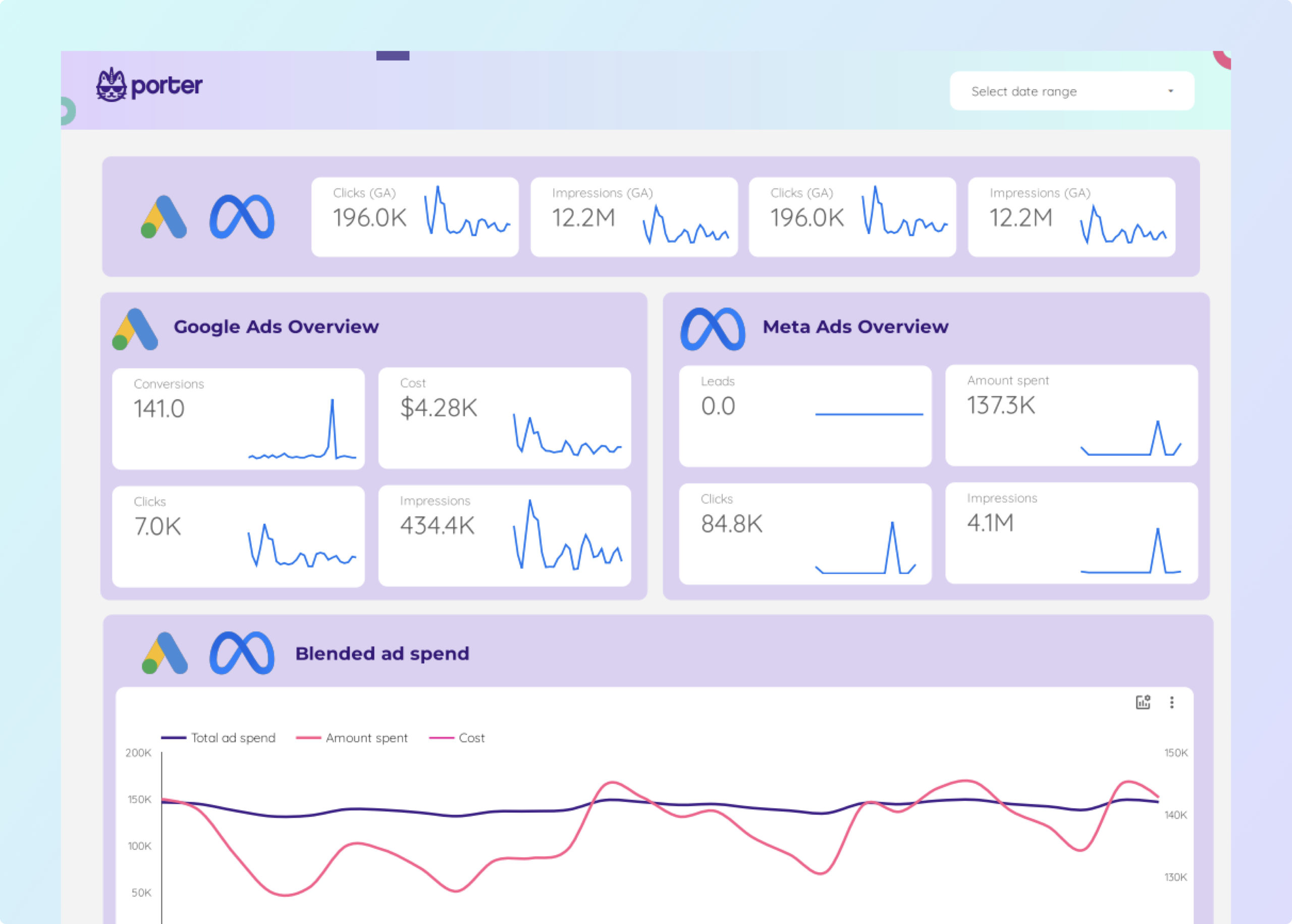
Blend Meta Ads and Google Ads in one view. Compare spend, CPA, ROAS, and conversions side by side. Find which platform delivers better cost efficiency.
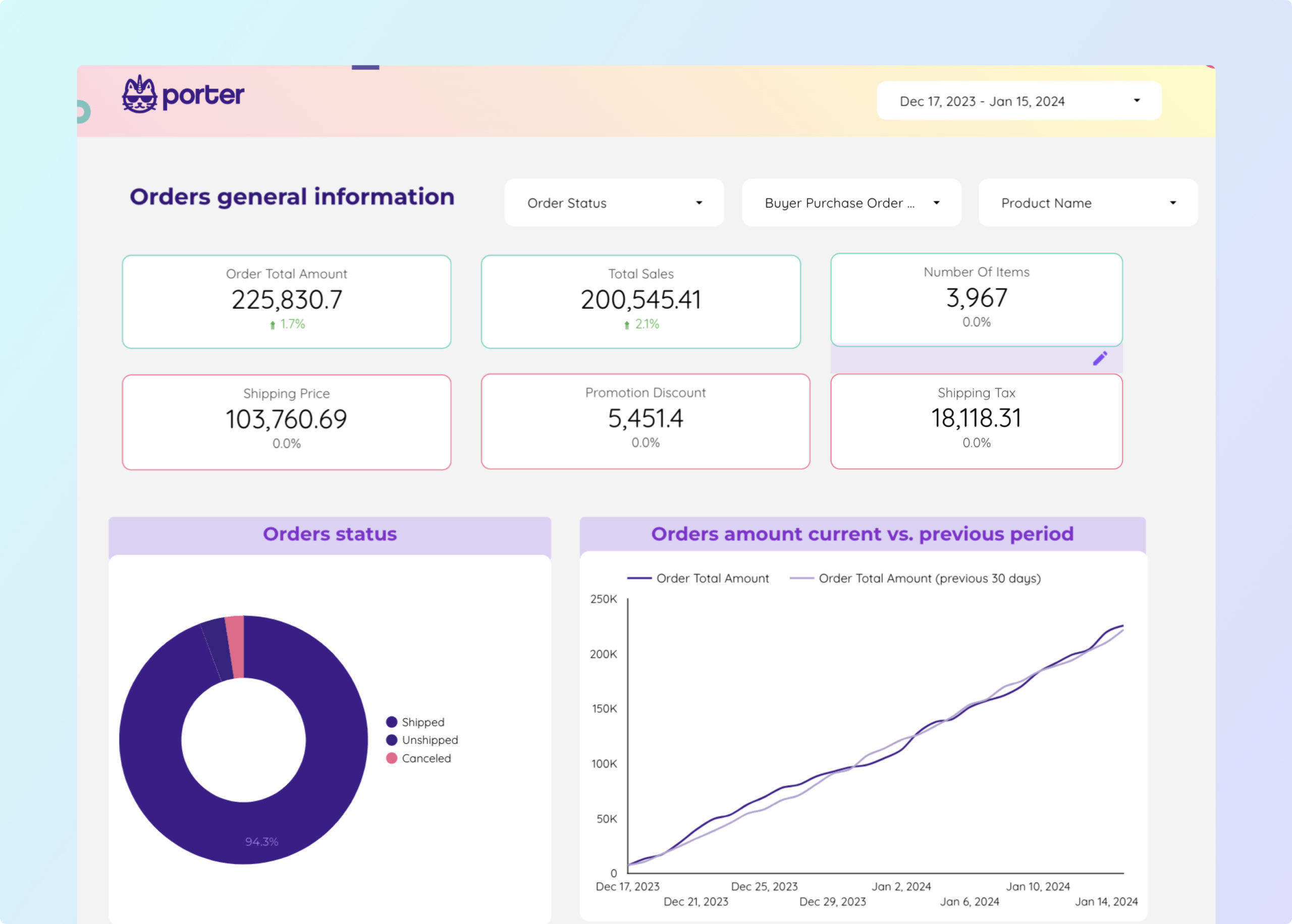
Track GMV, units sold, AOV, Buy Box percentage, and advertising ACOS. Monitor order defect rate, fulfillment time, and product-level profitability.
Track organic traffic, keyword rankings, CTR, and backlink profile. Monitor page performance, index coverage, and content gaps. Segment by query type.
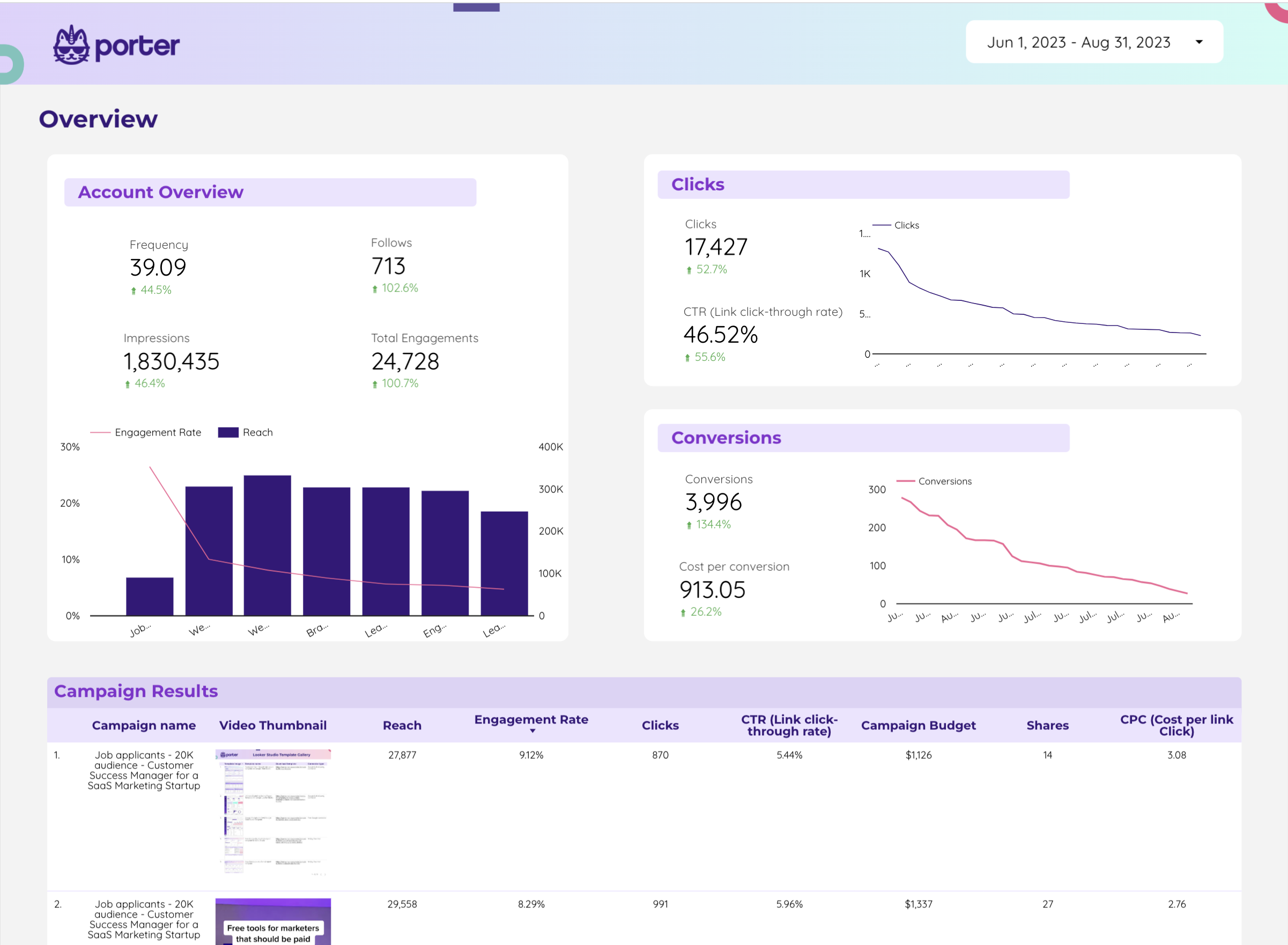
Monitor impressions, engagements, cost per engagement, and conversion events from X Ads. Compare campaign performance by objective and audience.
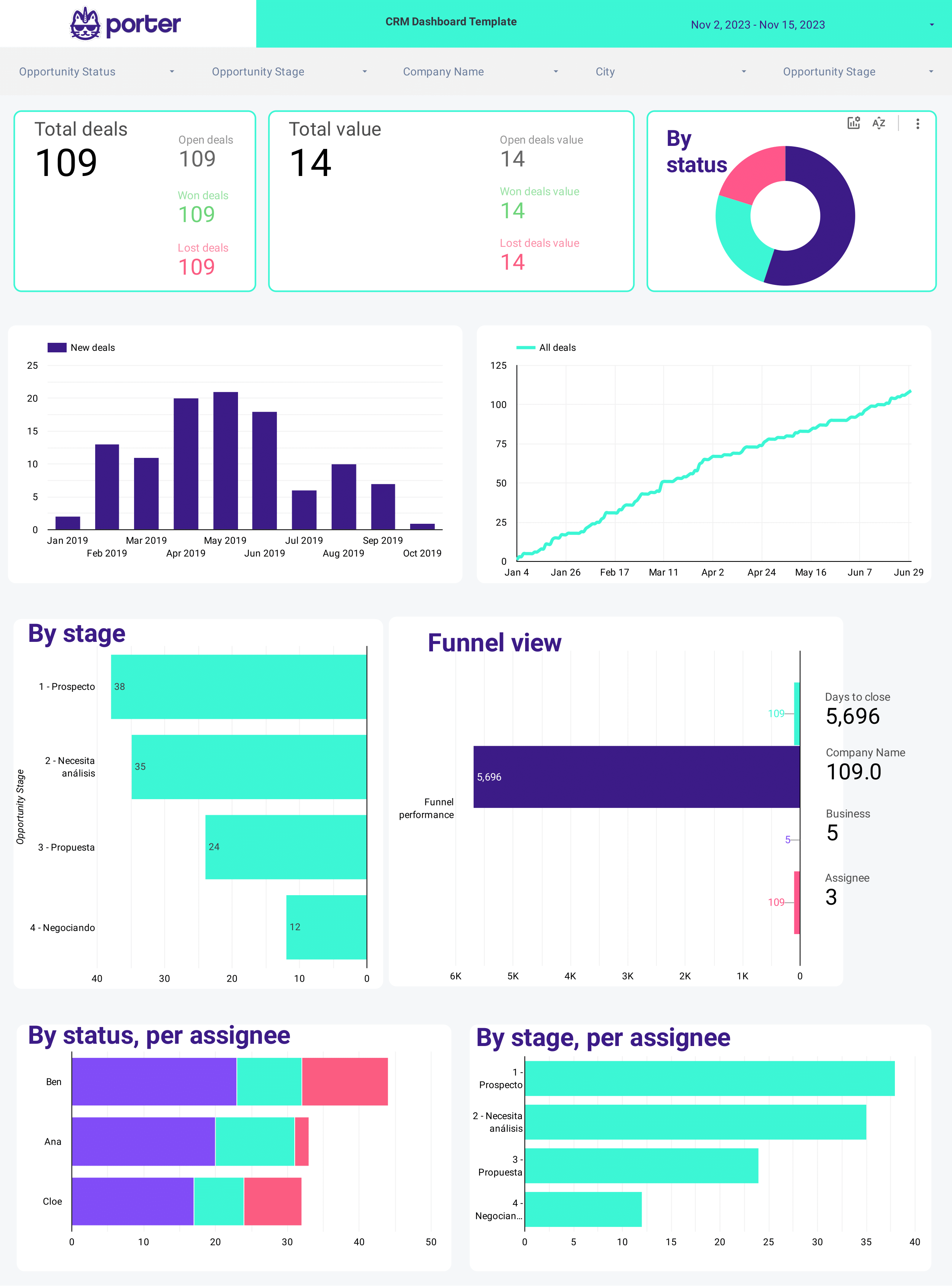
Visualize your CRM pipeline: deals by stage, win rate, average deal size, and sales cycle length. Segment by deal owner, lead source, and close date.
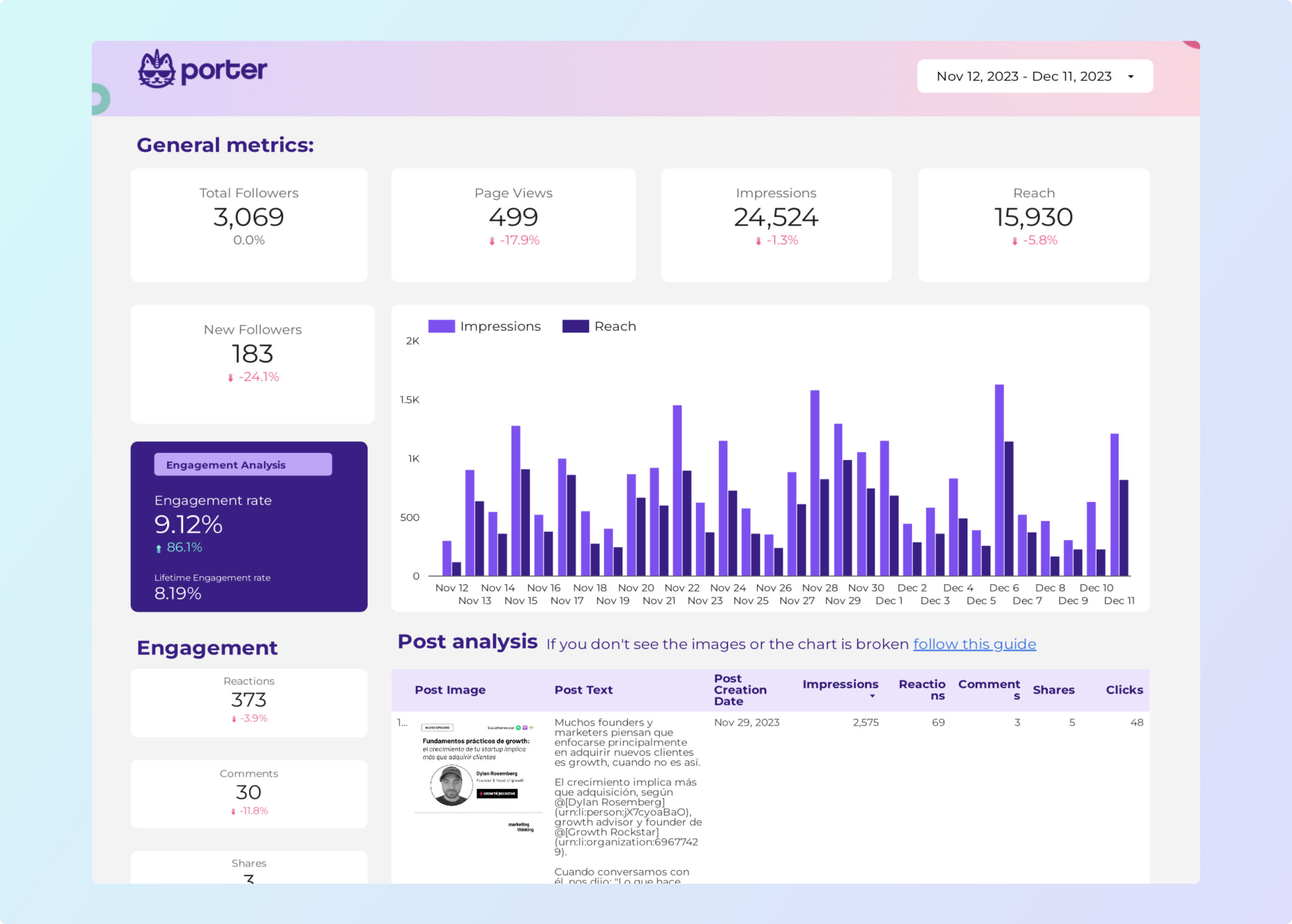
Monitor page followers, impressions, engagement rate, and click-through rate by post type. Track follower demographics and company page visitor analytics.
Monitor page followers, impressions, engagement rate, and click-through rate by post type. Track follower demographics and company page visitor analytics.
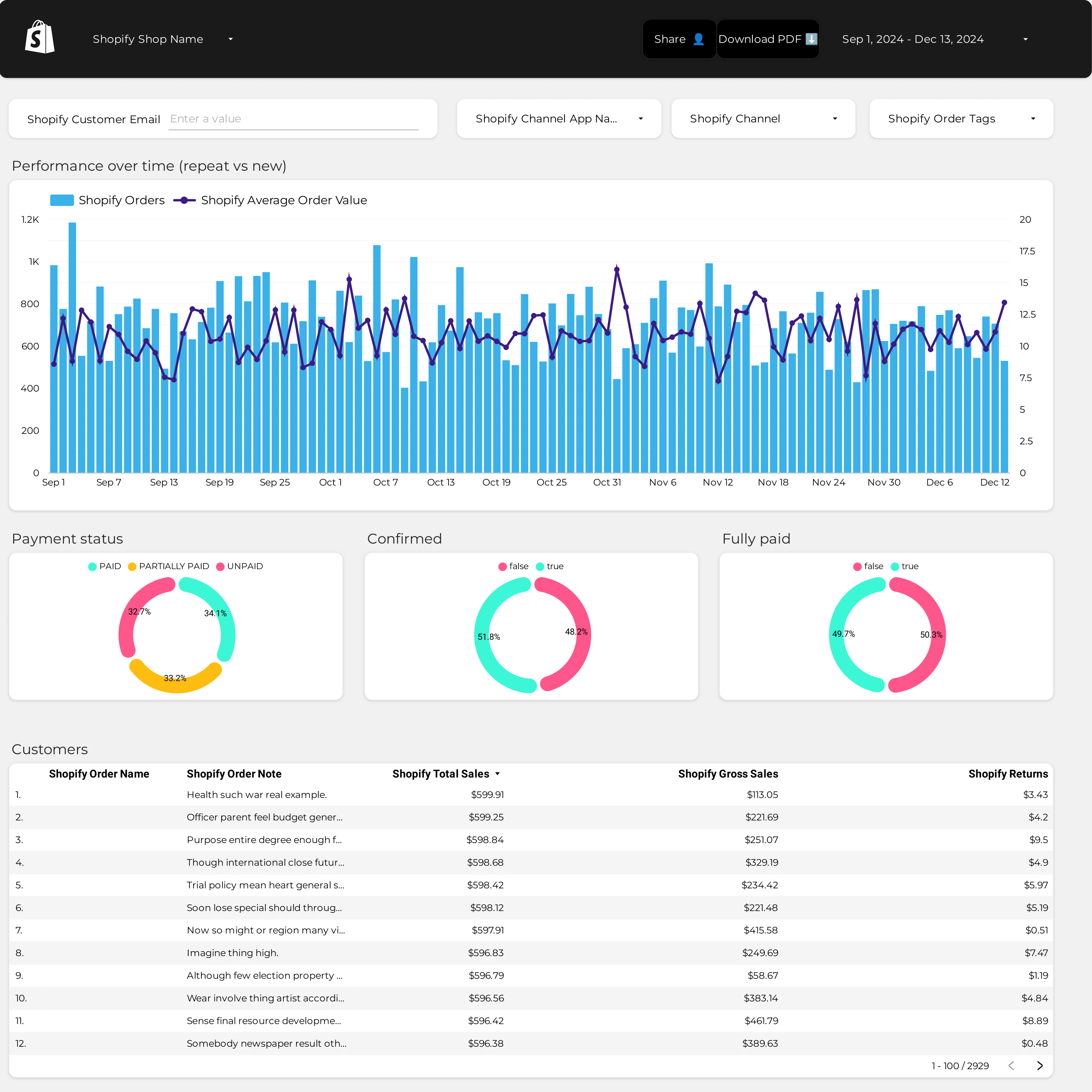
Track average order value trends, revenue per session, and purchase frequency. Segment by product category, traffic source, and customer cohort.
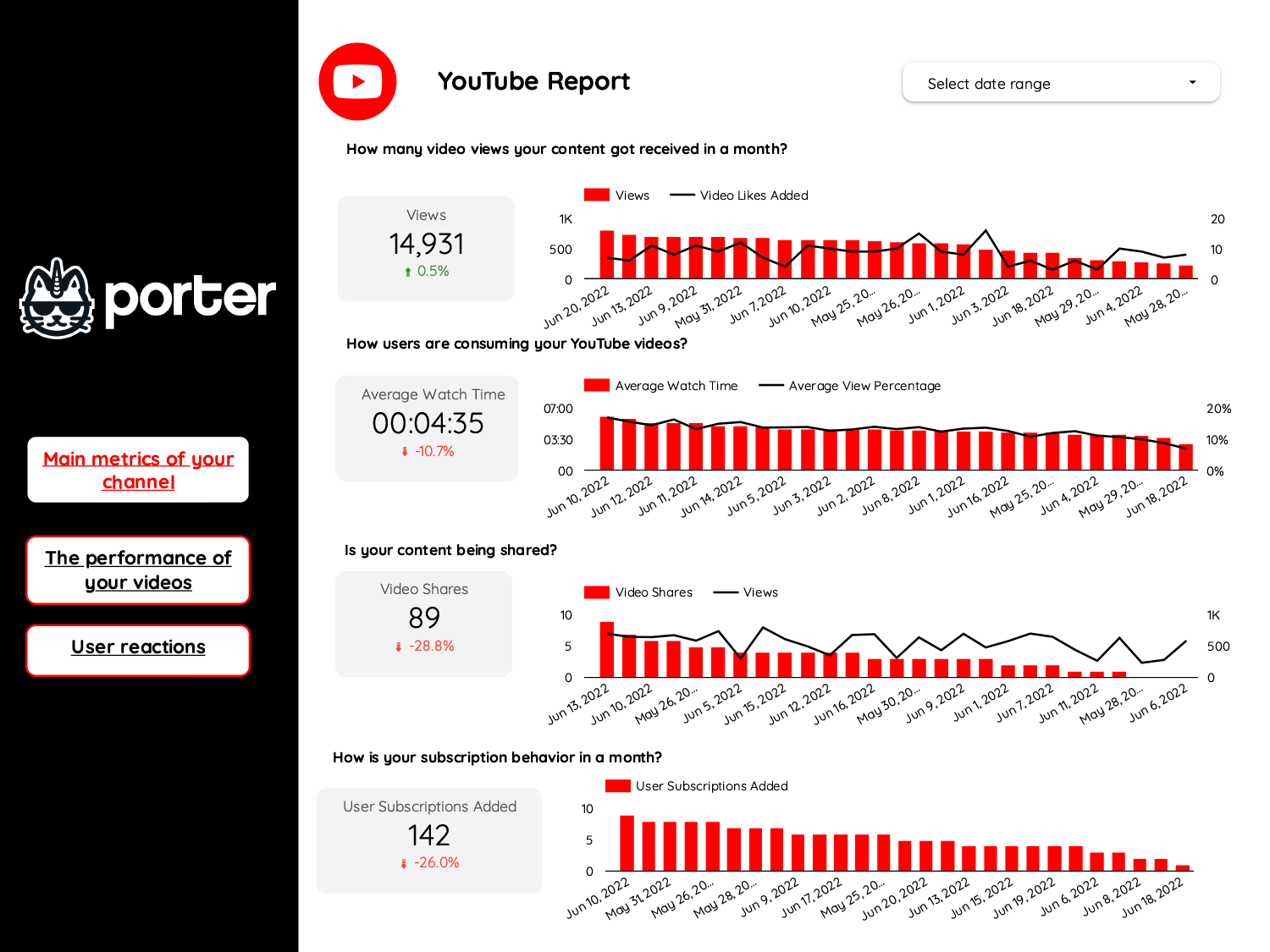
Track video views, watch time, engagement rate, and audience retention across YouTube and social platforms. Compare video performance by format and topic.
Monitor page followers, impressions, engagement rate, and click-through rate by post type. Track follower demographics and company page visitor analytics.
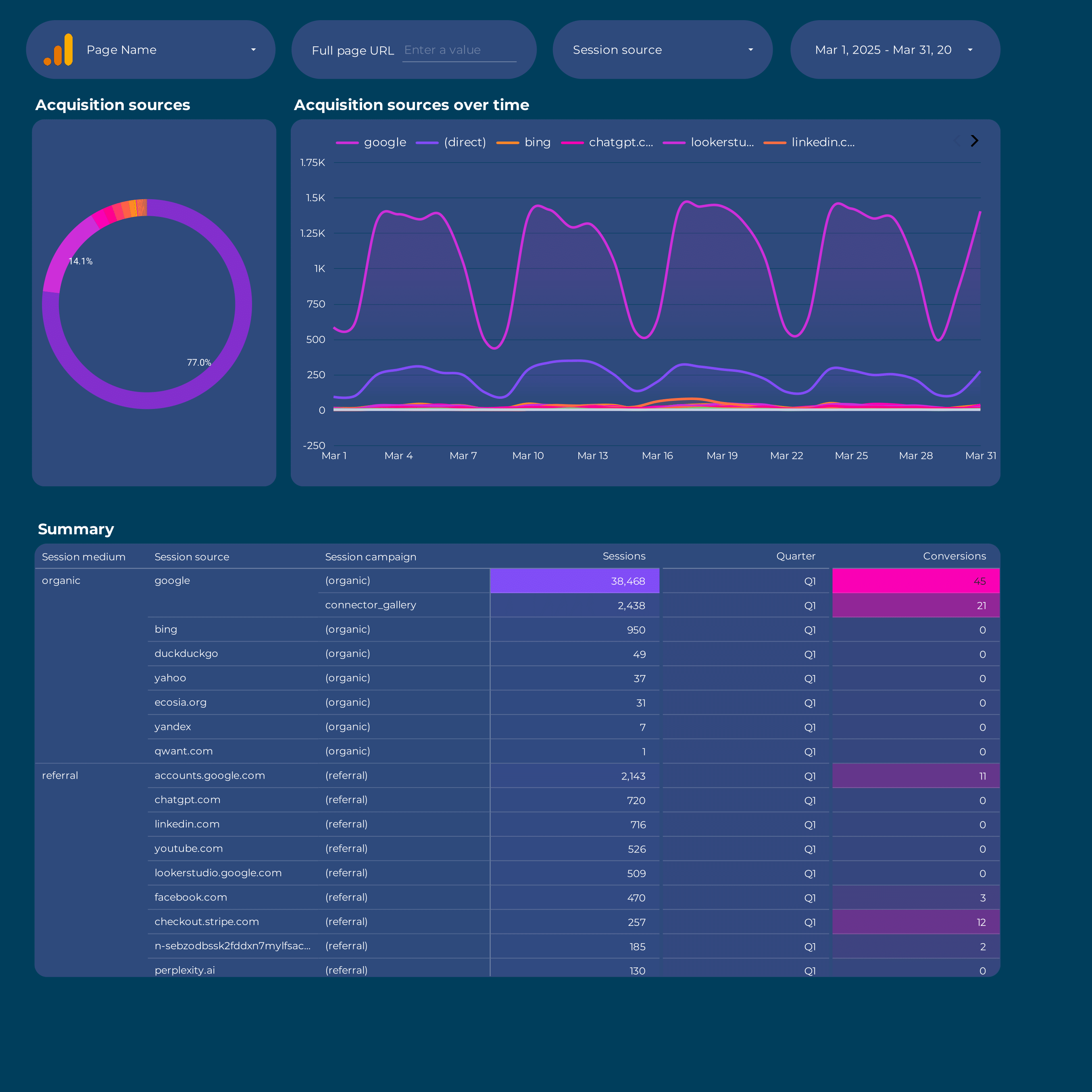
Map user acquisition from first touch to conversion. Track sessions, new users, and goal completions by source, medium, and campaign.
Track influencer campaign reach, engagement, cost per engagement, and conversions. Compare creator ROI across Instagram, TikTok, and YouTube.
Overview dashboard for agencies: total clients, aggregate spend, blended ROAS, and top/bottom performing accounts. Ideal for agency leadership reporting.
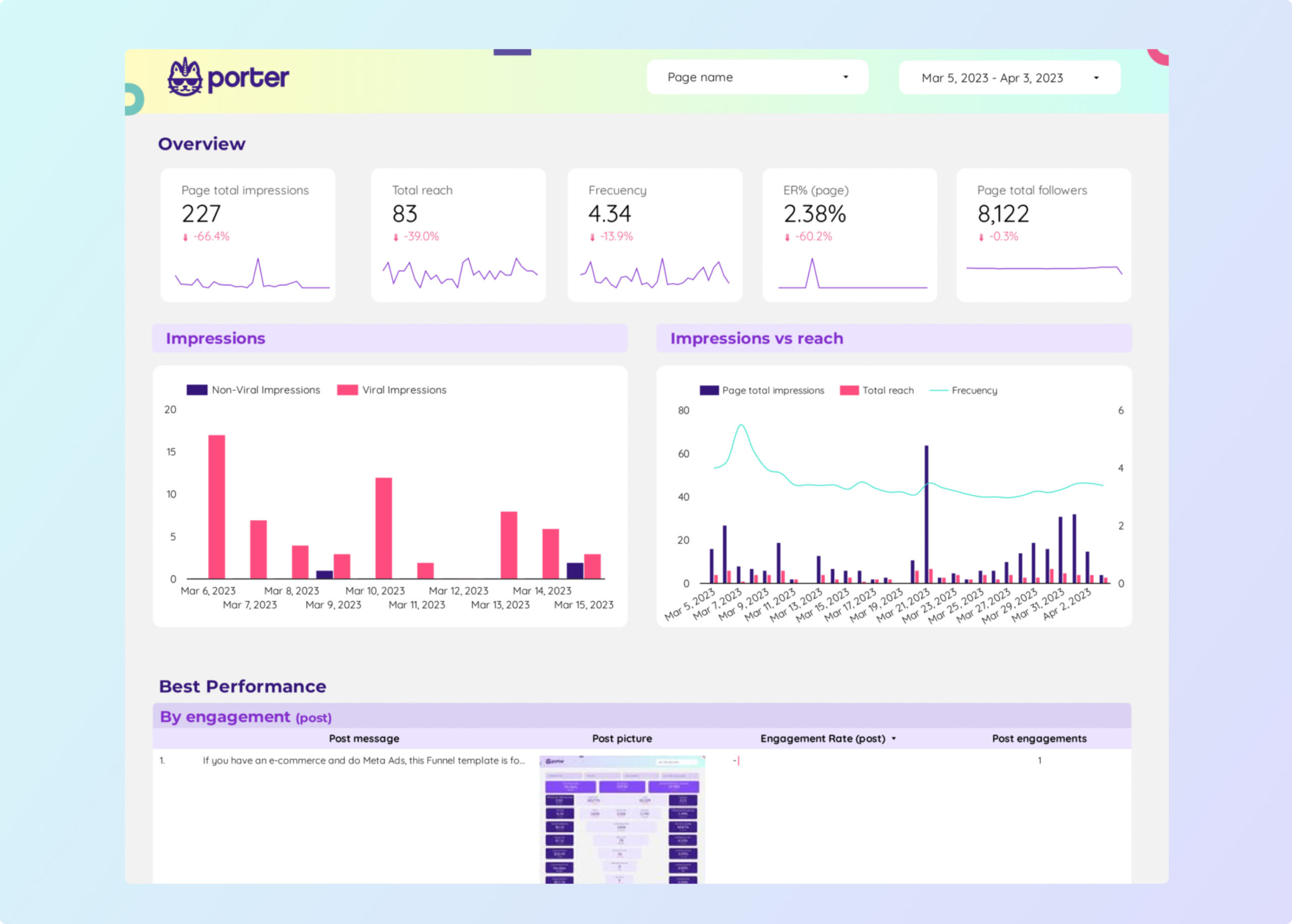
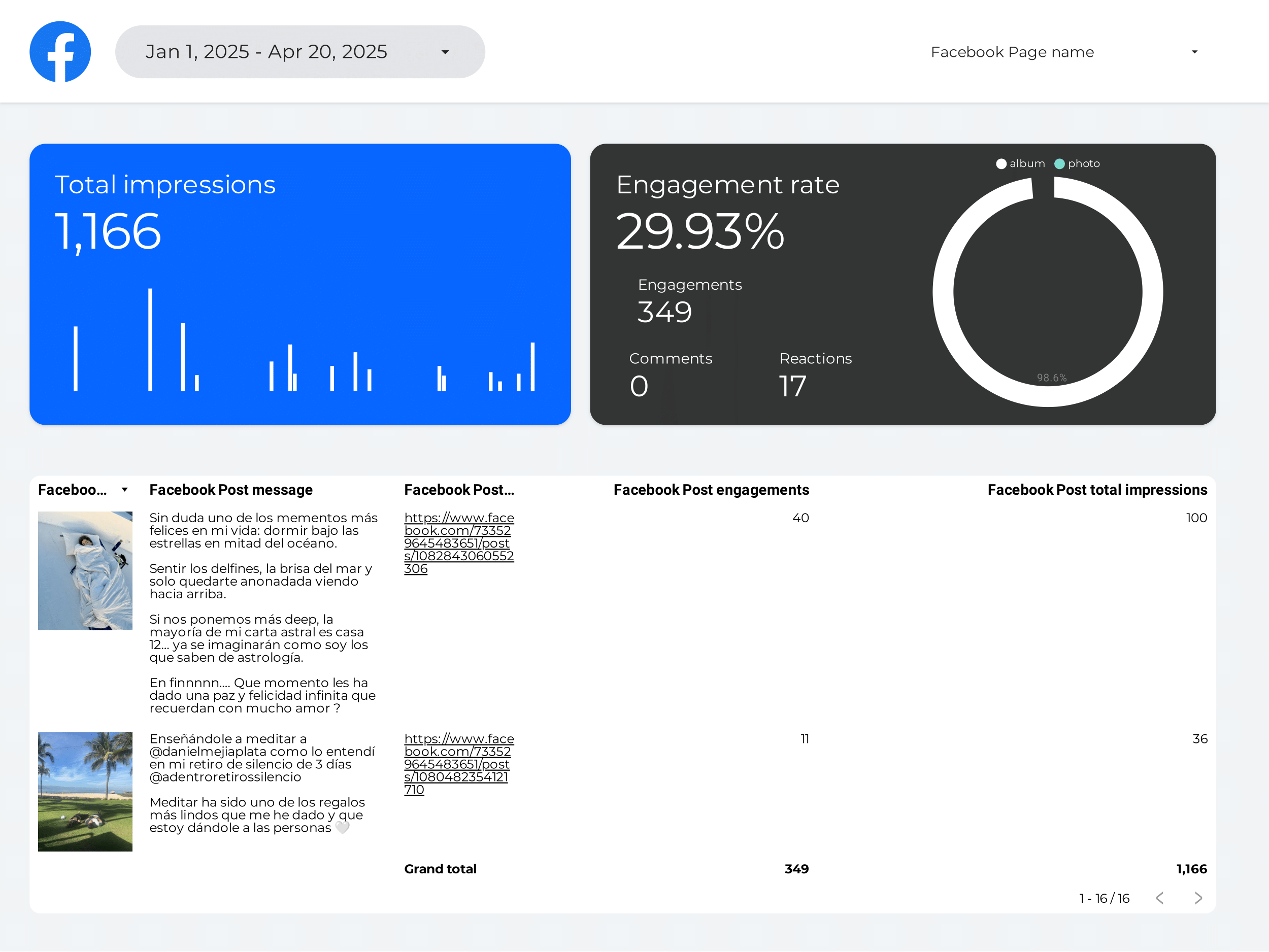
Track page reach, post engagement, follower growth, and video views from Facebook Pages. Analyze top content by type and posting time.
Blend Meta Ads and Google Ads in one view. Compare spend, CPA, ROAS, and conversions side by side. Spot which platform delivers better cost efficiency.
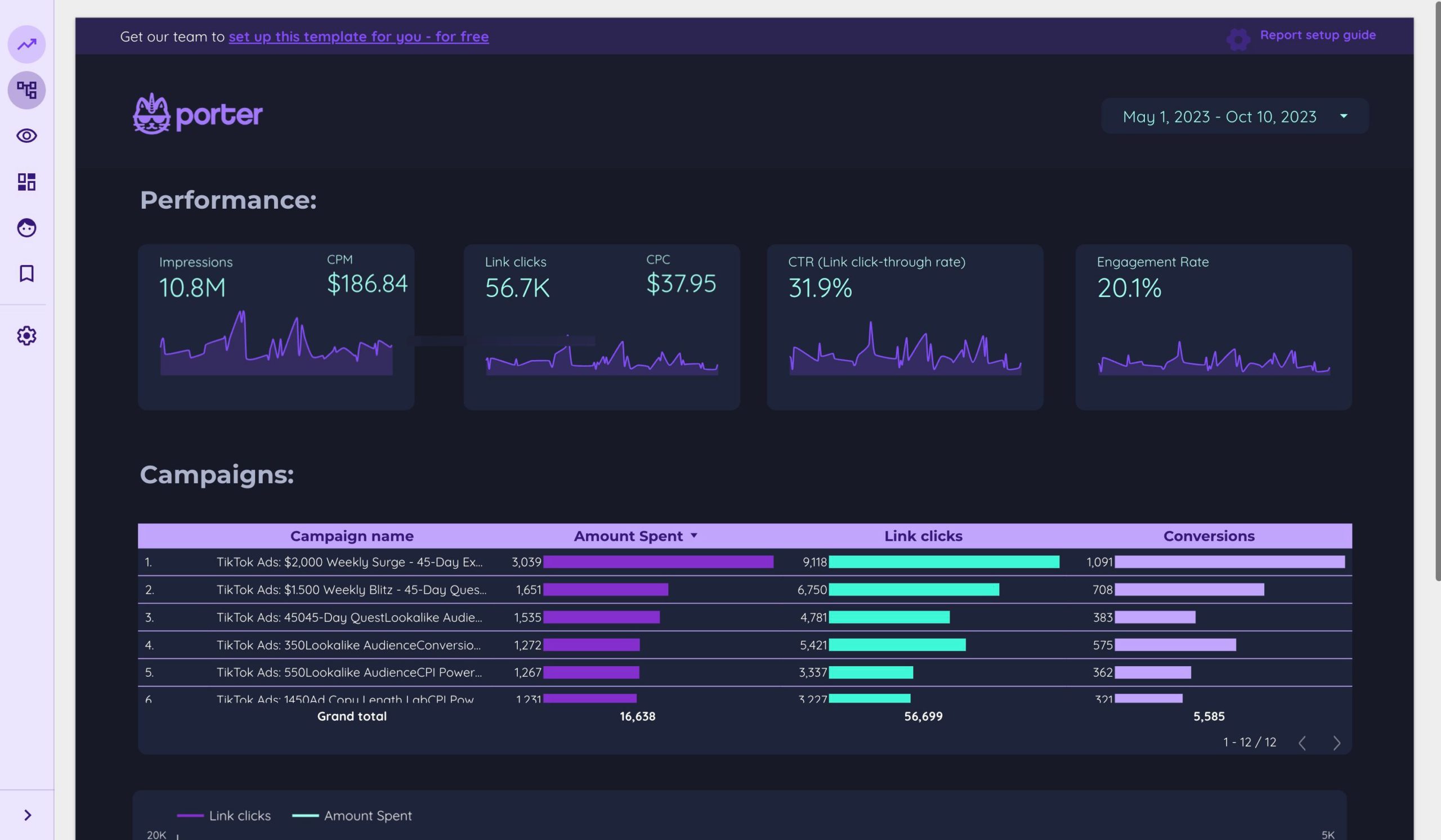
Track video views, CTR, CPC, conversions, and ROAS from TikTok Ads. Compare campaign performance by ad group, creative, and audience targeting.
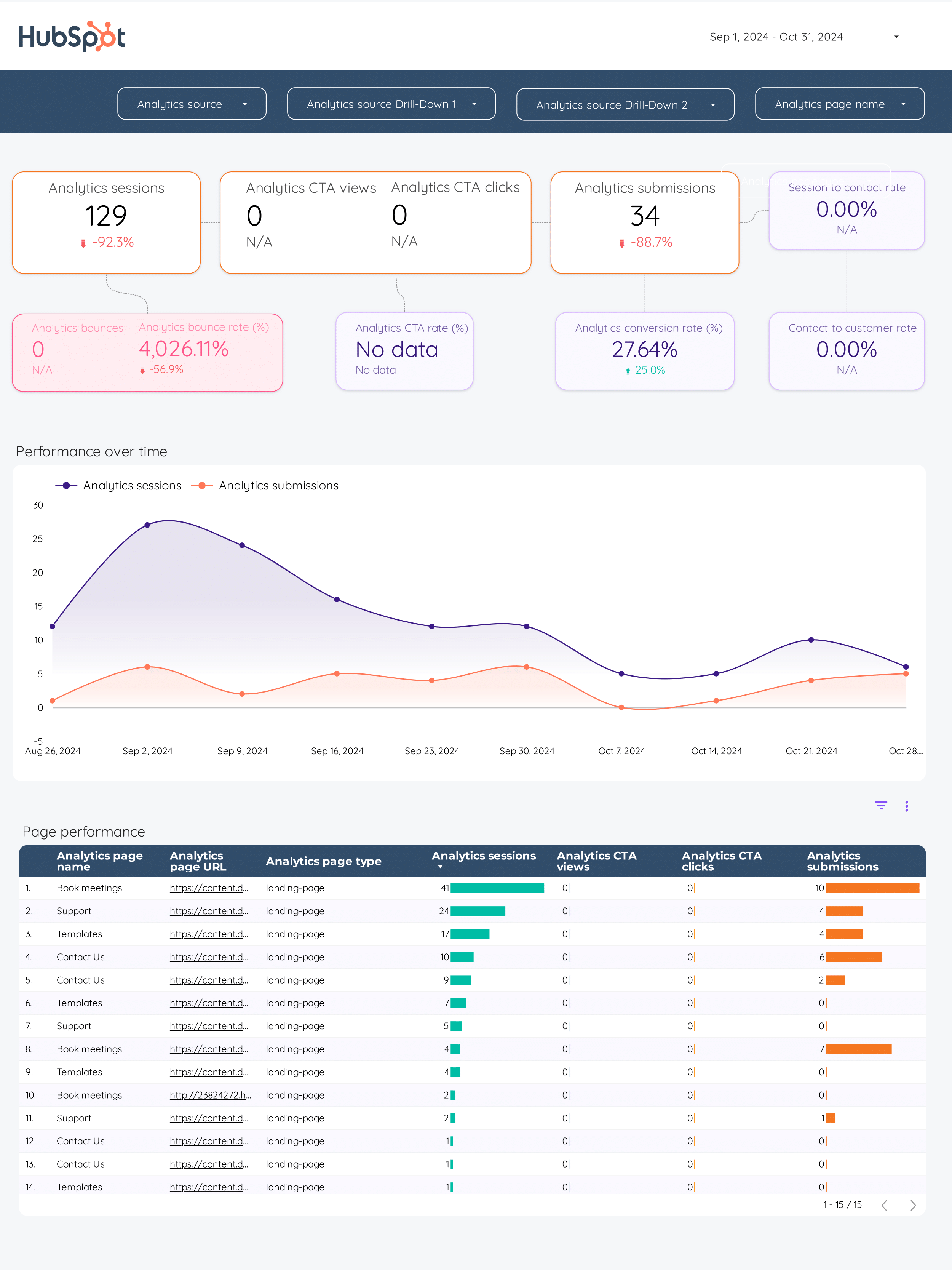
Inbound marketing Data Studio template tracks key metrics like conversion rates and social media engagement.
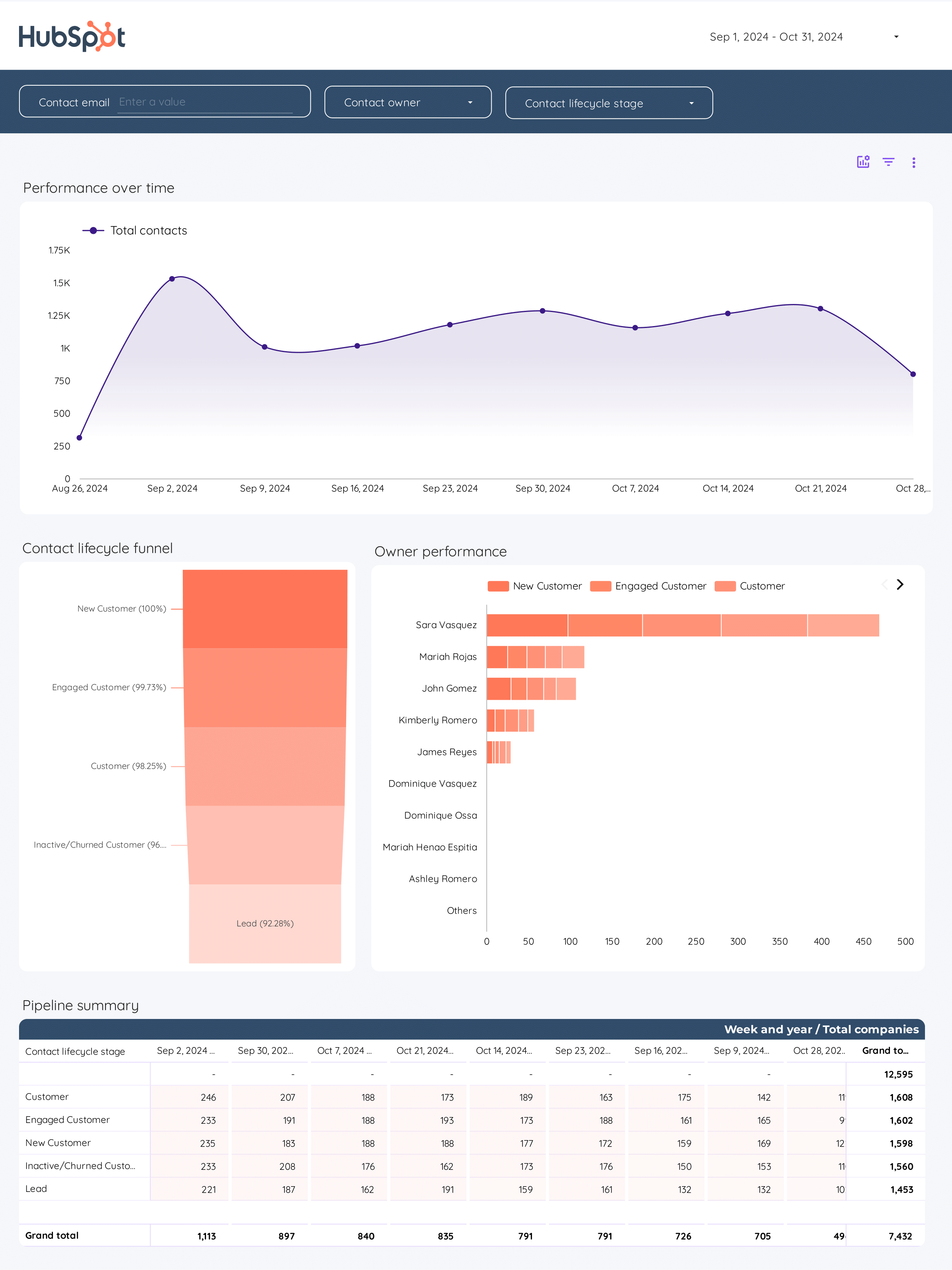
CRM Data Studio template unifies key metrics like conversion rate, ROI, and cost per acquisition. Analyze demographic, geographic, and psychographic dimensions.
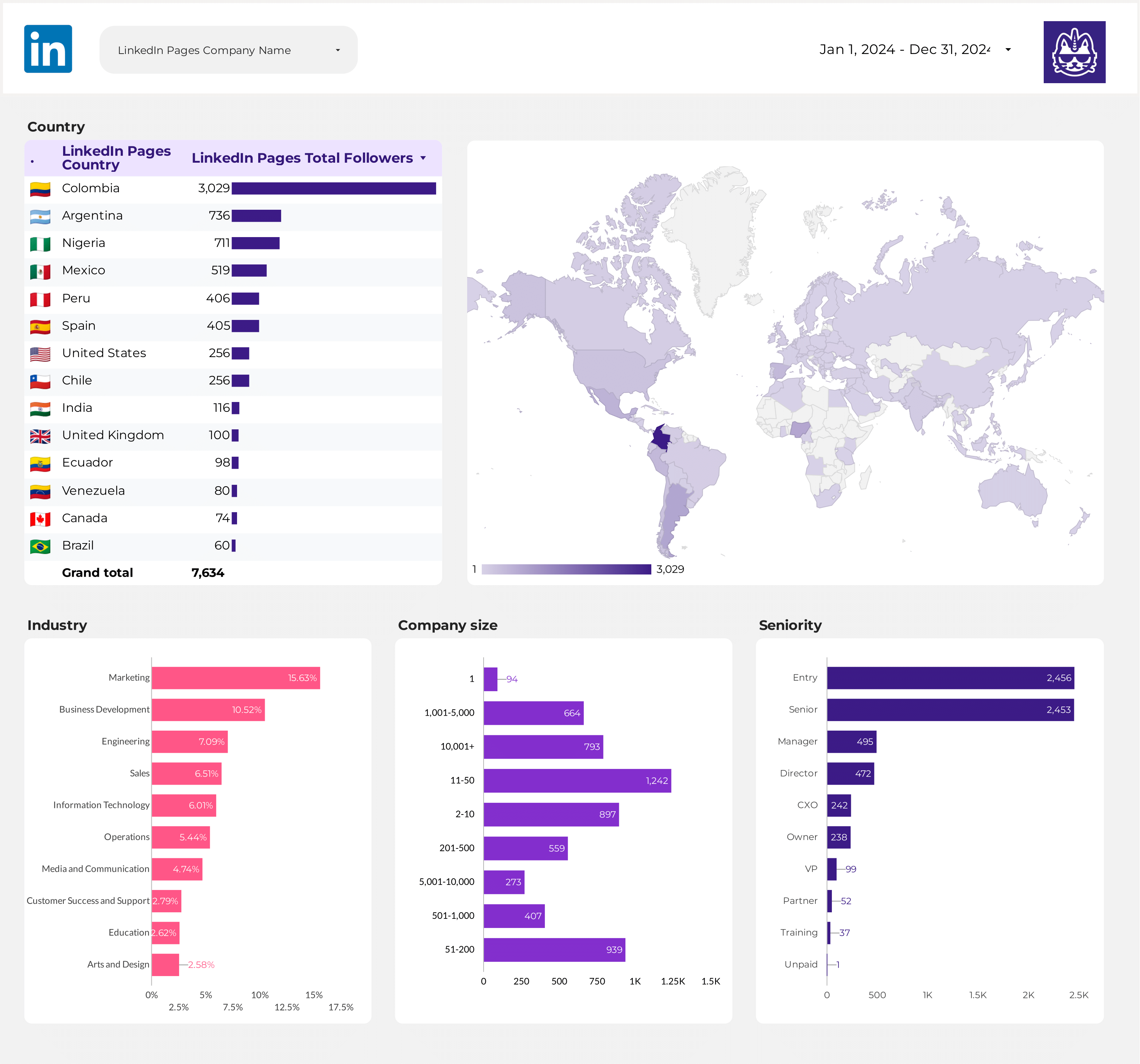
Leverage LinkedIn Pages Data Studio to track key metrics like CTR, conversion rate, and engagement. Analyze audience demographics and campaign objectives across channels.
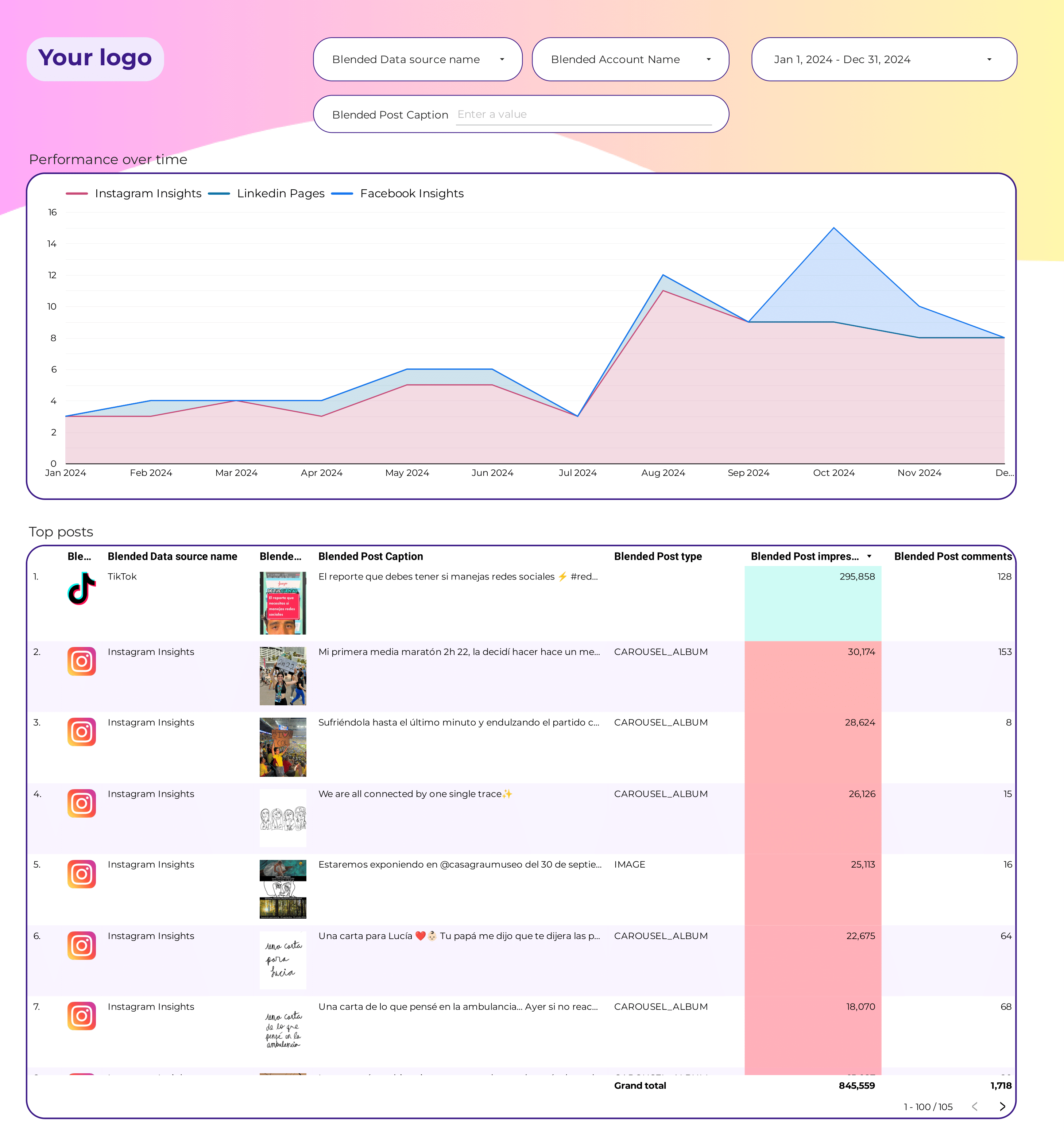
Social Media Engagement Data Studio empowers marketers to track key metrics like CTR, ROI, and conversion rates.
Blend Meta Ads and Google Ads in one view. Compare spend, CPA, ROAS, and conversions side by side. Spot which platform delivers better cost efficiency.
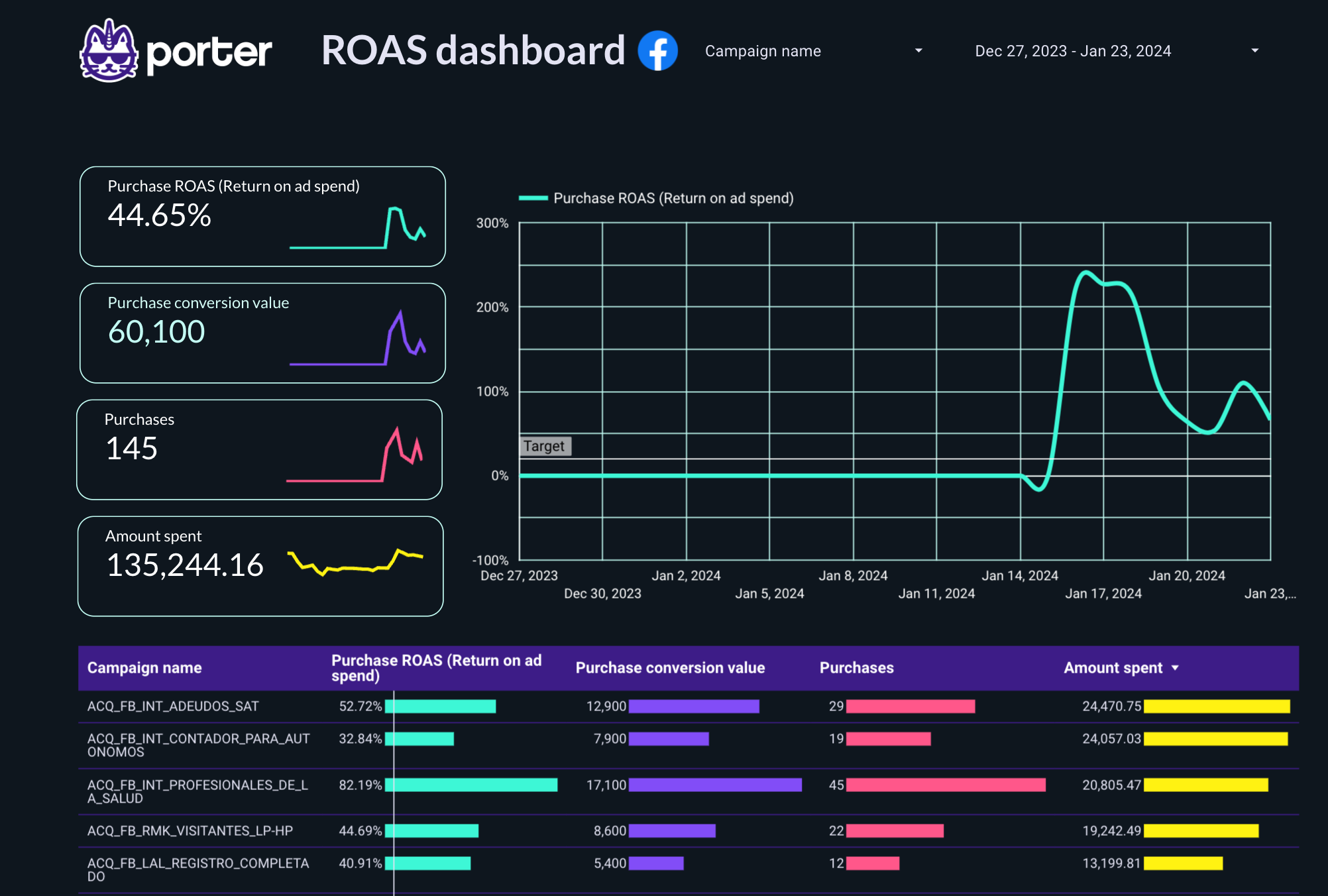
PPC ROAS Data Studio template helps track and analyze key metrics like CTR, CPA, and conversion rate. Segment by ad placement, audience, and time.
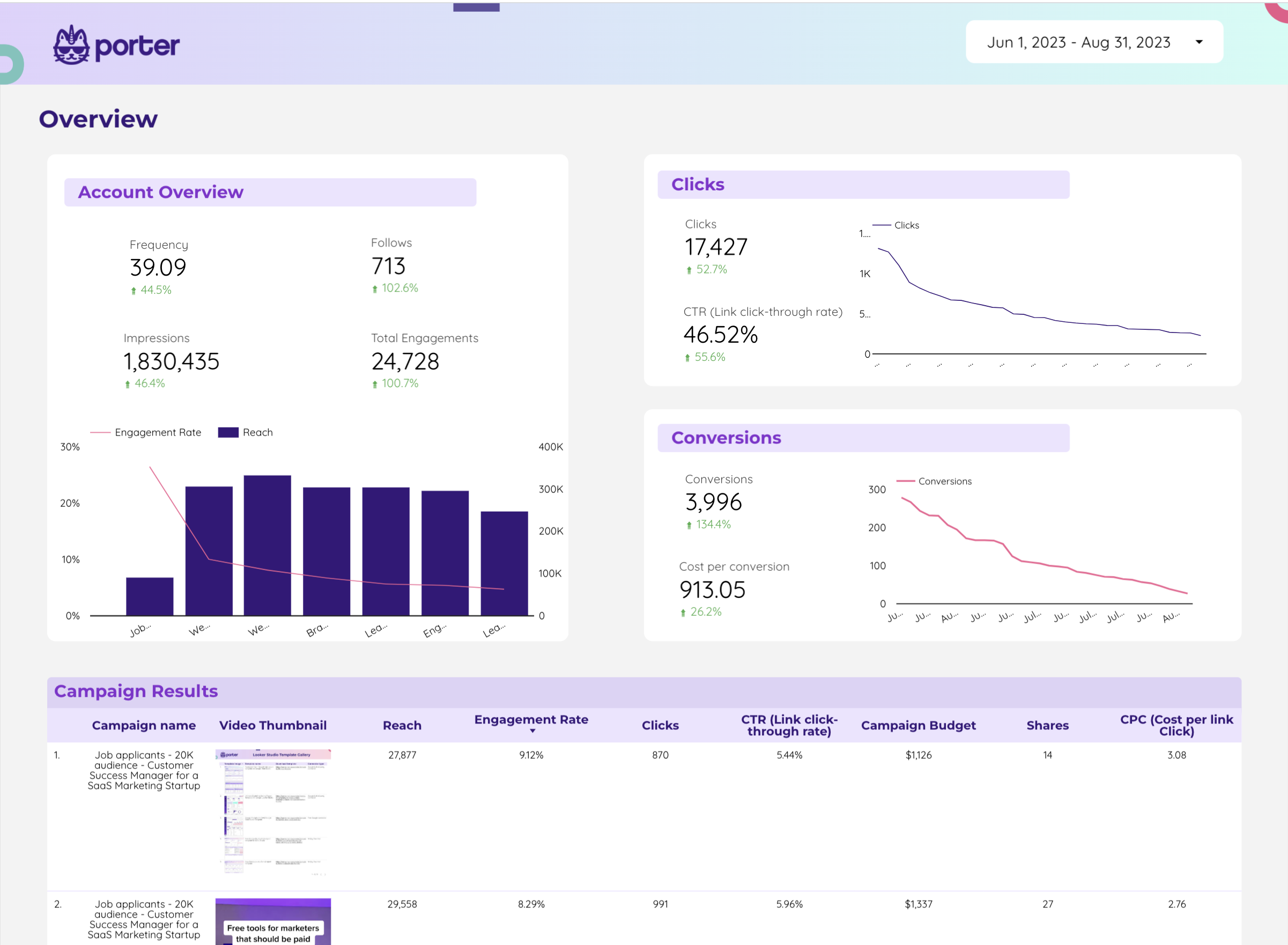
Monitor impressions, engagements, cost per engagement, and conversion events from X Ads. Compare campaign performance by objective and audience targeting.
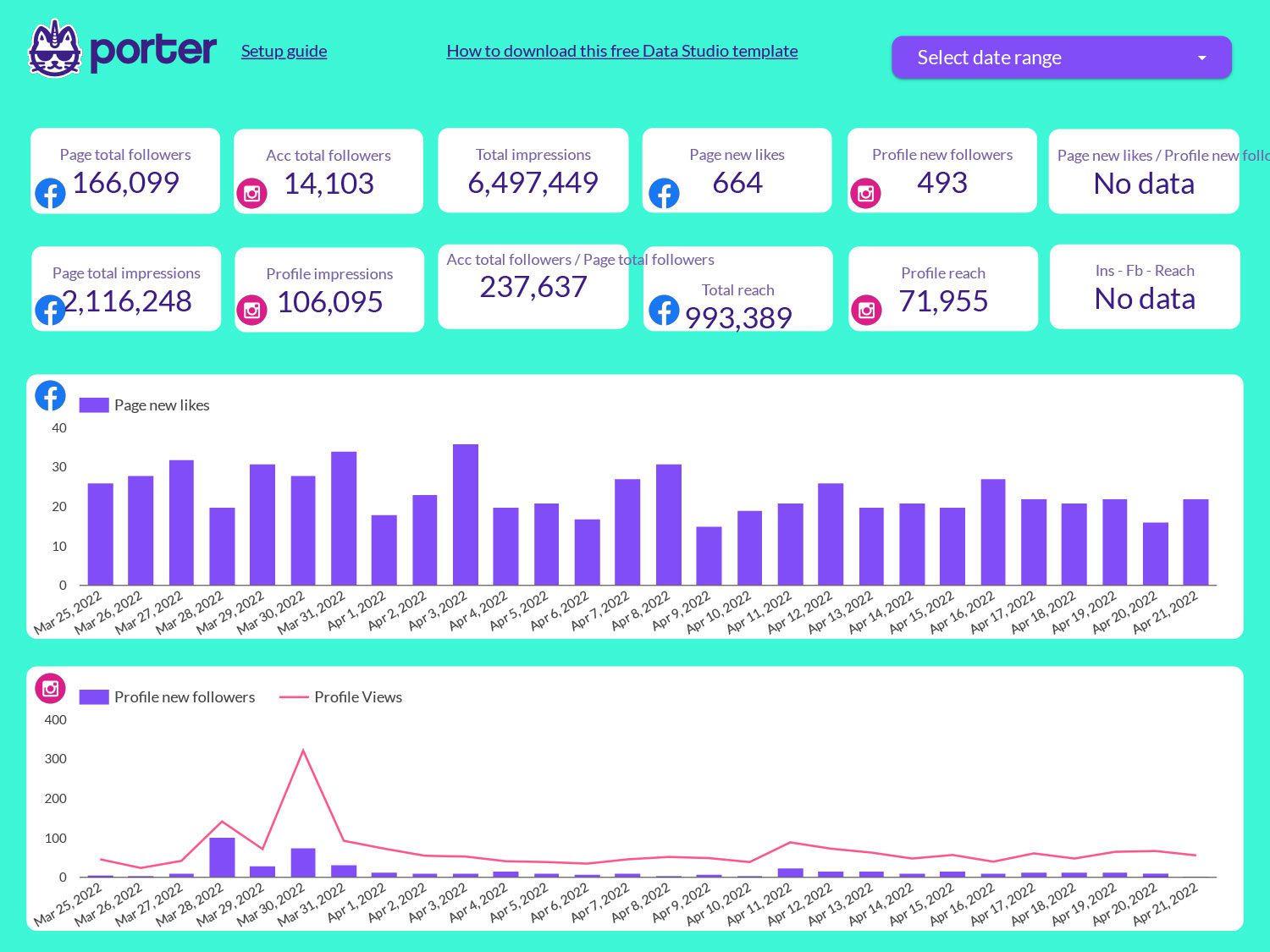
Combine Facebook and Instagram metrics in one dashboard. Compare reach, engagement rate, and follower trends across both Meta platforms.
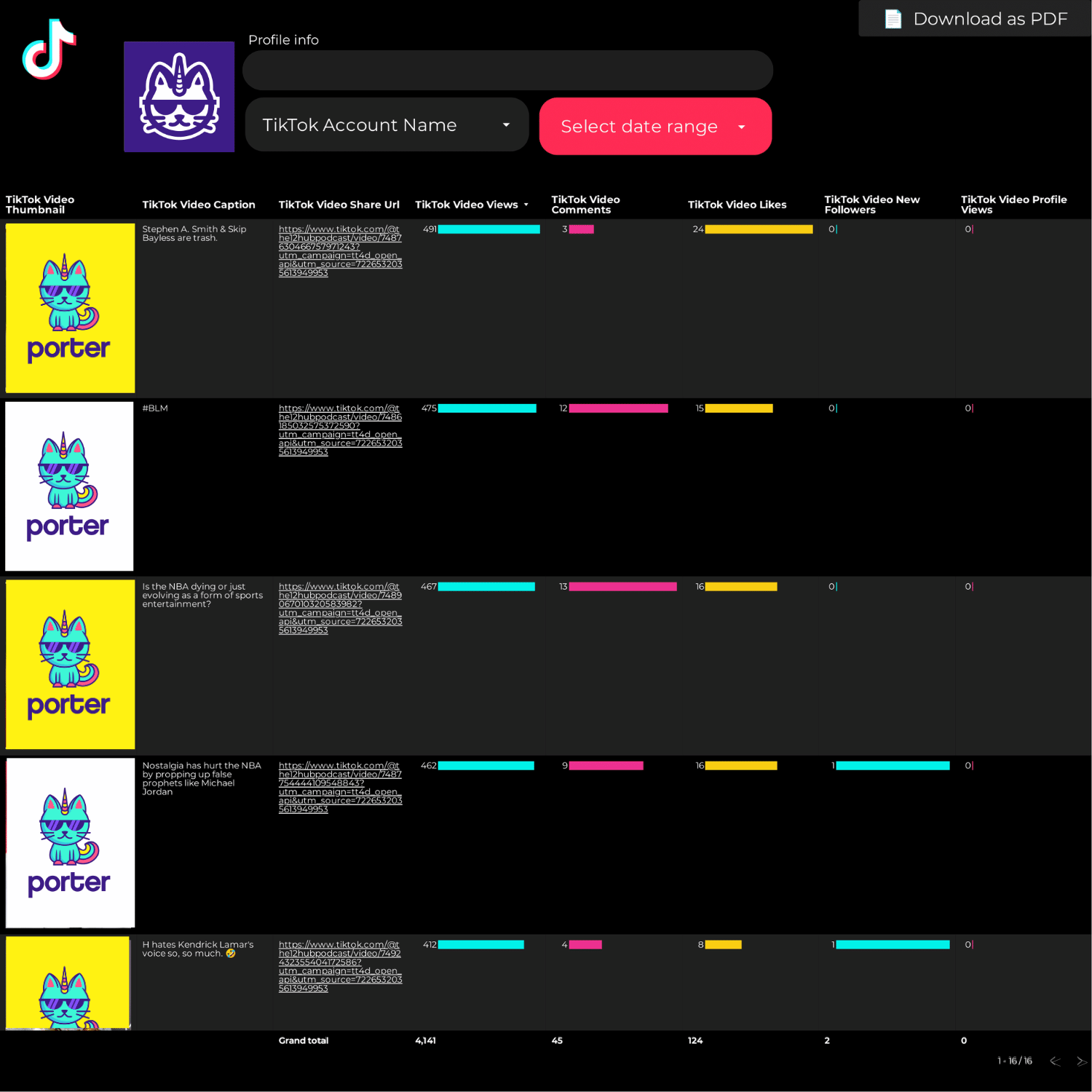
Track engagement rate, interactions, and reach across Instagram, Facebook, LinkedIn, and TikTok. Compare content types and posting times to maximize engagement.
Watch how to connect your data and start using a template in under 5 minutes:
Full tutorial: How to copy a Data Studio report template
Full tutorial: How to connect data sources to Data Studio
Each template is designed around specific metrics organized by the SUMAS framework — so instead of generic charts, you get the exact KPIs that matter for your role:
Add your logo, brand colors, and custom fonts. Remove all Porter branding. Present reports to clients and stakeholders as your own work.
Once connected, your reports update automatically — no manual exports. Schedule PDF delivery daily, weekly, or monthly directly from Data Studio.
Connect Meta Ads, Google Ads, Instagram, Shopify, HubSpot, LinkedIn Ads, TikTok, Klaviyo, Google Analytics 4, Search Console, and more — all through Porter connectors.
Edit any chart, metric, or dimension. Add date range filters, comparison periods, calculated fields, and custom visualizations.
Watch step-by-step walkthroughs for connecting each data source to Google Data Studio using Porter Metrics connectors:
Connect Meta Ads to Data Studio
Porter Metrics
Connect Google Analytics 4 to Data Studio
Porter Metrics
Connect HubSpot to Data Studio
Porter Metrics
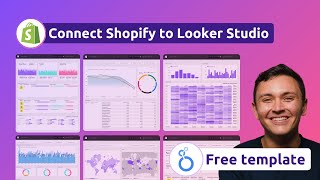
Connect Shopify to Data Studio
Porter Metrics
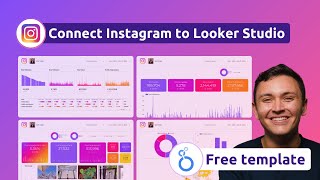
Connect Instagram to Data Studio
Porter Metrics
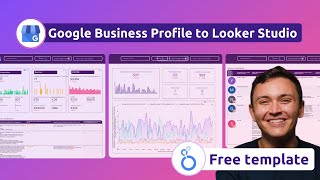
Connect Google Business Profile to Data Studio
Porter Metrics
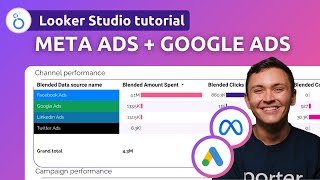
Connect Meta Ads + Google Ads to Data Studio
Porter Metrics
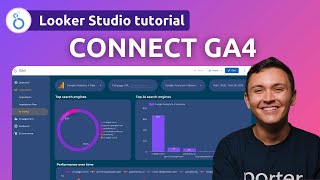
Connect Google Analytics 4 to Data Studio (2026)
Porter Metrics
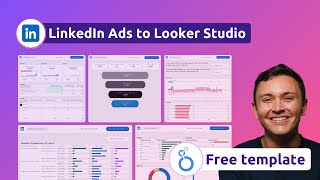
Connect LinkedIn Ads to Data Studio
Porter Metrics

Connect TikTok to Data Studio
Porter Metrics
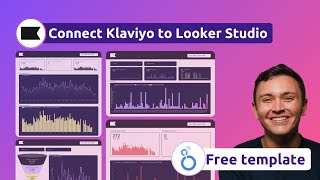
Connect Klaviyo to Data Studio
Porter Metrics
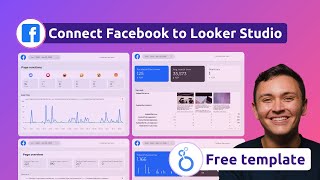
Connect Facebook Pages to Data Studio
Porter Metrics
Data Studio FREE complete tutorial (2026)
Porter Metrics
How to connect data to Data Studio
Porter Metrics
How to add multiple data sources
Porter Metrics
How to share Data Studio reports
Porter Metrics
How to design and customize reports
Porter Metrics
More tutorials: Complete Google Data Studio tutorial hub — covers report creation, design customization, regex formulas, and sharing reports.
Google Data Studio is a free data visualization and reporting tool by Google. It lets you create interactive dashboards by connecting to sources like Google Analytics, Google Ads, BigQuery, Google Sheets, and third-party platforms through connectors like Porter Metrics.
The product launched as Google Data Studio in 2016, was rebranded to Google Data Studio in October 2022, and on April 13, 2026, Google announced it would return to the Google Data Studio name. All templates work the same regardless of which name you know it by.
Yes. Google Data Studio is completely free — unlimited reports, unlimited pages, unlimited sharing. There’s no paid tier of Data Studio itself.
For connecting third-party data (Meta Ads, Instagram, Shopify, HubSpot), you need a connector. Porter Metrics offers a 14-day unlimited free trial followed by a Free Forever plan (3 accounts, 30 days of data). Both the templates and the data connection can be used at no cost. See pricing details.
Yes, 100% free. Every Data Studio template on this page is free to copy, use, and customize — no credit card required.
The data connectors are also free to start. Here’s how it works:
See full plan details: Porter Metrics pricing.
Open the template link, click the three-dot menu (⋮) in the top-right corner, then select “Make a copy.” Choose your data sources and click “Copy Report.” The new copy is fully yours to edit. Full walkthrough: How to copy a Data Studio template.
When you make a copy, Data Studio prompts you to select data sources. For Google products (Analytics, Ads, Sheets), select your account directly. For third-party platforms, add a Porter Metrics connector, authorize your account, and the data flows in automatically. The whole process takes under 5 minutes.
Yes. Once connected, Data Studio pulls fresh data from your sources automatically — no manual exports or copy-pasting. You can also schedule automated PDF reports by email on a daily, weekly, or monthly basis. Learn more: How to share Data Studio reports.
Absolutely. After copying, you own the report. Change charts and visualizations, add or remove metrics, modify colors and fonts, add your logo, create new pages, and build calculated fields for custom KPIs like blended ROAS or cost per qualified lead.
Yes. Data Studio supports multiple sharing options: share a live dashboard link (view-only or edit access), schedule automated PDF delivery, embed dashboards in a website, or download as PDF. For agencies, Porter templates are fully white-label — present reports under your own brand.
Data Studio natively connects to Google products: Analytics 4, Ads, Search Console, Sheets, BigQuery. With Porter Metrics connectors, you add: Meta Ads, Instagram, Facebook Pages, HubSpot, Shopify, LinkedIn Ads, TikTok, Klaviyo, ActiveCampaign, Amazon Seller Central, Google Business Profile, and 20+ more. See all connectors: Porter Metrics connectors.
Yes — that’s exactly why templates exist. Instead of building a dashboard from scratch, you start with a pre-built report that already has the right metrics and layout for your use case. Just connect your data and customize. If you want to learn more, check our complete Data Studio tutorial.
No. Data Studio is a drag-and-drop tool — no SQL, Python, or code needed. You connect data sources by clicking, build charts by dragging fields, and share reports with a link. For advanced users, it supports calculated fields and regex formulas, but they’re optional.
Common causes: too many data sources in one report, large date ranges, complex calculated fields, or heavy use of community connectors. Read our guide: 6 ways to make your Data Studio reports load faster.
Most template providers give you a layout and expect you to figure out the data. Porter Metrics is different because it gives you both the templates and the data connectors in one platform:
Read the full breakdown: Porter Metrics overview — features, pricing, and how it compares.




