




Best Free Omni-channel Marketing Report Templates for Data Studio (2026)
Free omni-channel marketing report templates for Data Studio. Unify all marketing channels in one dashboard for a complete performance view.
Conecta tus datos gratis →Última actualización: Abril 2026
Browse 29 Omni-channel Marketing Report Templates for Data Studio
Choose from our library of free, white-label omni-channel marketing templates. Cada plantilla mide el embudo completo: visibilidad (impresiones, alcance), engagement (CTR, interacciones) y conversión (leads, ingresos). Organizadas siguiendo el SUMAS framework con segmentación por canal, campaña, audiencia y período.
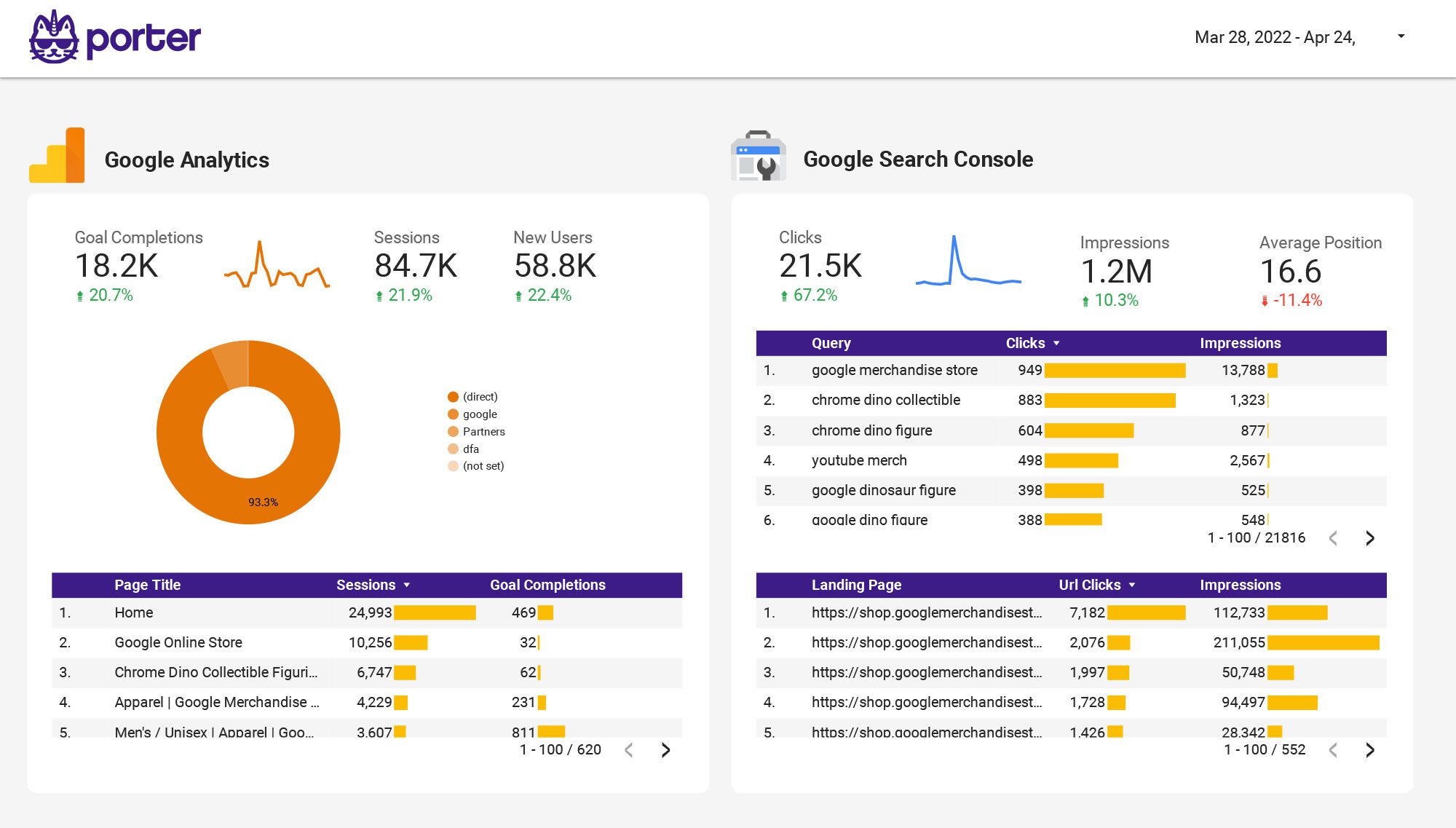
Multi-channel Marketing performance Report template for Data Studio by Porter
Mide impressions across channels → CTR by channel, engagement rate → cross-channel conversions, ROI. Segmenta por channel, campaign, date.

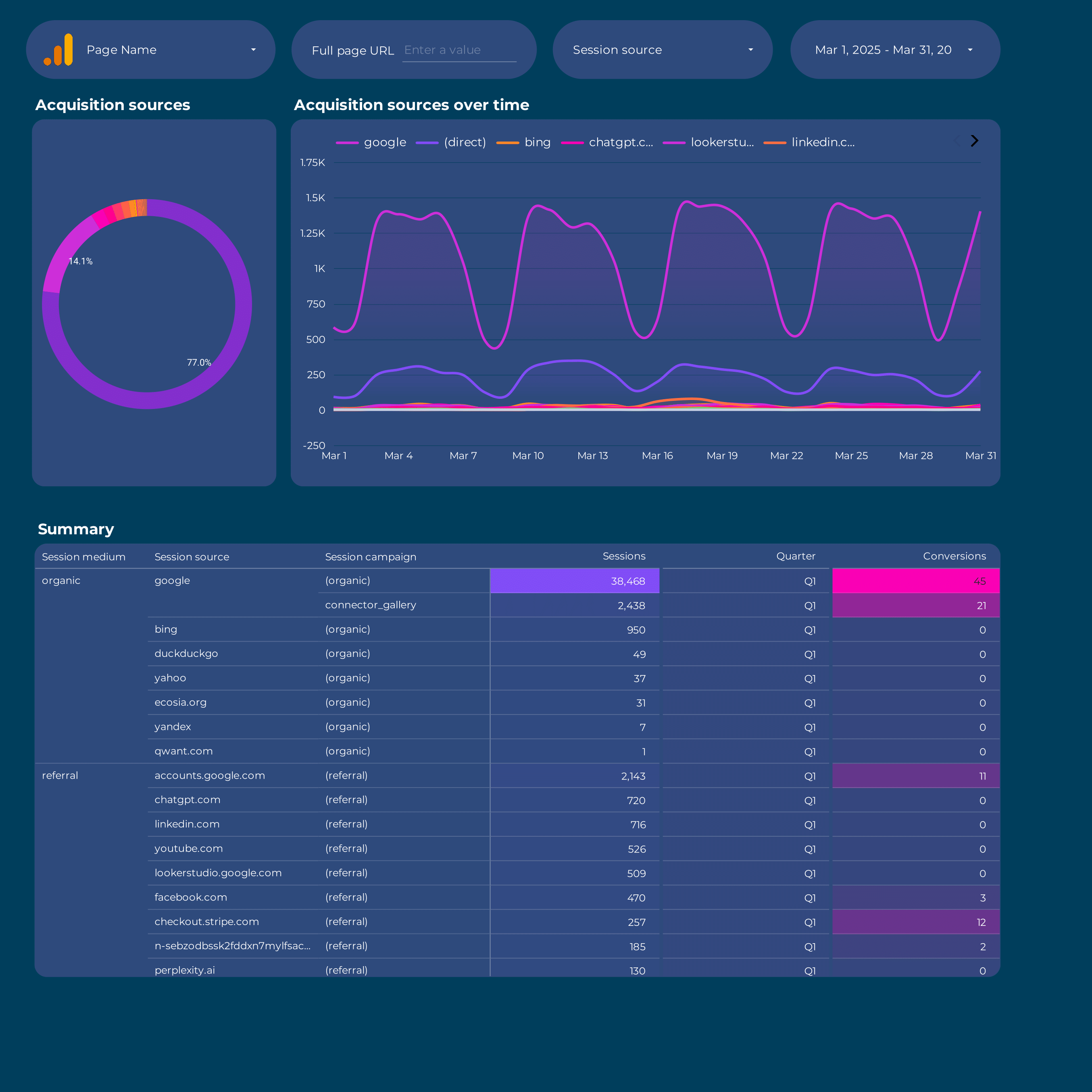
Google Analytics 4 acquisition Report template for Data Studio by Porter
Mide sessions, new users by source → engagement rate, events/session → conversions by channel, revenue. Segmenta por source/medium, campaign, landing page.
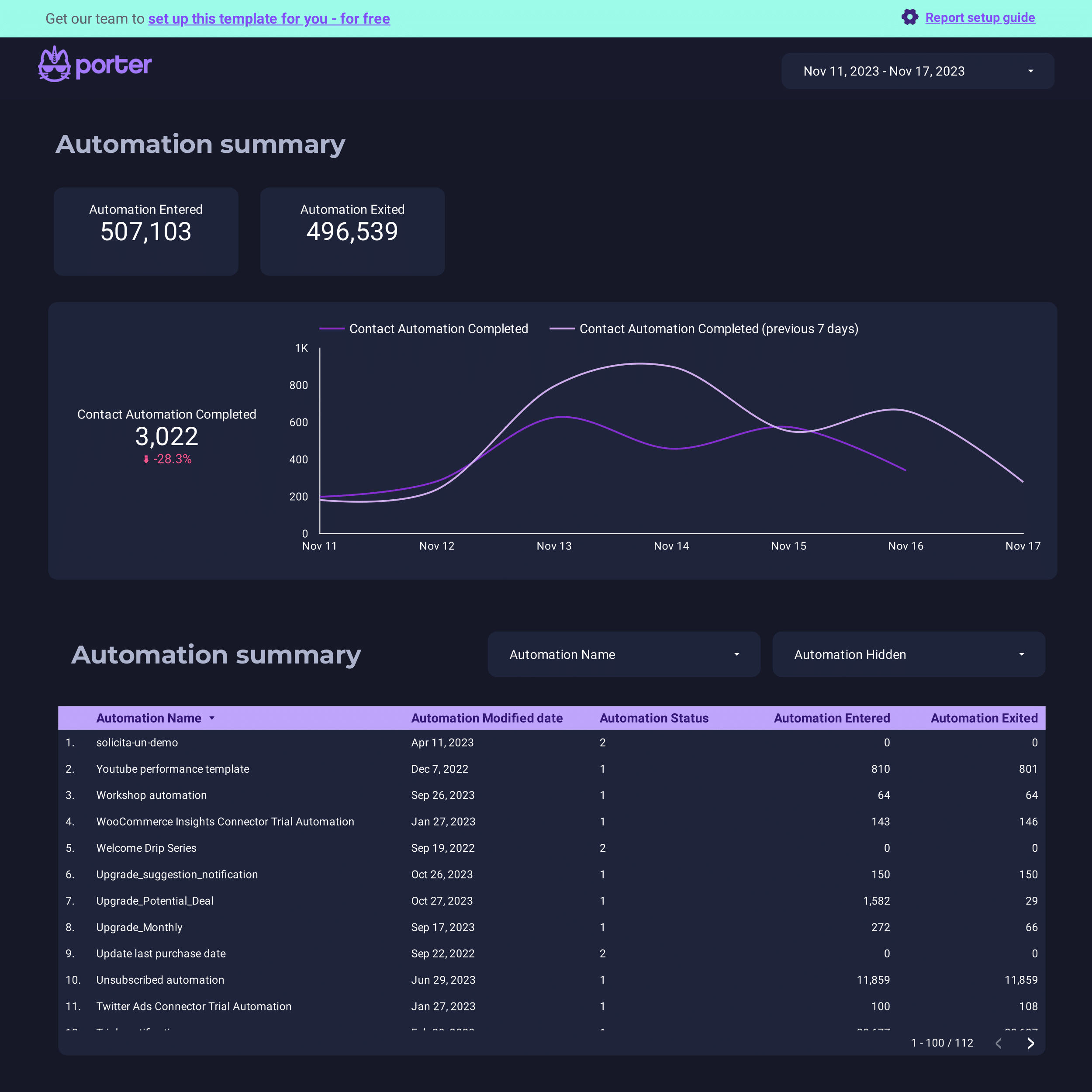
ActiveCampaign Report template for Data Studio by Porter
Mide contacts, email deliverability → open rate, click rate → conversion events, deals. Segmenta por automation, list, campaign.
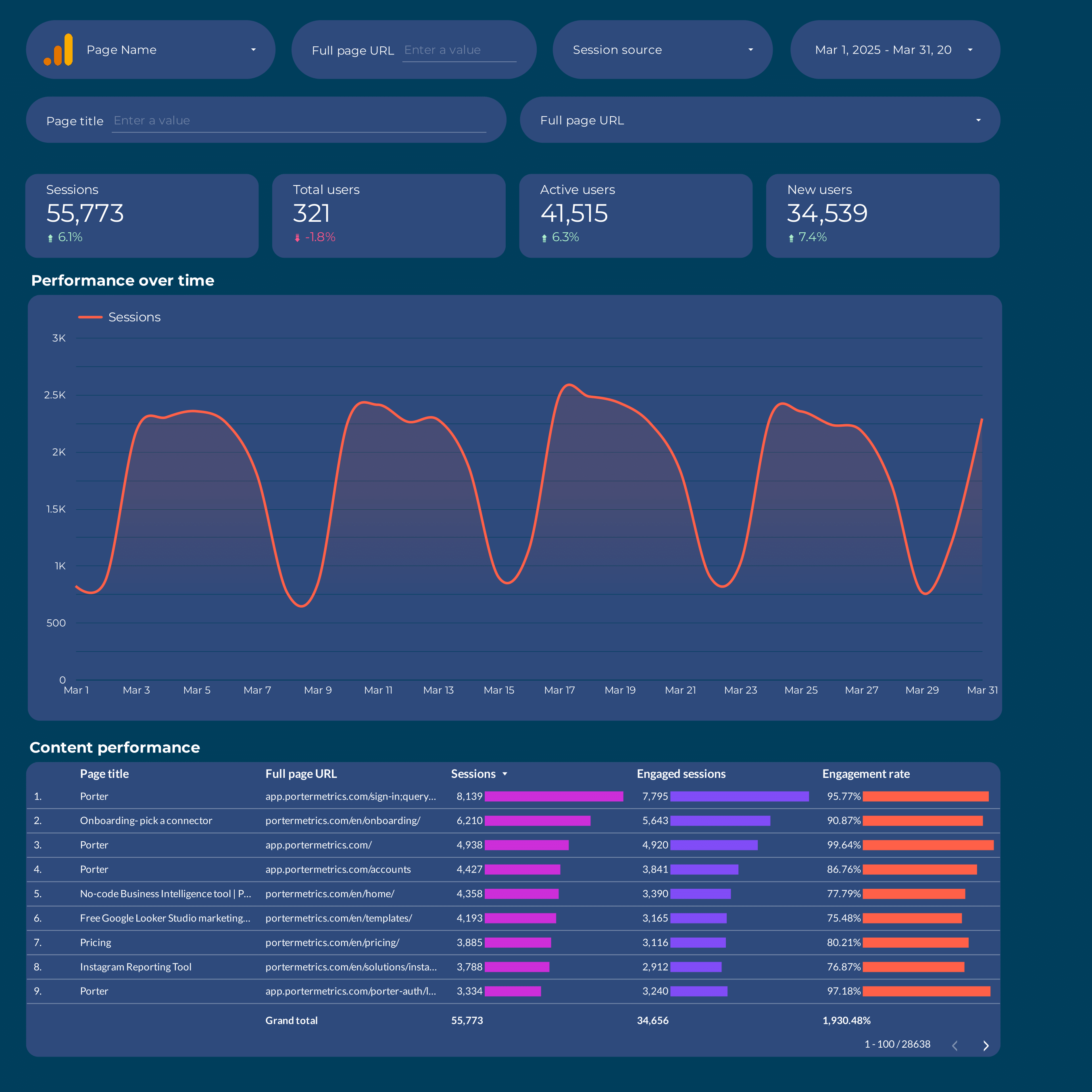
Content marketing Report template for Data Studio by Porter
Mide page views, organic impressions → time on page, scroll depth, shares → content conversions, lead captures. Segmenta por content type, topic, channel.
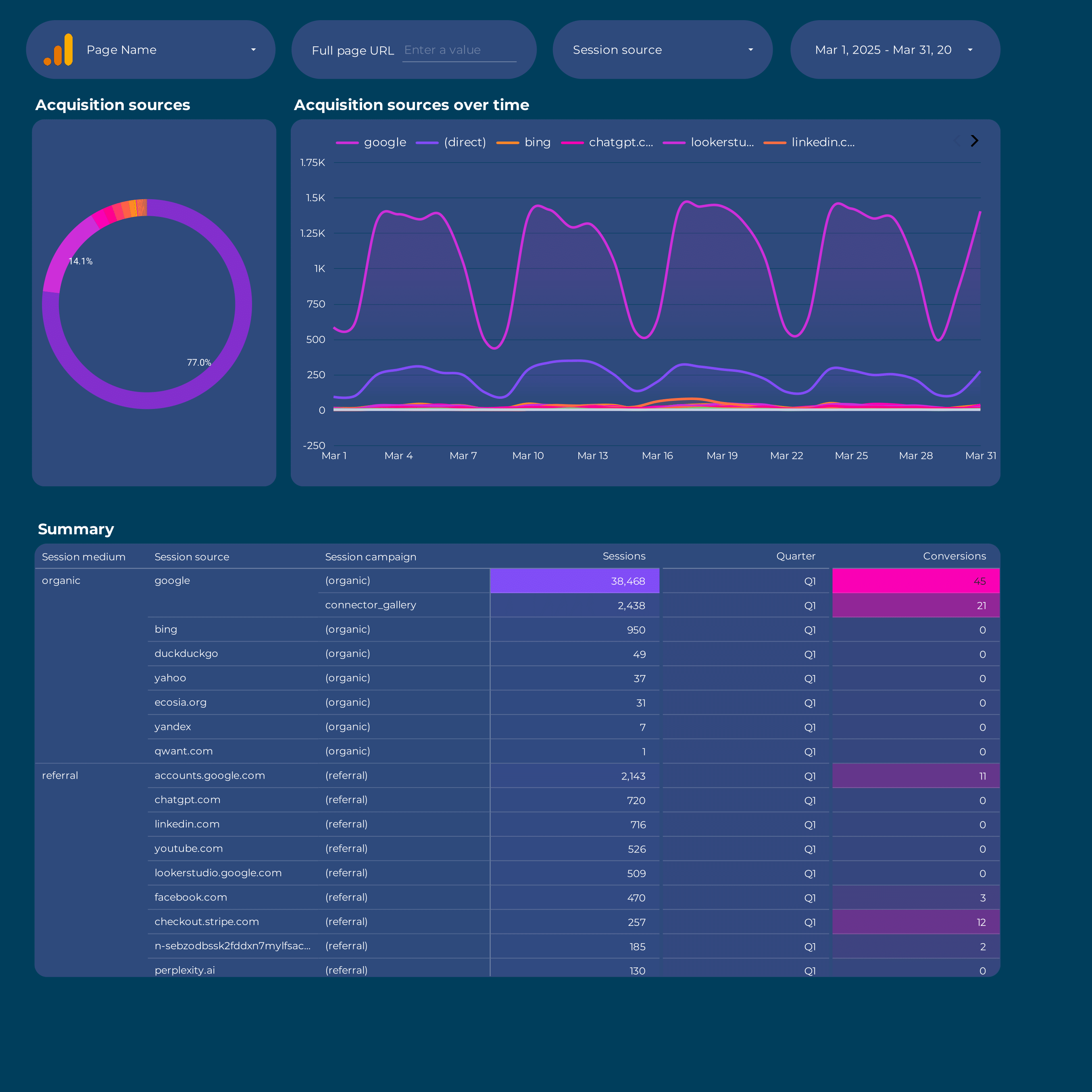
Acquisition Report template for Data Studio by Porter
Mide sessions, new users by source → engagement rate, events/session → conversions by channel, revenue. Segmenta por source/medium, campaign, landing page.
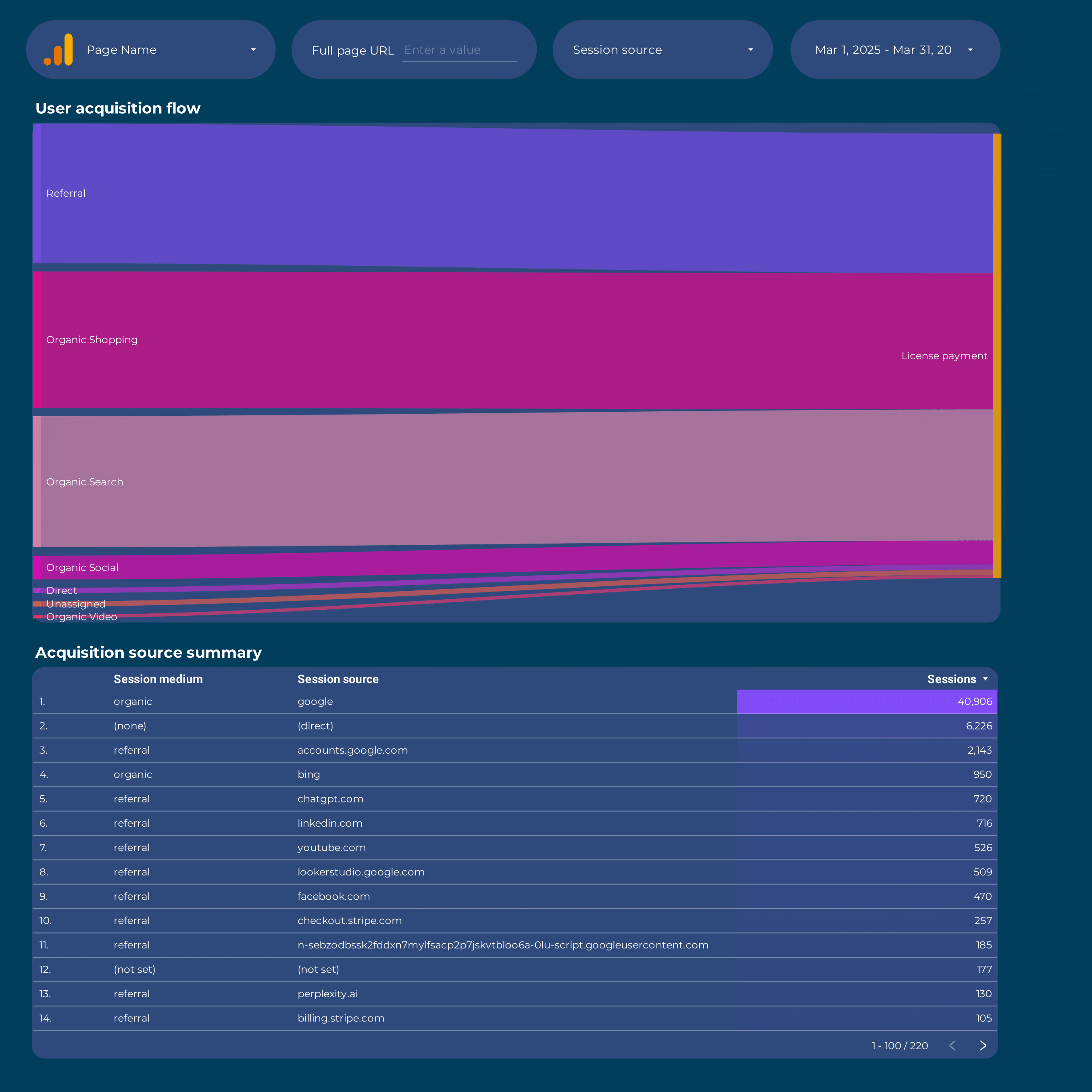
Google Analytics 4 Attribution Report template for Data Studio by Porter
Mide touchpoints, assisted interactions → path length, time to conversion → attributed conversions by model. Segmenta por channel, model type.
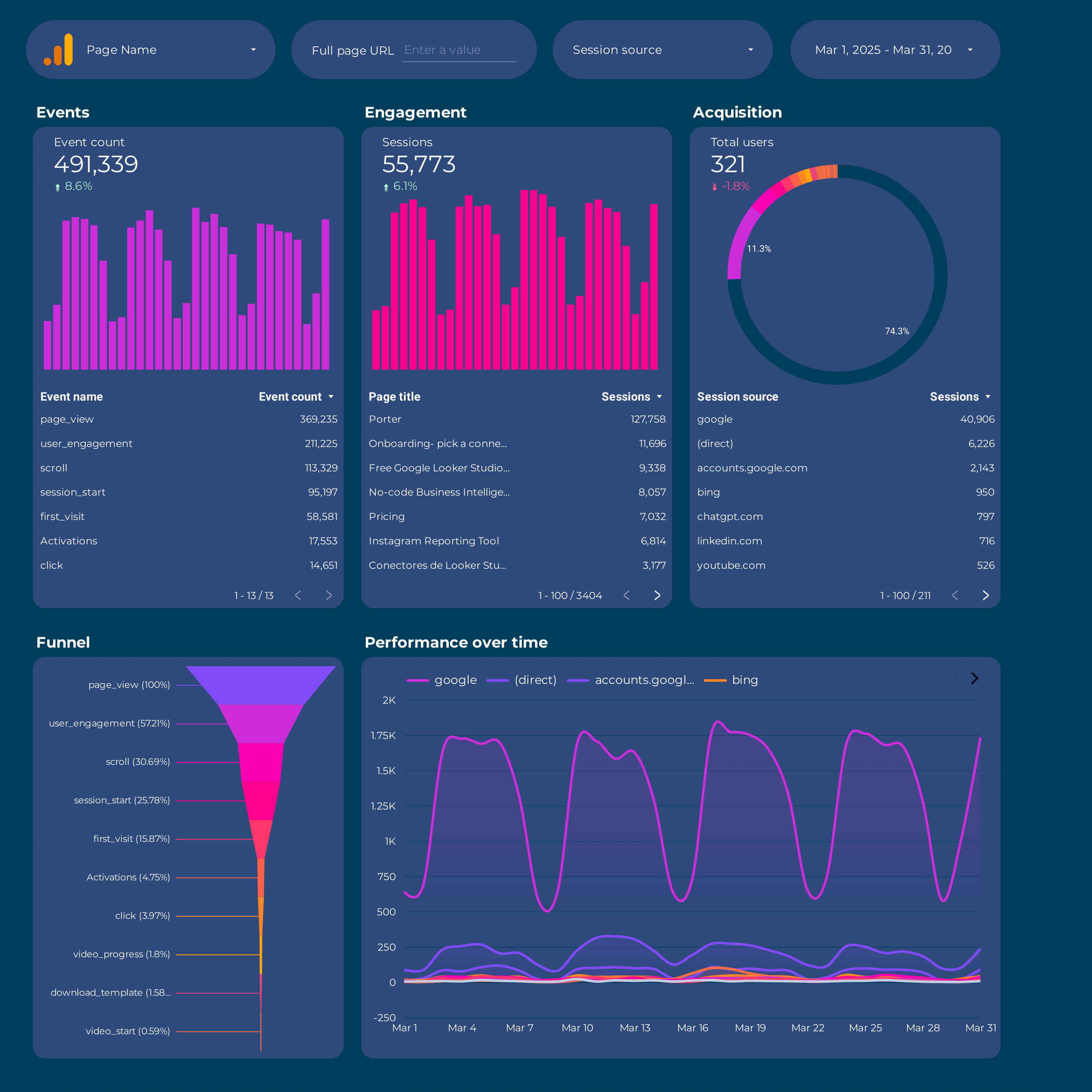
Google Analytics 4 Report template for Data Studio by Porter
Mide sessions, new users by source → engagement rate, events/session → conversions by channel, revenue. Segmenta por source/medium, campaign, landing page.
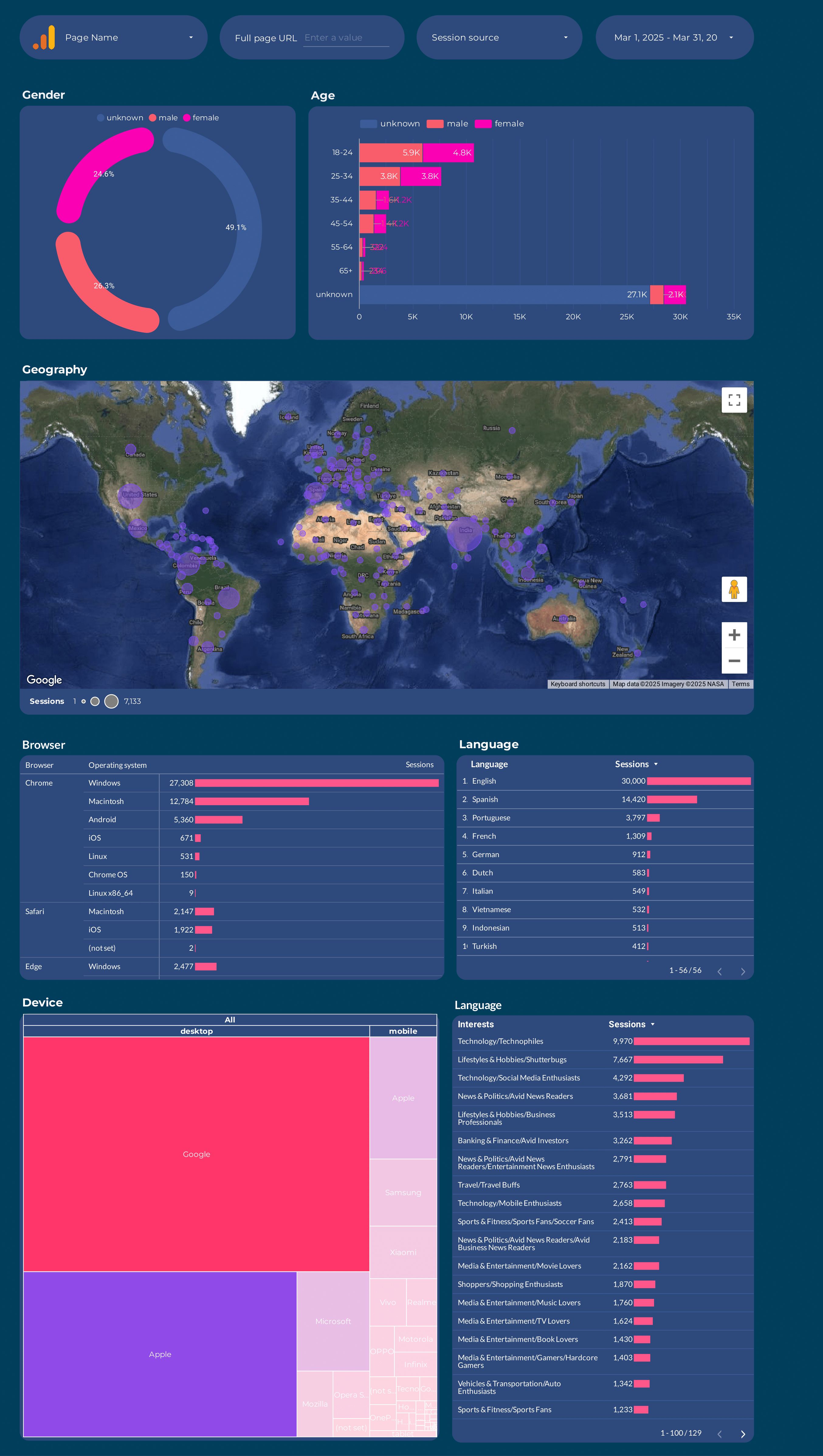
Google Analytics 4 Audience Report template for Data Studio by Porter
Mide users, new vs returning → session duration, pages/session → conversion rate by segment. Segmenta por age, gender, interests, geography.
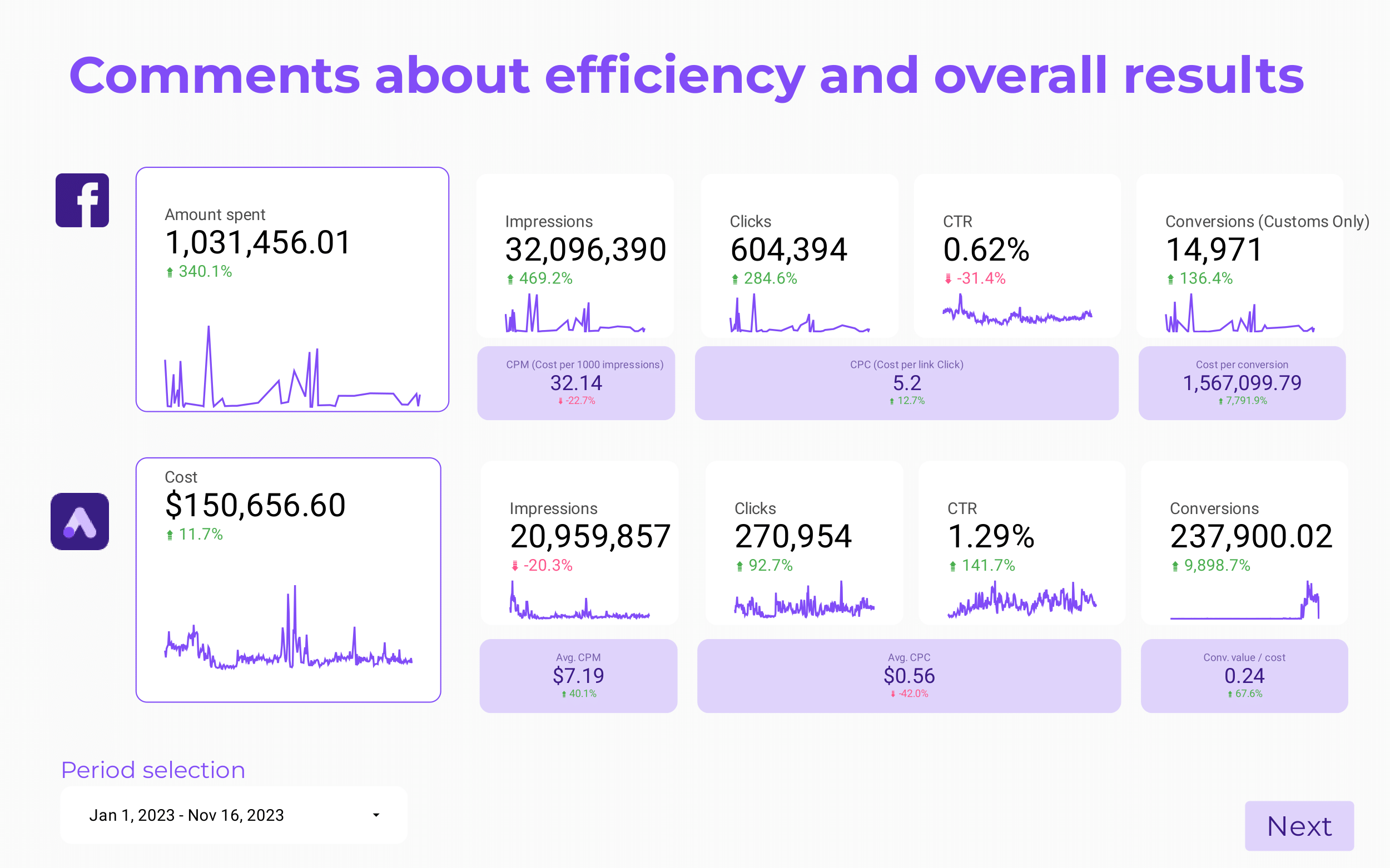
Paid media Client presentation Report template for Data Studio by Porter
Mide client reach, impressions → CTR, engagement by platform → client ROAS, CPA, goals. Segmenta por client, platform, campaign.
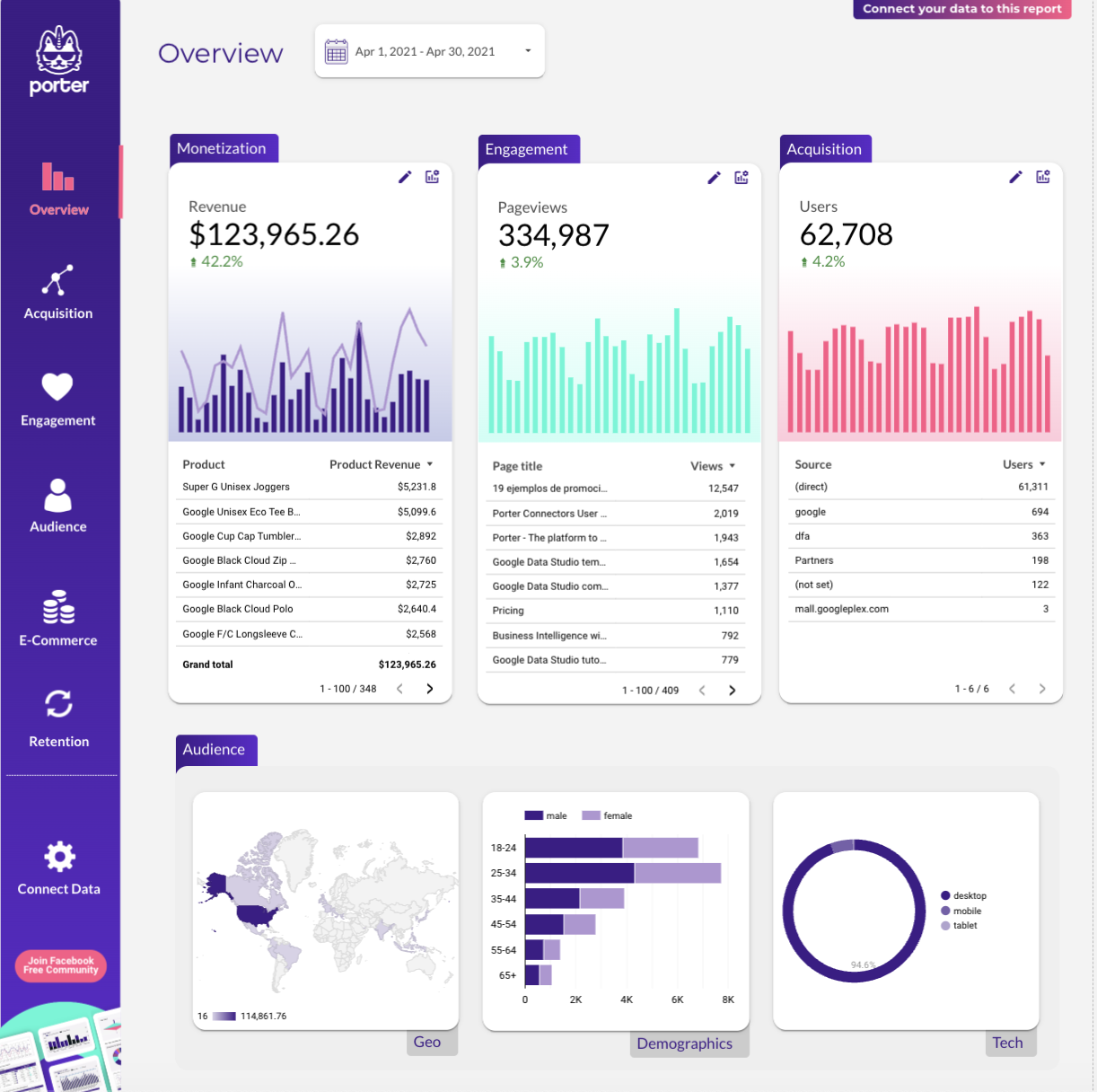
Website Report template for Data Studio by Porter
Mide sessions, visitors, traffic sources → bounce rate, pages/session, duration → form submissions, purchases. Segmenta por landing page, source, device.
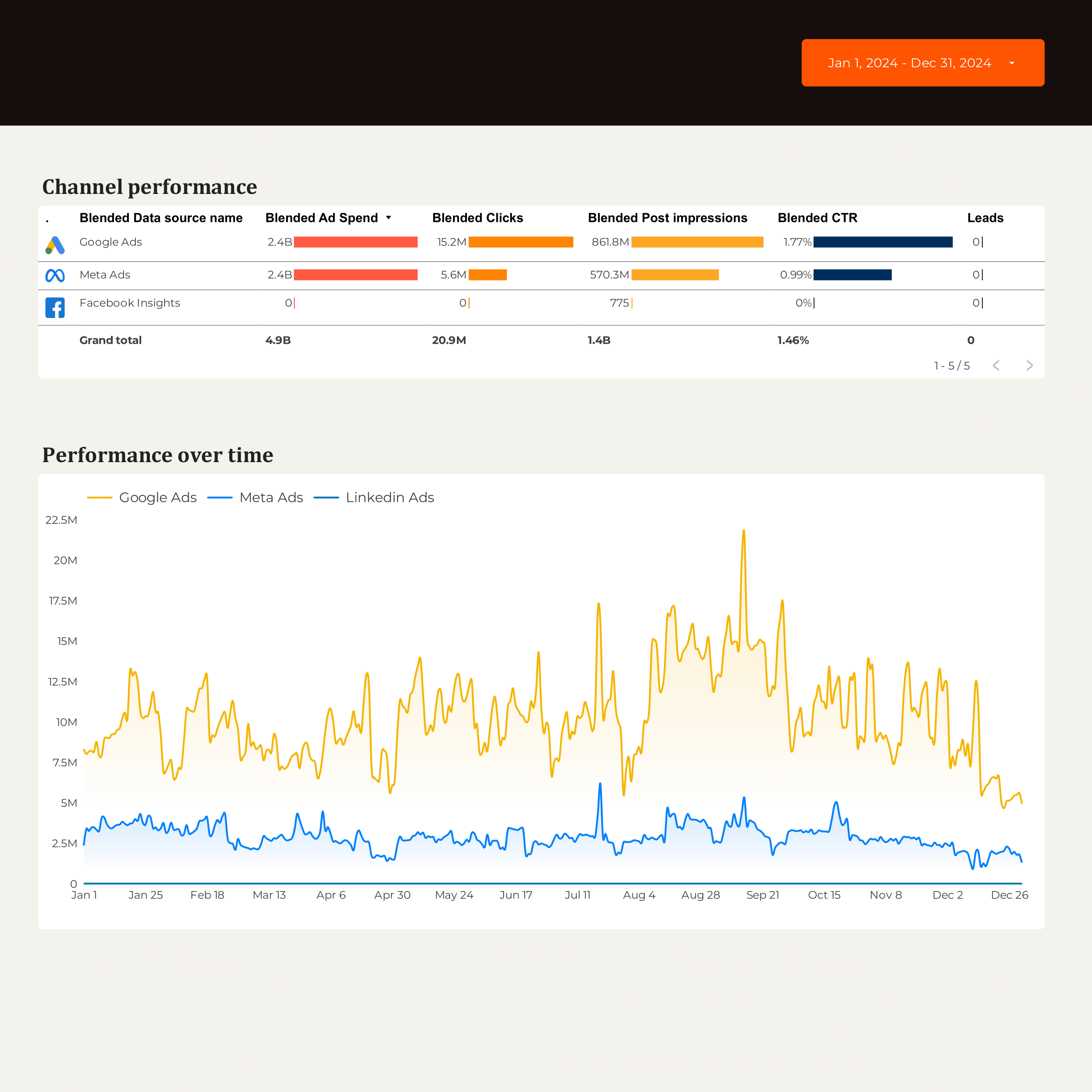
B2B Marketing performance Report template for Data Studio by Porter
Mide account reach, impressions → engagement by account → MQLs, SQLs, pipeline contribution. Segmenta por account, campaign, stage.
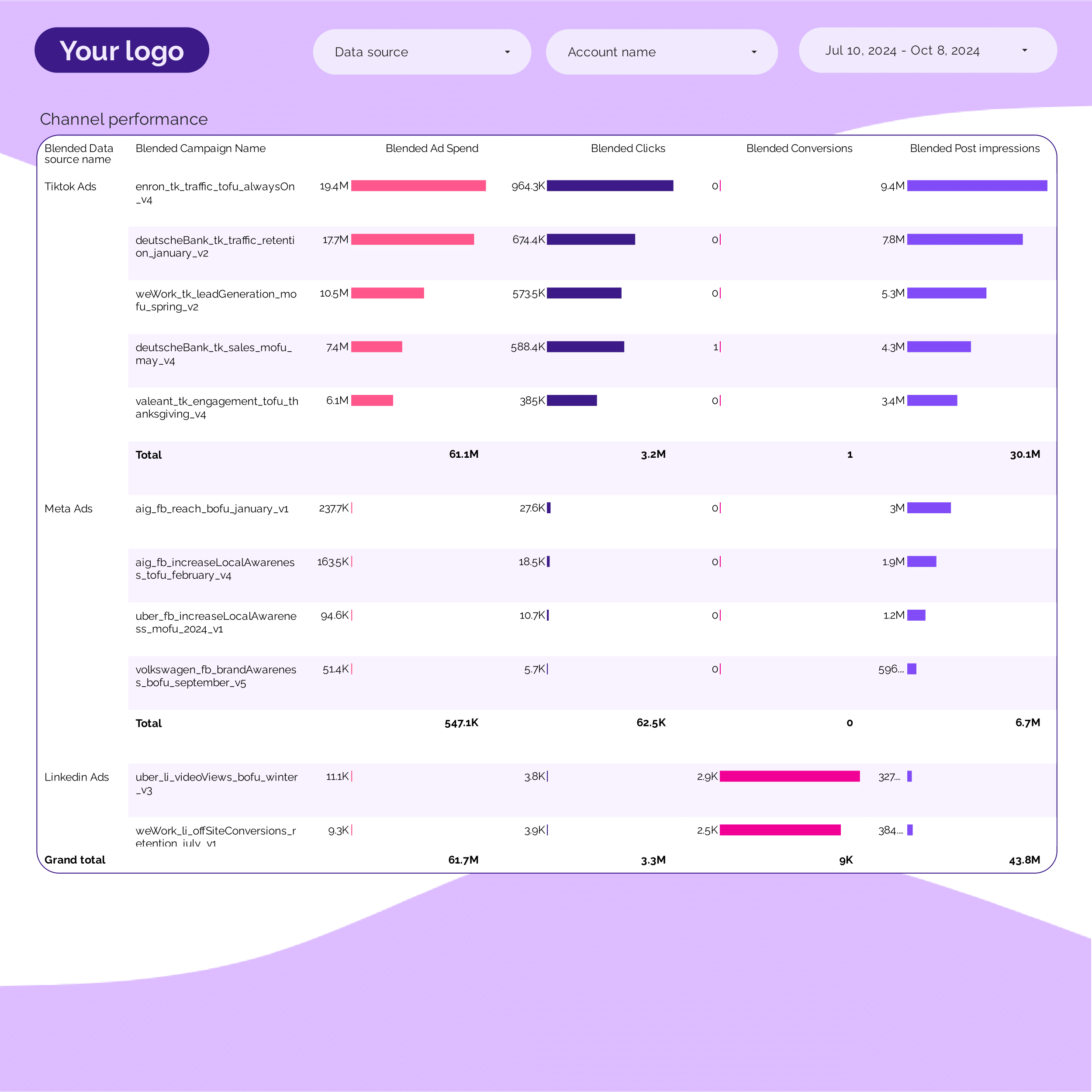
PPC Campaign performance Report template for Data Studio by Porter
Mide campaign impressions, SOV → CTR, CPC per campaign → ROAS, conversions per campaign. Segmenta por campaign, ad group, date.
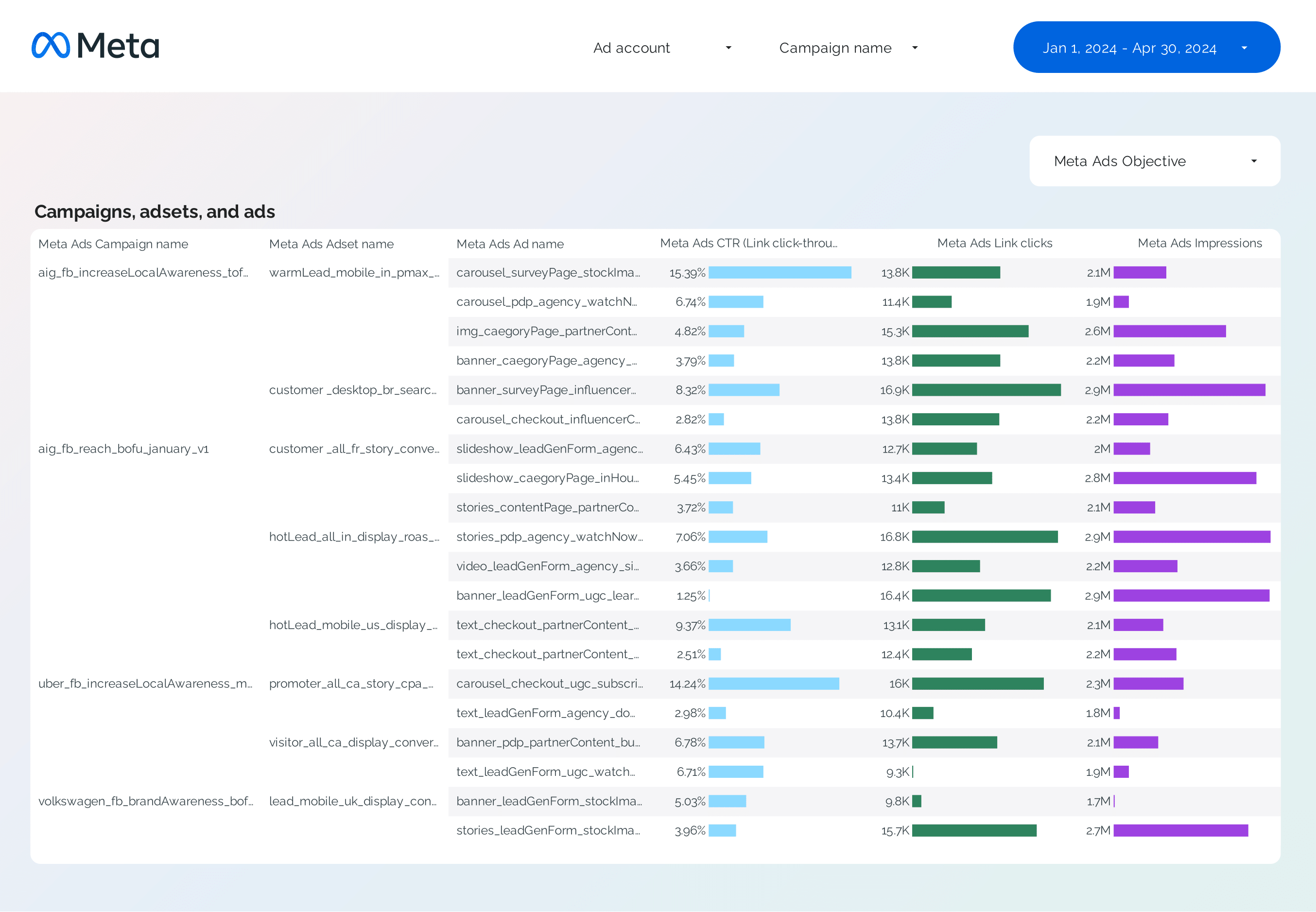
Facebook Ads Campaign performance Report template for Data Studio by Porter
Mide campaign reach, impressions → CTR, CPC by campaign → ROAS, CPA per campaign. Segmenta por campaign, objective, audience.
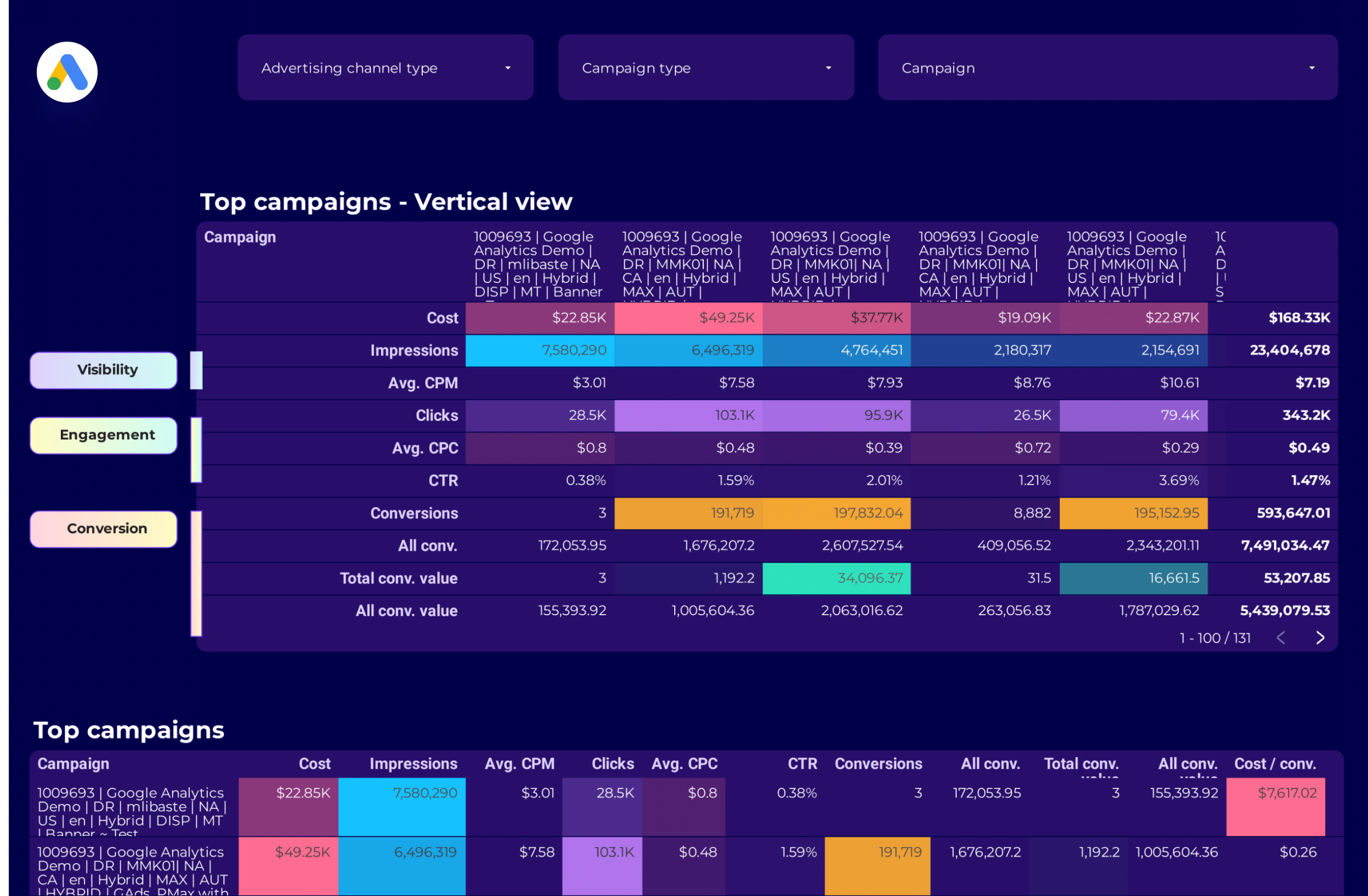
Google Ads Campaign performance Report template for Data Studio by Porter
Mide campaign impressions, reach → CTR, CPC by campaign → ROAS, conversions per campaign. Segmenta por campaign, network, device.
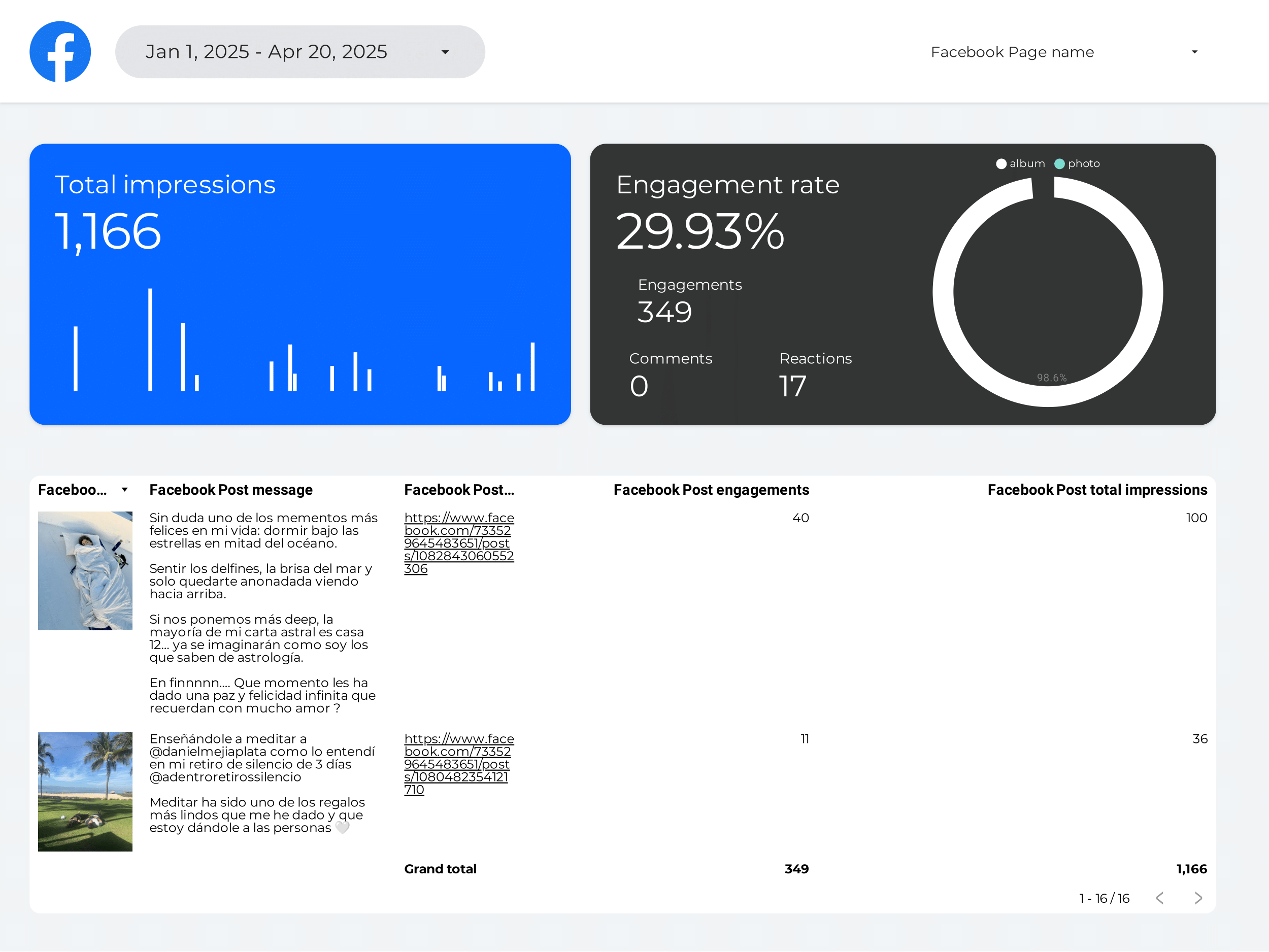
Creator marketing Report template for Data Studio by Porter
Mide creator reach, impressions → engagement per creator, saves → conversions per creator, ROI. Segmenta por creator, platform.
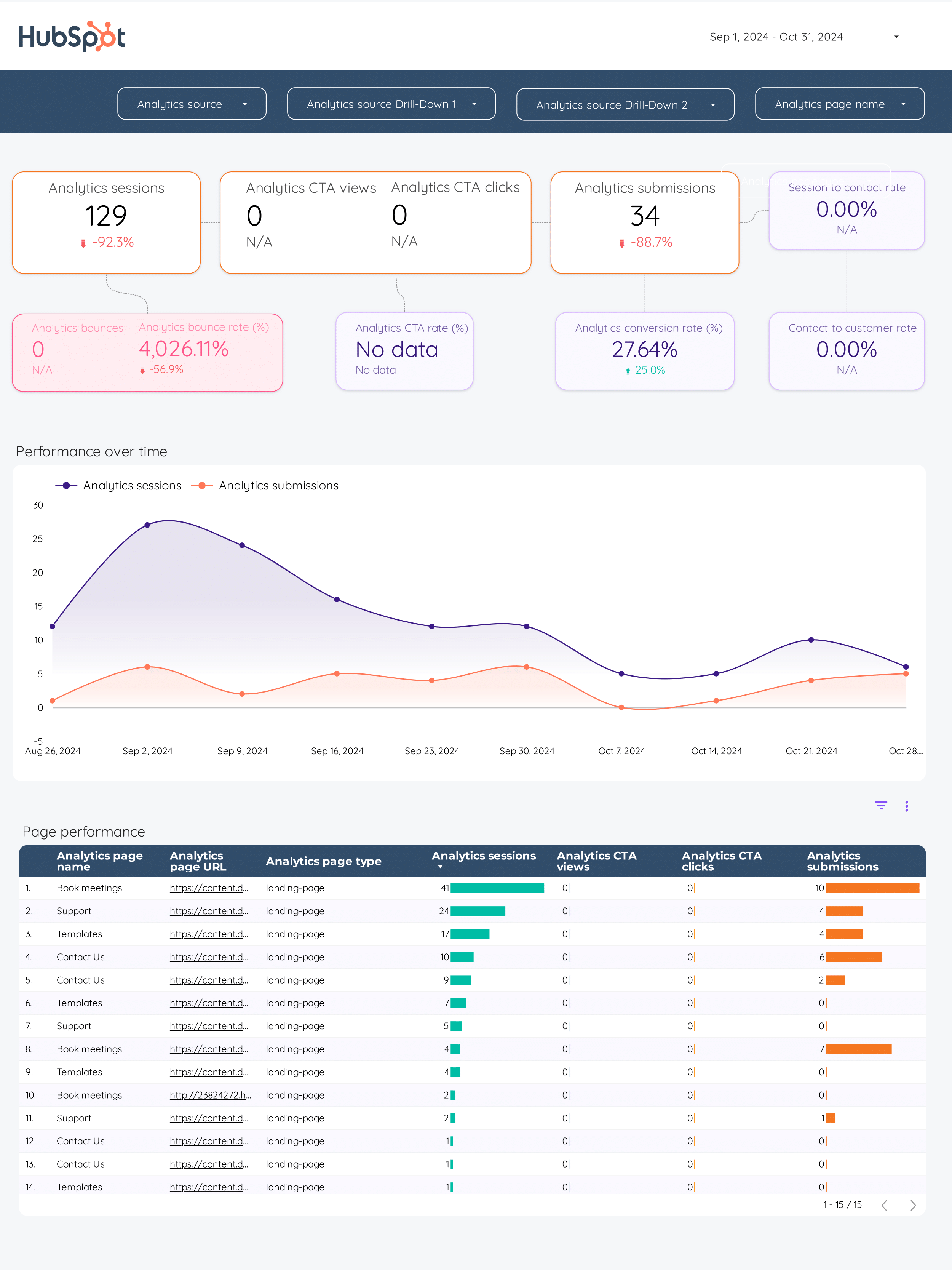
Inbound marketing Report template for Data Studio by Porter
Mide blog traffic, social reach → content downloads, form views → MQLs, SQLs, pipeline generated. Segmenta por content asset, channel, stage.
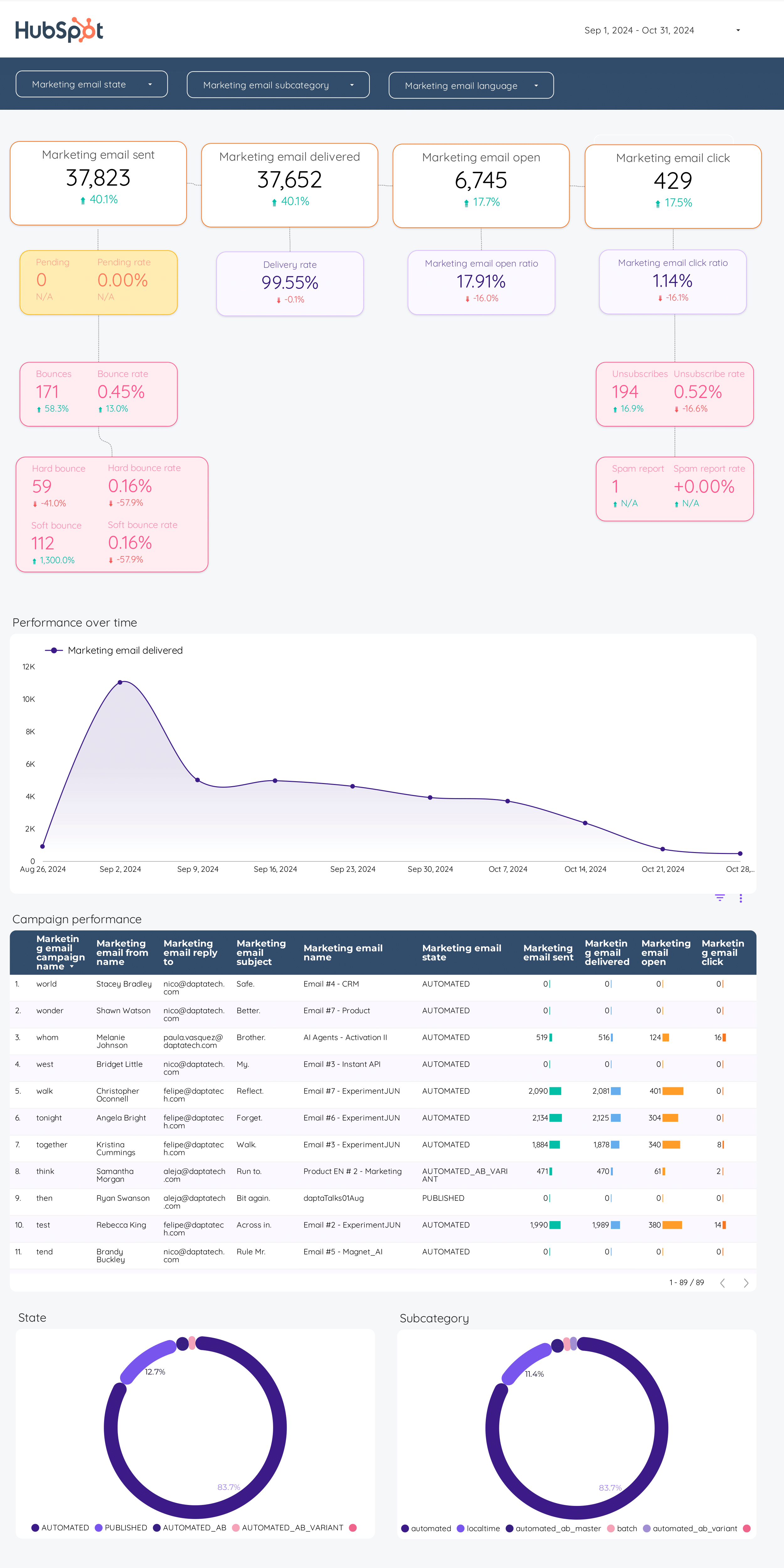
Email marketing Report template for Data Studio by Porter
Mide emails sent, deliverability → open rate, CTR, unsubscribes → email revenue, conversion. Segmenta por campaign, segment, time.
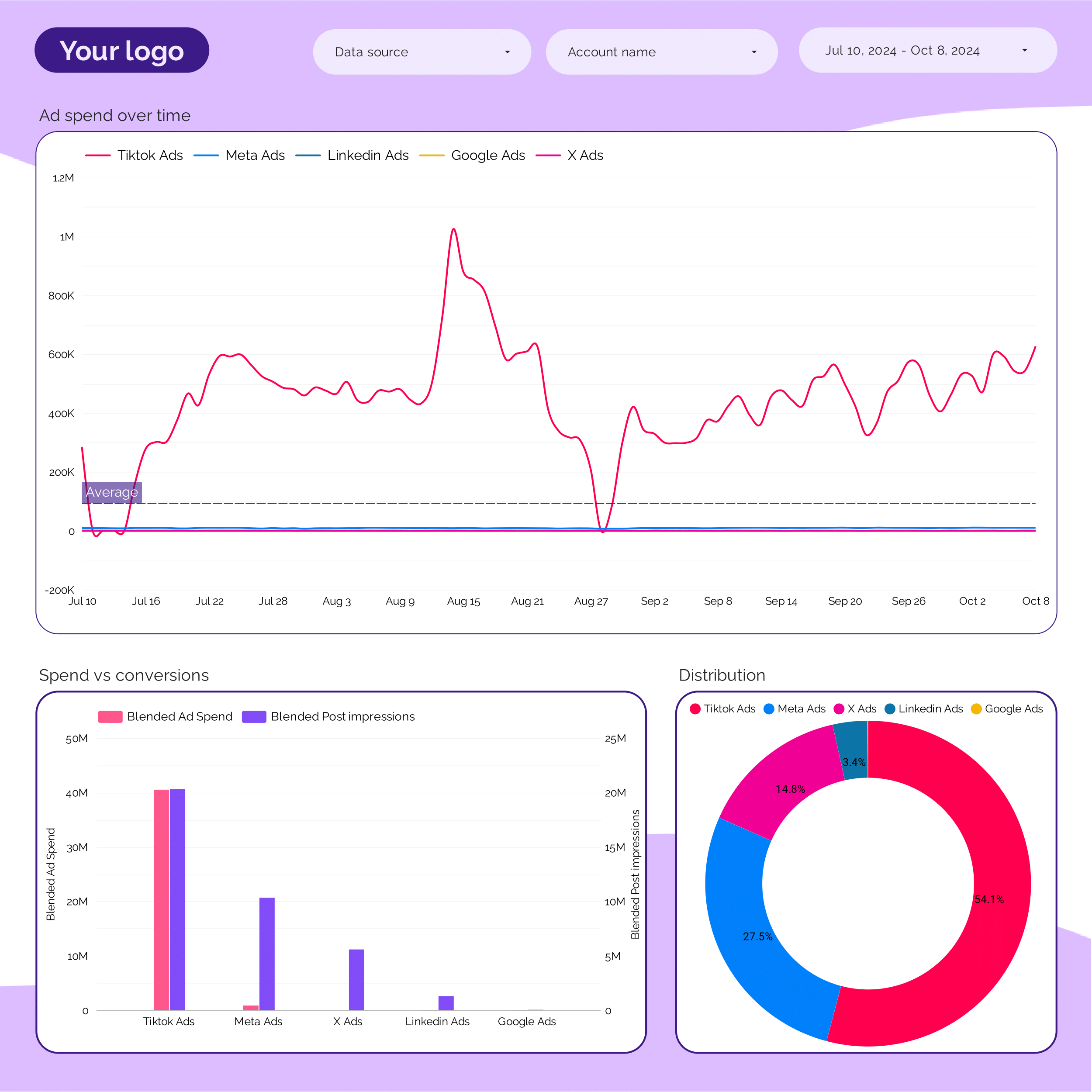
Marketing Ad spend Report template for Data Studio by Porter
Mide spend distribution, budget allocation → efficiency (CPC, CPM by channel) → ROAS by channel, blended CPA. Segmenta por channel, campaign, period.
ActiveCampaign Report template for Data Studio by Porter
Mide contacts, email deliverability → open rate, click rate → conversion events, deals. Segmenta por automation, list, campaign.
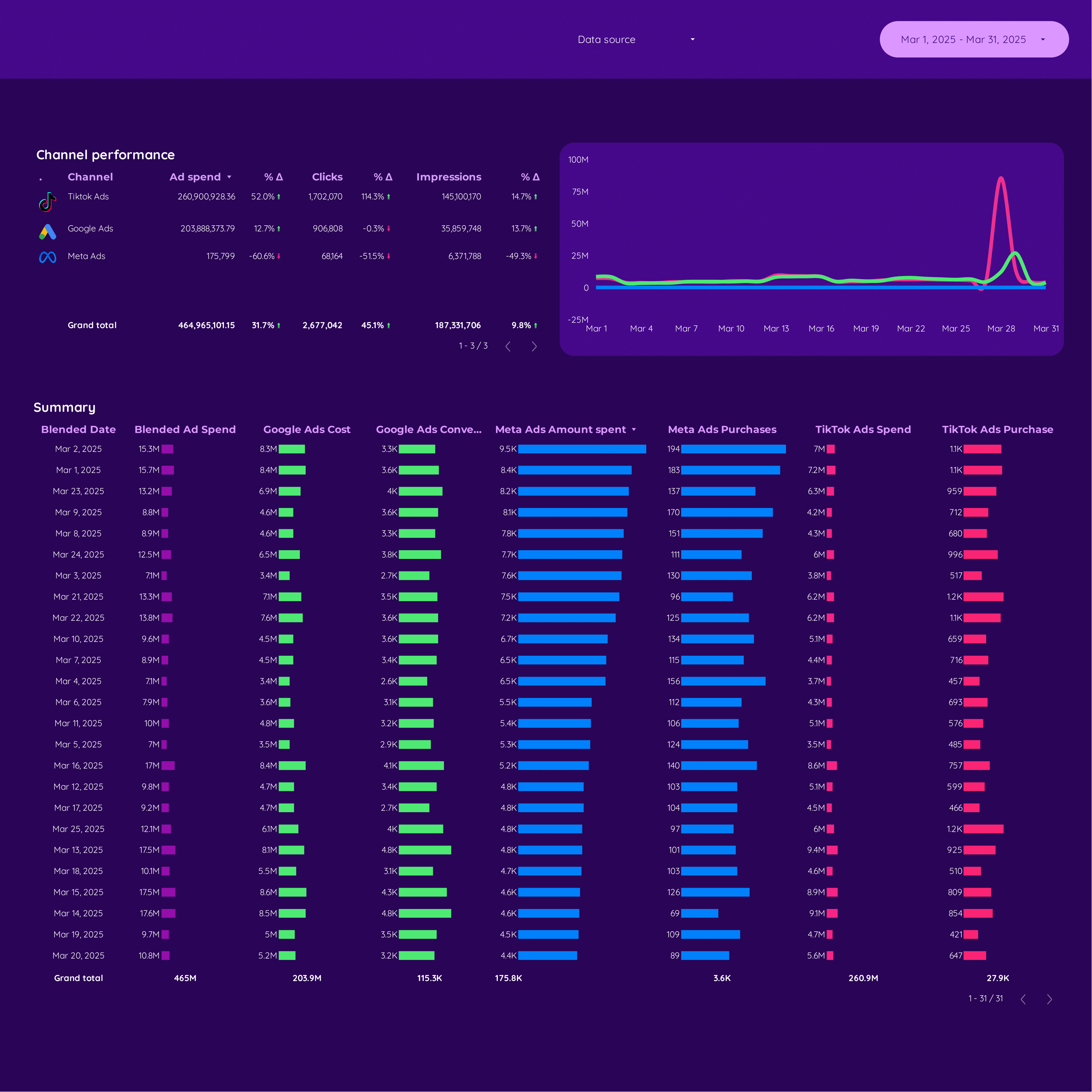
Cross-channel Report template for Data Studio by Porter
Mide unified impressions, reach → cross-platform CTR comparison → attributed conversions, blended ROAS. Segmenta por platform, campaign, audience.
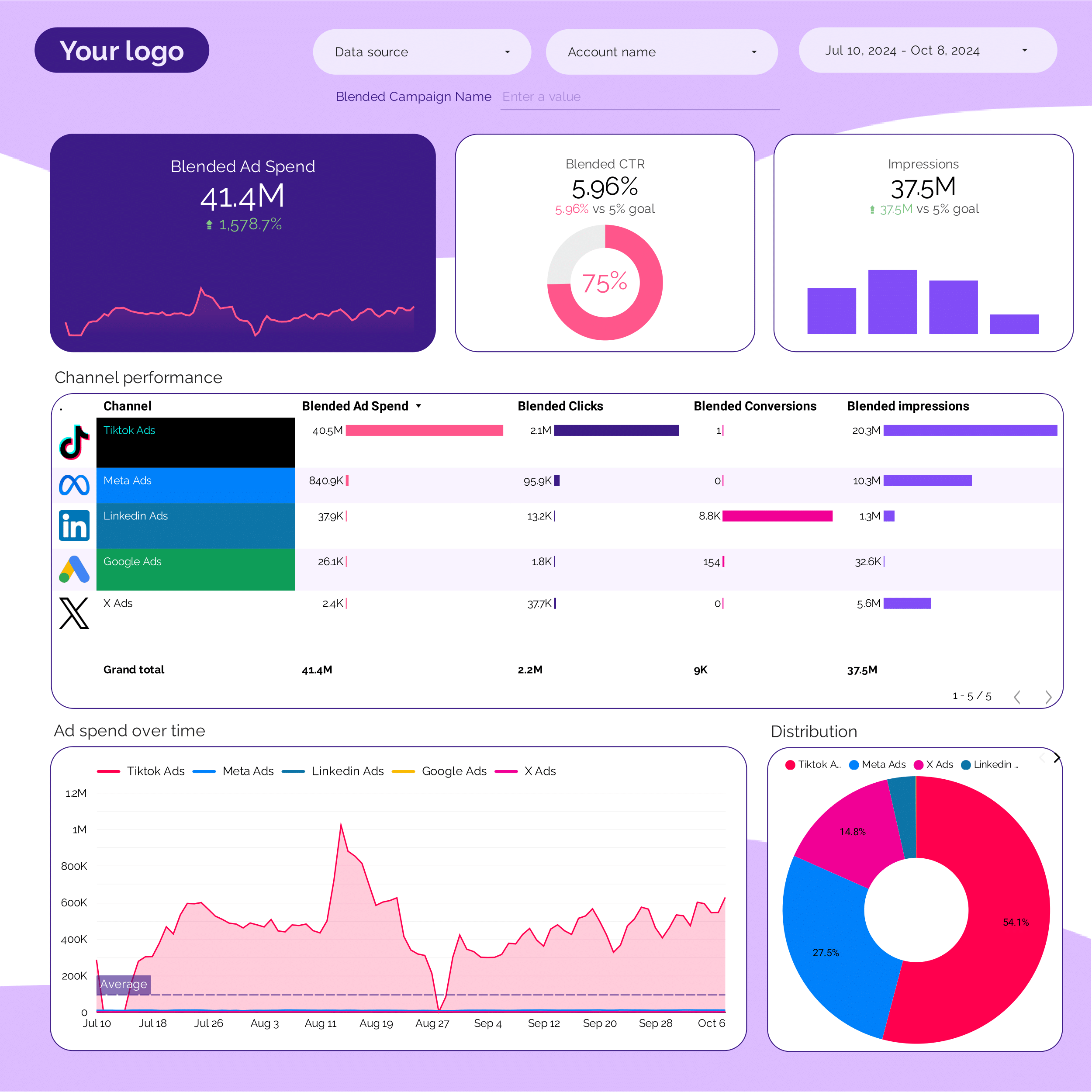
PPC multi-channel Report template for Data Studio by Porter
Mide cross-platform impressions → CTR comparison by platform → blended ROAS, CPA by platform. Segmenta por platform, campaign type.
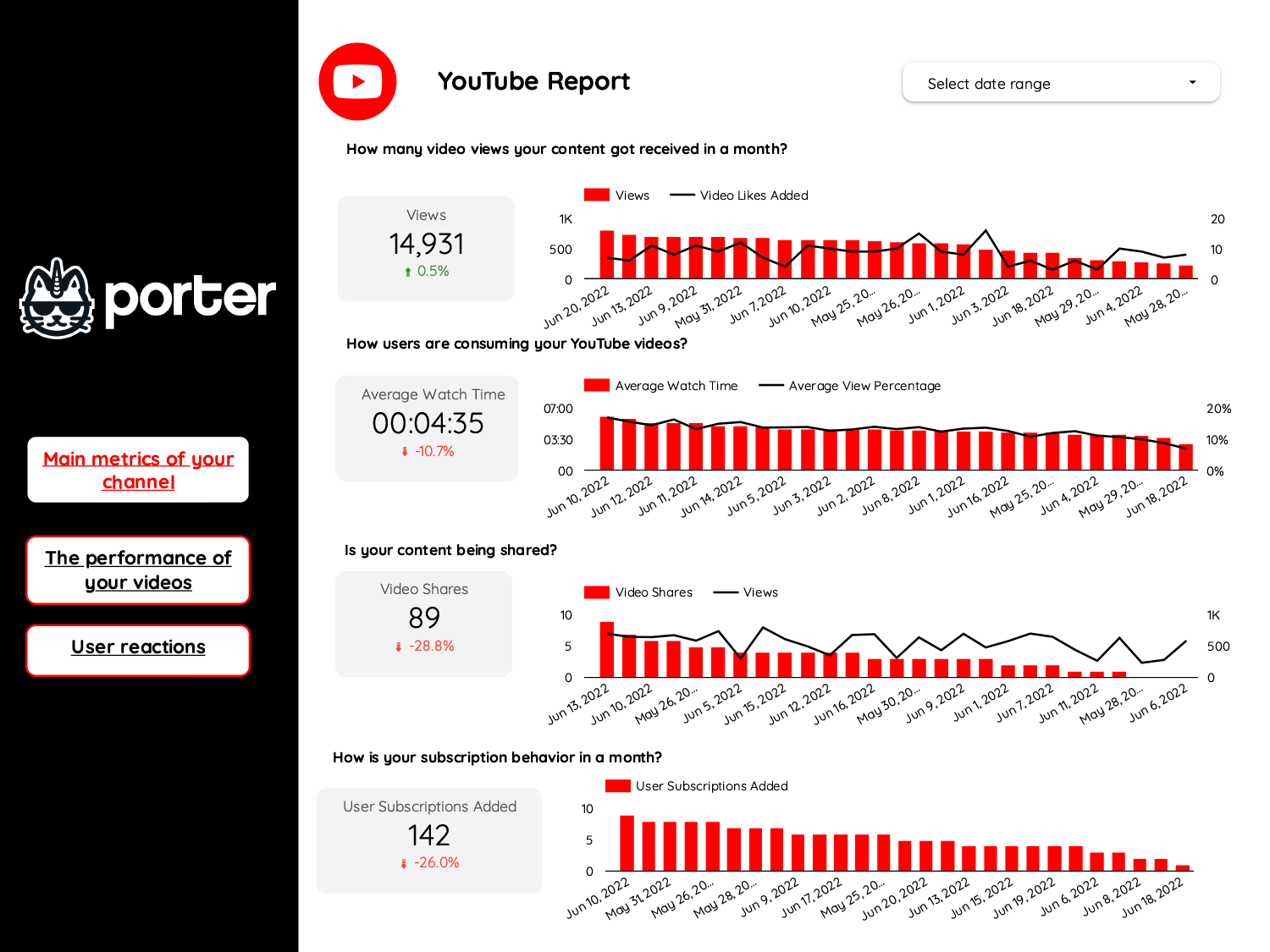
Video marketing Report template for Data Studio by Porter
Mide video views, reach → watch time, completion rate → CTA clicks, subscriber growth. Segmenta por platform, video type.
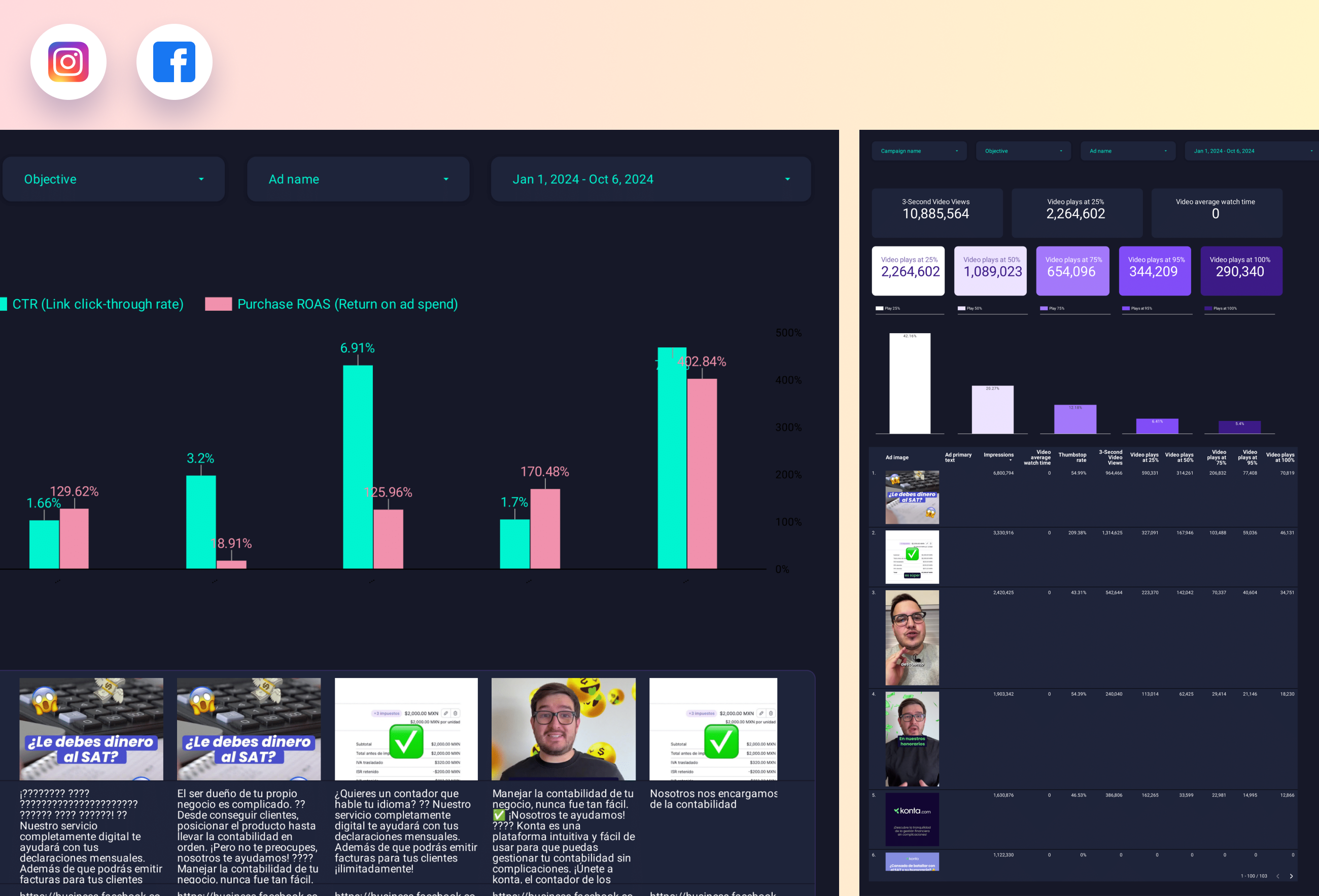
Paid media Creative performance Report template for Data Studio by Porter
Mide creative reach, frequency → CTR, view rate by creative → ROAS per creative, CPA. Segmenta por creative format, platform.
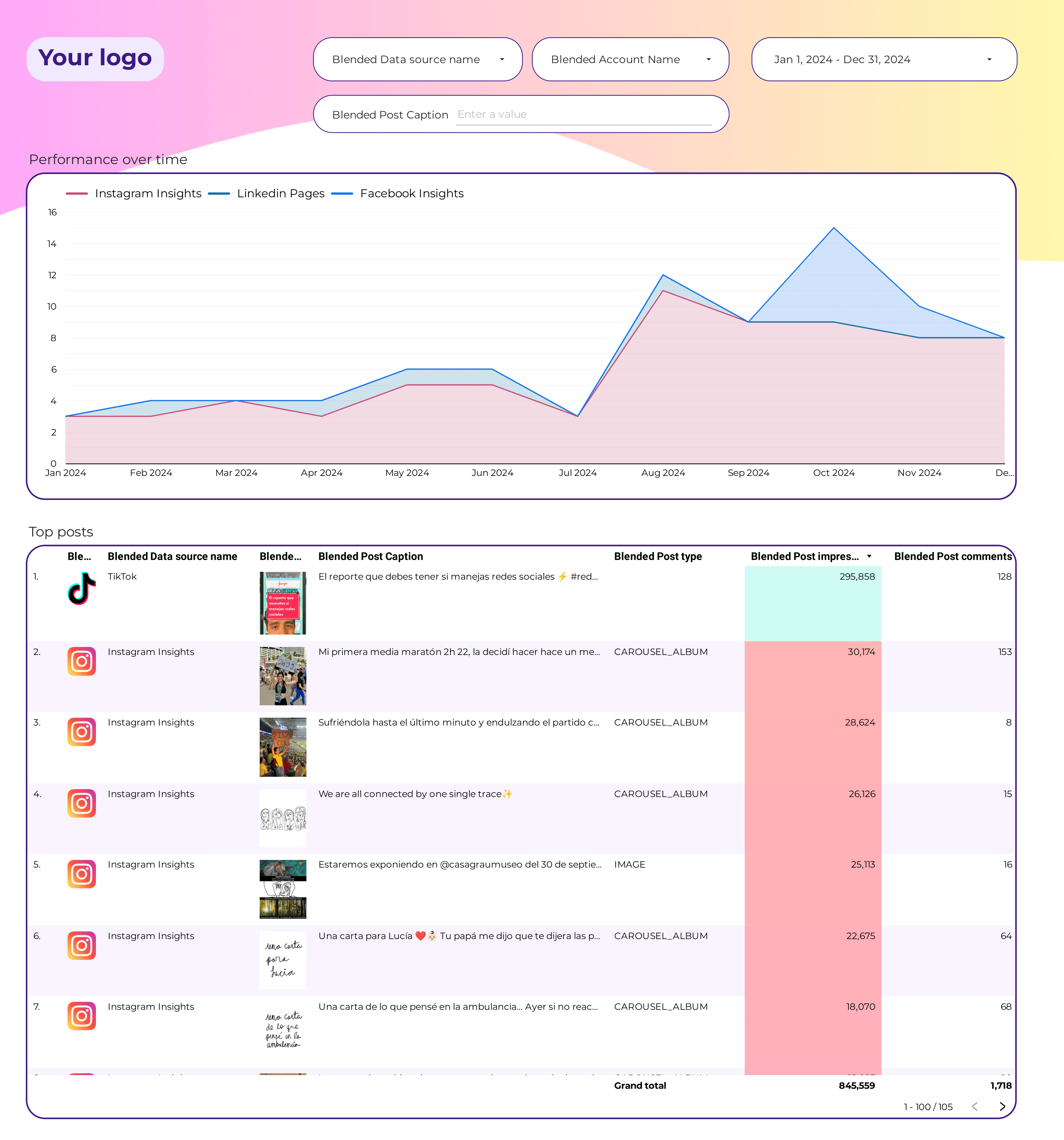
Social Media Post performance Report template for Data Studio by Porter
Mide post reach, impressions → engagement per post → clicks per post, conversions. Segmenta por format, topic, time.
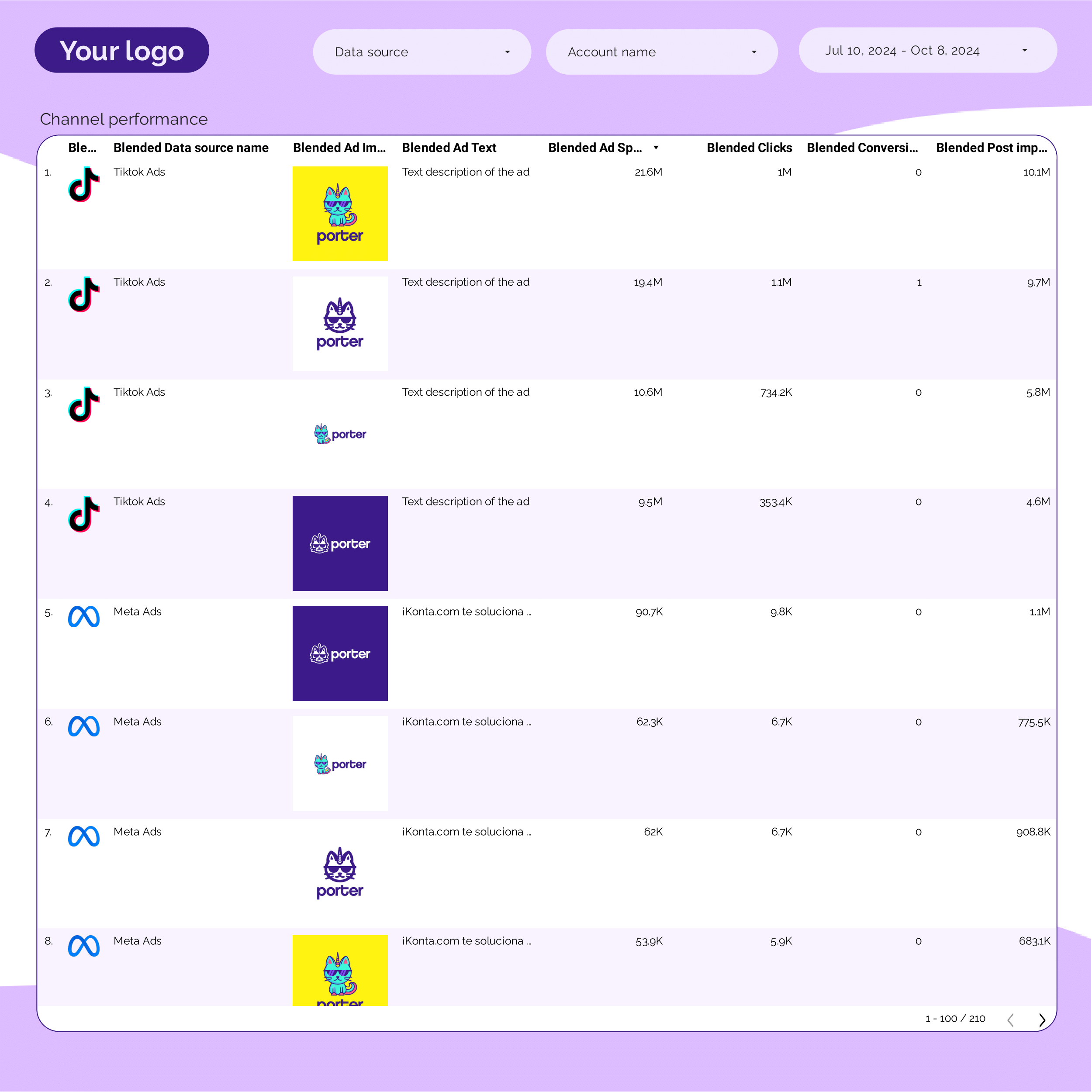
PPC Creative performance Report template for Data Studio by Porter
Mide creative impressions, frequency → CTR by creative, hook rate → ROAS per creative variant. Segmenta por creative, format, copy.
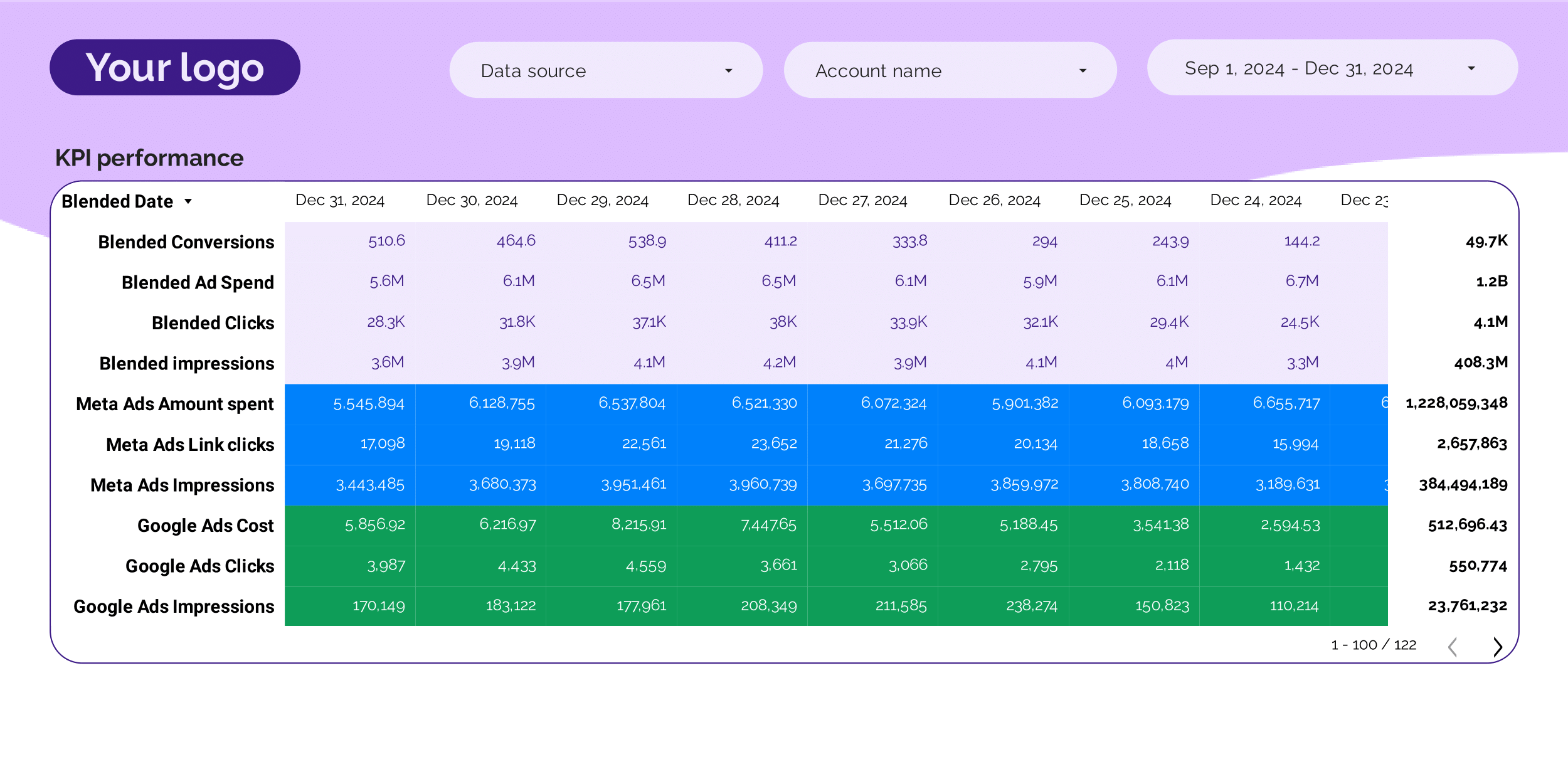
PPC KPIs Report template for Data Studio by Porter
Mide impression trends vs target → CTR vs benchmark, CPC tracking → ROAS attainment, CPA vs target. Segmenta por KPI, platform, campaign.
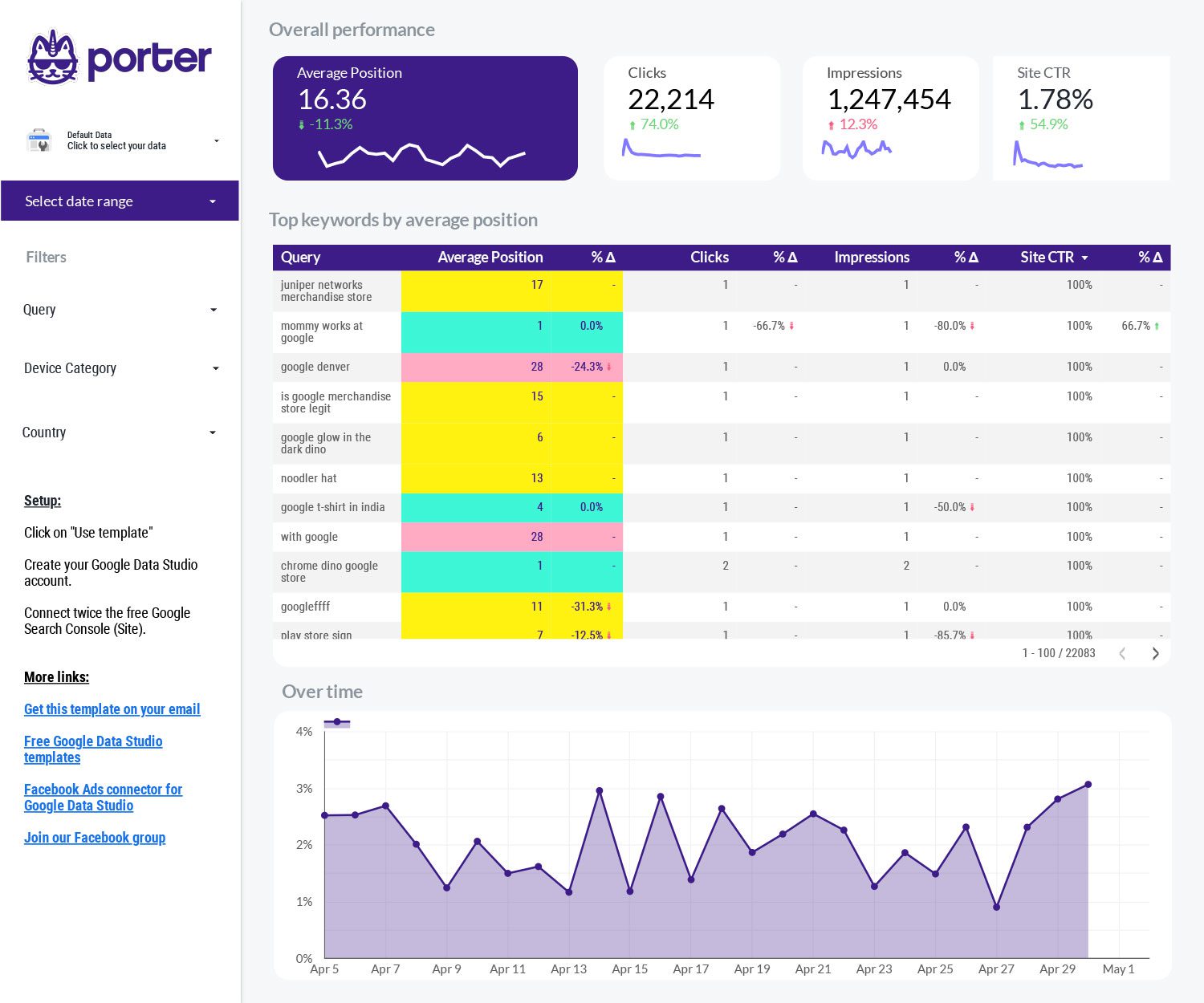
SEO Serp tracking Report template for Data Studio by Porter
Mide SERP positions, featured snippets → CTR trends, position volatility → organic click share, ranking gains. Segmenta por keyword, competitor, SERP feature.
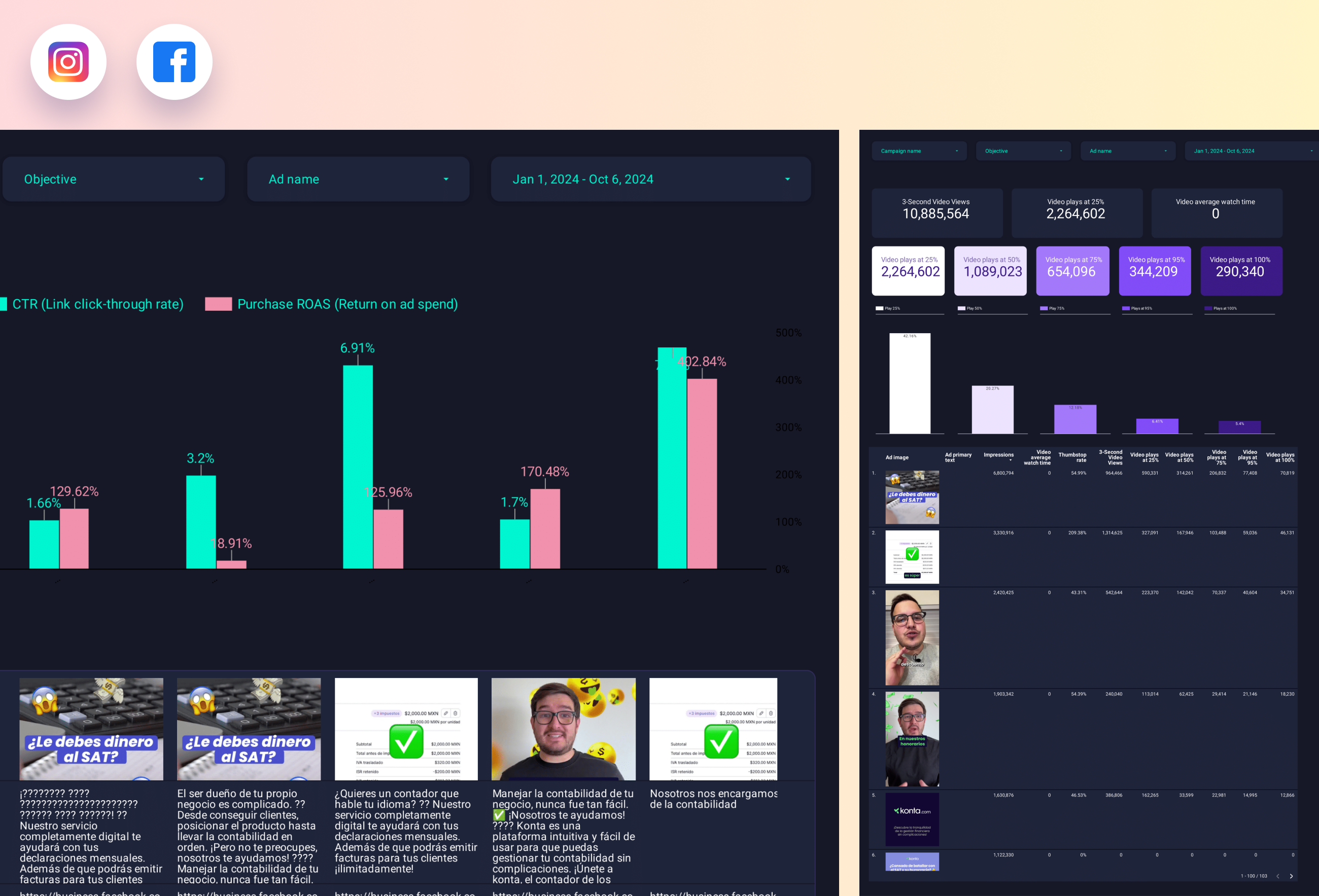
Facebook Ads Creative performance Report template for Data Studio by Porter
Mide ad impressions by creative → CTR, hook rate, hold rate → ROAS per creative, CPA. Segmenta por creative format, copy.
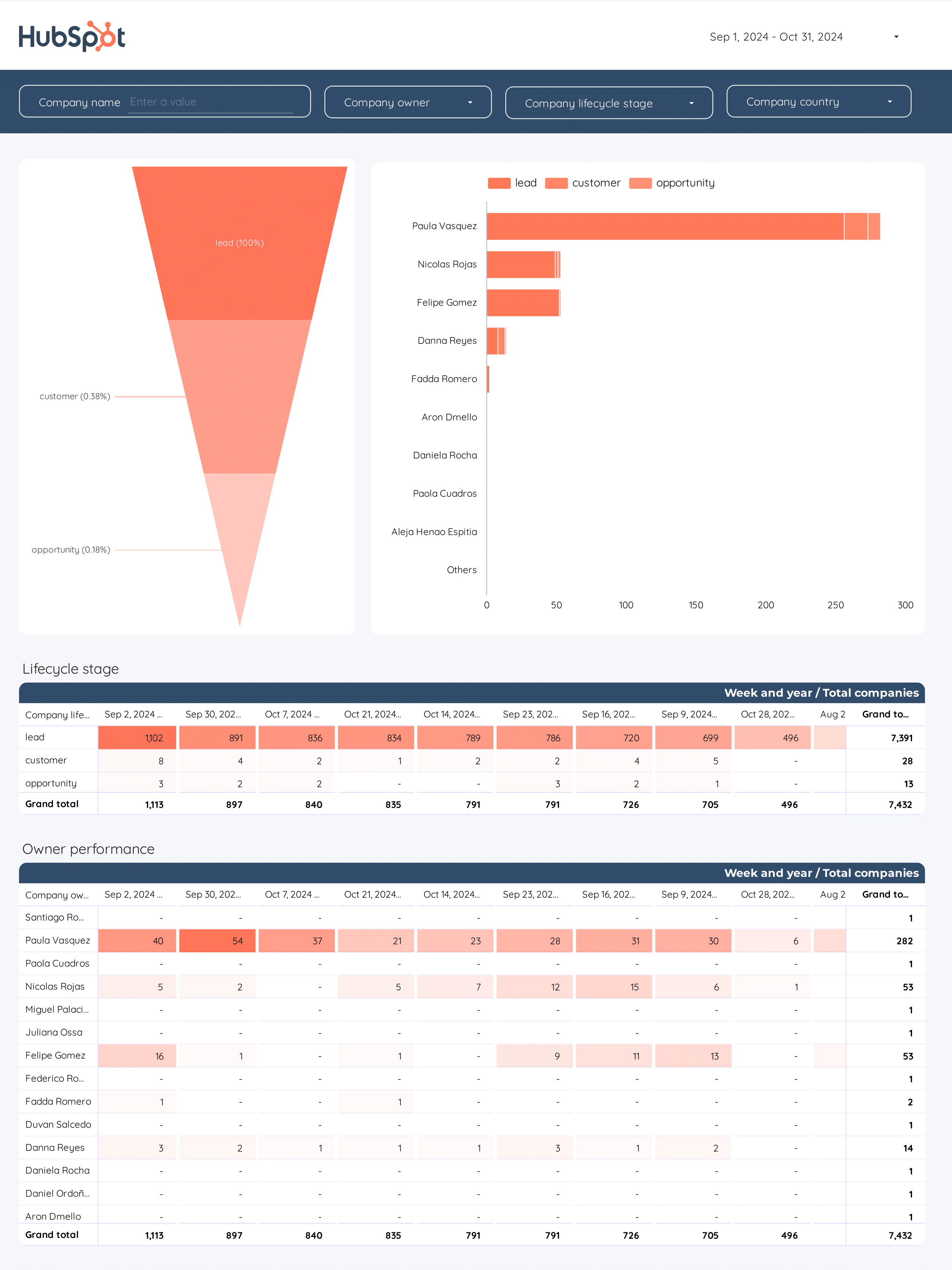
B2B Funnel Report template for Data Studio by Porter
Mide account reach, ad impressions → content engagement, demo requests → pipeline value, deal velocity. Segmenta por account tier, channel.
What is an omni-channel dashboard?
An omni-channel dashboard on Data Studio brings together data from every marketing channel—paid ads, organic search, social media, email, CRM—into one unified report. See how all channels work together to drive results.
These free omni-channel dashboard templates for Data Studio connect to your data sources and update automatically. Customize any template with your branding, metrics, and filters to create professional omni-channel reports in minutes.
Every channel, one dashboard: Porter Metrics connects 80+ data sources for true omni-channel visibility.
Why use this dashboard?
Unified view
See paid, organic, social, email, and CRM data in one dashboard.
Attribution
Understand how channels work together to drive conversions.
Channel comparison
Compare performance across all channels side by side.
Holistic optimization
Optimize budget allocation based on cross-channel performance.
How to build this dashboard

Connect Meta Ads and Google Ads to Data Studio
Porter Metrics
How To Design Marketing Reports on Data Studio
Porter MetricsKey metrics
Paid Channels
- Ad spend — total investment
- ROAS — return by channel
- CPA — cost per acquisition
- Conversions — channel results
Organic
- Organic traffic — SEO visits
- Keyword rankings — search visibility
- Content performance — page views
- Organic conversions — SEO results
Social & Email
- Engagement — social interactions
- Followers — audience size
- Open rate — email performance
- Click rate — email engagement
Overall
- Total conversions — all channels
- Revenue — total value
- CAC — blended cost
- Channel attribution — contribution
Omni-channel Dashboard Best Practices
Follow these proven practices to get the most from your omni-channel dashboard on Data Studio:
- Focus on actionable metrics — Mide leading indicators you can influence (like content published, ad spend, engagement rate) alongside lagging indicators (revenue, conversions) that show results.
- Segmenta your data — Break down omni-channel metrics by channel, campaign, audience, or time period. Aggregated data hides insights; segmented data reveals opportunities.
- Set up automated reporting — Schedule weekly or monthly reports to stakeholders. Consistent reporting builds trust and keeps teams aligned on omni-channel goals.
- Compare time periods — Use month-over-month and year-over-year comparisons to account for seasonality and measure real growth in your omni-channel performance.
- Keep it visual — Use charts for trends, scorecards for KPIs, and tables for detailed breakdowns. The right visualization makes complex omni-channel data easy to understand.
Build your omni-channel dashboard today
Connect all your marketing channels and see the full picture on Data Studio. Get started for free →