




Browse 21 SEO Report Templates for Data Studio
Choose from our library of free, white-label seo templates. Each template tracks the full marketing funnel: visibility (impressions, reach), engagement (CTR, interactions), and conversion (leads, revenue). Organized following the SUMAS framework with breakdowns by channel, campaign, audience, and time period.
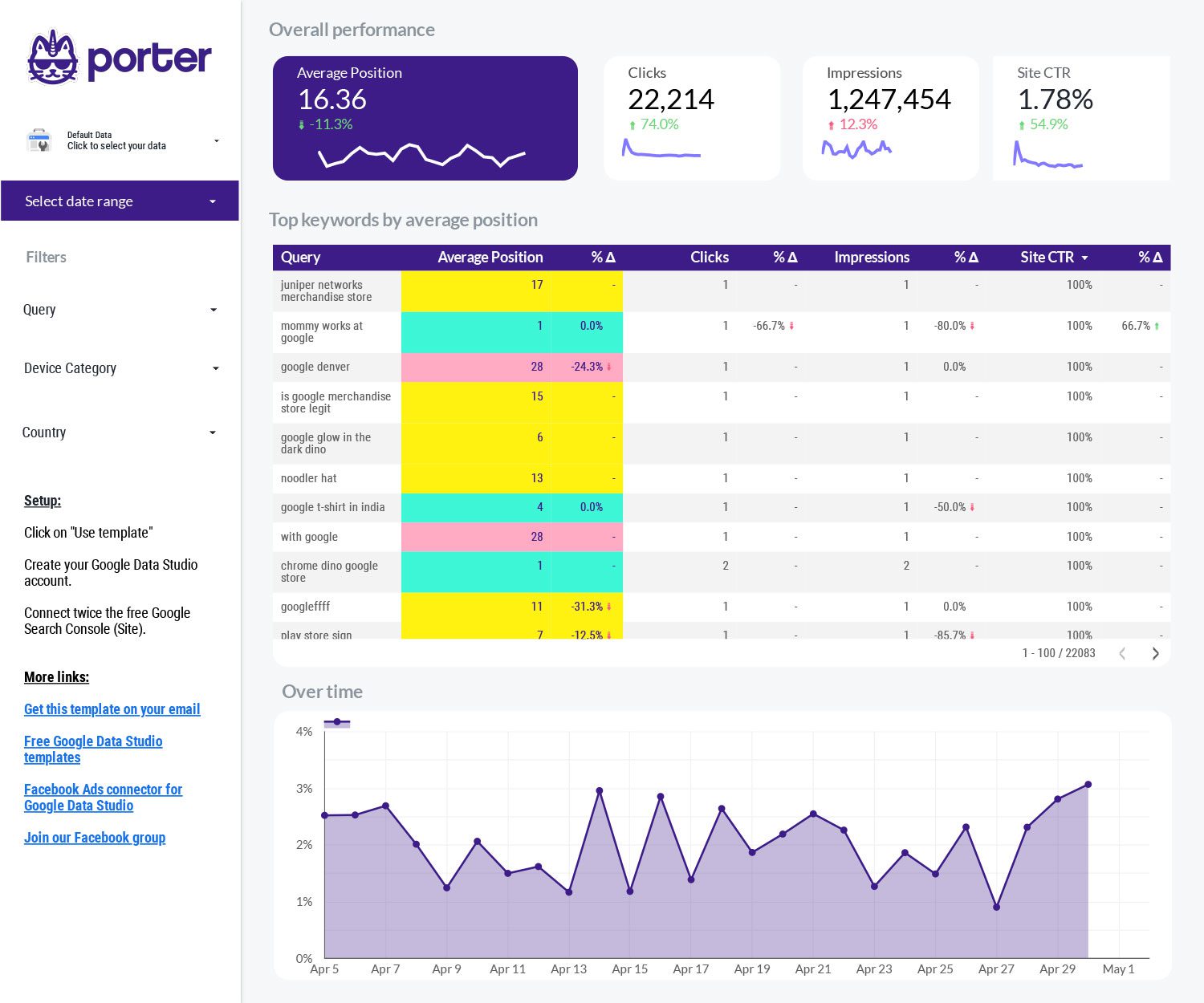
SEO Serp tracking Report template for Data Studio by Porter
Track SERP positions, featured snippets → CTR trends, position volatility → organic click share, ranking gains. Segment by keyword, competitor, SERP feature.

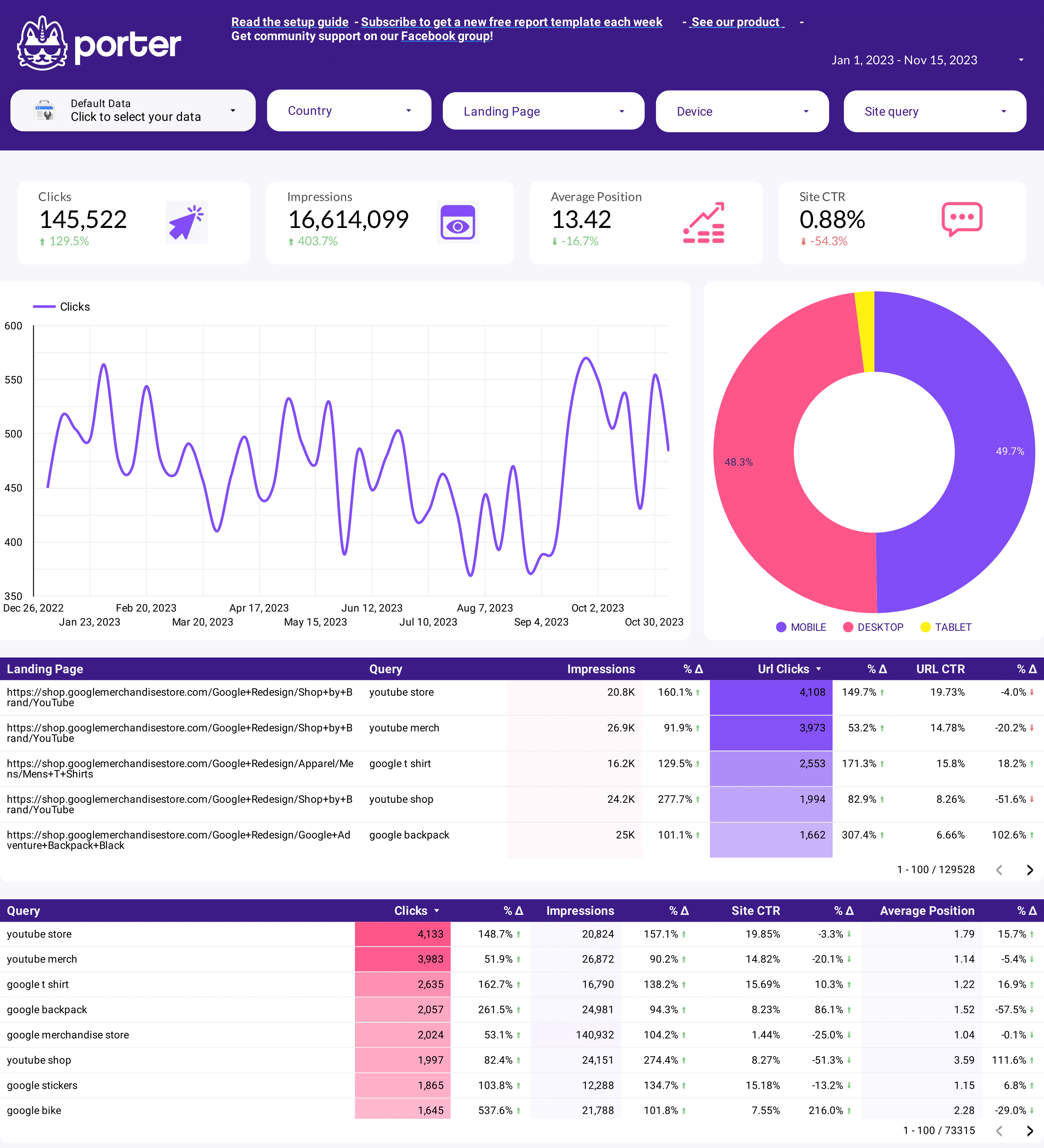
SEO Keyword research Report template for Data Studio by Porter
Track keyword search volume, SERP visibility → CTR per keyword, position changes → organic traffic, keyword conversions. Segment by keyword cluster, intent, difficulty.
SEO Keyword ranking tracker Report template for Data Studio by Porter
Track ranking positions, SERP features → CTR by position, impression trends → traffic from ranked keywords. Segment by keyword, URL, position change.
Google Search Console Report template for Data Studio by Porter
Track organic impressions, indexed pages → CTR, average position → organic clicks, top queries. Segment by query, page, country, device.
SEO Report template for Data Studio by Porter
Track keyword search volume, SERP visibility → CTR per keyword, position changes → organic traffic, keyword conversions. Segment by keyword cluster, intent, difficulty.
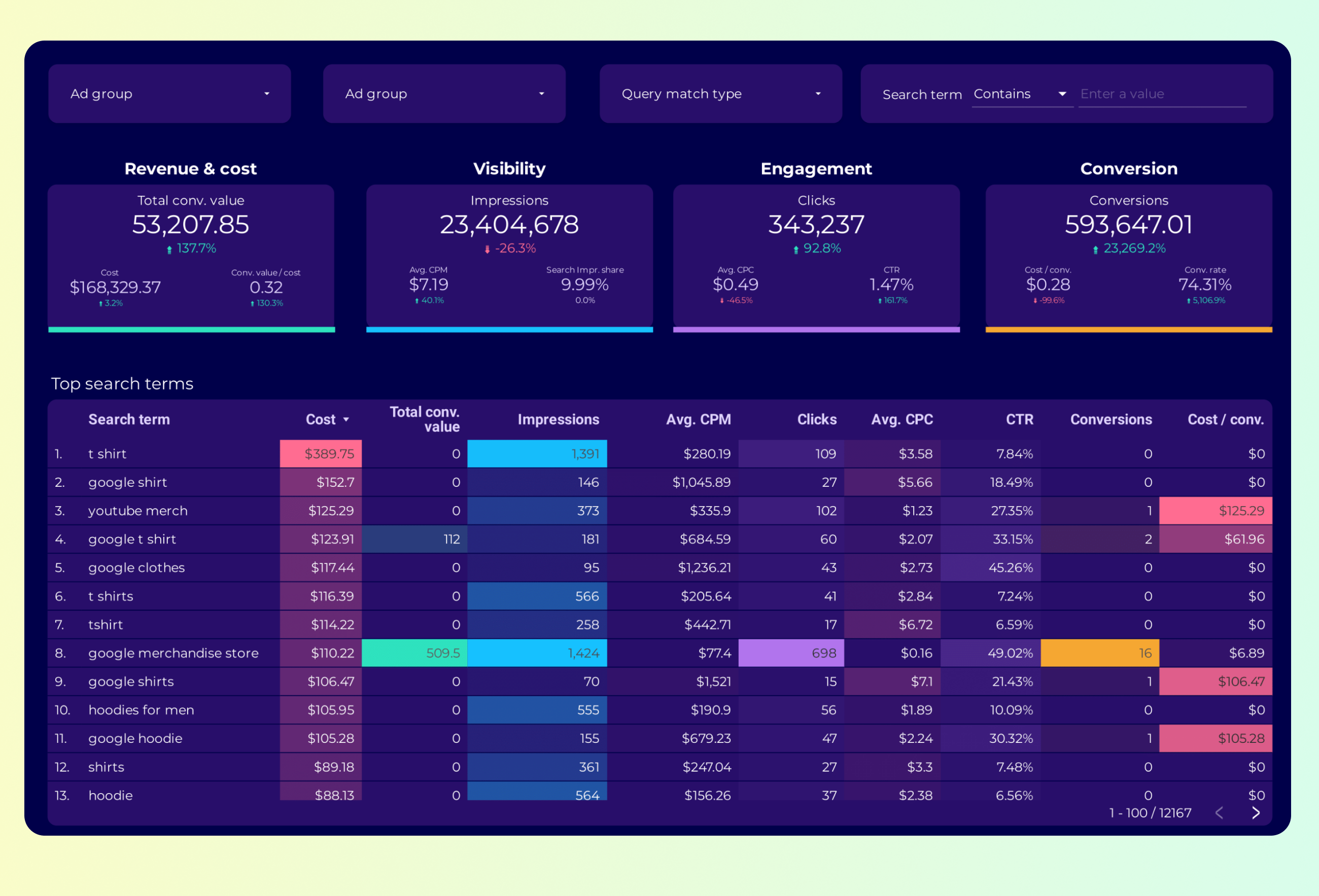
Google Ads Keyword analysis Report template for Data Studio by Porter
Track impression share, search volume → CTR by keyword, CPC trends → conversion rate, ROAS by keyword. Segment by keyword, match type.
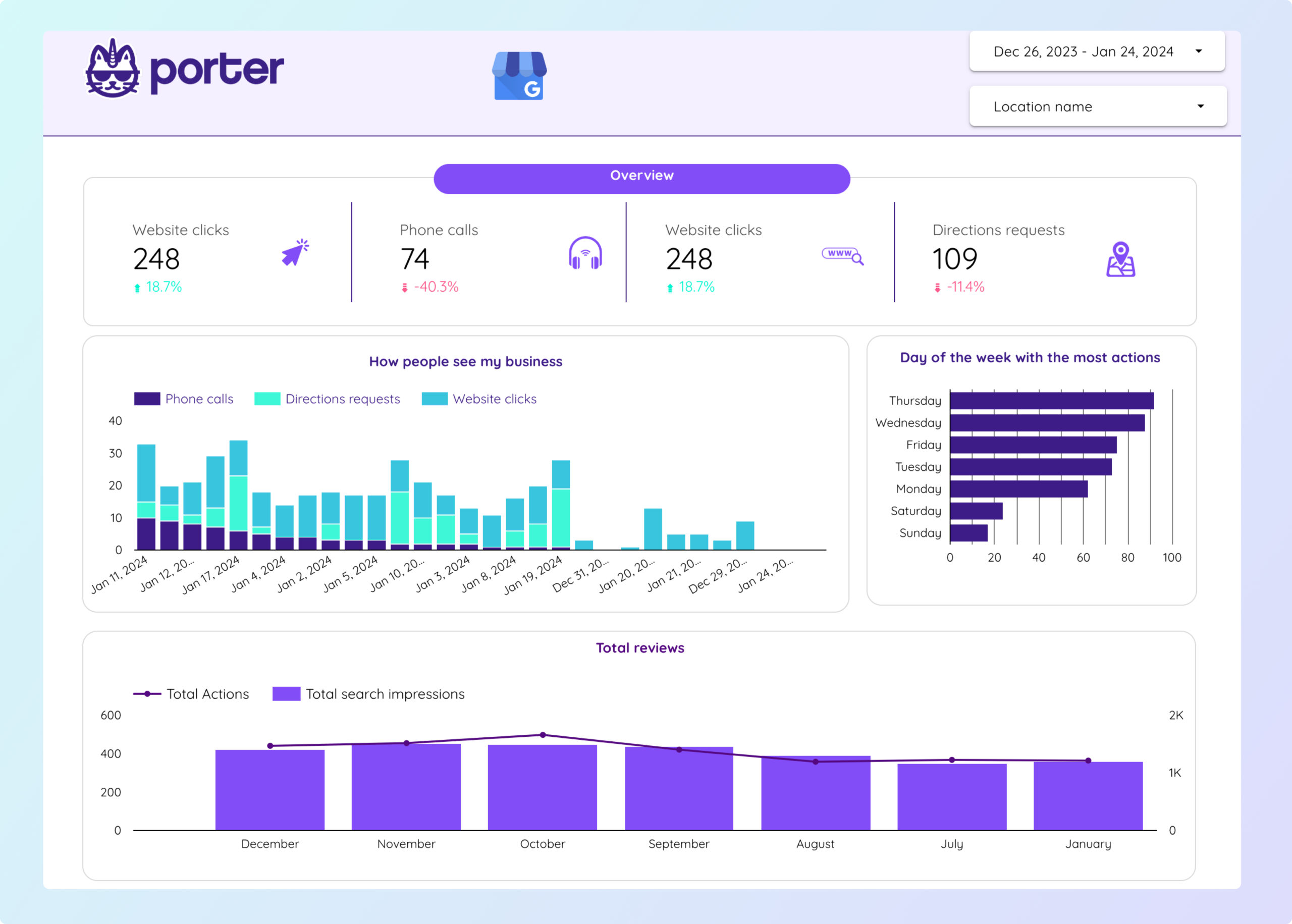
Local SEO Report template for Data Studio by Porter
Track organic impressions, visibility → organic CTR, average position → organic conversions, goals. Segment by page, keyword, channel, device.
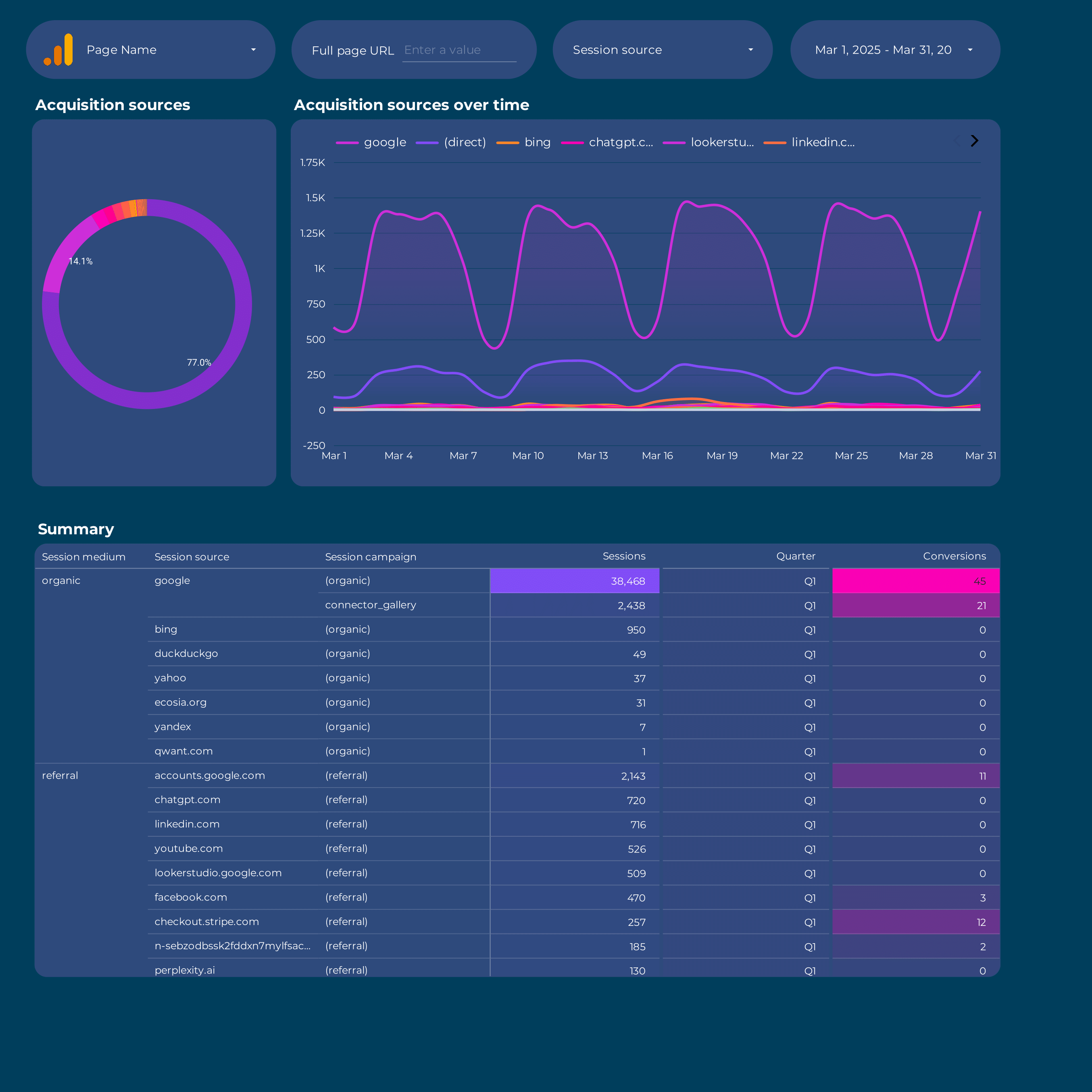
Google Analytics 4 acquisition Report template for Data Studio by Porter
Track sessions, new users by source → engagement rate, events/session → conversions by channel, revenue. Segment by source/medium, campaign, landing page.
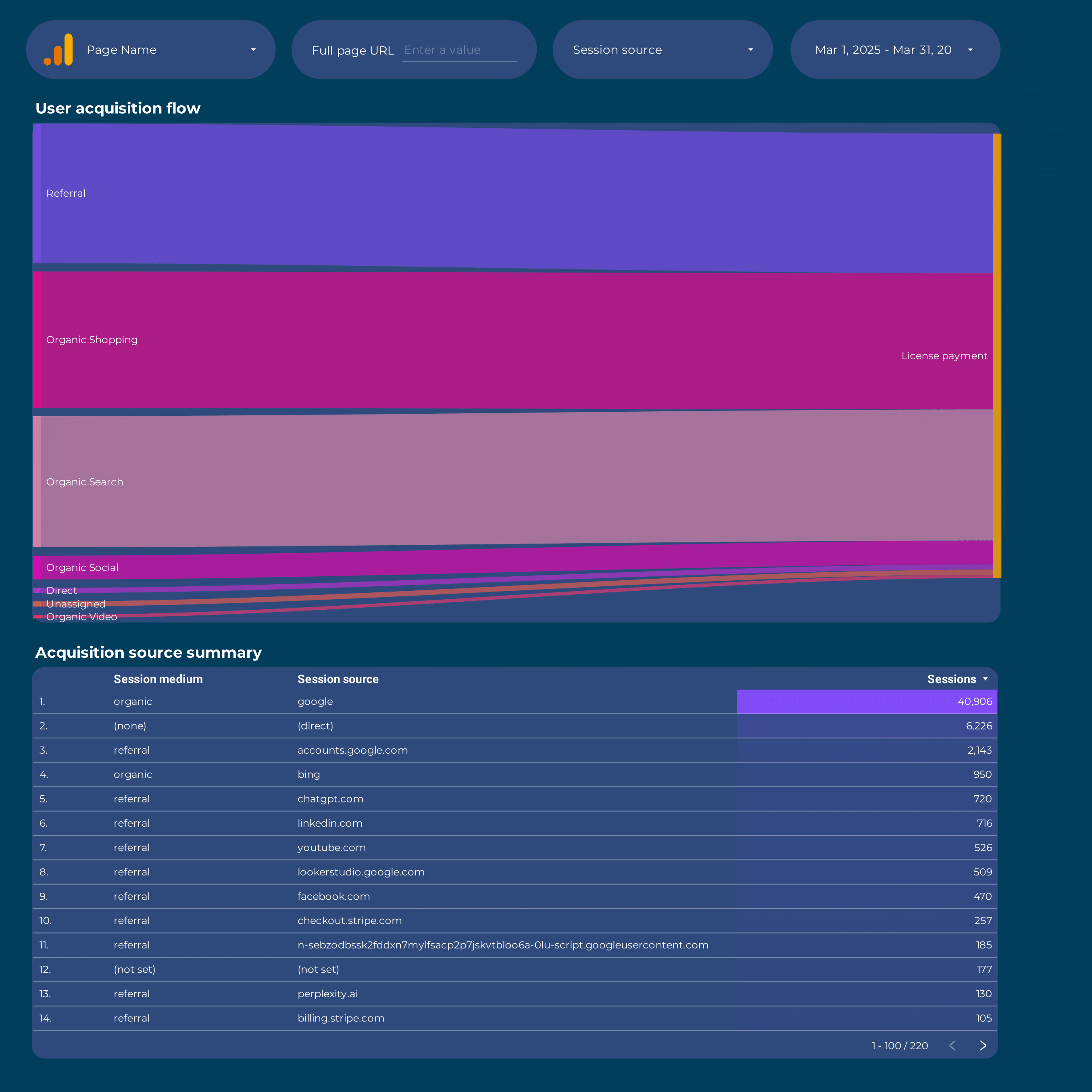
Google Analytics 4 Attribution Report template for Data Studio by Porter
Track touchpoints, assisted interactions → path length, time to conversion → attributed conversions by model. Segment by channel, model type.
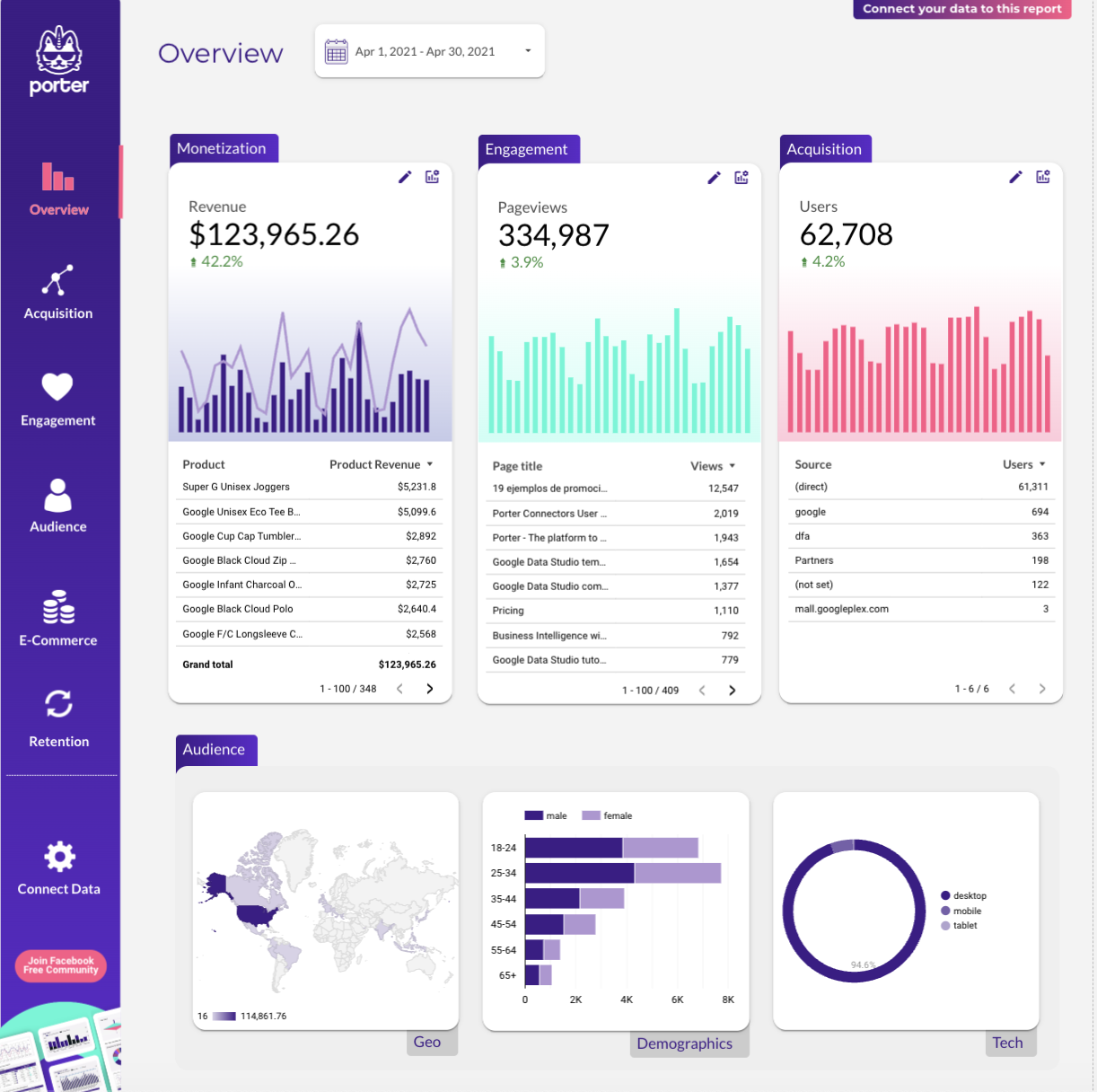
Website Report template for Data Studio by Porter
Track sessions, visitors, traffic sources → bounce rate, pages/session, duration → form submissions, purchases. Segment by landing page, source, device.
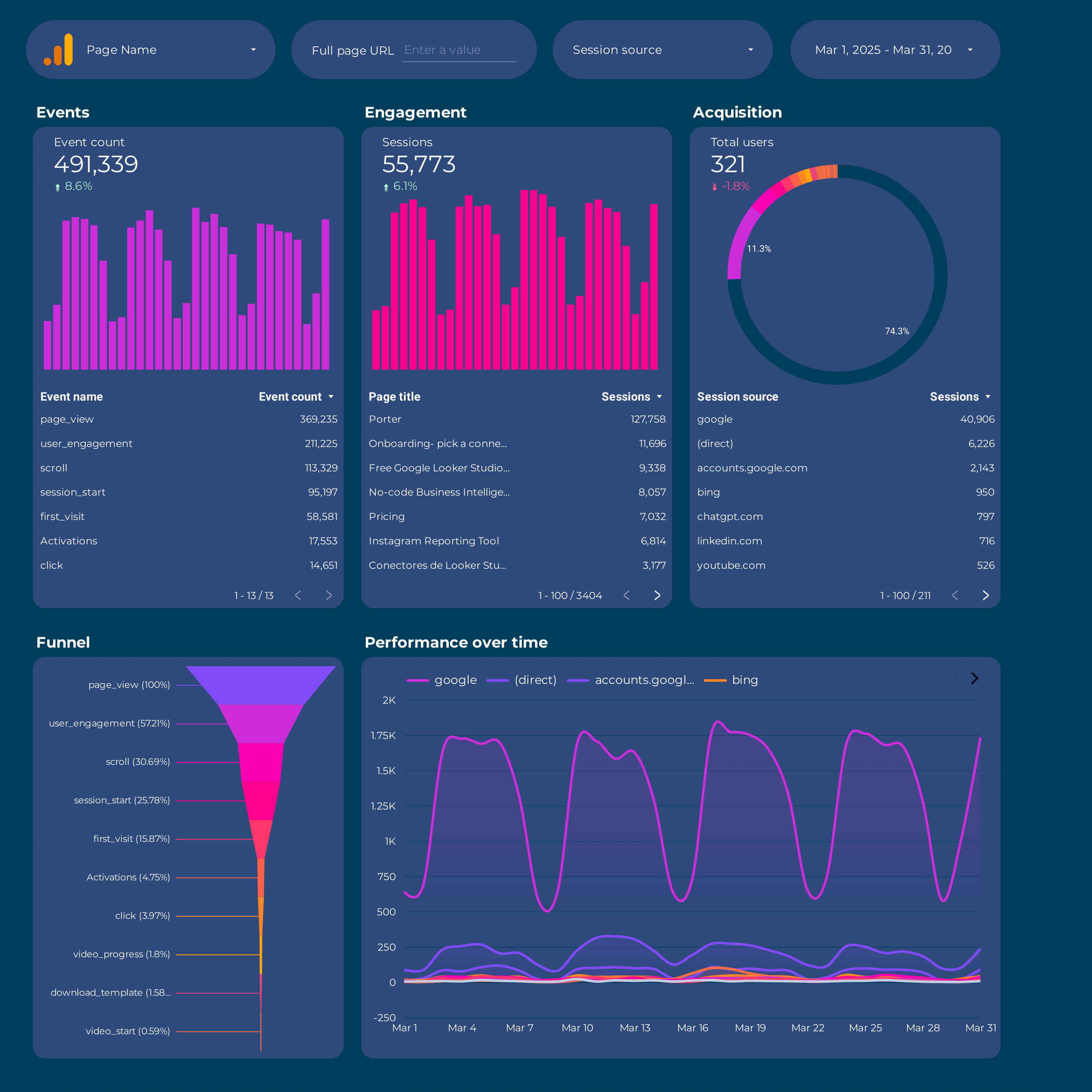
Google Analytics 4 Report template for Data Studio by Porter
Track sessions, new users by source → engagement rate, events/session → conversions by channel, revenue. Segment by source/medium, campaign, landing page.
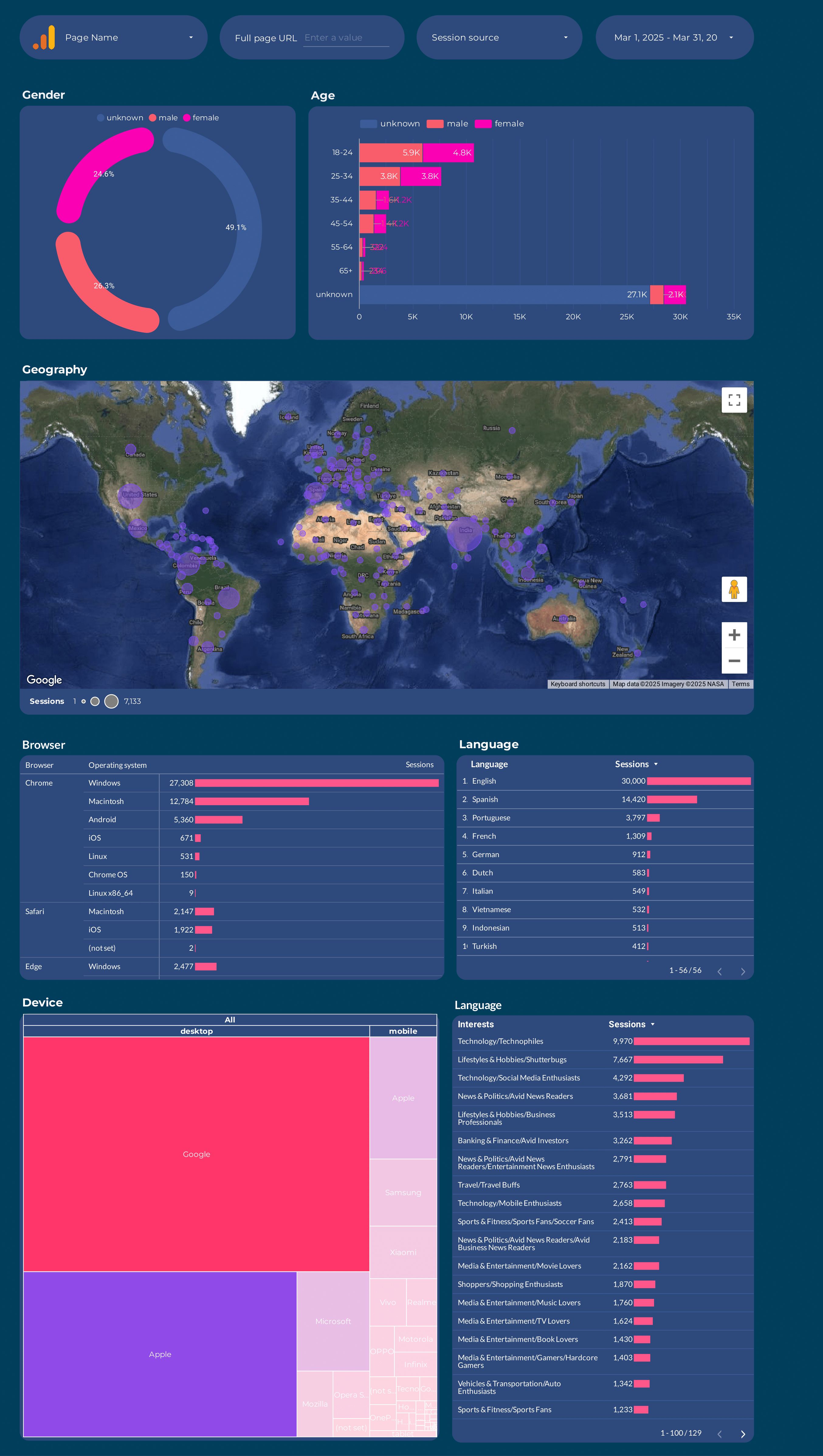
Google Analytics 4 Audience Report template for Data Studio by Porter
Track users, new vs returning → session duration, pages/session → conversion rate by segment. Segment by age, gender, interests, geography.
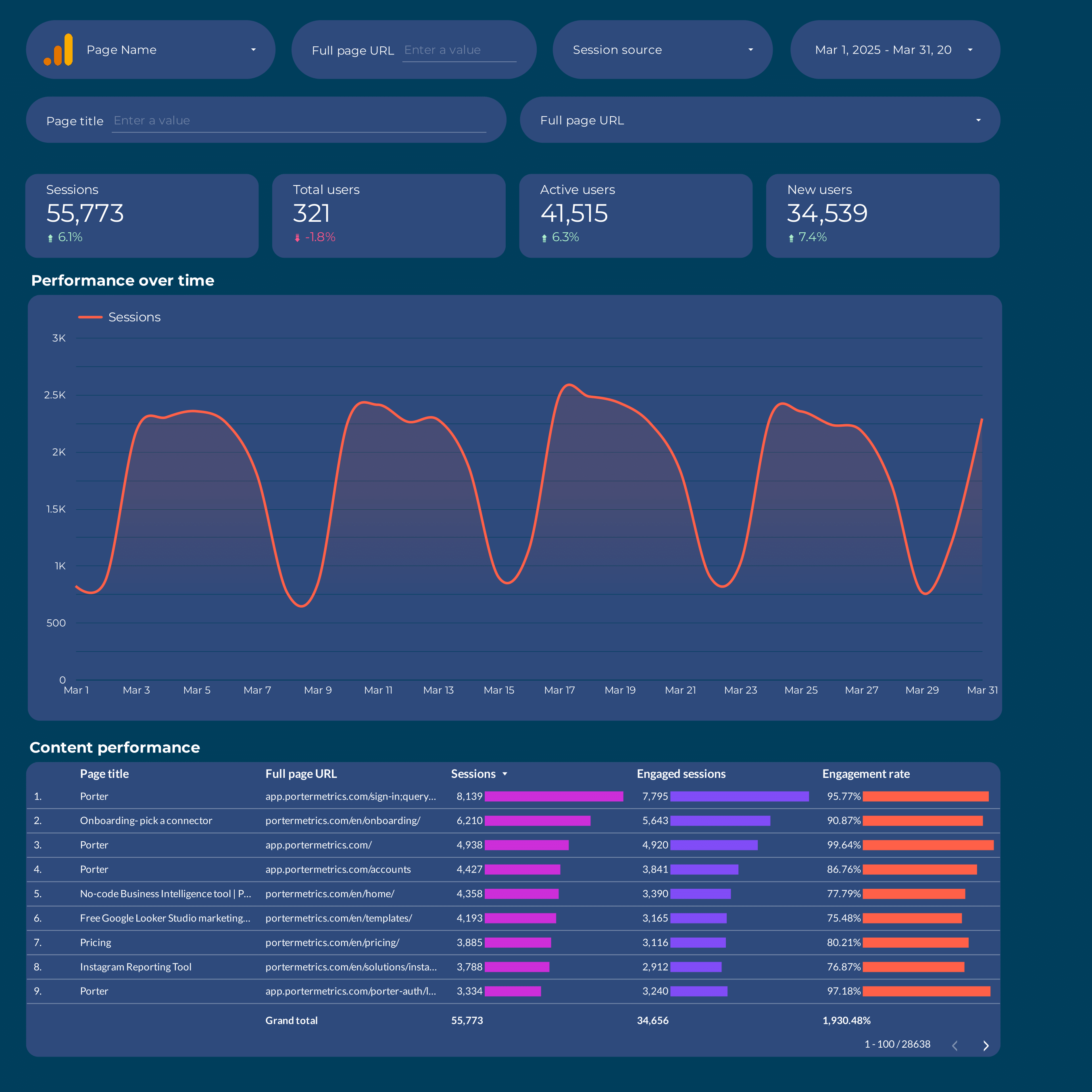
Content marketing Report template for Data Studio by Porter
Track page views, organic impressions → time on page, scroll depth, shares → content conversions, lead captures. Segment by content type, topic, channel.
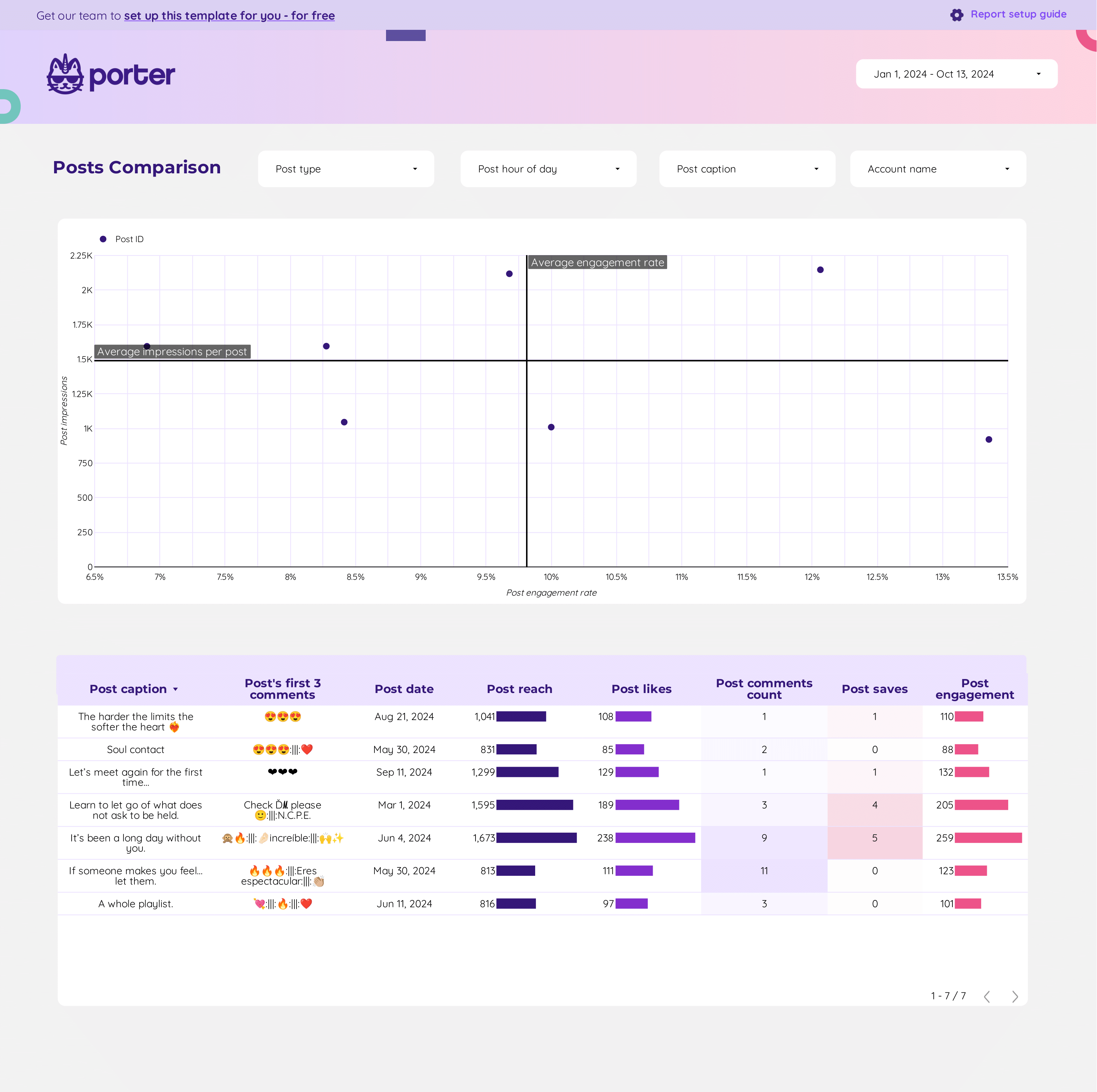
Content performance Report template for Data Studio by Porter
Track post reach, impressions → engagement rate, shares, saves → click-through rate, content ROI. Segment by format, topic, platform.
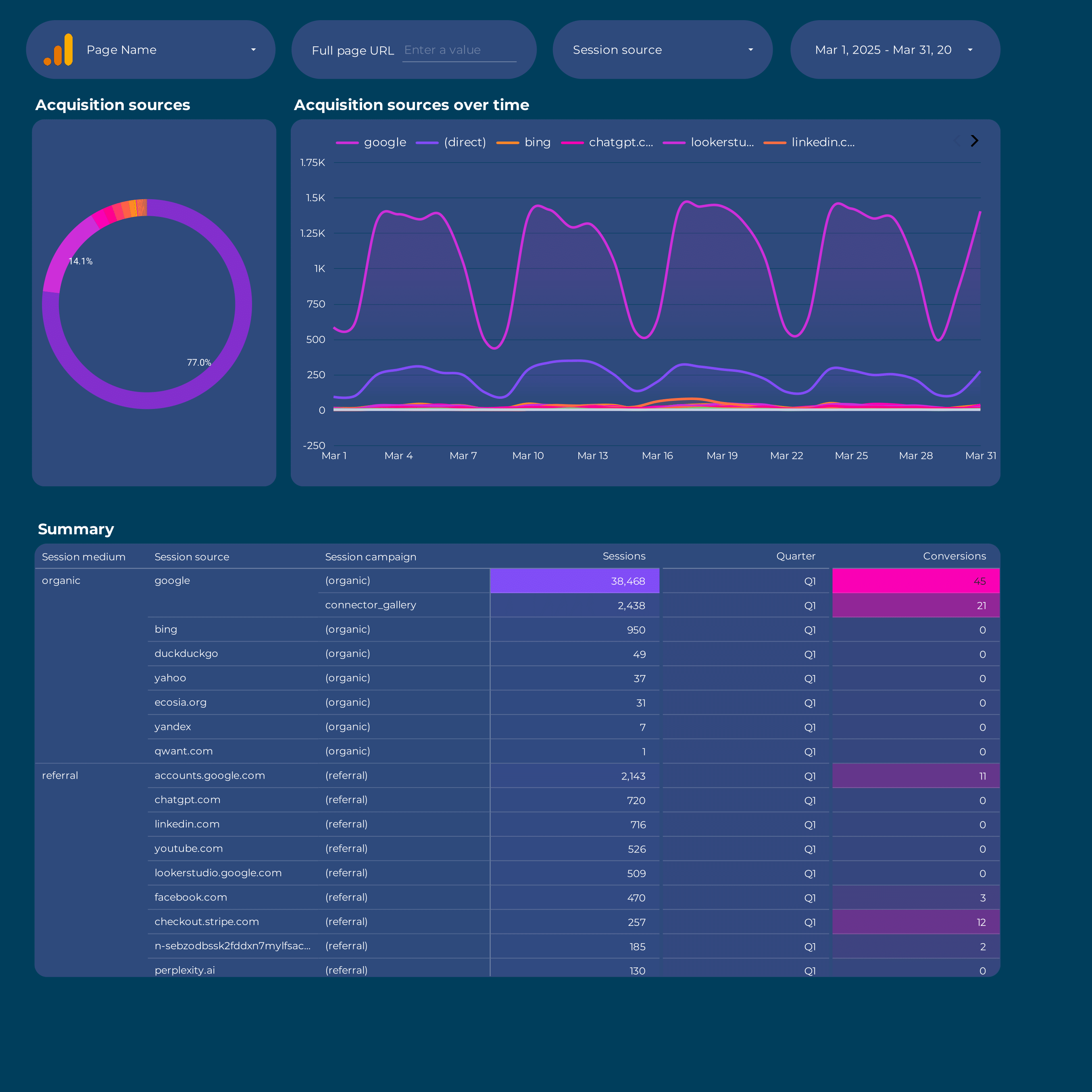
Acquisition Report template for Data Studio by Porter
Track sessions, new users by source → engagement rate, events/session → conversions by channel, revenue. Segment by source/medium, campaign, landing page.
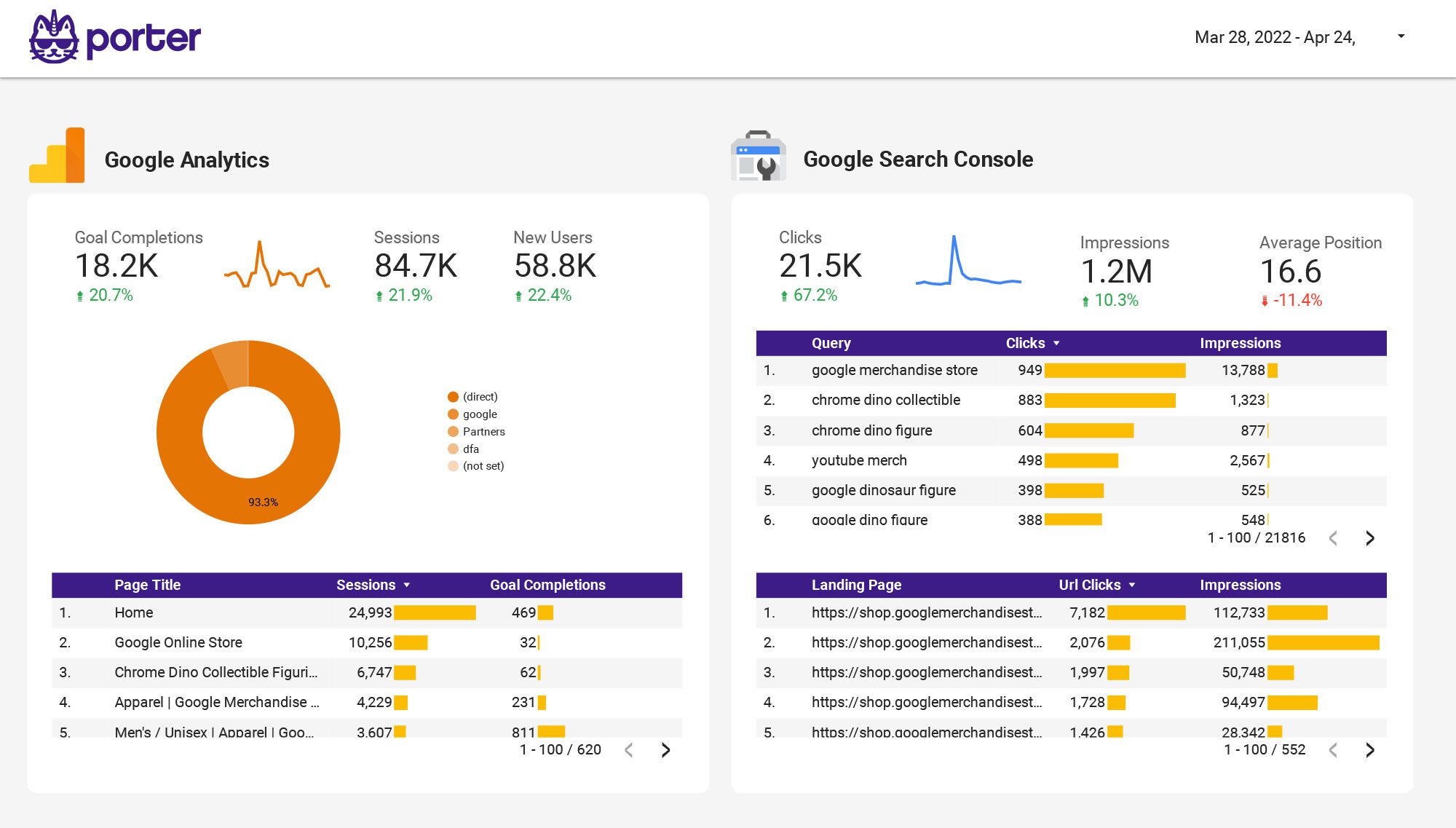
Multi-channel Marketing performance Report template for Data Studio by Porter
Track impressions across channels → CTR by channel, engagement rate → cross-channel conversions, ROI. Segment by channel, campaign, date.
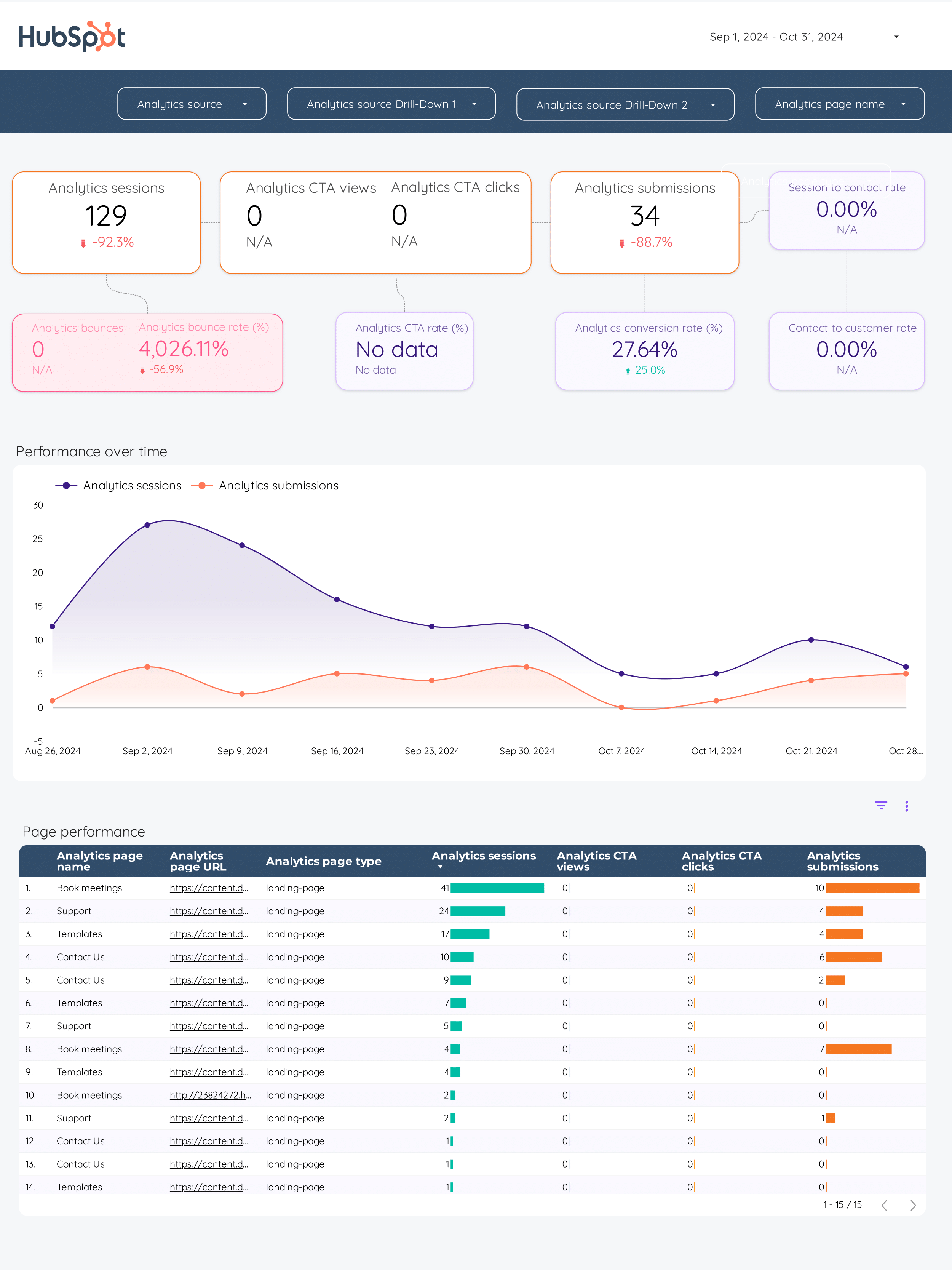
Inbound marketing Report template for Data Studio by Porter
Track blog traffic, social reach → content downloads, form views → MQLs, SQLs, pipeline generated. Segment by content asset, channel, stage.
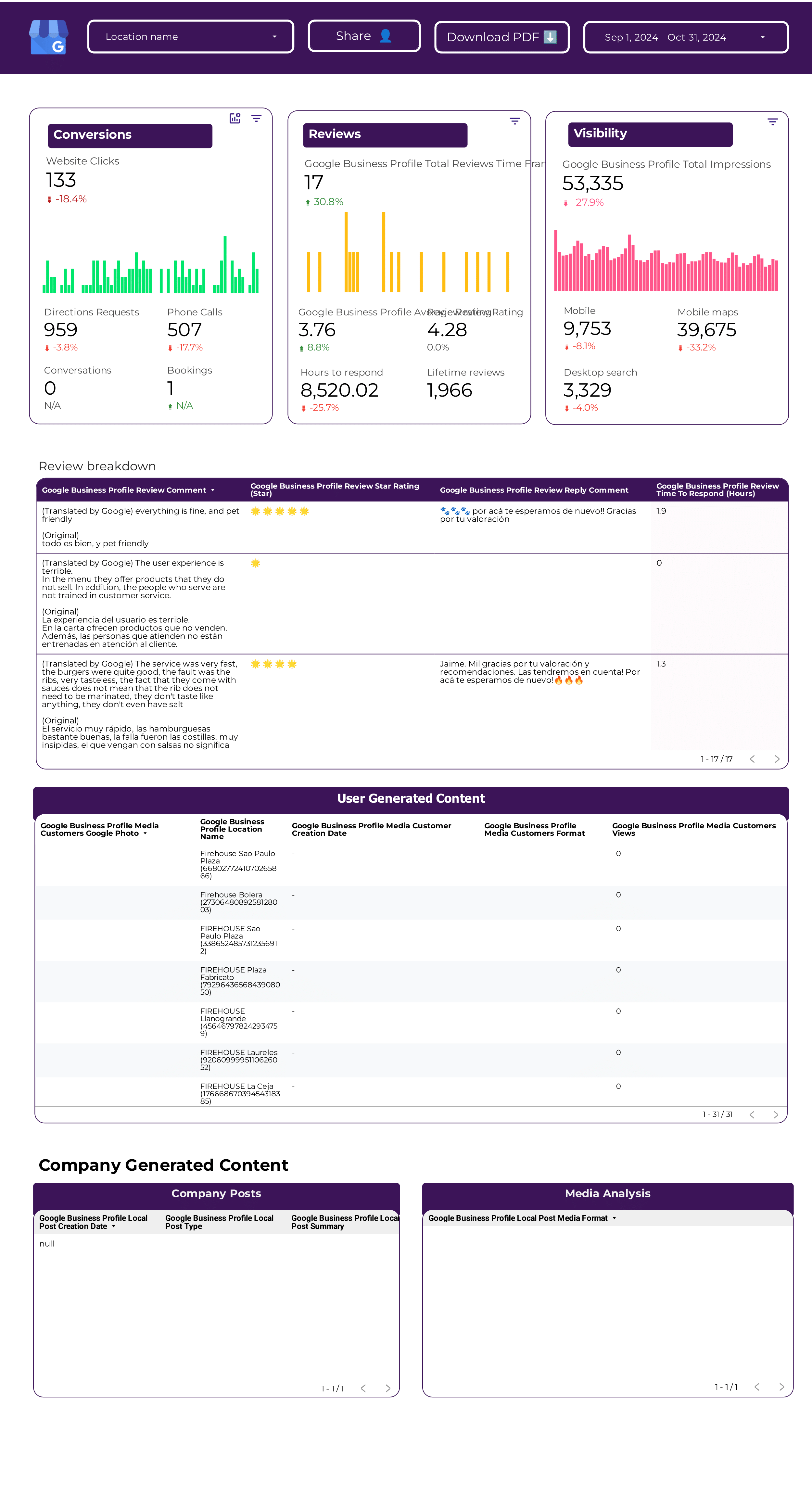
Google Business Profile Report template for Data Studio by Porter
Track reviews, average rating → response rate, sentiment → review-influenced visits. Segment by rating, period.
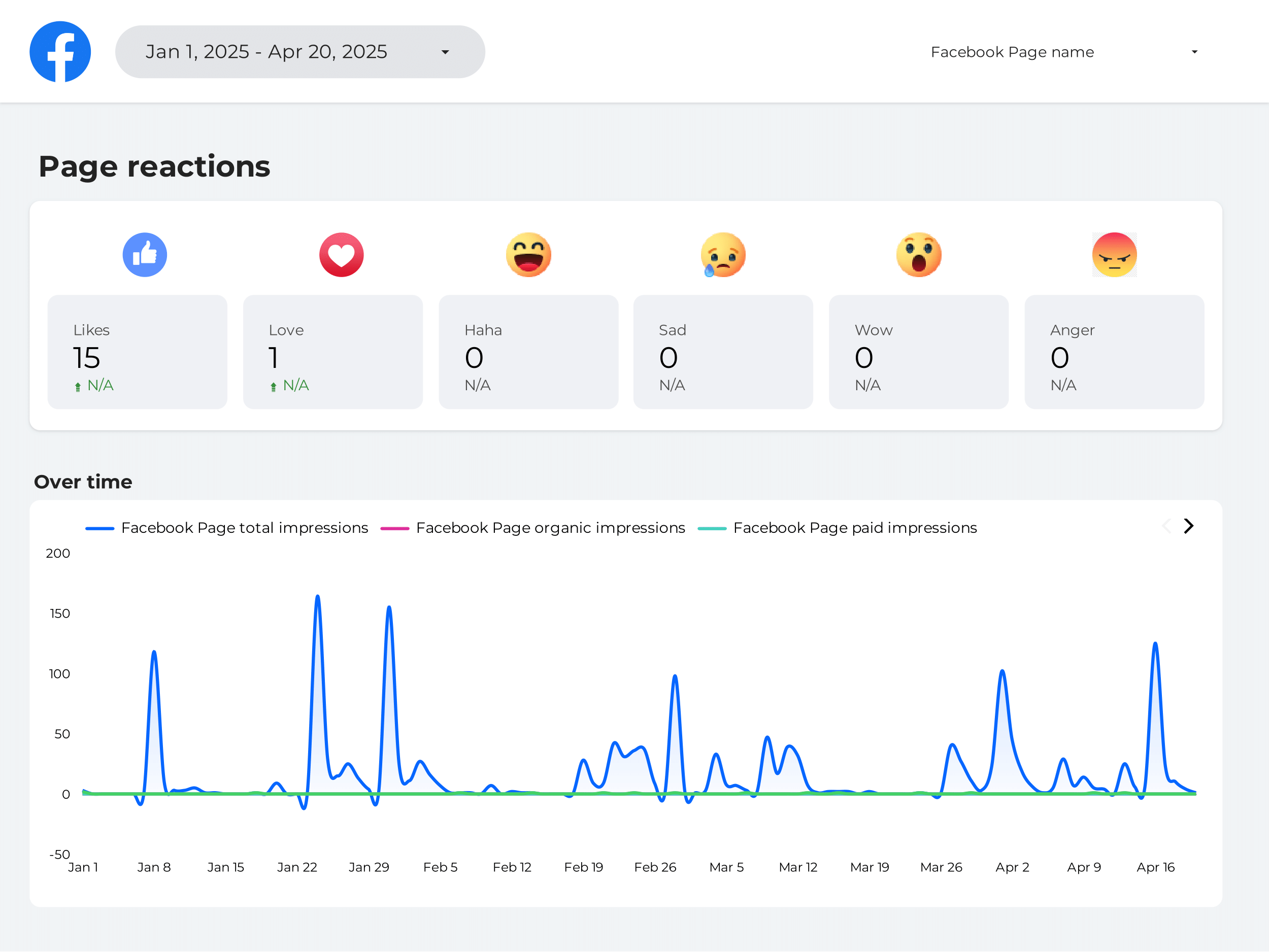
Brand awareness Report template for Data Studio by Porter
Track brand impressions, reach, SOV → brand mentions, sentiment → branded search, direct traffic. Segment by channel, competitor.
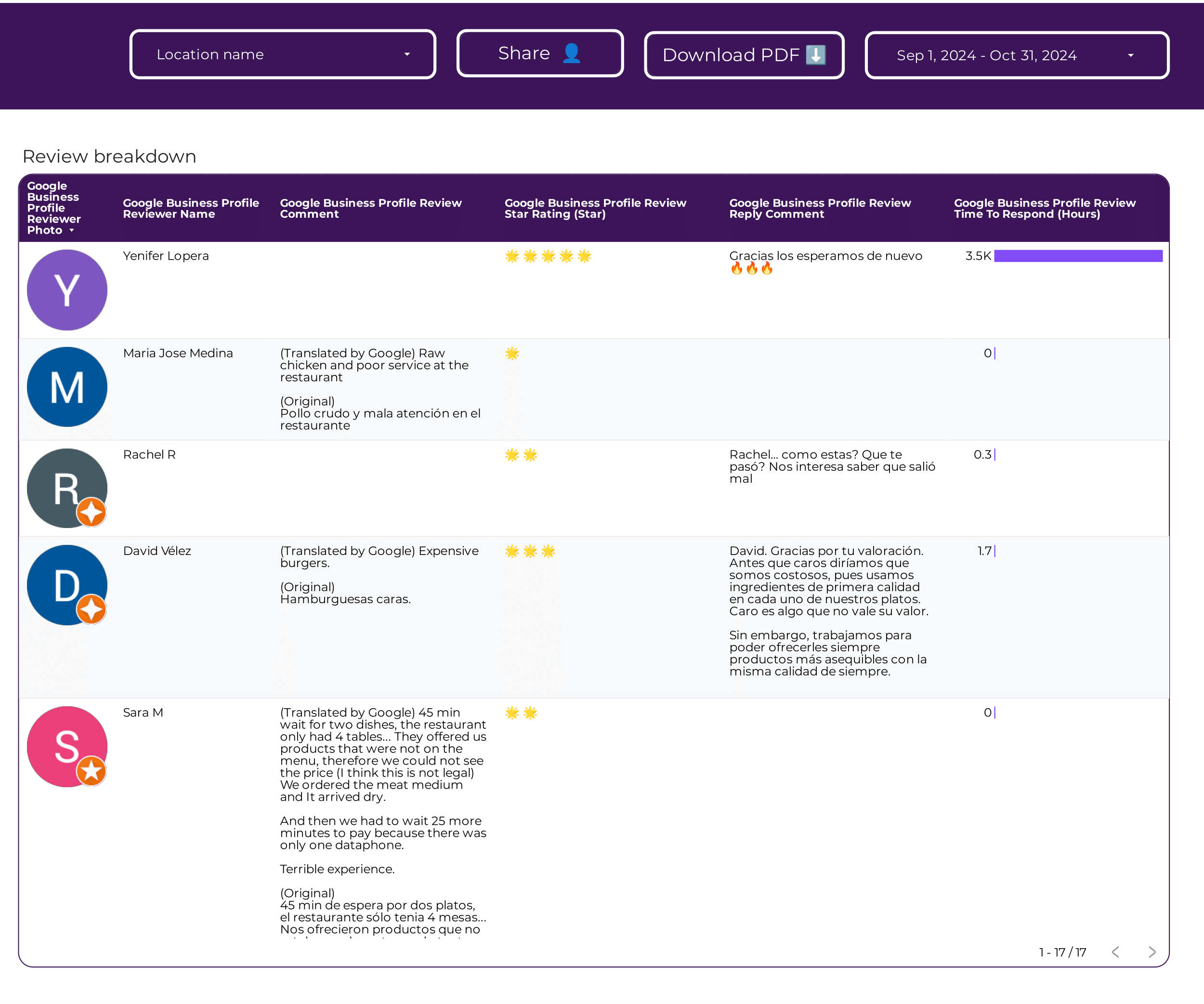
Google Business Profile Reviews Report template for Data Studio by Porter
Track reviews, average rating → response rate, sentiment → review-influenced visits. Segment by rating, period.
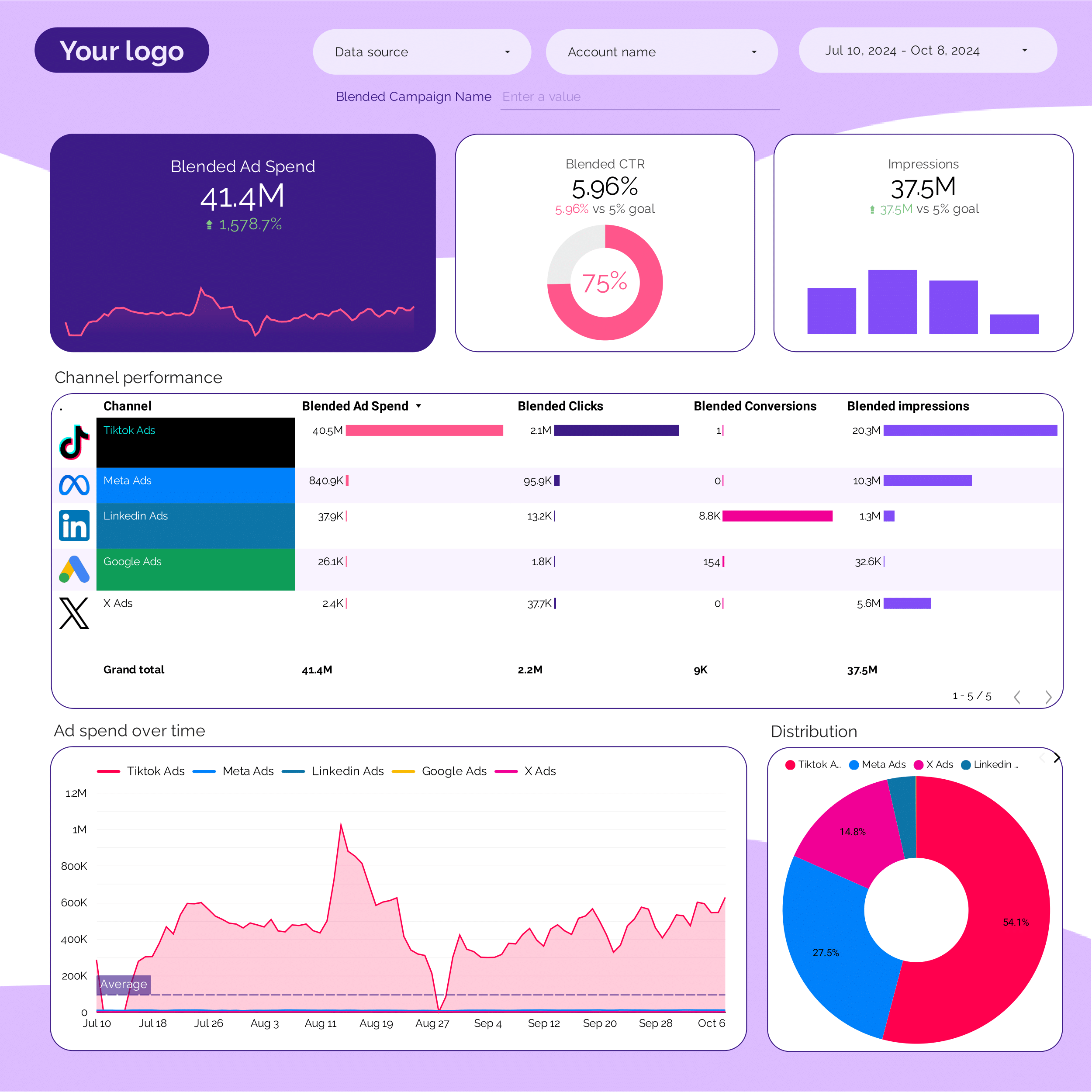
PPC multi-channel Report template for Data Studio by Porter
Track cross-platform impressions → CTR comparison by platform → blended ROAS, CPA by platform. Segment by platform, campaign type.


