BigQuery
The AI-native marketing ETL built for marketers, not engineers.
20+ marketing data sources
Prompt queries and custom fields in natural language
Auto-blend cross-channel data without SQL joins
We’ll set up your first sync, free
No credit card required
1,500+ marketing teams and agencies



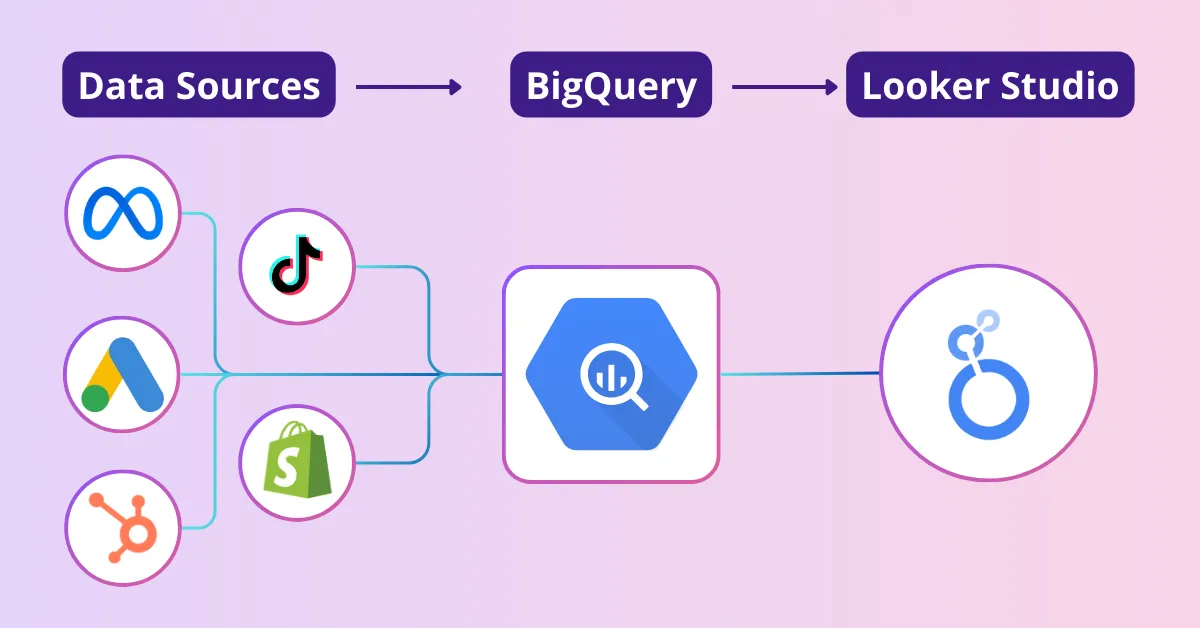
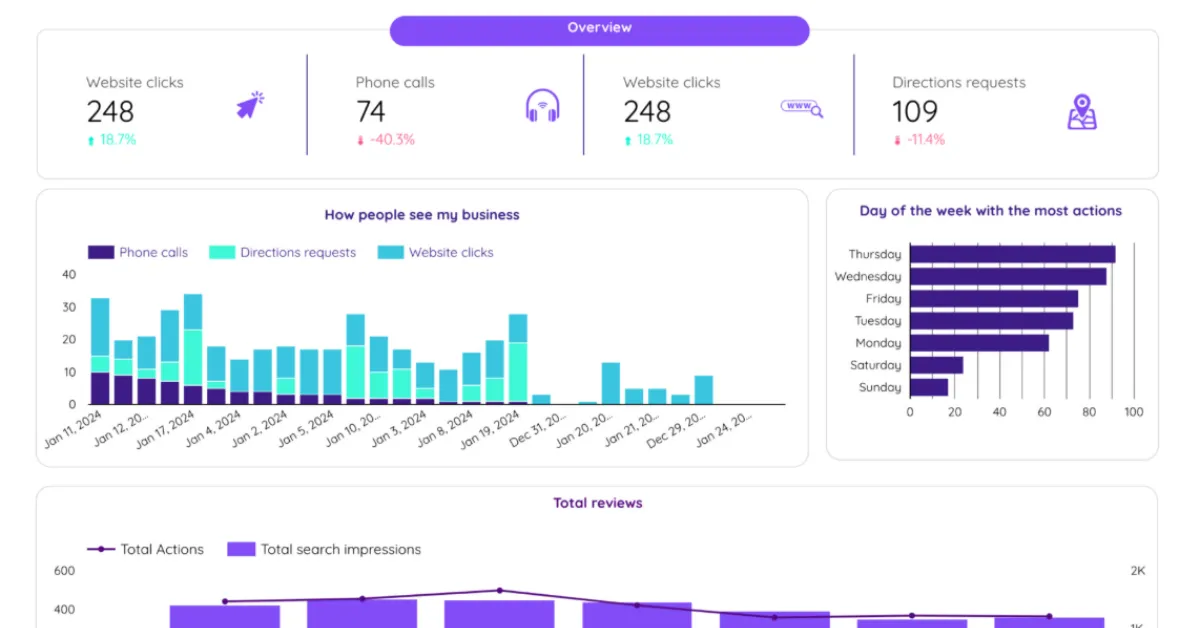
Under one subscription, send data from any marketing source to BigQuery, Looker Studio, Google Sheets, Slack, or Zapier (5000+ apps). Build dashboards, reports, alerts, notifications, and AI workflows.
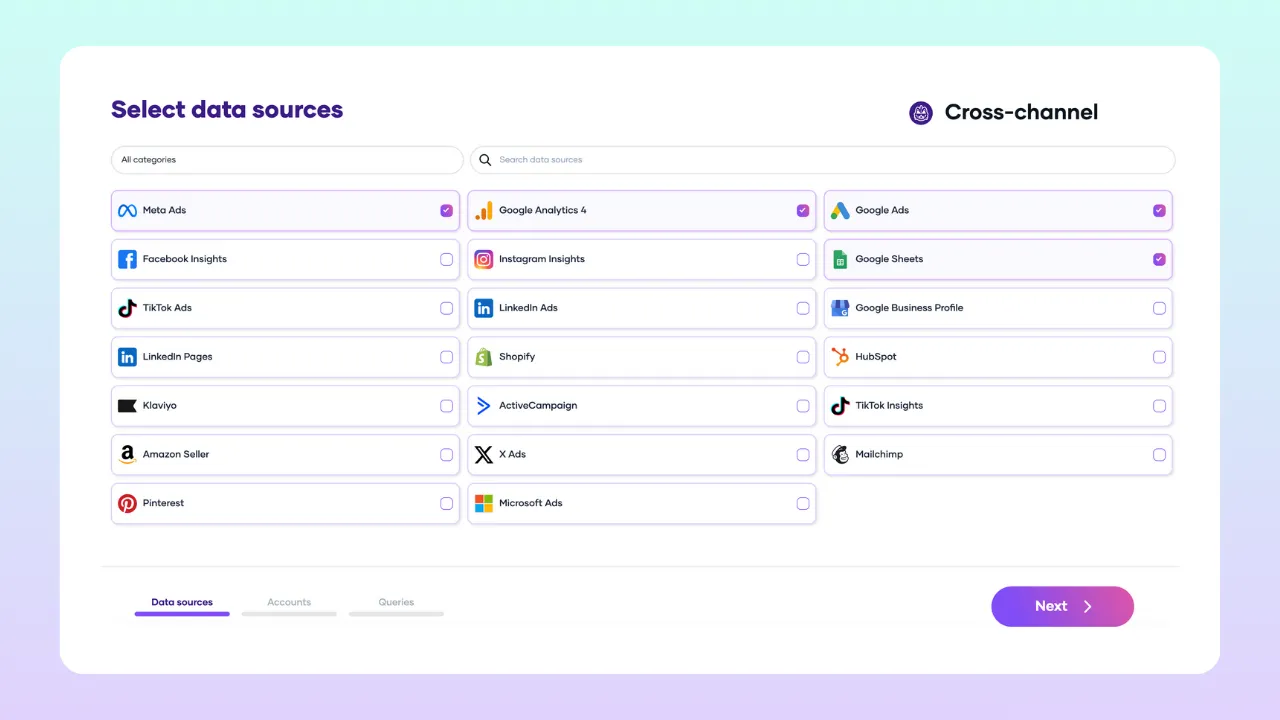
Select from 22+ data sources: Meta Ads, Google Ads, LinkedIn Ads, TikTok Ads, GA4, HubSpot, Shopify, and more. Porter maps UTMs, campaign names, and performance metrics across channels automatically. No SQL joins.
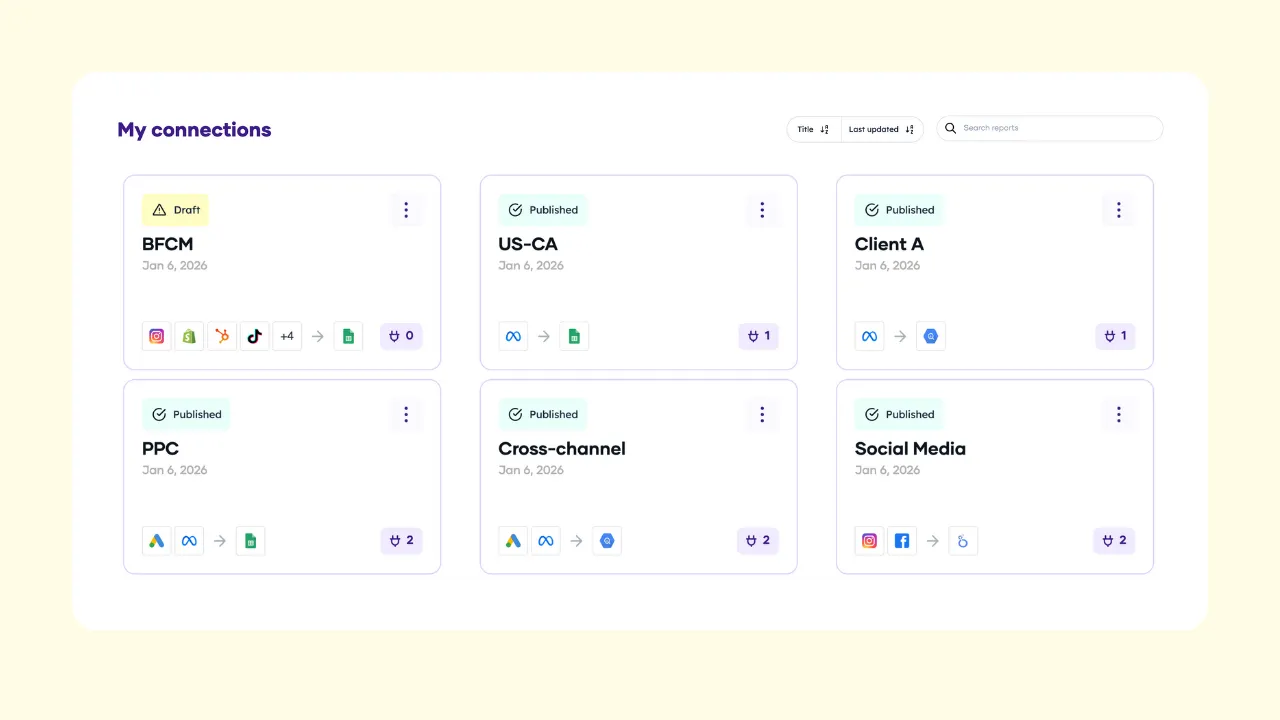
Connect multiple profiles, select accounts under each. Consolidate dozens of accounts across brands, regions, or clients into one BigQuery table. Built for agencies and enterprise teams at scale.
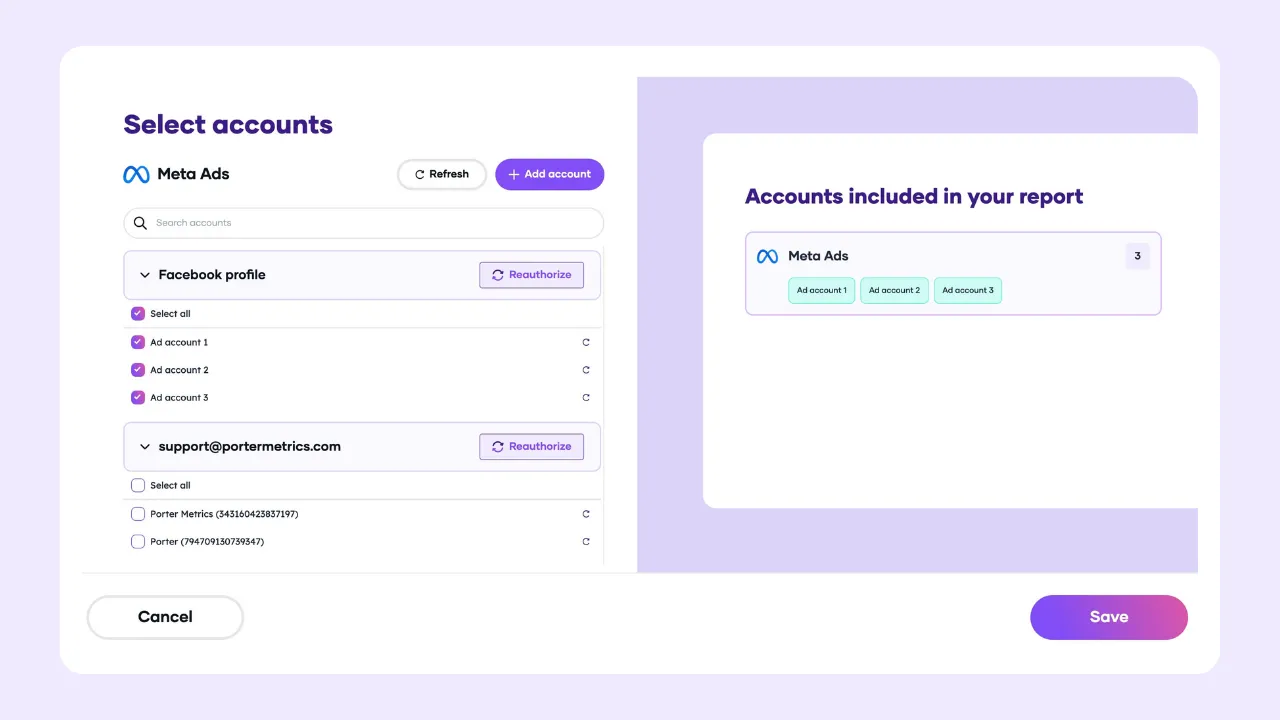
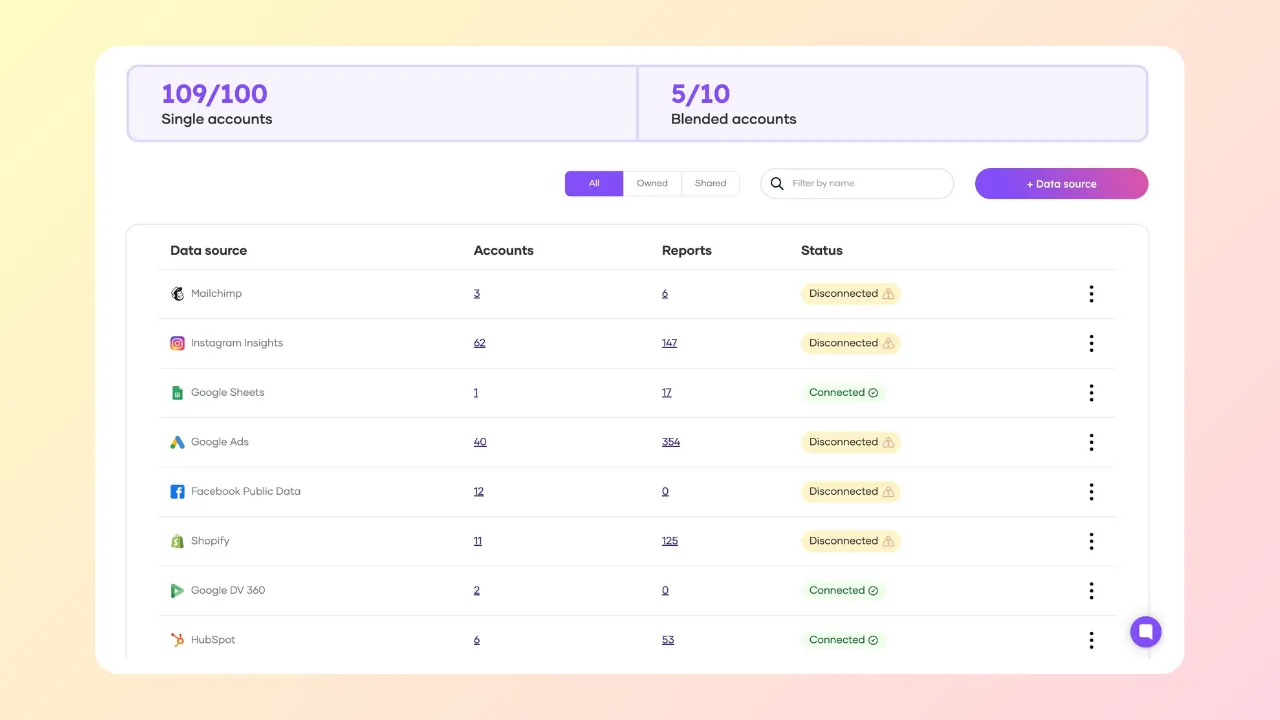
Name, duplicate, delete connections, accounts, queries, and custom fields. Manage multiple clients, brands, campaigns, or regions from one interface.
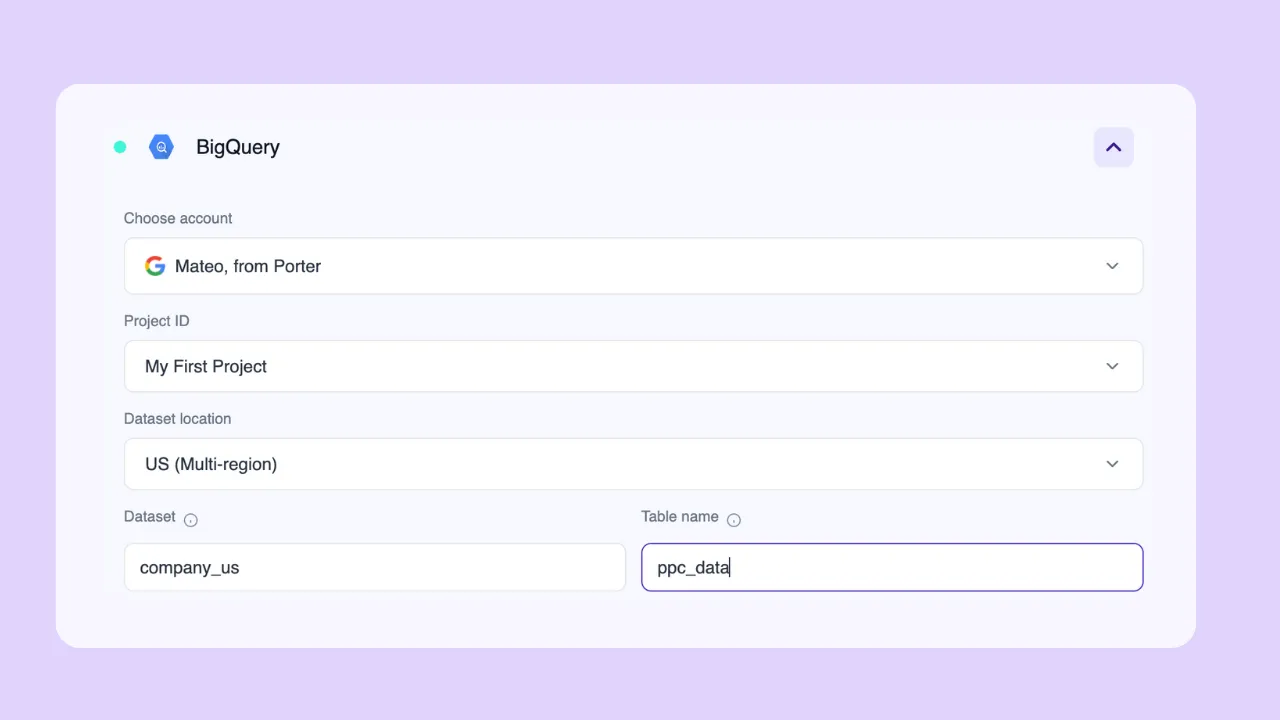
Google login: Sign in with Google and Porter auto-lists your BigQuery Project IDs. Select project, dataset location (US, EU, US-Central), name your dataset and table.
Service account (JSON): Upload your credentials. No Workspace admin approval needed.
New to BigQuery? Set up your first project automatically—no Google Cloud console, no billing, no technical setup. Create your report in Looker Studio directly.
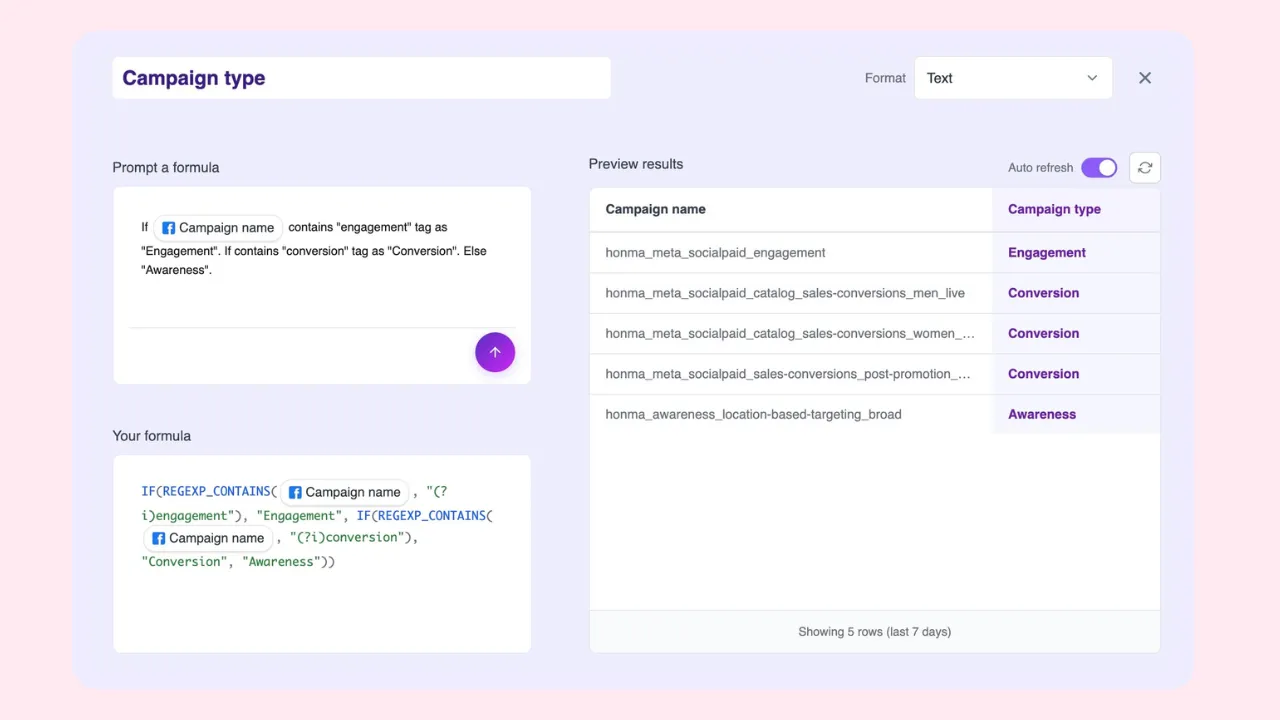
The AI-native query builder. Describe what you need. No SQL, no complex forms.
Cross-channel fields: Select metrics and dimensions from any data source. No data mapping or joins needed.
Custom fields: Use AI prompts to create custom metrics (e.g., blended ROAS, cost per lead, LTV:CAC) and dimensions (e.g., brand, region, creative hook). Segment data using naming conventions from campaigns, ad sets, or ads.
Filters: Include or exclude by any field. Combine with AND/OR logic.
Date ranges: Dynamic (Month-to-date, Last quarter) or fixed (custom start and end).
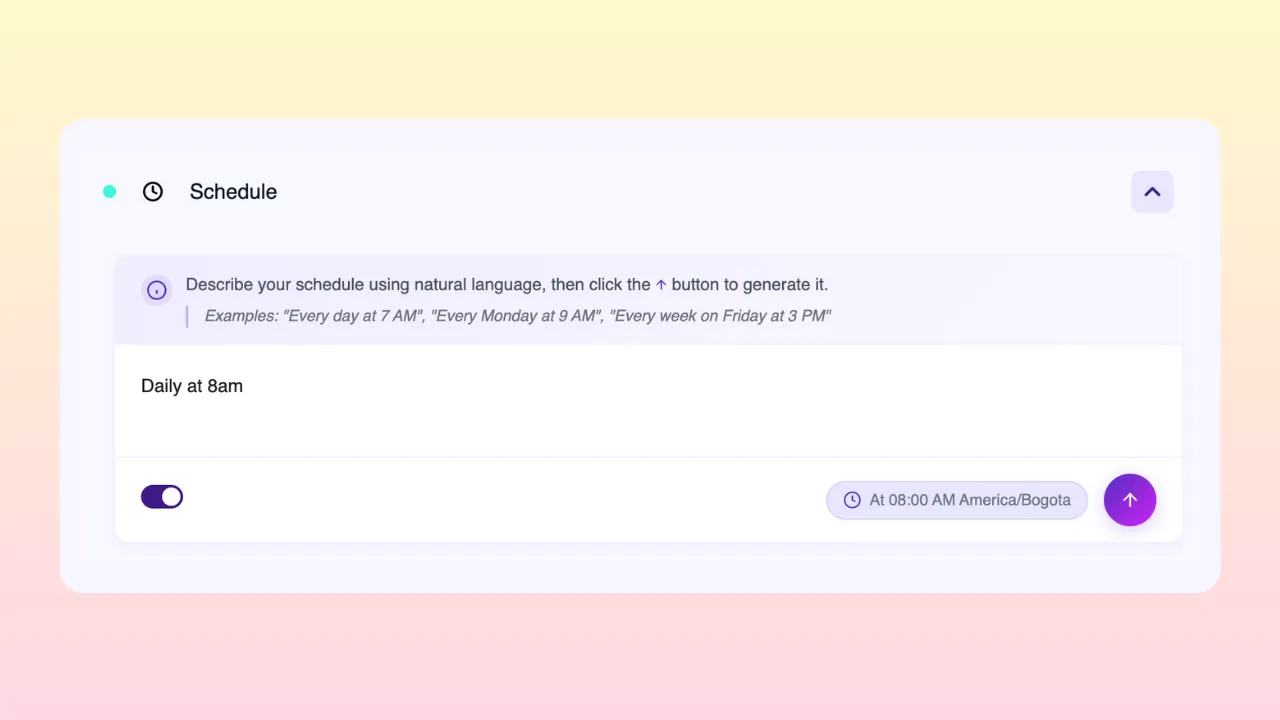
Schedule: Prompt refreshes like “Every day at 5am except weekends.” Schedule by hour, day, week, weekday, or month.
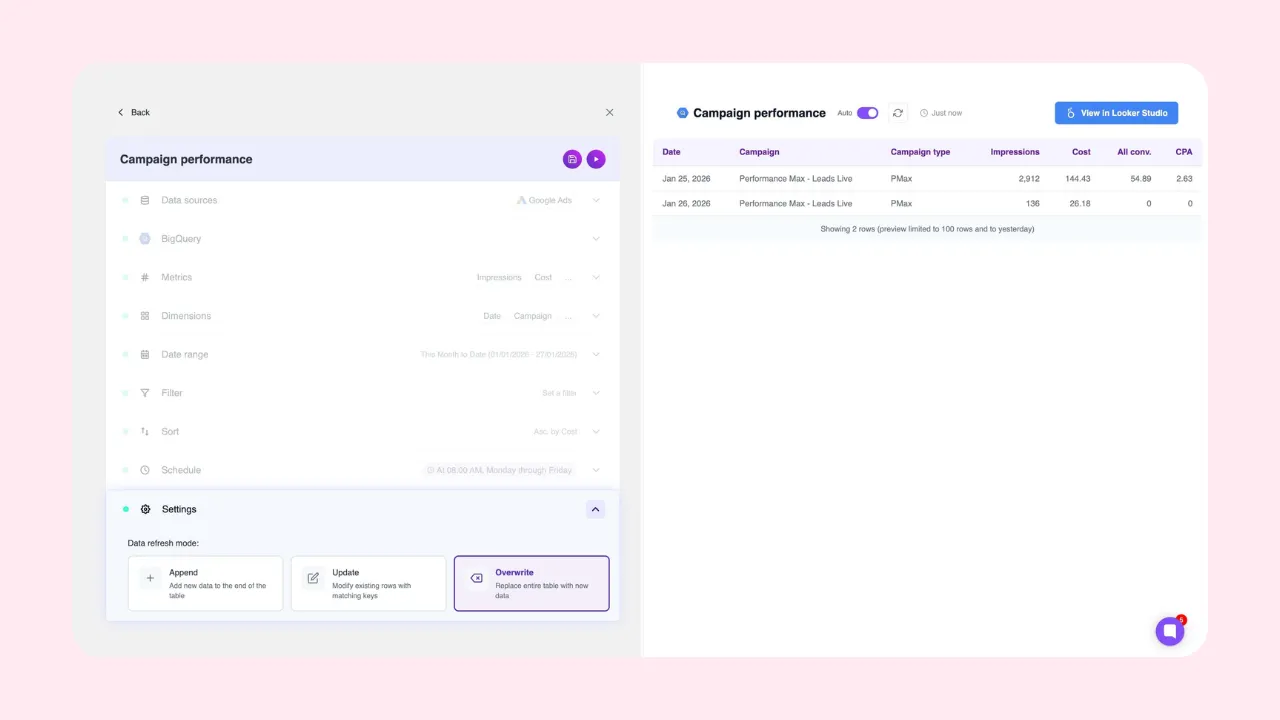
Refresh mode: Append (add rows), Update (match and refresh), or Overwrite (replace table).
Live preview: Preview your data before syncing to BigQuery. Catch errors before they cost you.
Refresh hourly, daily, or every few minutes—as fast as each platform’s API allows. If you hit rate limits, Porter automatically switches to BigQuery backups.
Track all queries in the Query Manager: name, data sources, last run at a glance. Open execution history—timestamp, success or failure. Toggle pipelines on/off anytime. Fix issues before they reach your reports, team, or clients.
Connect to Looker Studio for instant dashboards. Or plug into Power BI, Tableau, any BI tool. Unlock multi-touch attribution with raw GA4 data.
Direct connectors take 8+ seconds to load, time out, and break. BigQuery loads in 2 seconds, every time. Present to clients and executives with confidence. No broken connections mid-meeting.
Connect ad platforms to BigQuery without IT tickets. No SQL, no engineering support, no waiting on the data team.
Meta Ads, Google Ads, GA4, CRM, and sales data in the same warehouse. Join ad spend with revenue by date, campaign, product. Measure real marketing profit, not just ROAS.
Consolidate hundreds of client accounts into one queryable dataset. Scale from 10 clients to 100 without changing your stack.
Join ad platform tables with raw GA4 event data inside BigQuery. Trace the full user path from ad click to conversion.
Define what “conversion” means for your company. Compare Meta conversions vs. GA4 vs. HubSpot. Pick one source for CAC, ROAS, and CPA calculations. End the “which number is right” debate.
Send data from BigQuery to Looker Studio, Power BI, Tableau, or any BI tool. Feed data into AI workflows. One warehouse, every destination.
Start with ready-to-use Looker Studio templates for any data source.
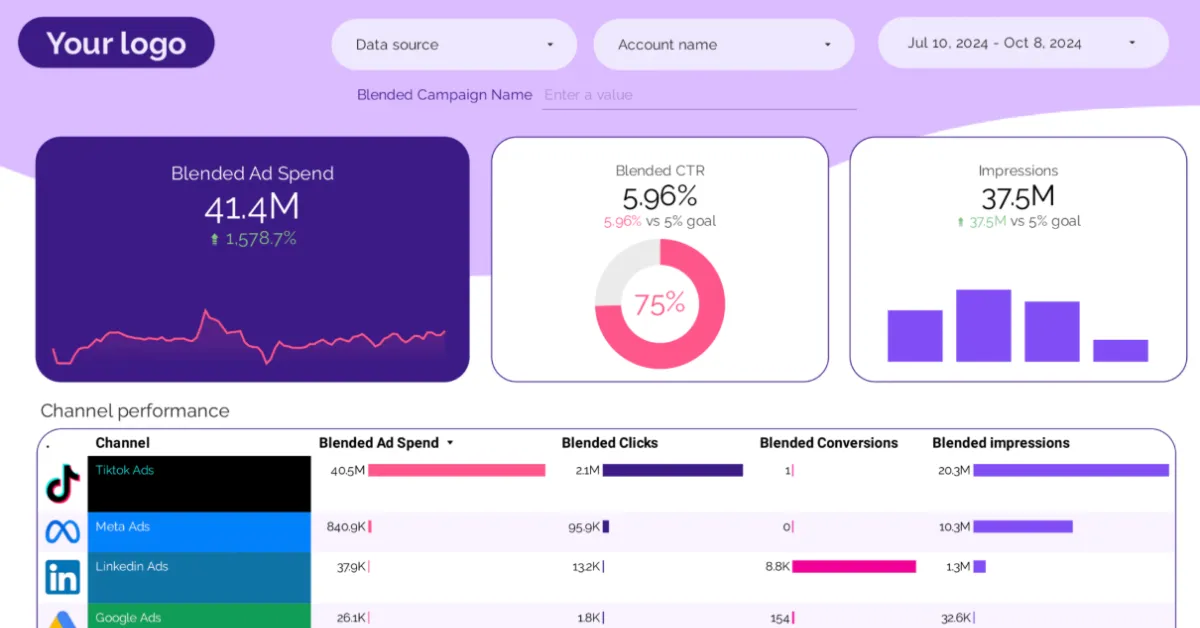
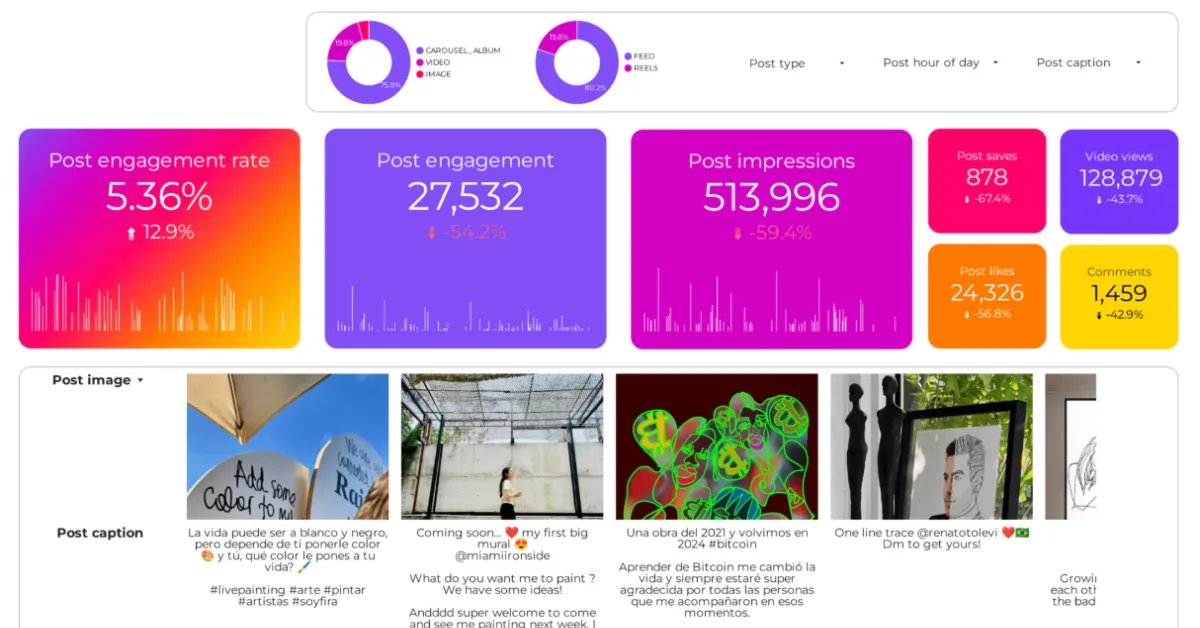
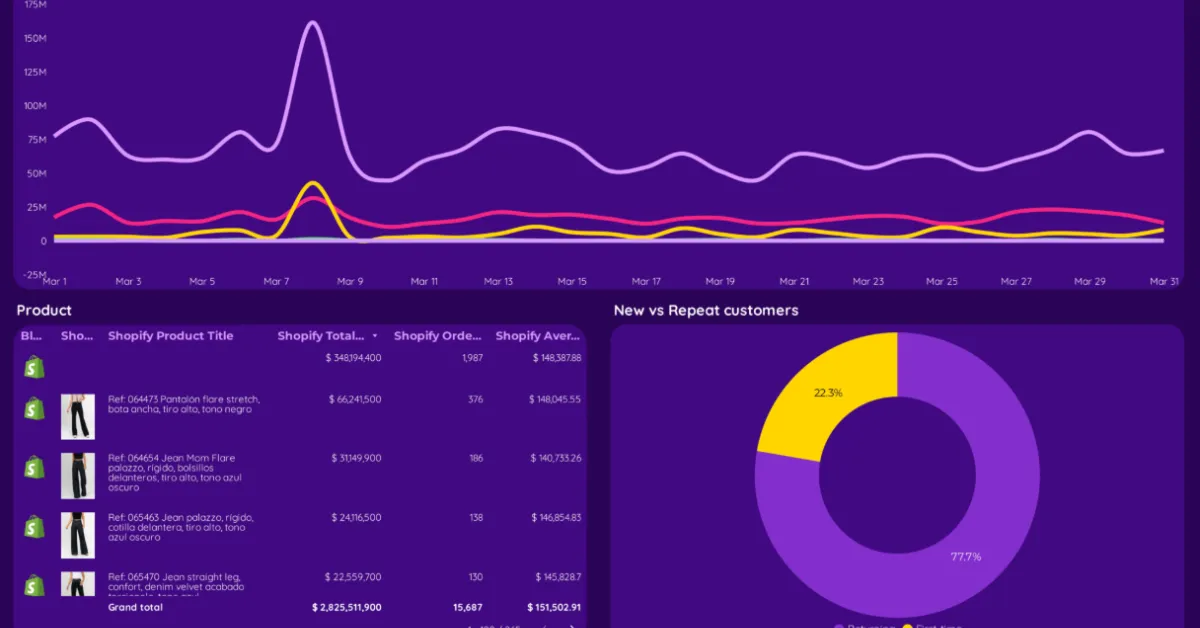
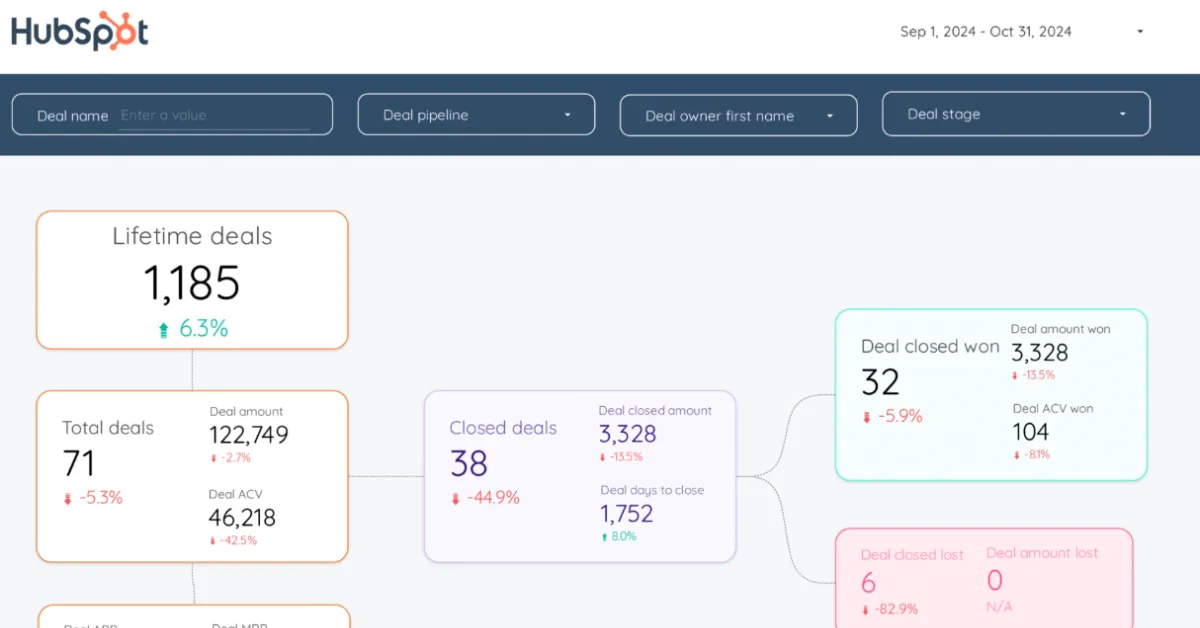
From BigQuery, connect to any BI tool or workflow.

Instant dashboards. 2-second load times.

Query BigQuery from Sheets for ad-hoc analysis.

Enterprise BI tools connect directly to BigQuery.

Automated alerts and notifications.

Connect to 5,000+ apps.
Push data to any endpoint.
Other departments already use BigQuery. Company policy, data governance, single source of truth—now marketing needs to centralize too.
Direct connectors take 10+ seconds to load. Or don’t load at all. Broken charts in client calls. Broken dashboards in board presentations. BigQuery loads in 2 seconds.
Combine all your marketing sources with CRM, ERP, GA4, sales. Measure real profit, not just ROAS. One warehouse, all your sources.
Multiple clients, channels, brands—each a separate connection. Reports break at scale. Centralize in BigQuery. One table, one connection, one report.
Full proof of concept. Includes tool access, support, and migration assistance. No day limit—ends when you validate Porter meets your needs.
Yes. 100% assisted migration by our implementation team. Typical timeline: same week.
Automatic refresh every 12 hours by default. Configurable to hours or minutes depending on each platform’s API limits.
Porter has no limits. Limits depend on BigQuery and each source platform.
Most clients operate within Google’s free tier. High-volume clients: $20-$30/month. See Google BigQuery pricing for details.
Both. Use your own project or Porter manages one for you. Your data is always yours.
Direct Slack access to support team, developers, and founders. Chat, scheduled video calls, email. Response in minutes or hours (Americas timezone).
Yes. Monthly or annual billing. Cancel anytime, effective immediately.
Google-only login (OAuth 2.0). No passwords to create or store.
Your existing Google security applies: 2FA, suspicious login detection, session management.
Data flows directly to your BigQuery. Porter doesn’t store your marketing data.
One identity for BigQuery, Looker Studio, Sheets, and Porter.
We’ll set up your first sync, free
No credit card required