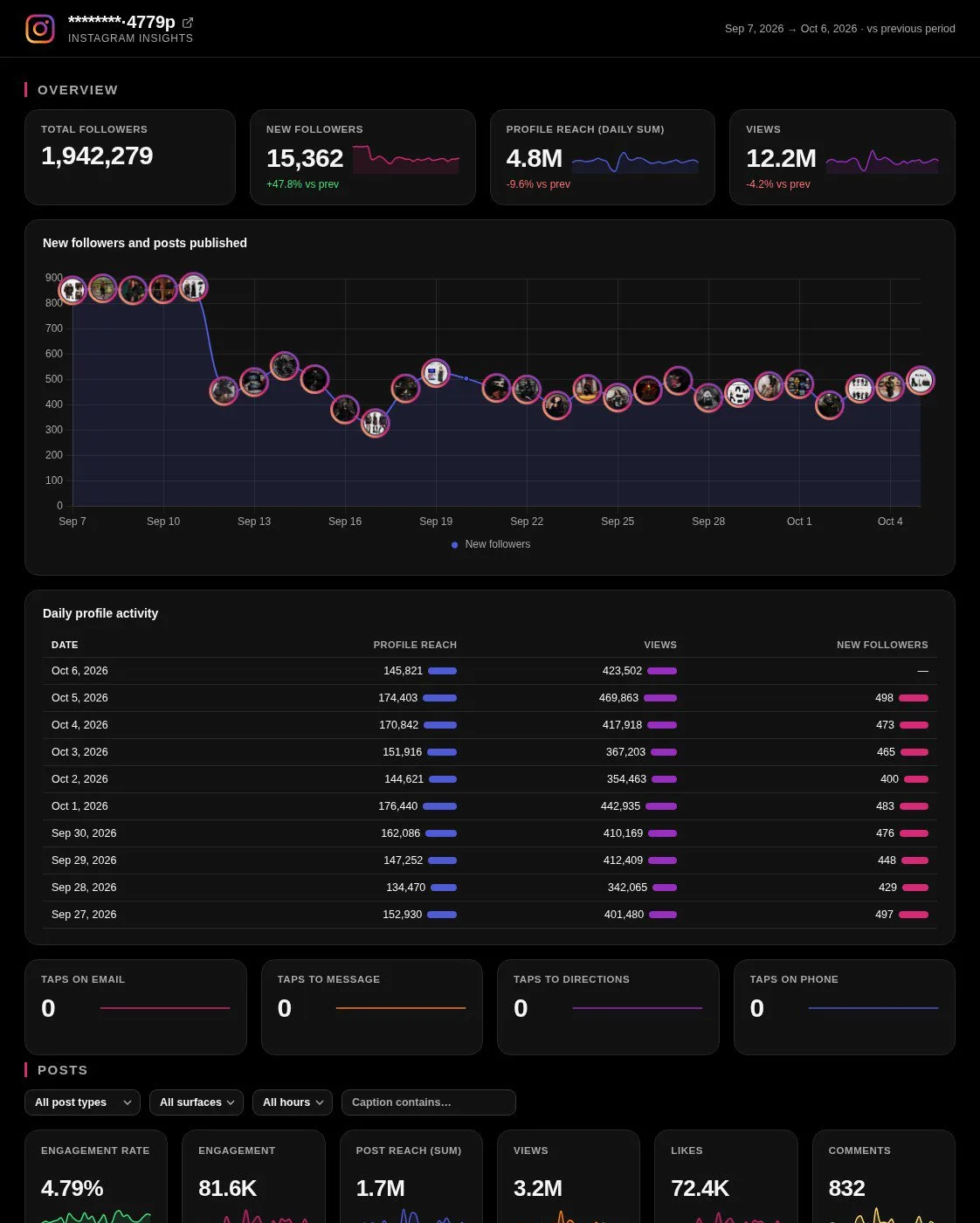



Claude can write and design an Instagram carousel in a few minutes: the slide copy, the layout at Instagram’s portrait size, the exported images and the caption. Connect your Instagram first and it also picks the topic from the posts your audience saved most, which is what makes a carousel worth swiping. Below are the 6 steps, each with a prompt, plus 5 carousel prompts to copy.
Before you start
- Claude on any plan. To export images, turn on Create and edit files under Settings, Capabilities.
- Optional, for step 1 and step 6: Instagram connected to Claude through Porter, free and about 5 minutes. See how to connect Instagram to Claude.
- Size: Instagram shows carousels best in portrait, 1080 x 1350 pixels (4:5).
1. Pick the topic from your own data
Most AI carousels fail because the topic is a guess. With Instagram connected, start from what your audience already saved: saves are the clearest signal that a post was useful enough to come back to.
List my Instagram posts from the last 14 days with reach, saves and comments. Which 3 topics got the most saves for their reach? Suggest one carousel topic for each.No Instagram connected? Skip this step and give Claude the topic yourself. Every other step works the same.
2. Write the slides
Ask for the copy before the design, so you can fix the story while it’s still cheap. One idea per slide, a hook on slide 1 and a clear call to action on the last one.
Write a 7-slide Instagram carousel about [topic] for [audience]. Slide 1: a hook of 8 words or fewer. Slides 2 to 6: one idea each, a short title and at most 25 words. Slide 7: a call to action to save the post. Write it in my tone: [paste 2 of your captions].3. Design it in Claude
Once the copy reads well, ask Claude to lay it out. Give it the size, your colors and your font style; Claude draws the slides as a design you can see and change in the chat.
Design these 7 slides as an Instagram carousel at 1080 x 1350 pixels. Use [brand colors], large readable text, one idea per slide and the same layout on every slide. Show me all 7 side by side.Ask for changes in plain words: “bigger title on slide 1”, “less text on slide 4”, “make the background darker”.
4. Export the slides as images
Turn on Settings, Capabilities, Create and edit files in Claude so it can make files. Then ask for one PNG per slide, numbered in order, and download them.
Export the 7 slides as separate PNG images at 1080 x 1350, named slide-01.png to slide-07.png.Open each image before posting and check the text is spelled right and nothing is cut off at the edges.
5. Write the caption
A good caption adds what the slides don’t: the context, a question and the hashtags. Ask Claude for a few options and pick one.
Write 3 caption options for this carousel: a first line that makes people open it, 2 short sentences of context, a question to invite comments and 5 relevant hashtags.6. Post it, or let Claude publish it
Upload the images in the Instagram app as usual. With Porter connected, Claude can also publish the carousel to your Business or Creator account after you approve the slides and the caption; the images need a public link for that.
Publish these slides as one Instagram carousel with the caption below, in this order: (image links). Show me the final version first and wait for my OK.Claude publishes when you approve; it doesn’t schedule posts for later.
5 carousel prompts to copy
Swap the words in brackets and paste. Each one works with step 3 to design and step 4 to export.
Step-by-step guide
Turn [process] into a 7-slide carousel: slide 1 the result people want, slides 2 to 6 one step each, slide 7 a call to save.Myth vs fact
Write a 6-slide carousel: slide 1 "[number] myths about [topic]", then one myth and the fact that corrects it per slide, and a call to follow on the last slide.Mistakes to avoid
Write a 7-slide carousel on the most common mistakes in [topic]: one mistake per slide with the fix in one sentence.Monthly results recap
Using my Instagram data from the last 14 days, write a 5-slide carousel recapping what worked: top post, best format, best day, one lesson, and what I will try next.Before and after
Write a 5-slide carousel showing a before and after for [client or project]: the problem, what changed, the result with numbers, the method, and a call to action.Tips for carousels people save
- Hook in 8 words or fewer on slide 1, because it’s the only one most people see.
- One idea per slide, with large text that reads on a phone.
- Same layout on every slide, so the carousel looks like one piece.
- End with a reason to save: a checklist, a summary or a template.
- Check the results after 14 days: ask Claude how the carousel did on saves compared with your other posts.
More ideas: 10 ways to use Claude for Instagram and how to automate Instagram with Claude.
Frequently asked questions
Can Claude make Instagram carousels?
Yes. Claude writes the slide copy, designs the slides at 1080 x 1350 and, with Create and edit files turned on, exports each slide as a PNG image. With Porter connected it can also pick the topic from your best posts.
What size should an Instagram carousel be?
1080 x 1350 pixels, a 4:5 portrait ratio, shows the most space in the feed. Ask Claude for that size when it designs and exports the slides.
Can Claude post a carousel to Instagram?
With Porter connected, Claude can publish a carousel to your Business or Creator account after you approve the slides and caption. The images need a public link. It doesn’t schedule posts for later.
Do I need to connect Instagram to make a carousel with Claude?
No. Claude can write and design a carousel from any topic you give it. Connecting Instagram through Porter adds two things: topics picked from your real saves, and publishing from the chat.
Is it free?
Writing and designing carousels works on Claude’s Free plan. Porter’s Free plan never expires and covers the last 15 days of Instagram data in Claude, plus 100 AI credits a month for changes such as publishing.