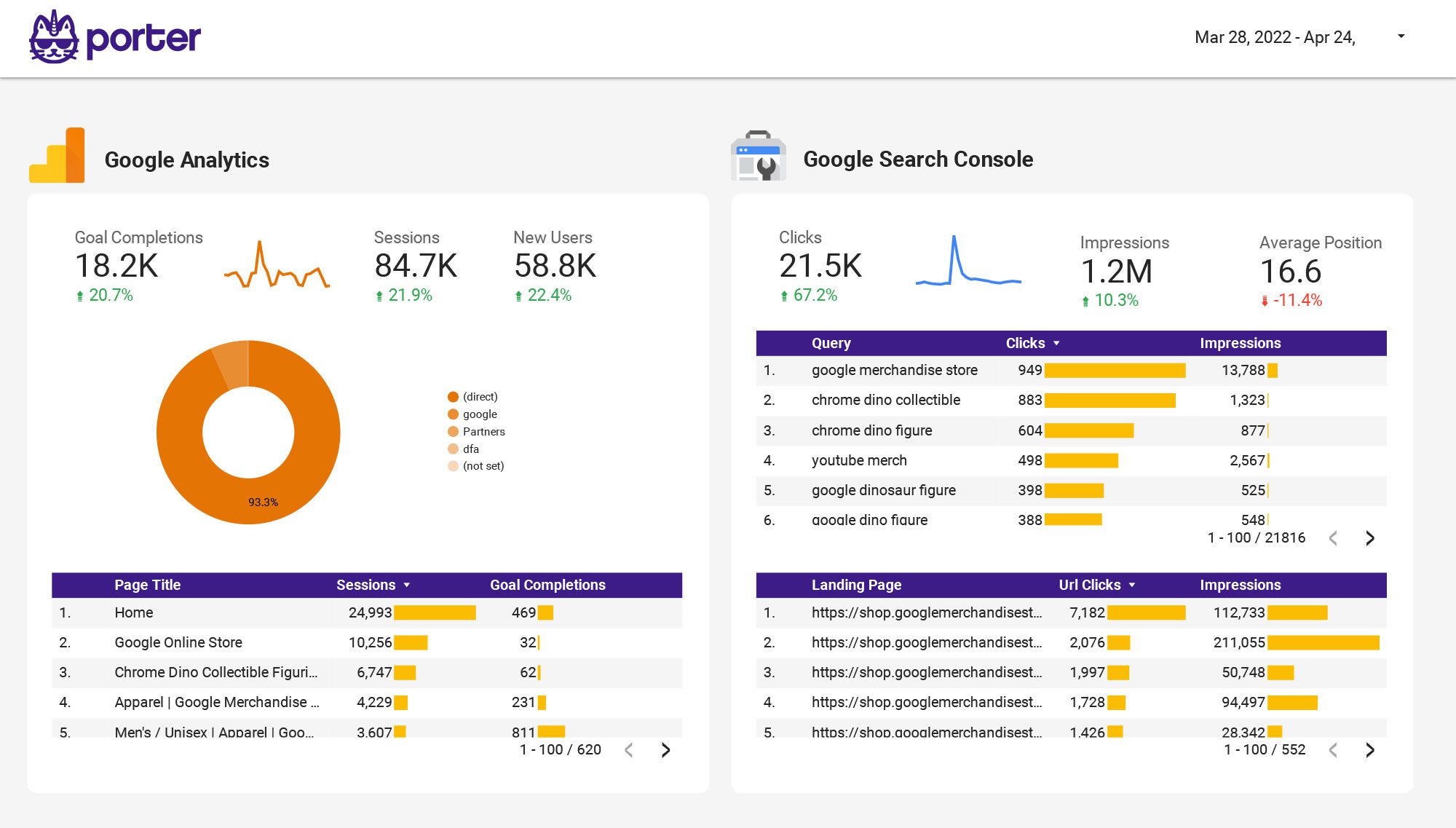
HomeConnectorsData Studio

Data Studioconnectorsfor marketing data

  • Data blendingAutomatic mapping of dates, campaigns and metrics across channels in the same connection.
  • Multi-accountCombine multiple accounts of the same data source in one single connection.
  • 30+ data sourcesAll the major marketing platforms, analytics, ecommerce and CRM tools.
Data Studio
Destination
Data Studio
formerly Looker Studio
Testimonials

Loved by 1,500+ marketers.

Agencies, freelancers and in-house teams who stopped fighting their Data Studio connectors.

Data Studio connector feature checklist

What makes the Porter Metrics Data Studio connector better than any other on the market.

01

Live API data

Porter queries the source API directly, so your data is always up-to-date. Turn on storage for extra speed and stability.

02

Unlimited historical data

Access your full source history with no cutoffs. Analyze trends over any time period without API limits.

03

Unlimited usage

Auto-switches to BigQuery backups when the source API rate-limits. Your reports never get blocked.

04

Speed and stability

BigQuery storage means lightning-fast loads and zero timeouts — even on year-over-year reports with 50+ accounts.

05

Multi-account at scale

Blend dozens of accounts of the same source into one unified table. Built for agencies managing many clients.

06

Transparent accuracy

Your numbers match the source manager exactly. Porter doesn’t transform, sample or reinterpret your data.

07

Full granularity

Segment by every metric and dimension the API exposes. No pre-cooked schemas, no hidden fields.

08

Cross-channel blending

Field names normalized across Meta, Google, LinkedIn, TikTok, GA4 and CRM so cross-channel reports just work.

Tutorial

How to connect any source to Data Studio

  1. Pick your data source

    Choose any of the 25+ connectors from the grid above — Meta Ads, Google Ads, TikTok, GA4, Shopify, HubSpot and more.

  2. Log in with your Google account

    Use the same Google account you use on Data Studio.

  3. Authorize the source with OAuth

    Grant read-only access. You can revoke it anytime from your account.

  4. Select the accounts to blend

    Pick one account or blend multiple into a single data source — perfect for agencies.

  5. Create your report in Data Studio

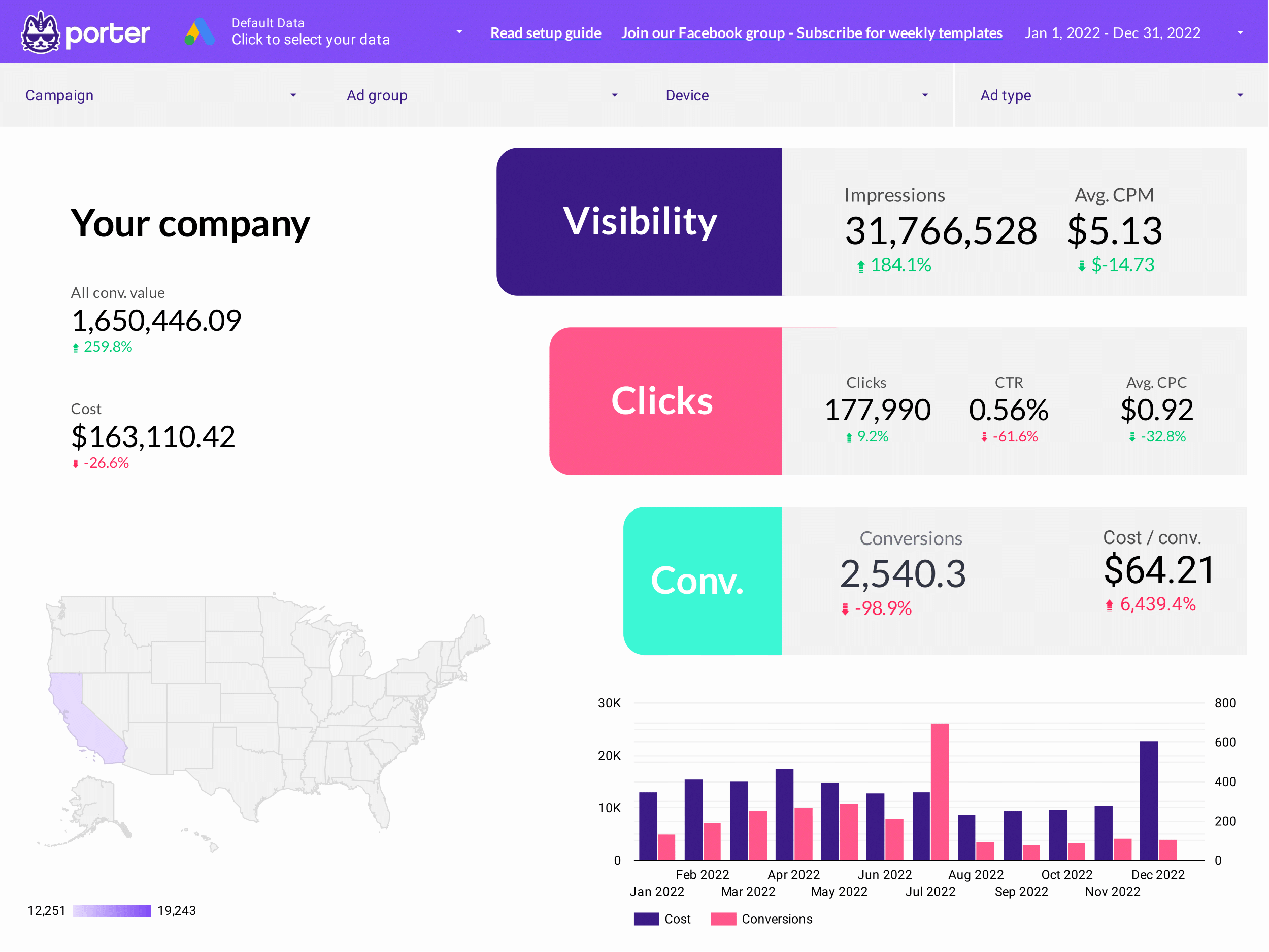
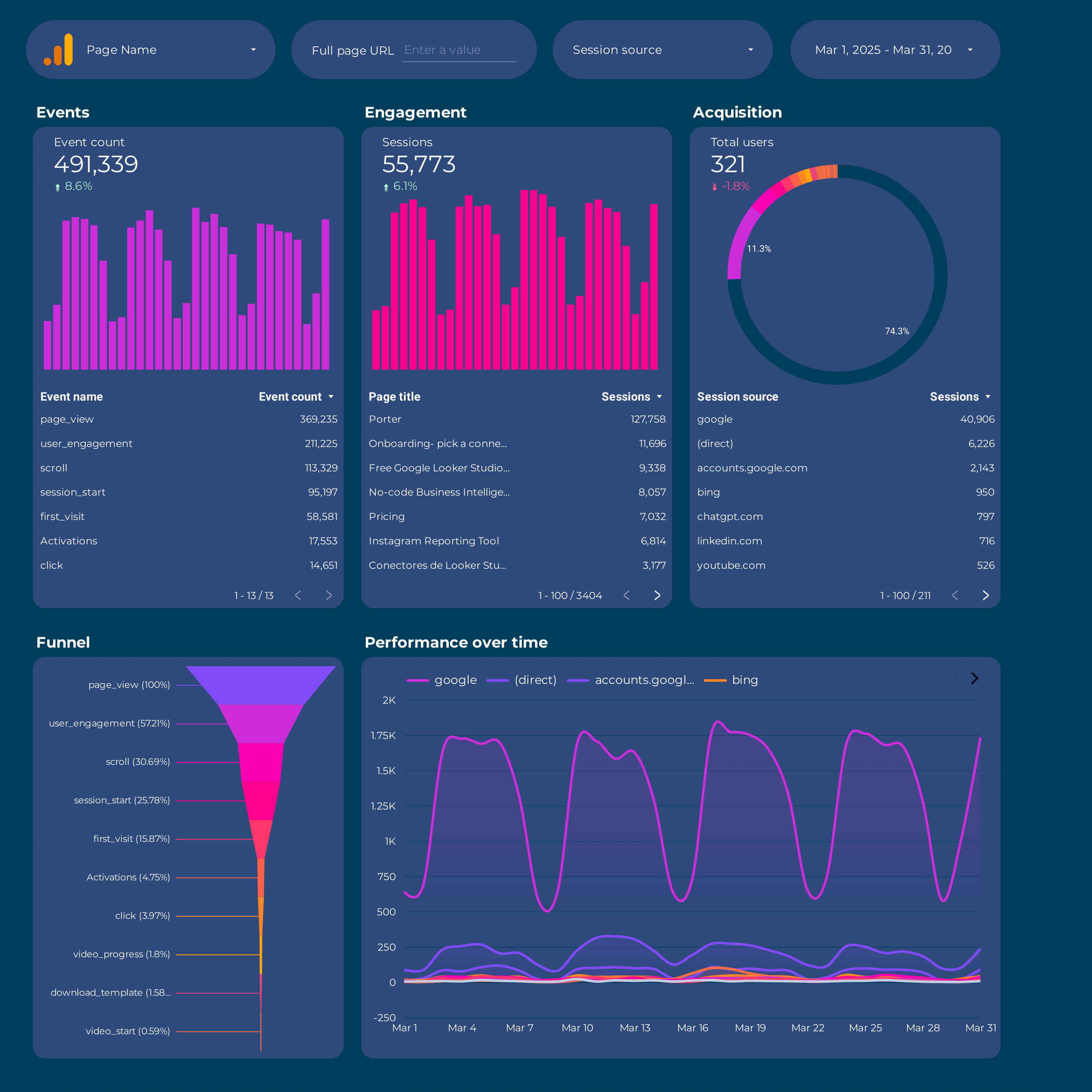
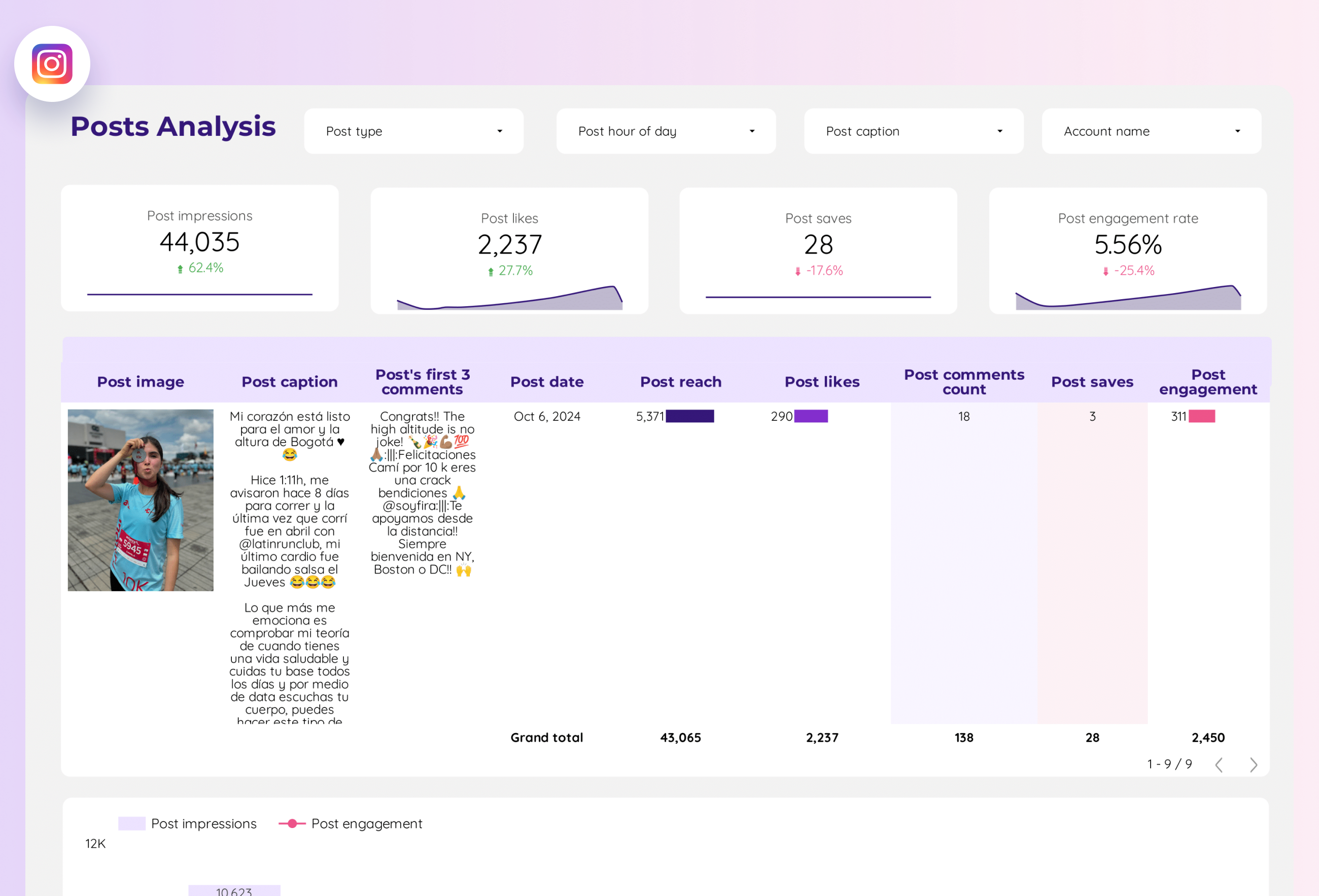
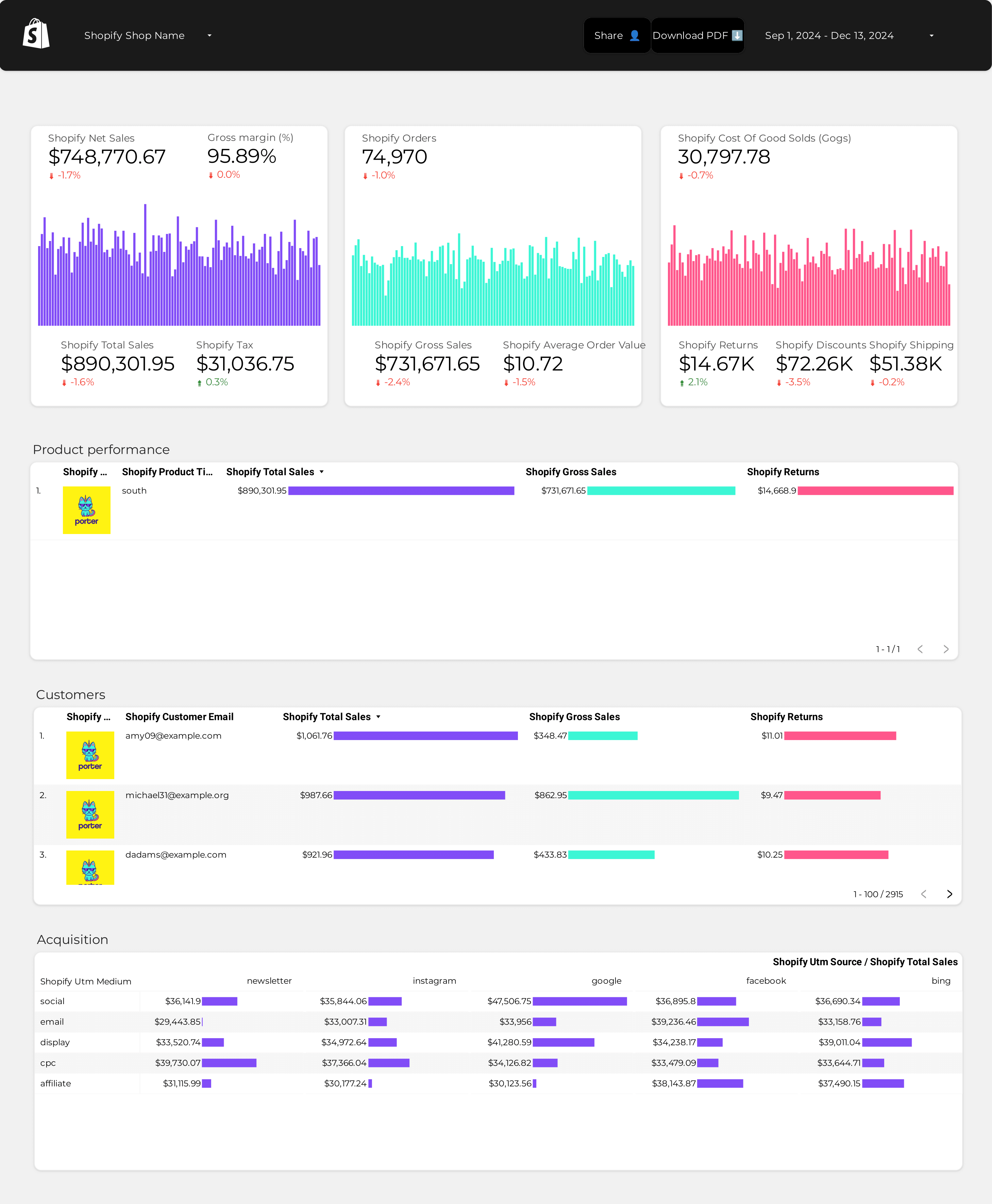
    Load a free Porter template or start from scratch. Your fresh data is ready.

Full tutorial: Getting started with Porter for Data Studio →
Free templates

Start with a template.

A starting point for every connector. Load, plug in your account, rebrand.
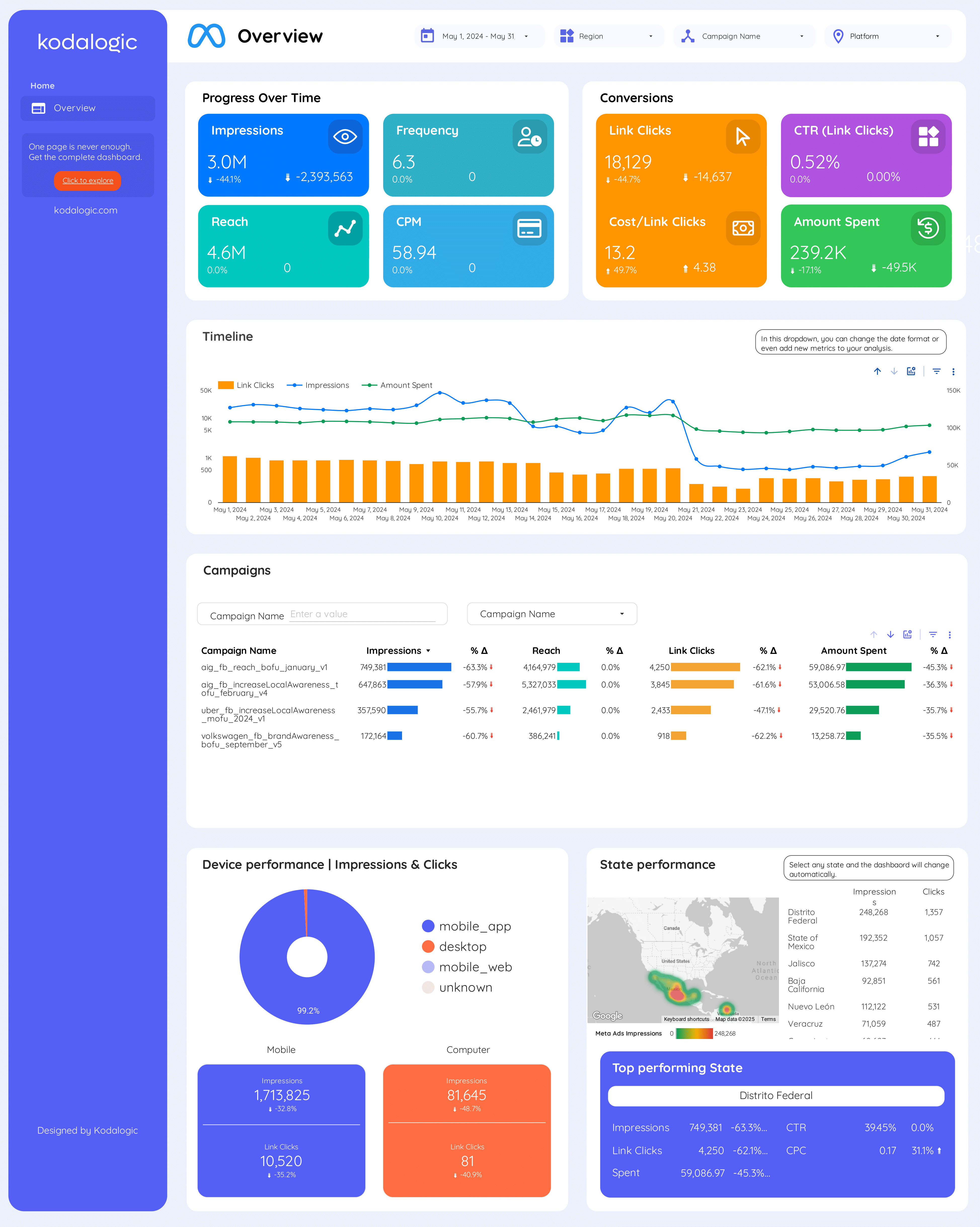
Browse all Data Studio templates →
Multi-destination

Same data, any destination.

Porter ships your marketing data to 10+ destinations beyond Data Studio — same subscription, no extra seats, no per-destination fees.

Pricing

Start free. Pay per ad account

  • Unlimited 14-day free trialConnect any number of data source accounts — no credit card.
  • Free forever planPer account: up to 3 connected accounts with 30-day history.
  • Other destinations includedYour subscription sends data to Data Studio, Google Sheets, BigQuery, Slack and Claude/ChatGPT.
  • Unlimited usersNo extra cost per team member or seat.
MonthlyAnnual Save 17%

Number of data source accounts

/account · Billed annually
Destinations included
Claude
ChatGPT
Data Studio
Google Sheets
Slack
Zapier
Power BI
Start for free →

Unlimited 14-day free trial + Free forever plan

FAQ

Common questions.

What is a Data Studio connector?
A Data Studio connector is a piece of software that brings data from a third-party tool (like Meta Ads or Shopify) into a Data Studio report, so you can build dashboards on top of it. Porter provides managed connectors that handle authentication, schema and rate limits for you.
Are Porter connectors native to Data Studio or third-party?
Porter connectors are partner connectors — they appear inside the Data Studio connector gallery automatically once you sign up. You don't need to install anything manually; just search "Porter" when adding a new data source in Data Studio.
Is there a free plan?
Yes. Porter's free plan gives you 3 ad accounts across any connectors with a 30-day data history. You can upgrade anytime without reconnecting accounts. Data Studio itself is also free.
How often does data refresh in Data Studio?
Porter refreshes data on a scheduled basis (hourly or daily depending on the source) and caches it for fast Data Studio loading. You can also force a refresh manually from your Porter dashboard.
How is Porter different from Supermetrics for Data Studio?
Porter is cheaper per connector, includes historical backfill by default, has unlimited report viewers (Supermetrics charges per user), and lets you send the same data to Data Studio, Sheets and BigQuery in one subscription.
Do I need to install anything in Data Studio?
No. Porter connectors are available inside the Data Studio partner connector gallery as soon as you create a Porter account. Just add a new data source inside Data Studio and search for the connector you need.
Can I blend multiple Porter connectors in one Looker dashboard?
Yes. Porter pre-standardizes field names across sources, so you can blend Meta Ads + Google Ads + GA4 (and more) in a single Data Studio report with matching campaign, date and UTM fields.
What if I hit the source's API rate limits?
Porter stores a BigQuery copy of your data as a safety net. If you hit Meta's, Google's or TikTok's API rate limits, Porter automatically falls back to the stored version so your dashboards keep working.
Start in 2 minutes

Your Data Studio dashboards, finally complete.

No credit card · Cancel anytime · 1,500+ marketers