




Plantilla de reporte e informe de Email marketing
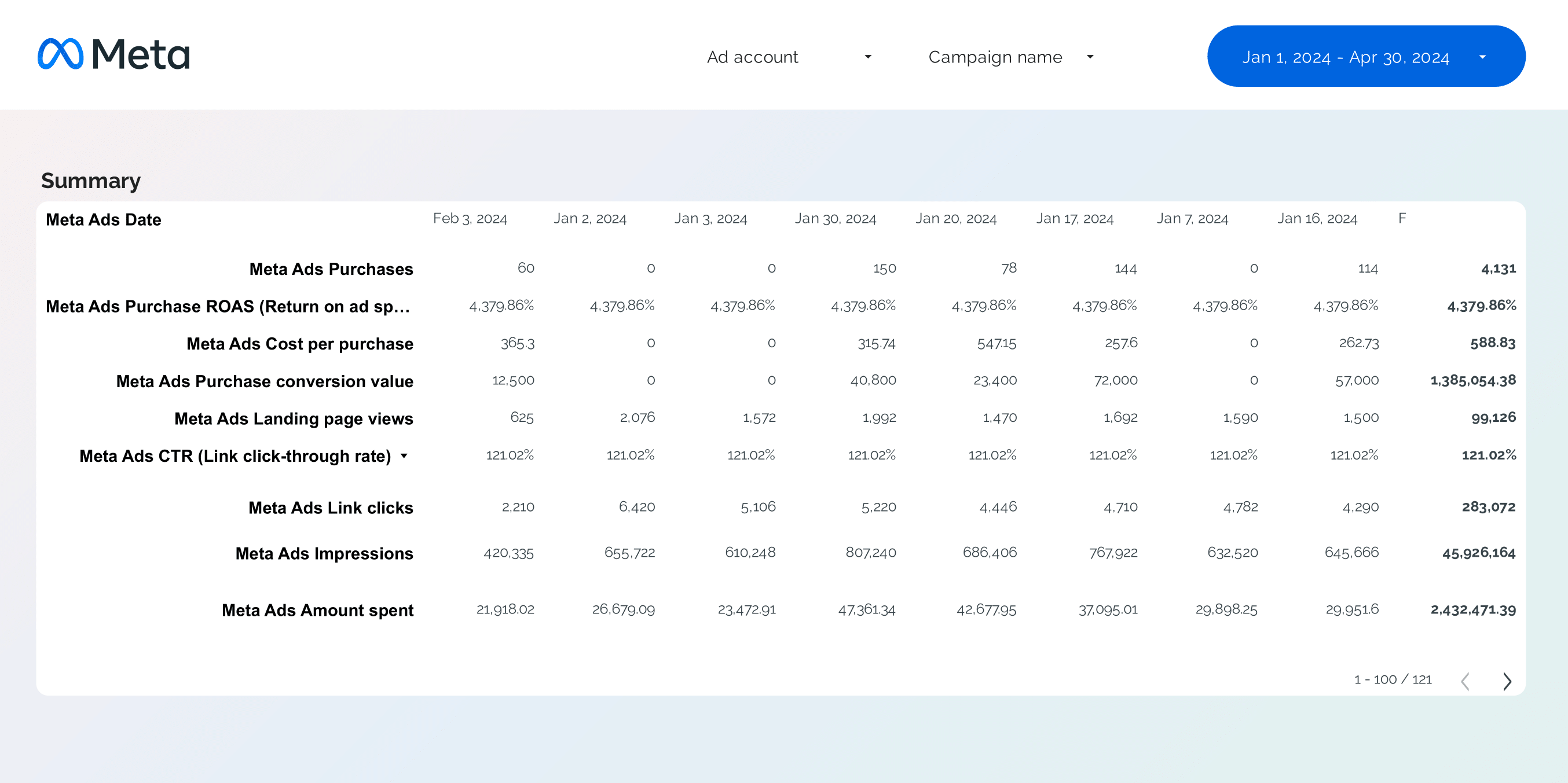
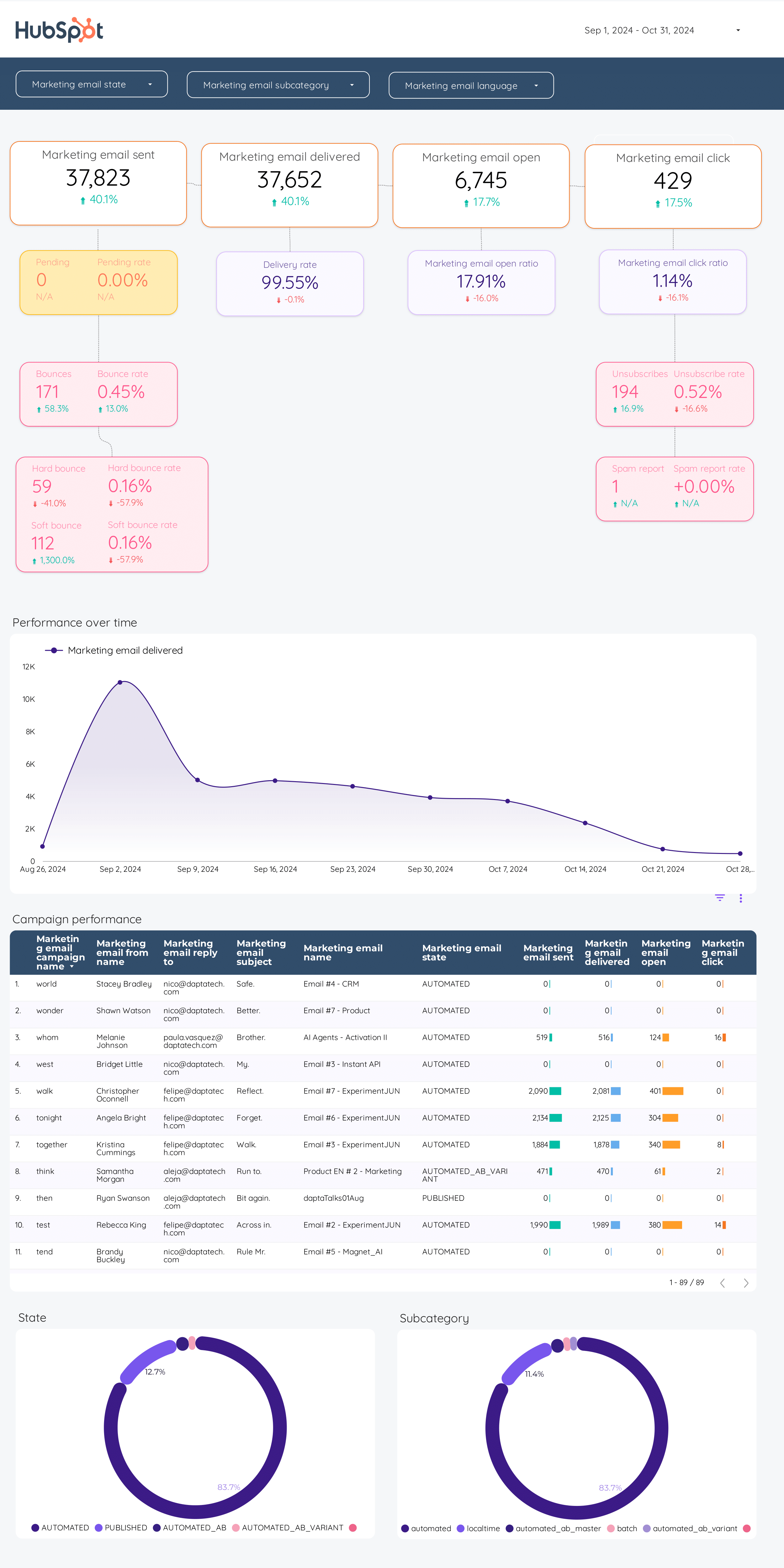
Analiza métricas clave como tasas de conversión y rebote con esta plantilla de informe de Email marketing. Rastrea campañas por nombre, tipo y duración. Consolida datos de Mailchimp, Klaviyo, ActiveCampaign y Hubspot. Segmenta por demografía y niveles de engagement. Ideal para equipos de marketing para medir el rendimiento y optimizar estrategias.

Plantilla de reporte e informe de Presentación de redes sociales para clientes
Analiza métricas clave con esta plantilla de informe de presentación para clientes de redes sociales. Rastrea tasas de conversión, engagement e insights de audiencia de Instagram y Facebook. Segmenta datos por campaña, demografía y tiempo. Perfecto para agencias que desean presentar insights accionables y rendimiento, alineándose con objetivos y estrategias de marketing.

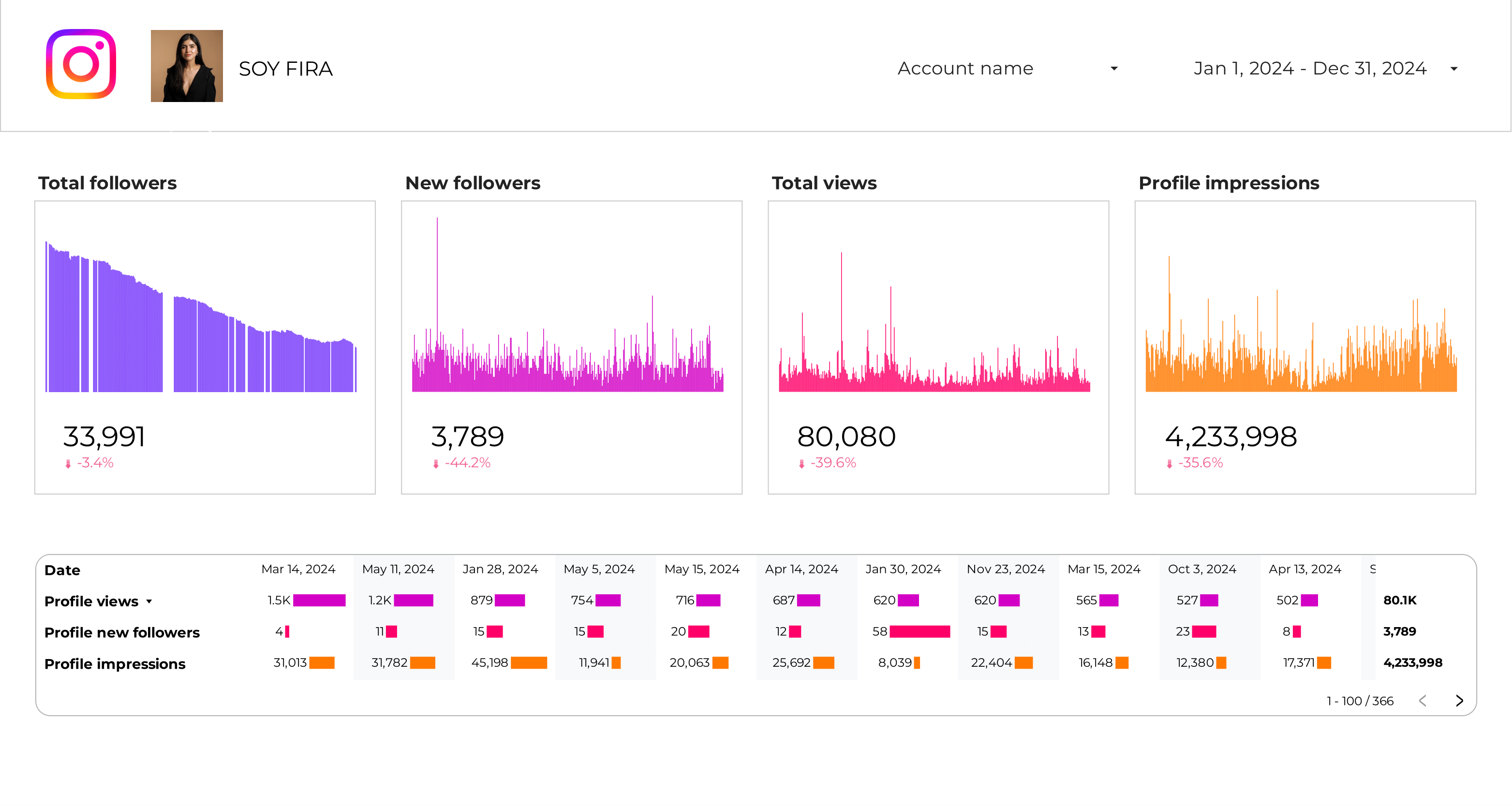
Plantilla de reporte e informe de KPIs de Instagram Insights
Realiza un seguimiento de métricas clave con la plantilla de informe de KPIs de Instagram Insights. Analiza clics en el sitio web, visitas al perfil y engagement. Segmenta por campaña, ubicación y tiempo. Perfecto para que los marketers de redes sociales consoliden datos de Instagram Insights, optimizando la estrategia. Monitorea el rendimiento a través de demografías y objetivos para obtener insights accionables.

Plantilla de reporte e informe de Rendimiento de contenido
Optimiza tu estrategia de redes sociales con la plantilla de informe de rendimiento de contenido. Rastrea las tasas de conversión, engagement y demografía de la audiencia utilizando datos de Google Analytics 4, Instagram Insights y Facebook Insights. Analiza métricas clave por campaña, duración y tiempo. Perfecto para que los equipos de marketing midan el rendimiento y logren objetivos de manera eficiente.

Plantilla de reporte e informe de Community manager
Plantilla de informe de Social Media para community managers que rastrea métricas clave como la tasa de conversión, el costo por conversión y el engagement. Analiza dimensiones como la duración de la campaña, el presupuesto y la demografía de la audiencia. Monitorea los likes, shares y comentarios en las plataformas de Social Media. Ideal para community managers que buscan consolidar datos y refinar la estrategia de social media.
Plantilla de reporte e informe de Modelo Peso
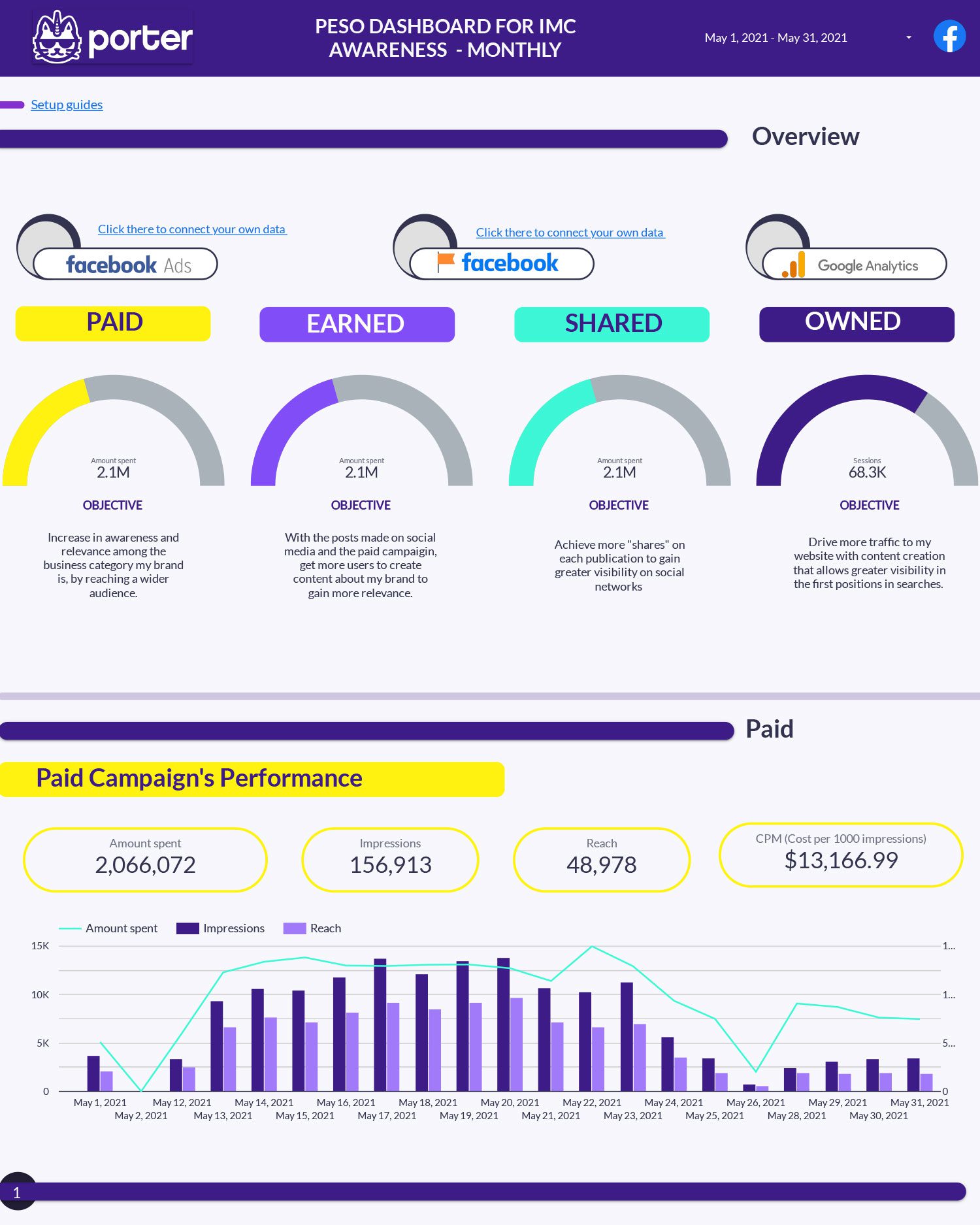
Analiza métricas clave como leads, tasas de conversión y engagement con la plantilla de informe del modelo Peso. Evalúa el rendimiento de las campañas en Facebook Ads, Instagram Insights y SEO. Segmenta por demografía de audiencia y periodos de tiempo. Perfecto para que los equipos de marketing rastreen estrategias de comercio electrónico y redes sociales de manera eficiente.
Plantilla de reporte e informe de Audiencia de Google Analytics 4
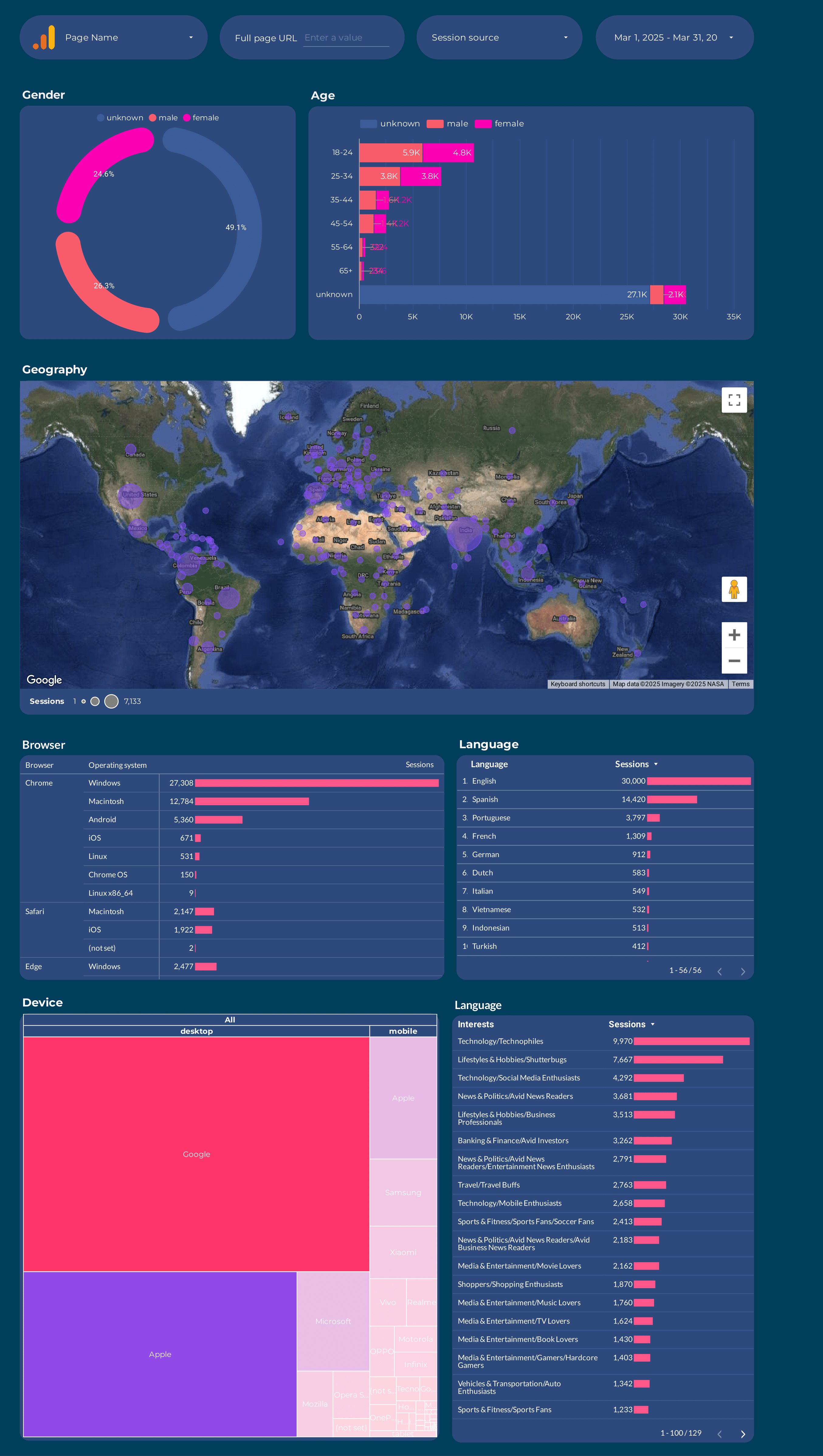
Analiza métricas clave con esta plantilla de informe de Audiencia de Google Analytics 4. Rastrea conversiones, engagement y actividad de usuarios. Segmenta por campaña o audiencia a lo largo de varios periodos de tiempo. Diseñada para que los equipos de marketing consoliden su estrategia y mejoren las perspectivas de rendimiento.
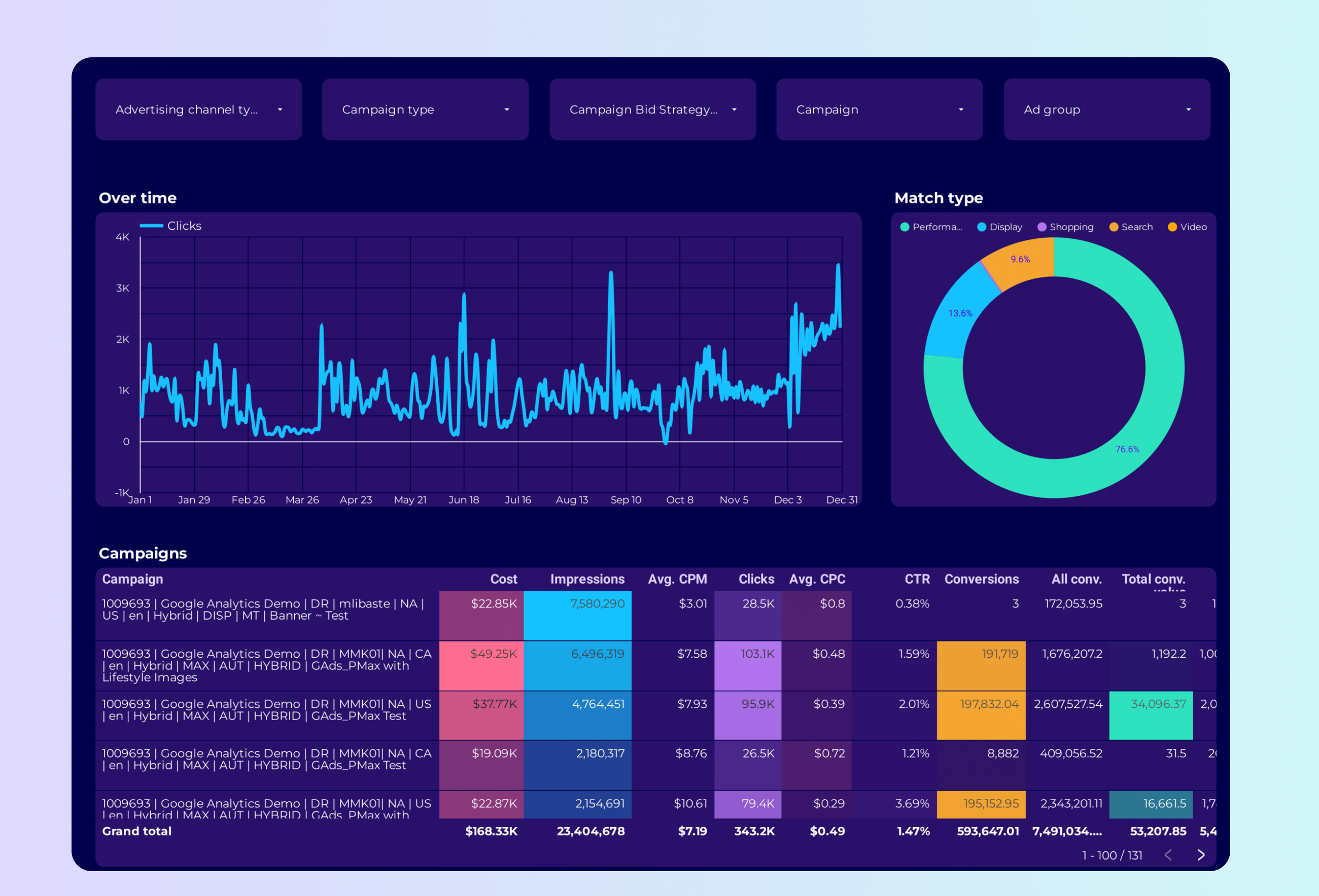
Plantilla de reporte e informe de Google Ads PMax
Realiza un seguimiento de métricas clave con esta plantilla de informe de Google Ads PMax. Mide el valor de conversión, CTR e impresiones. Analiza por tipo de campaña, segmento de audiencia y período de tiempo. Consolida datos de Google Ads y Paid Media para obtener insights accionables. Ideal para equipos de marketing enfocados en optimizar el rendimiento de PPC y alcanzar objetivos estratégicos.
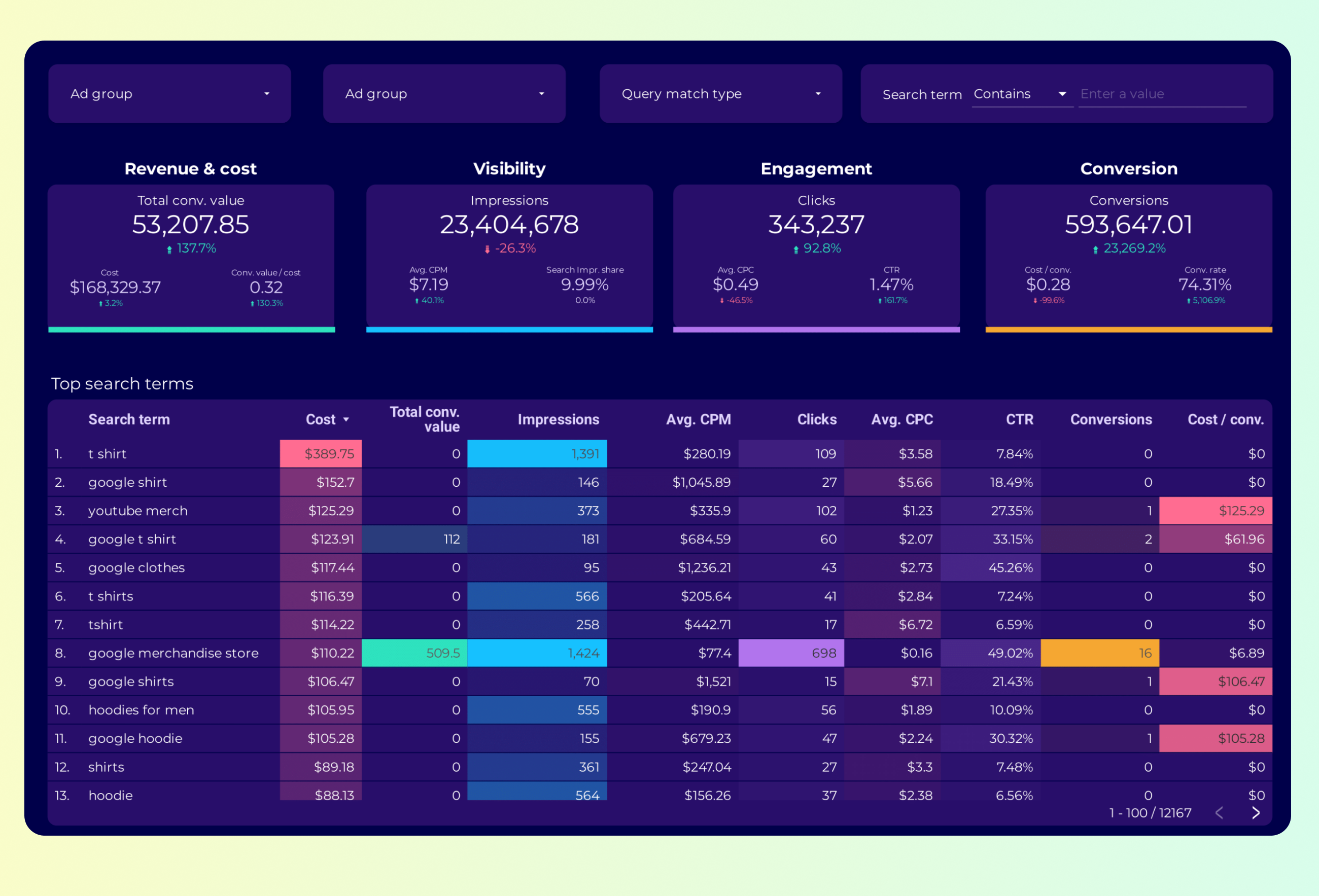
Plantilla de reporte e informe de Análisis de palabras clave de Google Ads
Rastrea métricas clave como la tasa de conversión, CTR e impresiones con la plantilla de informe de análisis de palabras clave de Google Ads. Analiza el rendimiento por tipo de campaña, dispositivo y más. Consolida datos de Google Ads y Keywords. Ideal para especialistas en PPC para optimizar la estrategia y cumplir con los objetivos de marketing. Segmenta por tiempo para obtener insights específicos.