How to Connect Meta Ads (Facebook Ads) to Google BigQuery
To connect Meta Ads to Google BigQuery:
Log in with Google on portermetrics.com .
Select Google BigQuery as destination.
Select Meta Ads as data source and name your connection .
Authorize your Facebook profile to access your Ad Accounts.
Authenticate BigQuery via Google login or Service Account.
Select Project ID , Dataset location , Dataset , and Table name (or create new).
Select metrics (e.g., spend) and dimensions (e.g., campaign name).
Optionally, prompt custom fields (e.g., CPA, campaign type).
Set date range (e.g., this month to date).
Schedule refreshes in natural language (e.g., “daily at 8am”).
Set write mode (overwrite, append, or update).
Send and monitor execution logs.

Connect BigQuery to Looker Studio:
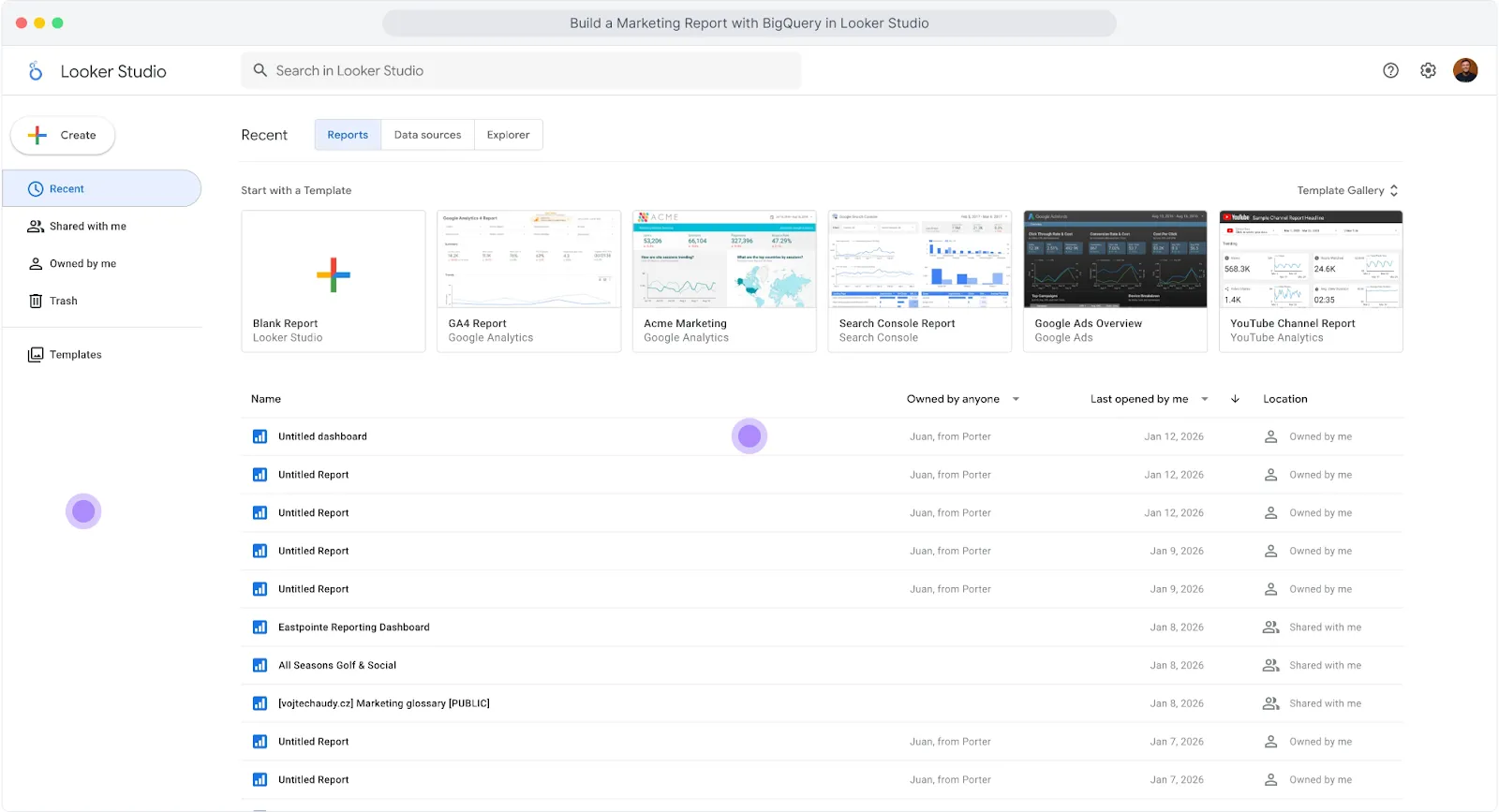
Go to Looker Studio . Click “Create” and select “Report” to start a blank report. Looker Studio will prompt you to add a data source. Search for “BigQuery” and connect your Google account.
You’ll see options:
Recent Projects
My Projects
Shared Projects
Custom Query
Public Datasets
Select “My Projects” and navigate to your project, dataset, and table. In this example: Project “Marketing Data” → Dataset “PPC Data” → Table “Meta Ads”. Click “Add” to connect.
Once connected, Looker Studio loads the fields from your table. Create a chart, add your dimensions (e.g., date) and metrics (e.g., spend). Make sure to set a date range that matches your query in Porter.
https://drive.google.com/file/d/1YsVitZZK78XZ-Kp23KYiUfvgSNIxZ2kb/view?usp=sharing
Rename fields for readability: BigQuery field names use underscores (e.g., “facebook_ads_spend”). To rename them, go to Resource → Manage added data sources → Actions → Edit. Double-click on each field name to change it (e.g., “facebook_ads_spend” → “Amount Spent”). This makes fields more readable for end users.
Your BigQuery data is now connected to Looker Studio.
Meta Ads Templates for BigQuery + Looker Studio
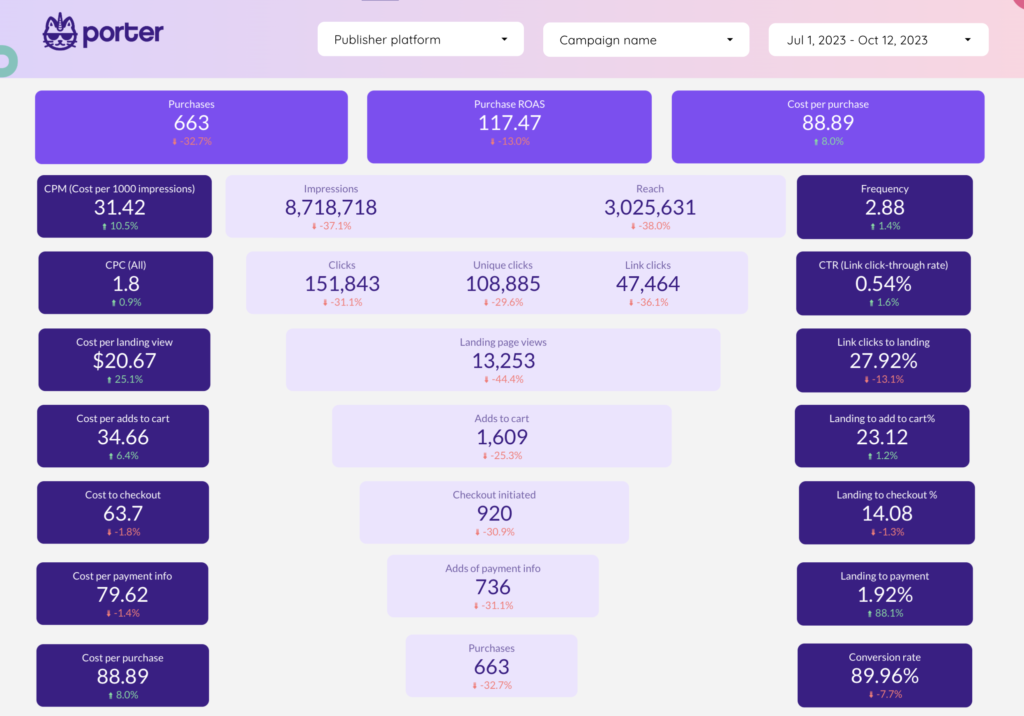
Porter has the most complete Looker Studio template gallery for marketing data.
Templates are compatible with BigQuery tables created in Porter.

Note: BigQuery field names use underscores instead of spaces (e.g., “amount_spent” instead of “Amount Spent”). You may need to map fields when connecting a template.
Available templates:
Why Marketers Move Meta Ads Data to BigQuery
Connect any reporting tool: BigQuery connects to Looker Studio, Power BI, Tableau, or any BI tool. One warehouse, every destination.
Multi-touch attribution: Join Meta Ads with raw GA4 event data. Trace the full user path from ad click to conversion.
Source of truth: Define what “conversion” means for your company. Compare Meta vs. GA4 vs. HubSpot. Pick one source for CAC, ROAS, and CPA. End the “which number is right” debate.
Company-wide access without platform permissions: Managing permissions across platforms is a pain. With BigQuery, anyone can access marketing data without accounts or roles in each platform. One permission model, all data.
Make data available for AI: AI needs clean, structured data with context. Every AI tool feels siloed. Integrating sources is complicated. With BigQuery as your universal warehouse, any AI tool can access your marketing data. No custom integrations. No complicated setup.
Data blending: Combine Meta Ads with CRM, GA4, Shopify, Google Ads in one warehouse. Measure real profit, not platform ROAS. Calculate blended CAC across all channels.
What’s Next
Now that your Meta Ads data is in BigQuery:
Connect to BigQuery: learn Google BigQuery for marketers and read tutorials to connect other data sources.
Connect to Looker Studio: Build dashboards that load in seconds. Use Porter templates or create your own.
Connect to Google Sheets: Export BigQuery data to Sheets for quick analysis, sharing with clients, or custom calculations.
Blend data from multiple sources: Add Google Ads , GA4, Shopify , CRM to the same connection. Porter auto-maps equivalent fields. Create cross-channel reports without SQL joins.
Create AI workflows: Automate alerts and reports with natural language. Example: “Every Monday at 9am, get Meta Ads spend for last 7 days, analyze performance with AI, send summary to Slack.”
Use templates: Start with pre-built Looker Studio templates. Campaign performance, creative analysis, audience breakdowns—ready to connect.
Explore other destinations: Send Meta Ads data to Google Sheets, PostgreSQL, or other warehouses. Same setup process.