Skip to content
🇺🇸
🇺🇸 English
🇪🇸 Español
🇧🇷 Português
Pricing
Product
Connect
Blend marketing data
View 20+ connectors →
Store
Scale & performance
BigQuery
NEW
Visualize
Automate reports
Google Sheets
Looker Studio
Power BI
Analyze
✨ AI
Query builder, alerts & notifications
Data blending
Custom fields
Schedules
See more →
Templates
Learn
Tutorials
YouTube Channel
Help Center
Field Documentation
Sign in
Book a call →
Pricing
Product
Connectors
BigQuery
Looker Studio
Google Sheets
Templates
Learn
Tutorials
YouTube
Help Center
Book a call →
Sign in
🇺🇸 EN
🇪🇸 ES
🇧🇷 PT
Module 3
How to Connect Marketing Data to BigQuery
Connect your marketing platforms to BigQuery, configure data pipelines, and automate data syncs.
L1
Read: 5 min
Watch: 2:30
How to Blend Multiple Data Sources in BigQuery
Read guide
L2
Read: 4 min
Watch: 2:15
How to Connect Marketing Accounts to BigQuery
Read guide
L3
Read: 5 min
Watch: 3:10
How to Authenticate BigQuery: Google Login vs Service Account
Read guide
L4
Read: 4 min
Watch: 2:20
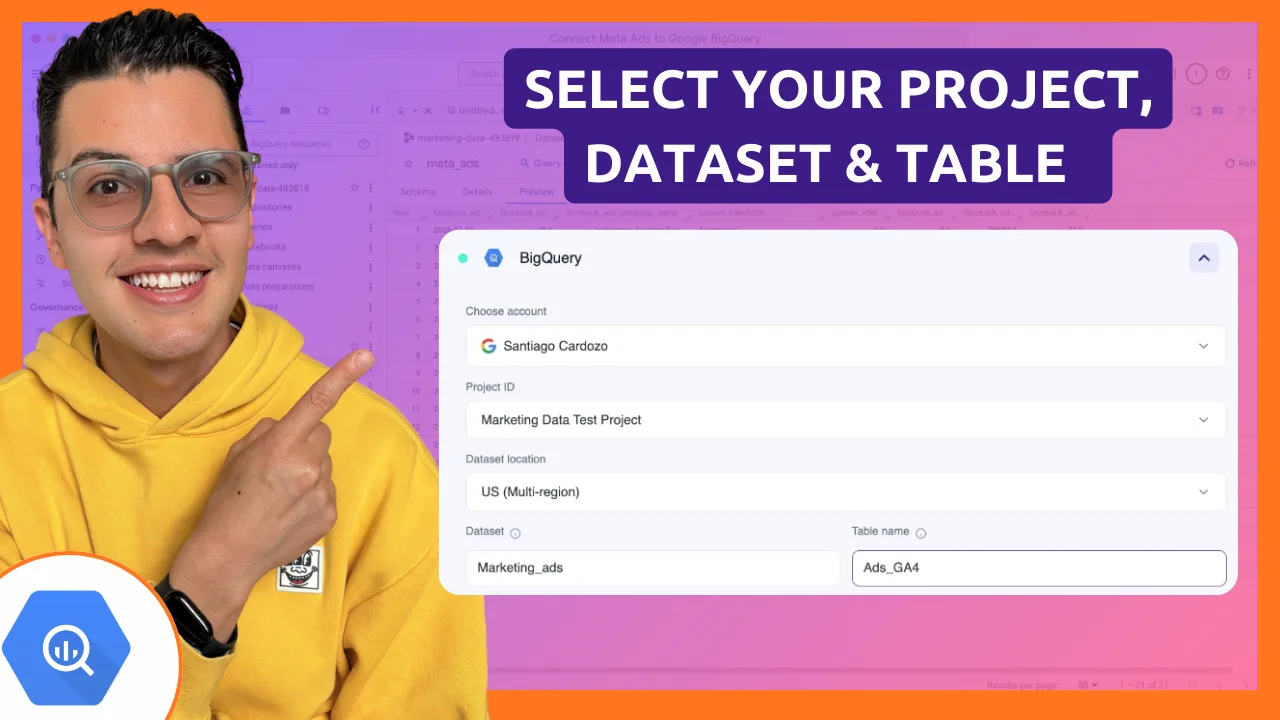
Project, Dataset, and Table Setup in BigQuery
Read guide
L5
Read: 5 min
Watch: 2:45
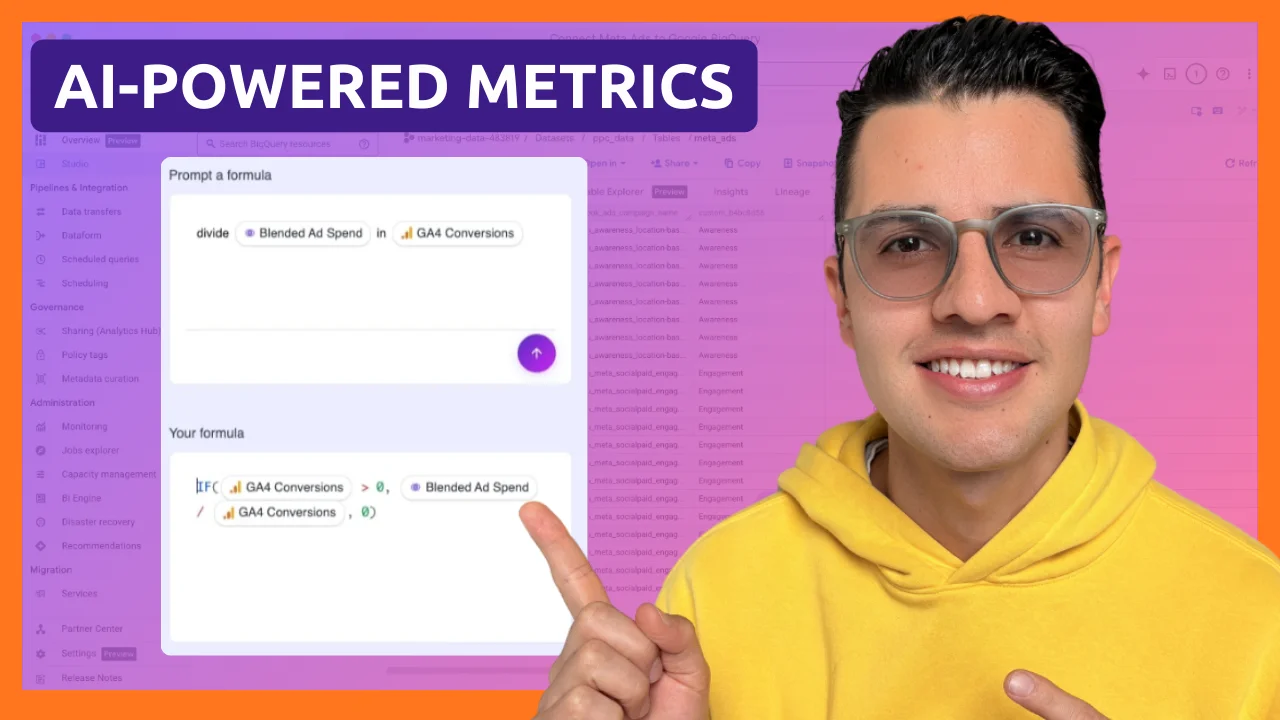
How to Select Metrics and Dimensions in BigQuery
Read guide
L6
Read: 4 min
Watch: 2:30
Date Ranges, Filters, and Sorting in BigQuery
Read guide
L7
Read: 5 min
Watch: 3:00
How to Schedule Marketing Data Updates in BigQuery
Read guide
L8
Read: 4 min
Watch: 2:15
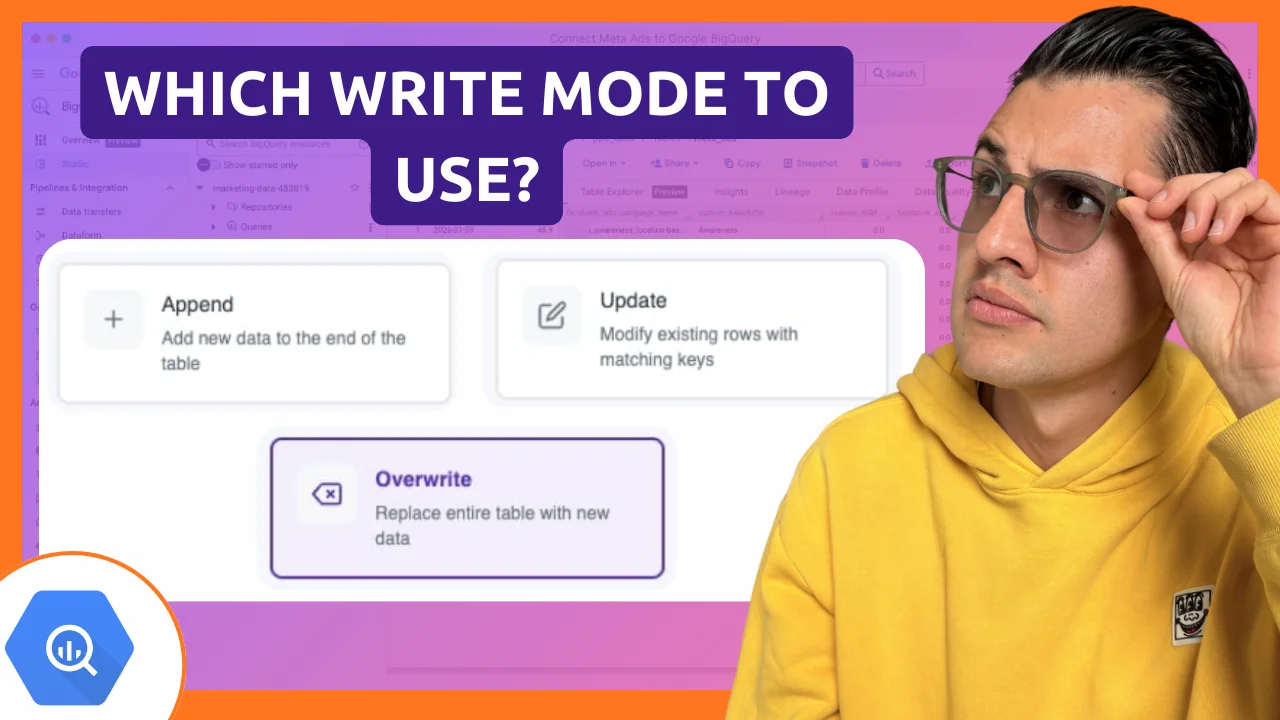
BigQuery Write Modes: Overwrite, Append, and Update
Read guide
L9
Read: 4 min
Watch: 2:40
How to Send and Monitor Marketing Data in BigQuery
Read guide
← Back to Course
Next Module
 Module 3