Connect ActiveCampaign to Data Studio for free: tutorial and templates
To connect ActiveCampaign to Google Data Studio (formerly Looker Studio), visit Porter Metrics, start a free trial or use the free plan, and sign in with your Google account. In Porter Metrics, go to the Connect section, select Single data source, choose ActiveCampaign, and click Add account. In your ActiveCampaign account, copy your account name, […]
Connect LinkedIn Pages to Data Studio for free: tutorial and templates
To connect LinkedIn Pages to Google Data Studio (formerly Looker Studio), go to Porter Metrics, start a free trial or use the free forever plan, and sign in with the same Google account you use for Data Studio. Choose single data source, select LinkedIn Pages, authorize your LinkedIn account, allow access, then select one or […]
Connect Instagram to Data Studio for free: tutorial and templates
To connect Instagram to Google Data Studio (formerly Looker Studio) with Porter Metrics, visit portermetrics.com, create a report and select Single data source, then choose Instagram Insights. Authorize your Facebook profile by clicking Add profile, opt in to all current and future pages, allow permissions, and confirm. After linking your Facebook profile, select the Instagram […]
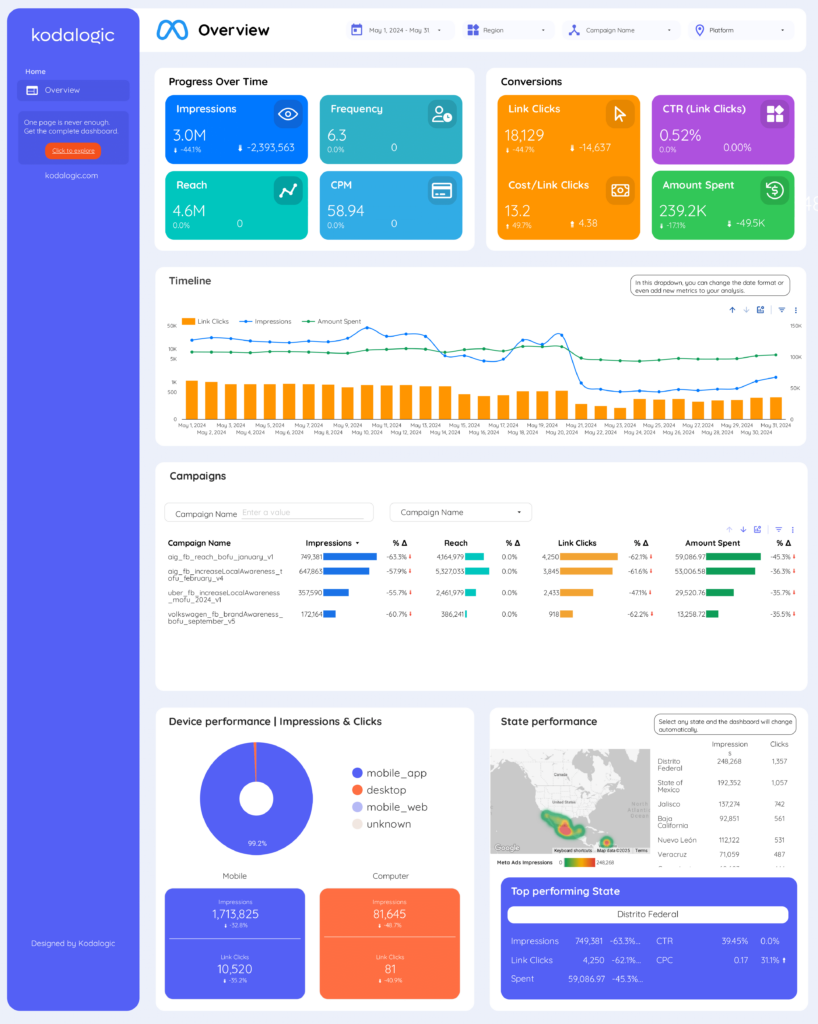
How to Connect Meta Ads to Data Studio for free: tutorial and templates
To connect Meta Ads to Google Data Studio (formerly Looker Studio), go to Create report (or to the Data Studio community connectors gallery), Select single data source, as connection type, choose the Meta Ads integration by Porter Metrics, connect your Google account, connect your Facebook profile, choose your ad accounts, Click on Create report, and […]
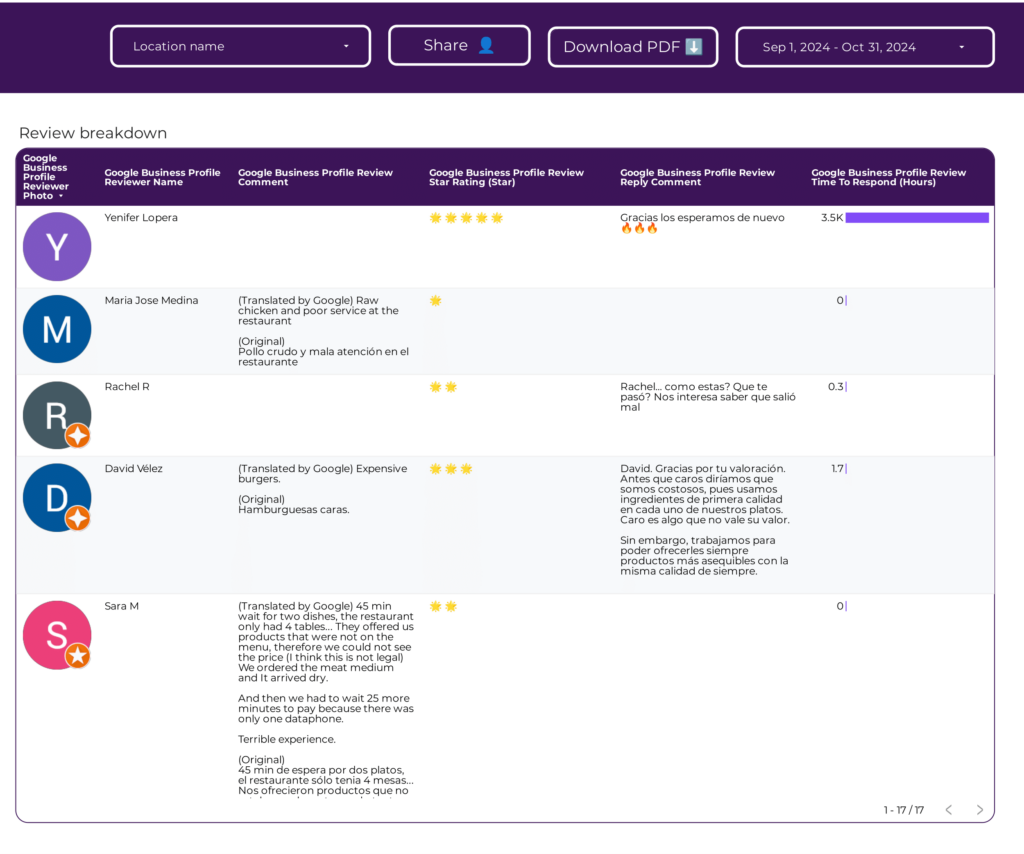
Modelo de relatório de Reseñas de Google Business Profile para agências e equipes de marketing
Modelo de relatório de B2B para agências e equipes de marketing
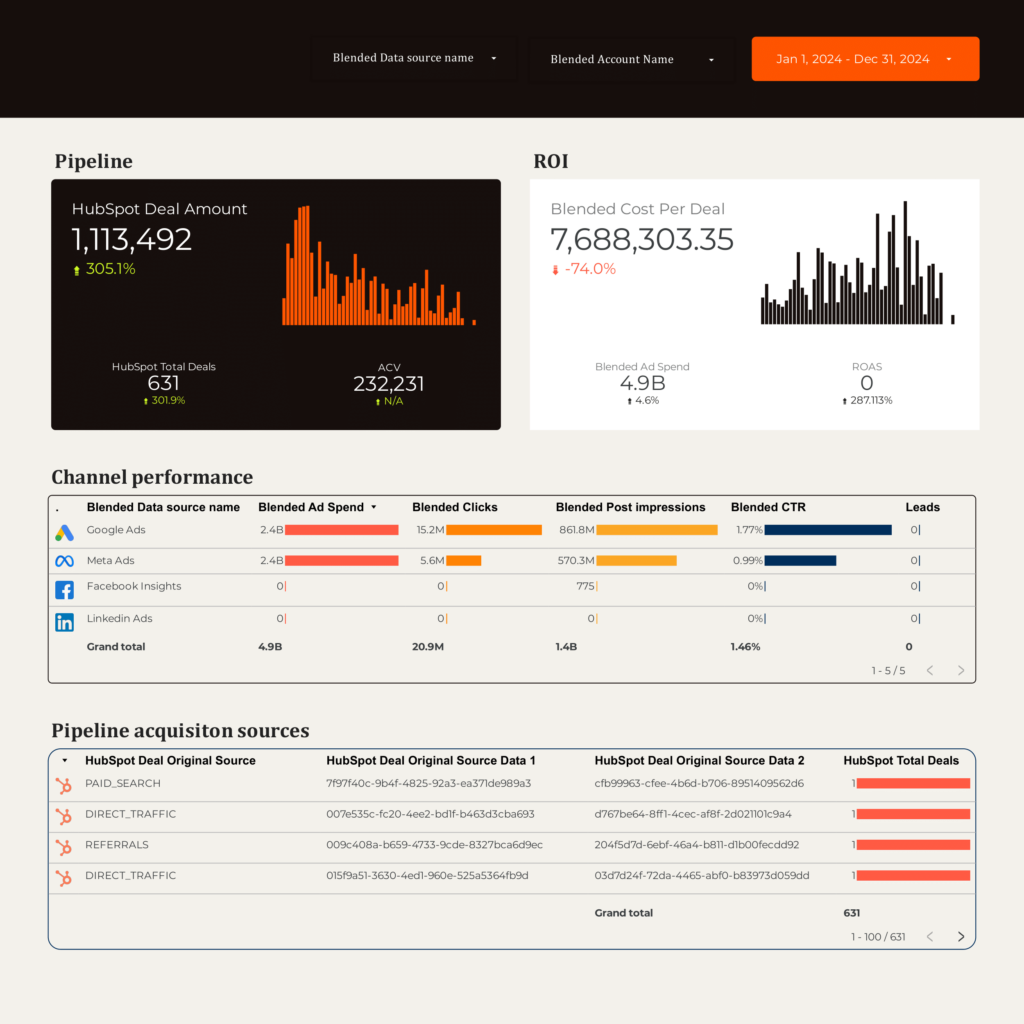
Modelo de relatório de Rastreador de KPI B2B para agências e equipes de marketing
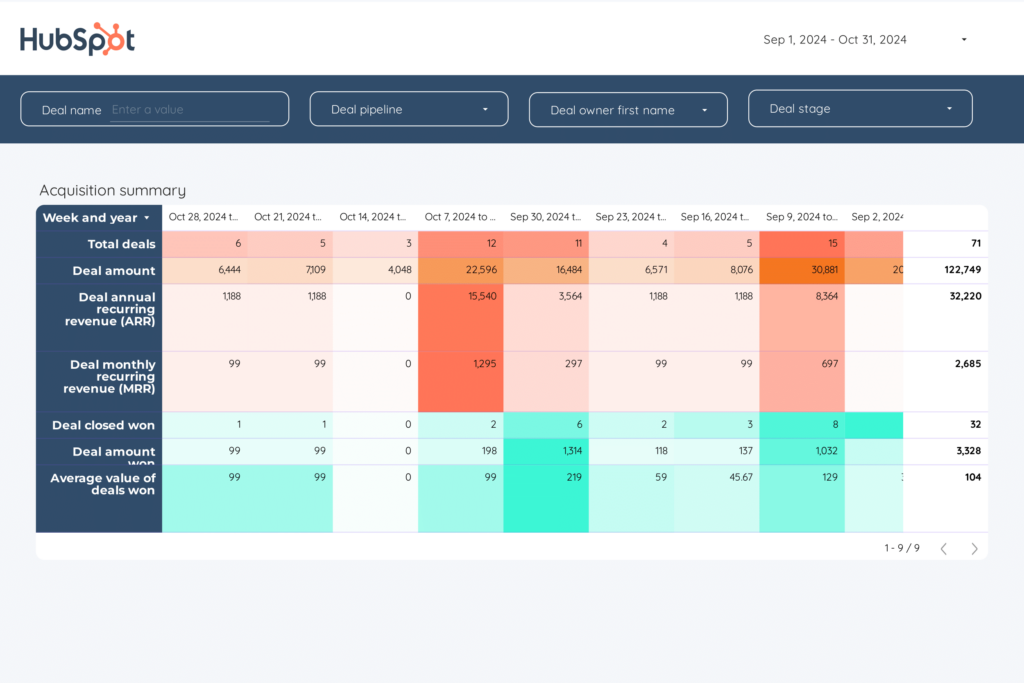
Modelo de relatório de Embudo B2B para agências e equipes de marketing
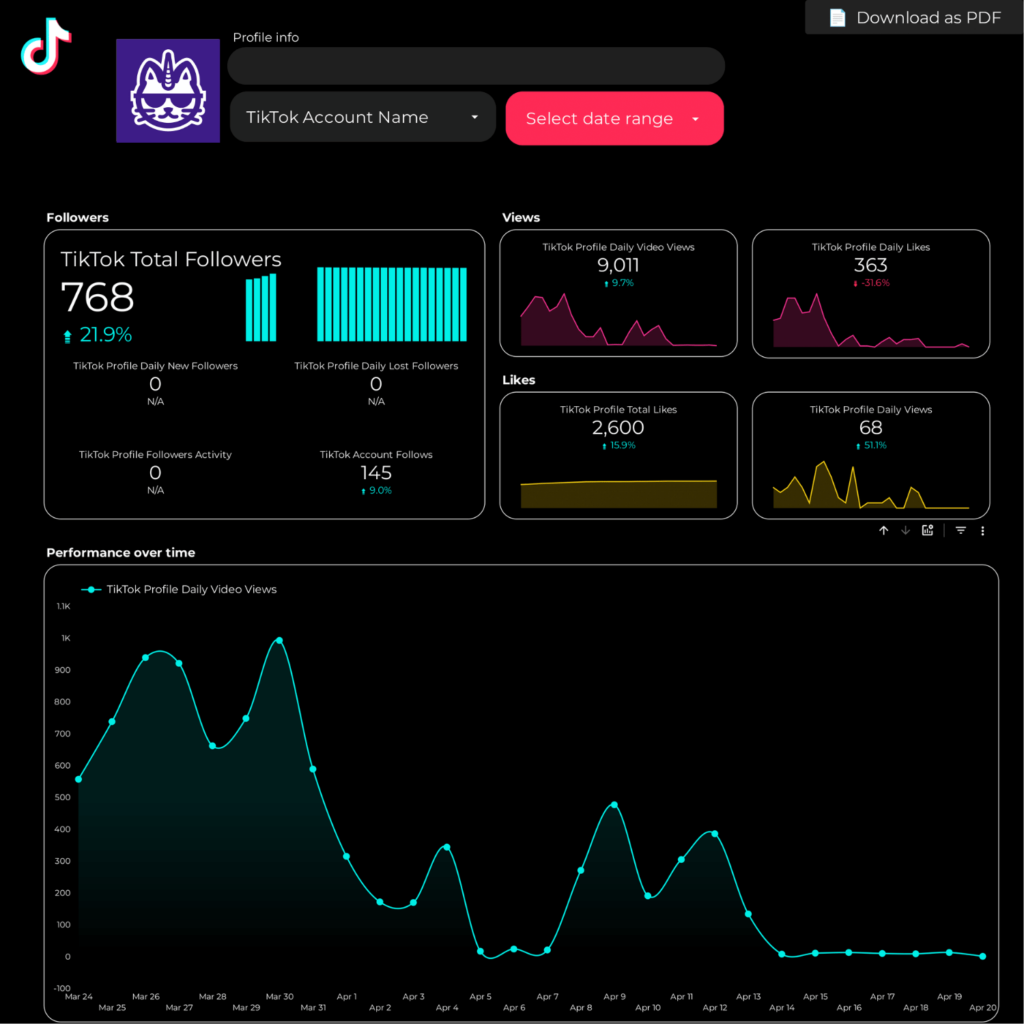
Modelo de relatório de TikTok para agências e equipes de marketing
Modelo de relatório de Meta Ads para agências e equipes de marketing