How to Solve “No Data” Charts on Google Data Studio in 6 Steps—and why it happens
To know why Data Studio (formerly Looker Studio) charts show “No data” and solve it, verify your connections (data sources, accounts, permissions, and authorizations), validate the connection has actual data for the selected date range, verify applied filters, switch to different chart types, and test multiple metrics and dimensions. If it doesn’t work, reach out […]
How to copy a Data Studio Report Template
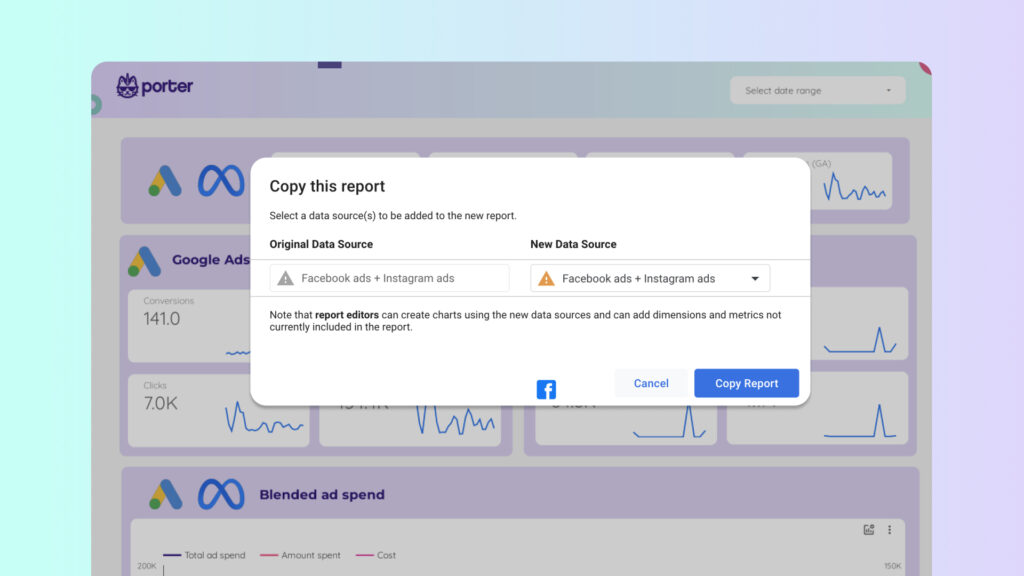
Learn how to copy any Data Studio (formerly Looker Studio) template with this complete step-by-step guide. We made a ‘how to video’ in case you prefer to see how we do it! Now, here’s the step-by-step guide. 1. Choose a Data Studio Template Go to the main menu in Porter Metrics and open the Template […]