




 Apple Search Ads
 Google Looker Studio
Free Apple Search Ads connector for Looker Studio
Connect your Apple Search Ads data to Google Looker Studio for free—Analyze app install performance, keyword rankings, ad groups, search terms, and attribution across campaigns.
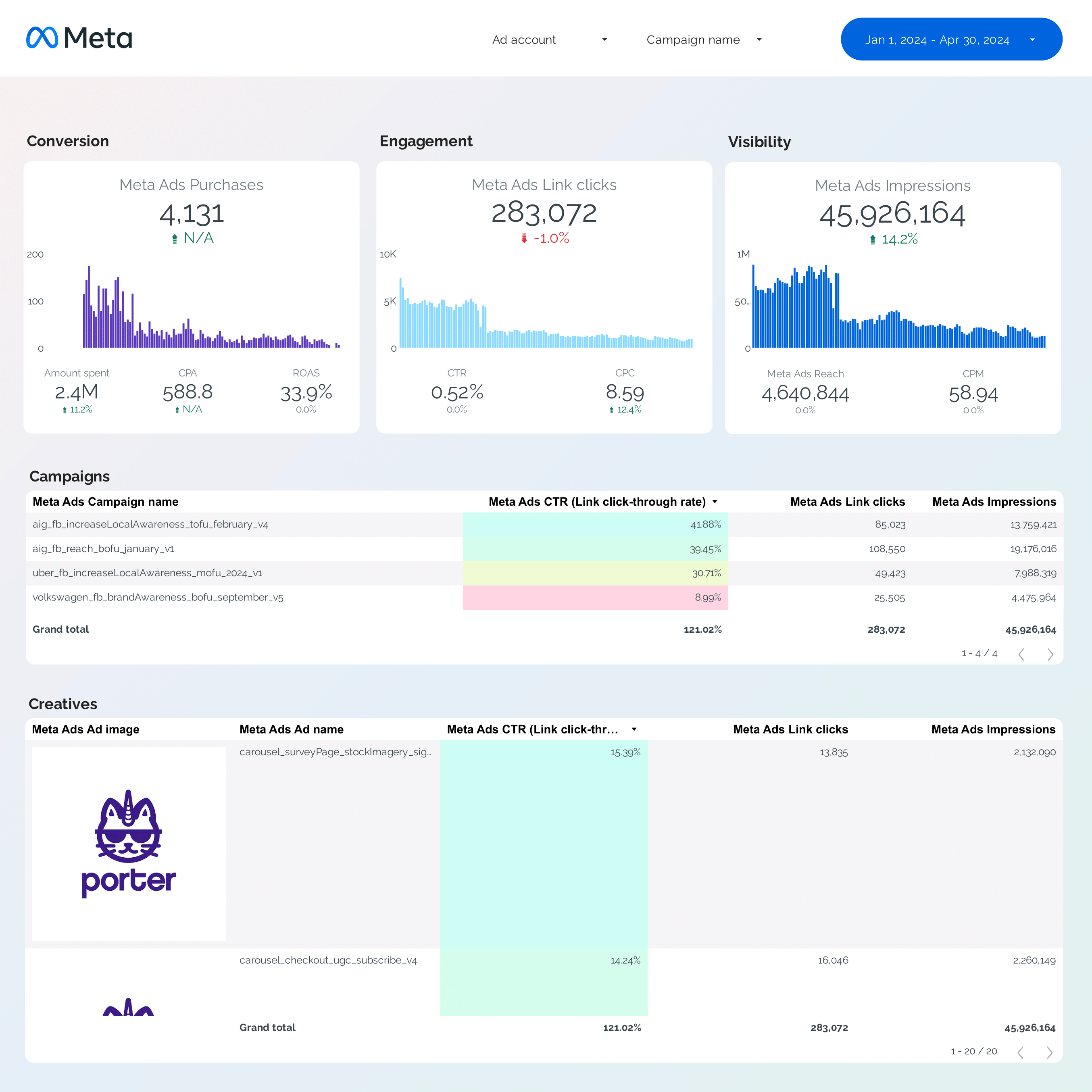
Apple Search Ads report templates for Looker Studio
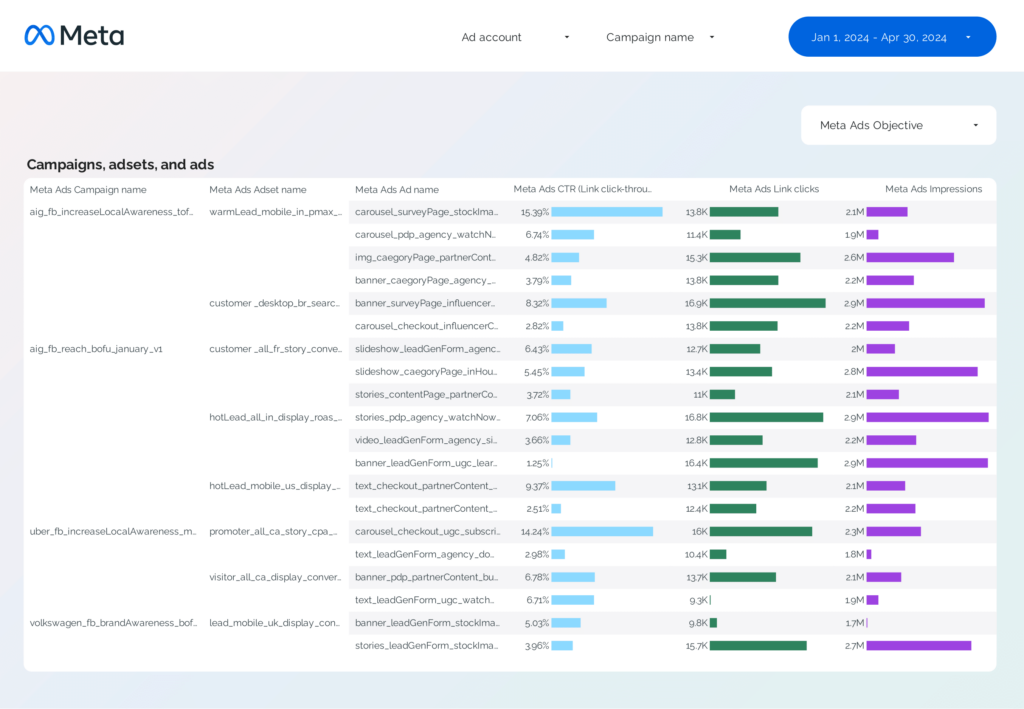
Campaign Performance Dashboard
Segment by campaign names, objectives, and bidding types. Filter your naming convention to segment by product, hooks, and other “levers”.
View Template →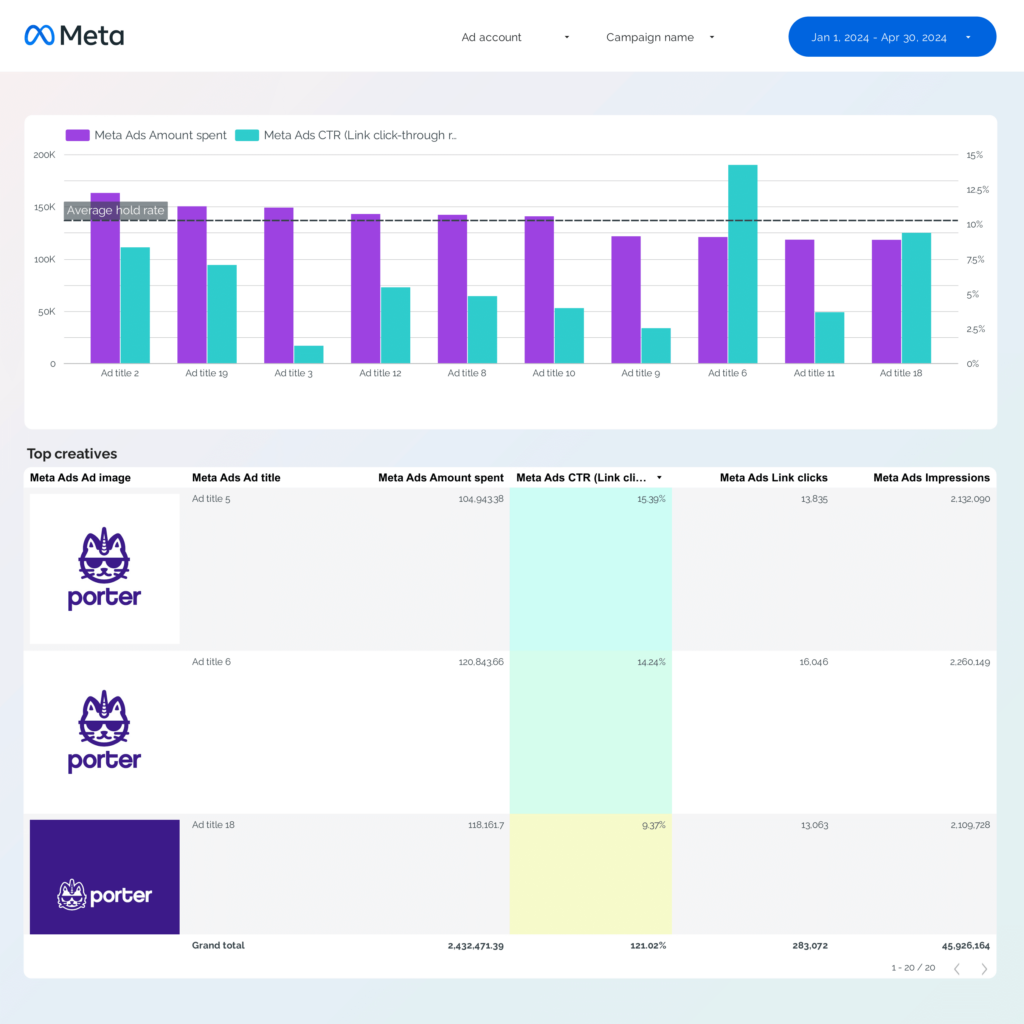
Creative Analytics Dashboard
Display creative images, links, copy, and titles to compare hook rate, hold rate, ROAS, CTR, and conversions to spot winning and losing ads.
View Template →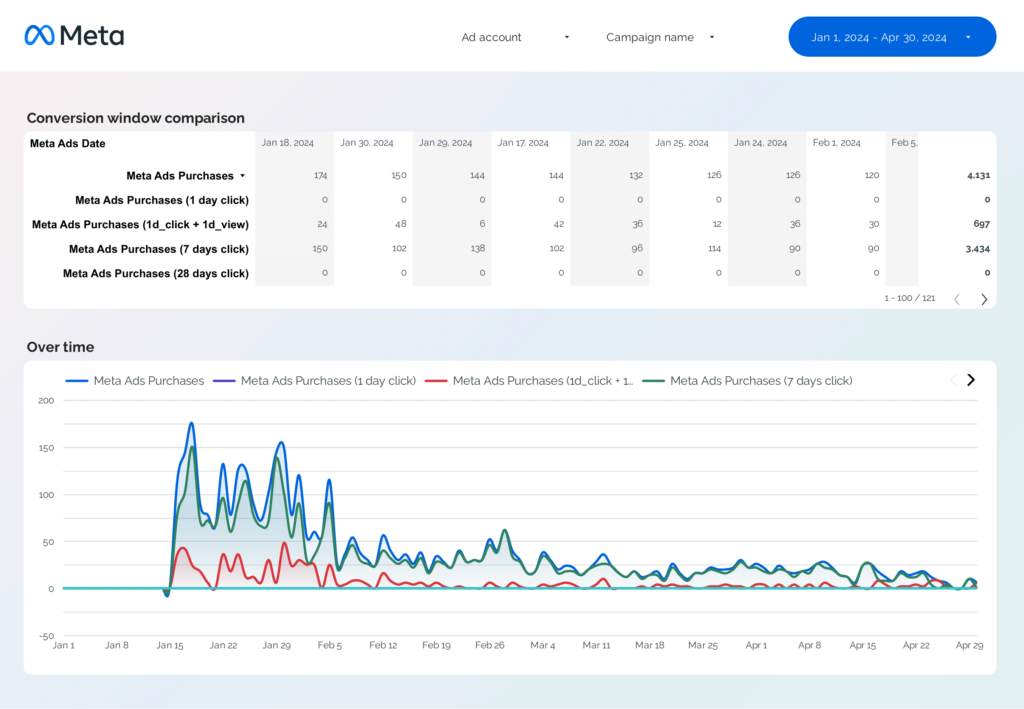
Attribution Dashboard
Compare Apple’s Tap-Through, View-Through, and Total install metrics side by side in the same report.
View Template →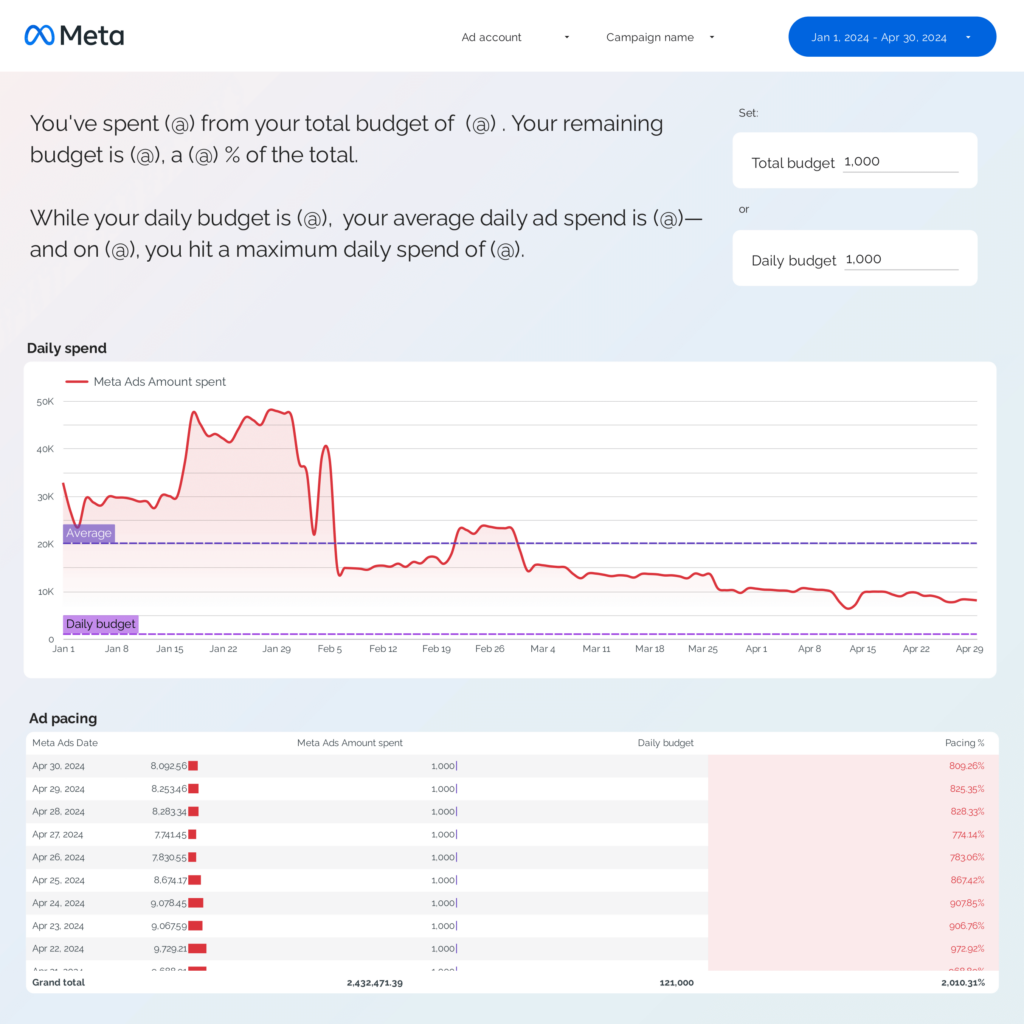
Ad Pacing Dashboard
Track daily, weekly, and monthly spend against your campaign or daily budget to spot over- or underspending.
View Template →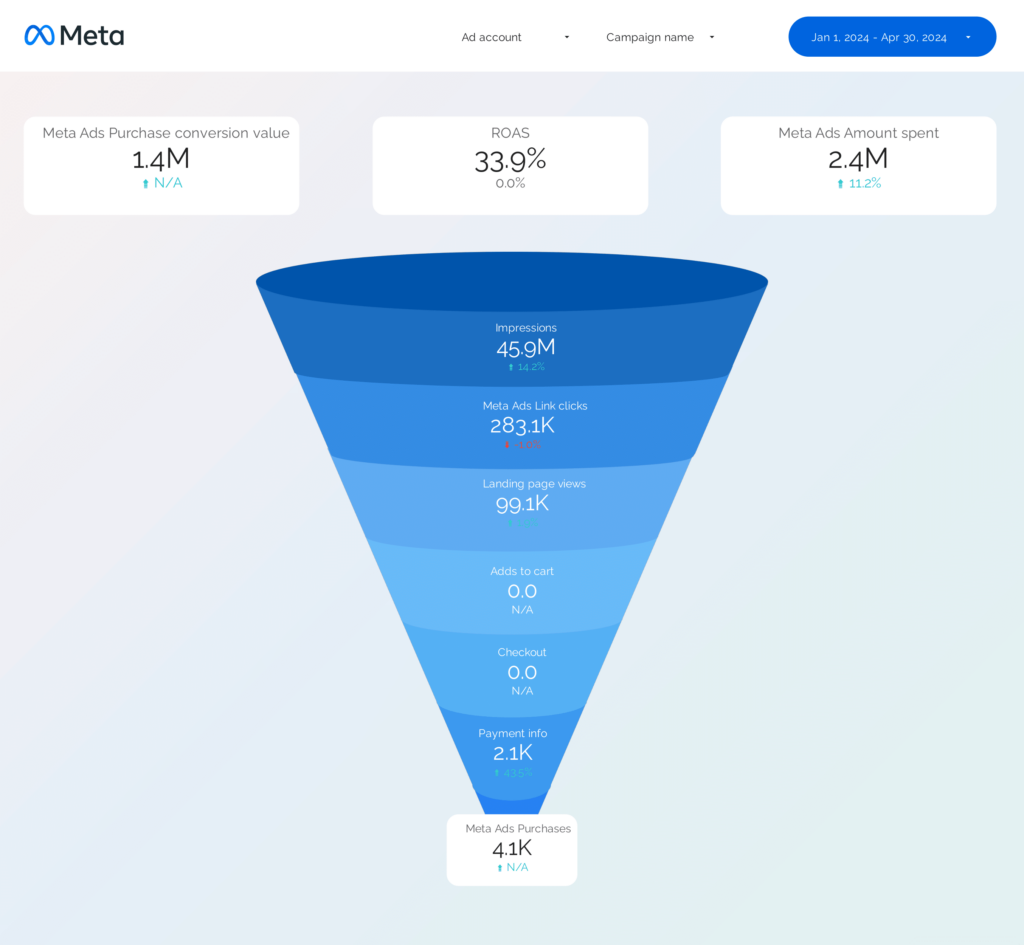
Funnel Dashboard
Map your events and conversions to understand where traffic leaks from impressions to conversions.
View Template →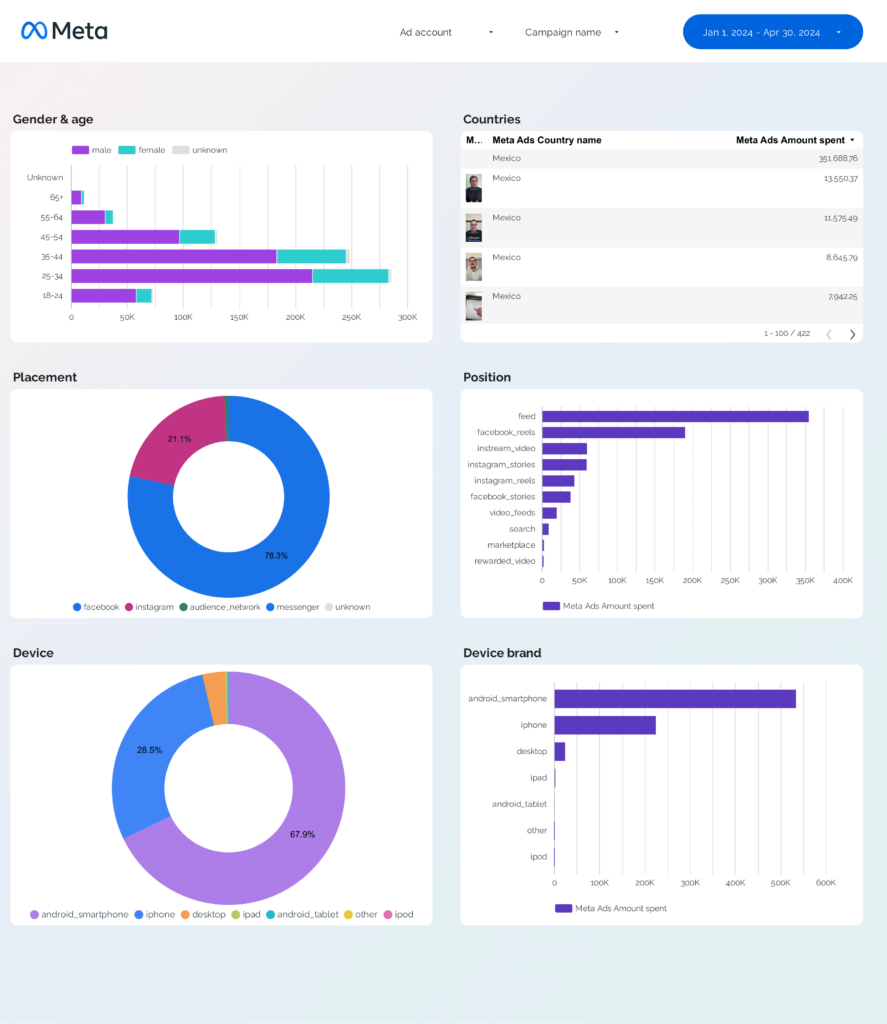
Audience Dashboard
Segment performance by country/region, device class, keyword, search term, and match type.
View Template →Why marketers choose Porter
| Porter✓ No-code marketing data warehouse | Others✓ Connectors & ETL | |
|---|---|---|
| Storage | Built-in, self-managed BigQuery with automated transformations, transfers, queries, and costs included. | Requires setting up your own BigQuery project, managing tables, transfers, and costs. |
| Data syncing | Switch between stored BigQuery and real-time API data in the same connection. | Either stored (manual BigQuery setup) or real-time, not both. |
| Attribution | All conversion windows in one connection (Tap-Through, View-Through, and Total across install and download metrics). | Only one conversion window at a time. |
| Data blending | Automatic cross-platform blending of Apple Search Ads with Google Ads, LinkedIn Ads, GA4, CRM—matching dates, campaigns, UTMs, creatives, demographics. | Manual table selection, field mapping, and join setup. |
| Destinations | Looker Studio + Google Sheets in one subscription. | Separate price per destination. |
Apple Search Ads connector feature checklist
Live API data
Porter queries the Apple Search Ads API directly, so your data is always up-to-date. Optionally turn on storage for better speed and stability.
Unlimited historical data
Access up to 90 days of Apple Search Ads history as Apple allows. Porter backs up and stores your data so you keep a full history beyond Apple’s 90-day limit.
Unlimited usage
If you hit Apple’s rate limits, Porter automatically switches to BigQuery backups. You’ll never be blocked from querying your data.
Speed and stability
Porter stores your data in BigQuery for fast loading times and rock-solid stability—no waiting for slow API responses or timeouts.
Multi-account at scale
Blend multiple Apple Search Ads accounts into one unified table. Perfect for agencies managing apps across multiple clients.
Transparent accuracy
Your data matches the Apple Search Ads dashboard exactly. Porter doesn’t manipulate or transform your numbers—what you see is what Apple reports.
Full granularity
Segment by campaign, ad group, keyword, search term, ad, country/region, device class, and every breakdown Apple supports.
Cross-channel data blending
Porter normalizes field names and structures across platforms, making unified cross-channel reports simple.
How to connect Apple Search Ads to Looker Studio
To connect Apple Search Ads to Google Looker Studio, follow these steps:
- 1
Choose the Apple Search Ads integration in Porter
- 2
Log in with the Google account you use on Looker Studio
- 3
Go to searchads.apple.com → Account Settings → API, paste Porter’s public key, then copy your Client ID, Team ID, and Key ID back into Porter
- 4
Select the Apple Search Ads account(s) you want to pull data from
- 5
Create your report and load a default template to monitor Apple Search Ads performance
Apple Search Ads data in Looker Studio
See all Apple Search Ads fields documentation.
All Apple Search Ads fields
Every reporting field available in Apple Search Ads—impressions, taps, spend, CPT, CPM, TTR, installs, downloads, redownloads, conversion rate, CPA—plus calculated metrics.
All conversion events
Pull all install and download metrics Apple reports—Tap-Through, View-Through, and Total—for new downloads, redownloads, and pre-orders placed.
All attribution windows
Apple has a 30-day attribution window for installs. Porter surfaces Tap-Through, View-Through, and Total installs in the same report so you can compare side by side.
Ad creatives
Porter retrieves creative data—Creative Type, Creative ID, Language, Product Page ID—so you can tie reporting to specific app store assets.
Marketer-friendly naming
Field names match Apple Search Ads exactly, and are standardized for blending with Google Ads, Meta Ads, GA4, and app analytics.
Full granularity
Segment by campaign, ad group, keyword, search term, ad, country/region, device class, and time.
Installs
- Installs (Total)
- Installs (Tap-Through)
- Installs (View-Through)
- New Downloads
- Redownloads
Budget
- Spend
- Daily Budget
- Total Budget
- CPA Goal
Conversions
- Conversion Rate
- Avg CPA
- Pre-orders Placed
Engagement
- Taps
- TTR (Tap-Through Rate)
- Avg CPT
- Avg CPM
Visibility
- Impressions
Campaign
- Campaign Name
- Campaign Status
- Ad Group Name
- Bidding Strategy
Keywords
- Keyword
- Search Term
- Match Type
- Keyword Bid Amount
- Suggested Bid Amount
Ad & Audience
- Ad Name
- Creative Type
- Product Page ID
- Country/Region
- Device Class
Apple Search Ads connector pricing
Free forever plan included. Plans start at $15/month. Only pay per ad account connected.
- Unlimited 14-day trial: Connect any number of Apple Search Ads accounts to Looker Studio
- Free forever: Up to 3 Apple Search Ads accounts with 30-day history
- Pay per account: Add or remove ad accounts anytime
- Sheets included: Send data to Looker Studio and Google Sheets in one subscription
- Unlimited users: No extra cost for team members
- Volume discounts: The more ad accounts you connect, the lower the price per account