Google Ads Peak hours Dashboard template
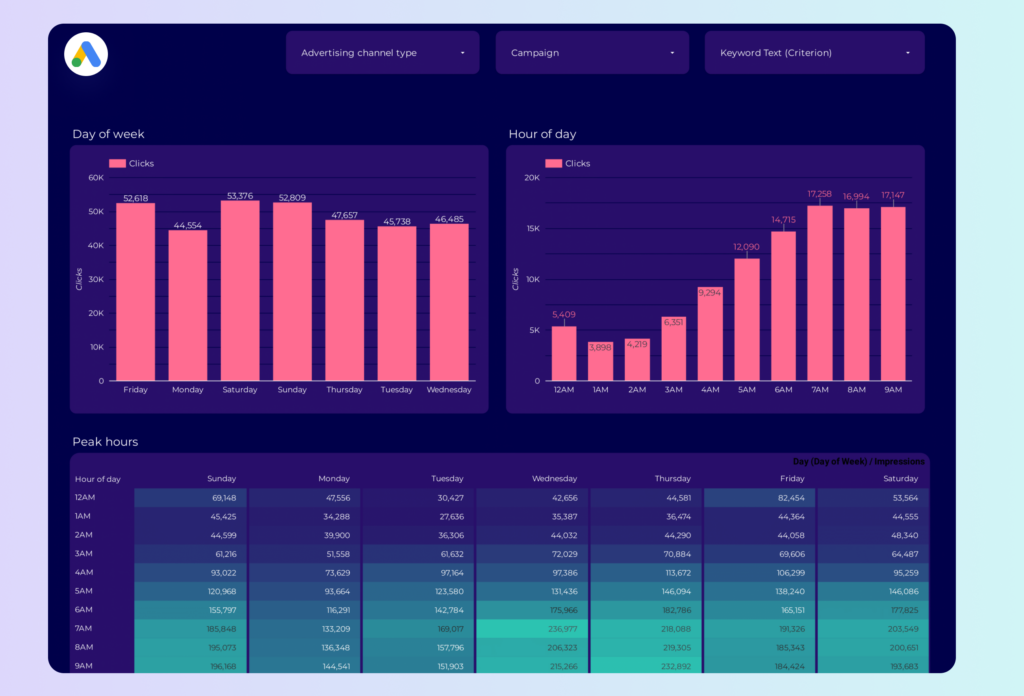
The Google Ads Peak Hours Dashboard template is designed for PPC professionals seeking to optimize their advertising strategies. This dashboard provides a detailed analysis of your Google Ads performance during peak hours, allowing for data-driven decision-making.
With this template, you can:
- Identify peak performance times by analyzing hourly data trends.
- Monitor ad spend and adjust budgets based on high-traffic periods.
- Track conversion rates to understand customer behavior during different times of the day.
Utilize this dashboard to align your PPC campaigns with the most effective time slots, ensuring maximum ROI from your Google Ads investments.
Google Ads Keyword analysis Dashboard template
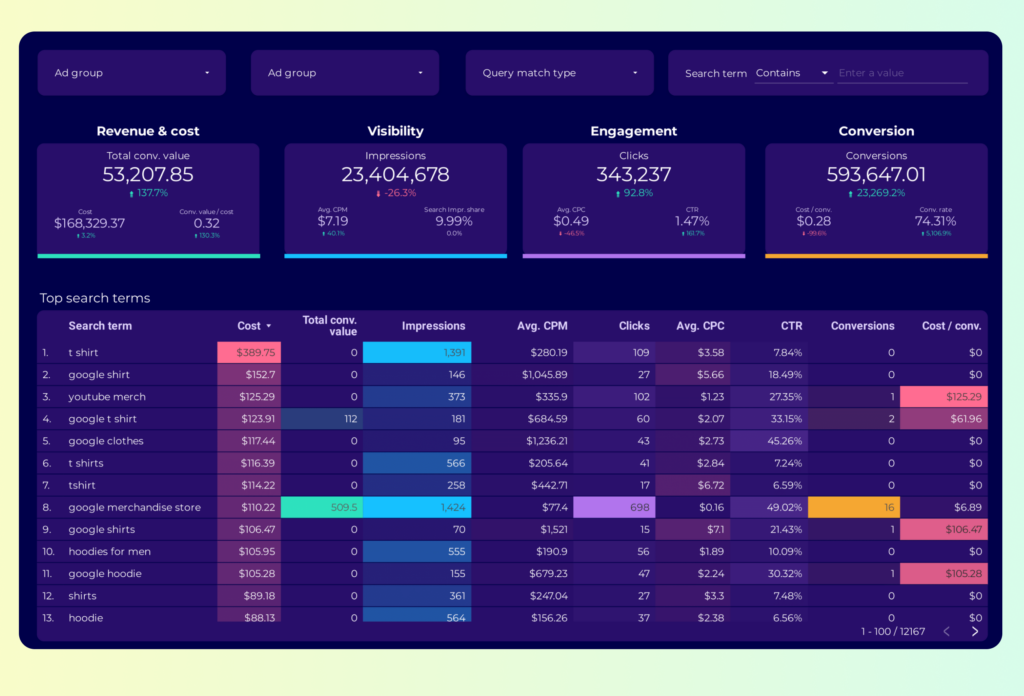
The Google Ads Keyword Analysis Dashboard template is designed for PPC professionals seeking to optimize their campaigns. This tool provides a structured approach to analyzing keyword performance within Google Ads.
Features include:
- Keyword Performance Metrics: Track metrics such as impressions, clicks, CTR, and conversion rates.
- Cost Analysis: Monitor cost per click (CPC) and cost per acquisition (CPA) to manage budget effectively.
- Search Term Insights: Identify high-performing search terms and negative keywords to refine targeting.
- Quality Score Tracking: Evaluate quality scores to improve ad relevance and landing page experience.
This dashboard template integrates seamlessly with Google Sheets, allowing for real-time data updates and collaboration. It is an essential tool for PPC managers aiming to drive campaign success through data-driven decisions.
Google Ads Funnel Dashboard template
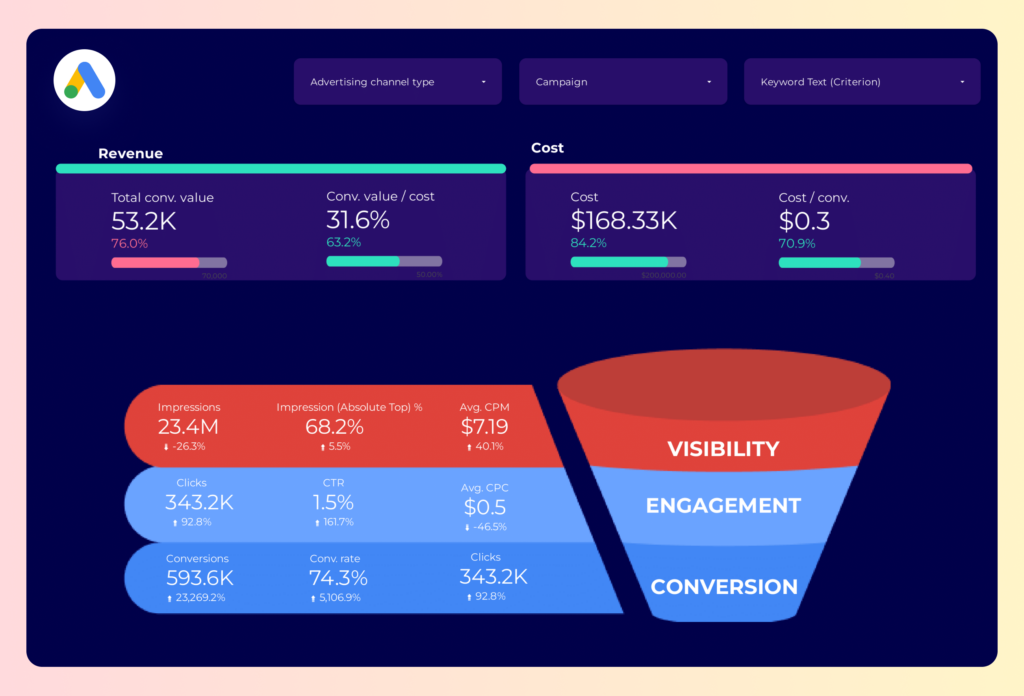
The Google Ads Funnel Dashboard template is designed for PPC professionals seeking to optimize their advertising strategies. This dashboard provides a structured view of your Google Ads performance, focusing on the entire funnel process.
With this template, you can:
- Track the conversion path from initial ad interaction to final purchase.
- Analyze click-through rates (CTR) and conversion rates at each stage of the funnel.
- Monitor cost-per-click (CPC) and return on ad spend (ROAS) metrics.
Utilize this dashboard to gain insights into your PPC campaigns, allowing for data-driven decisions to improve your Google Ads performance.
Google Ads Campaign performance Dashboard template
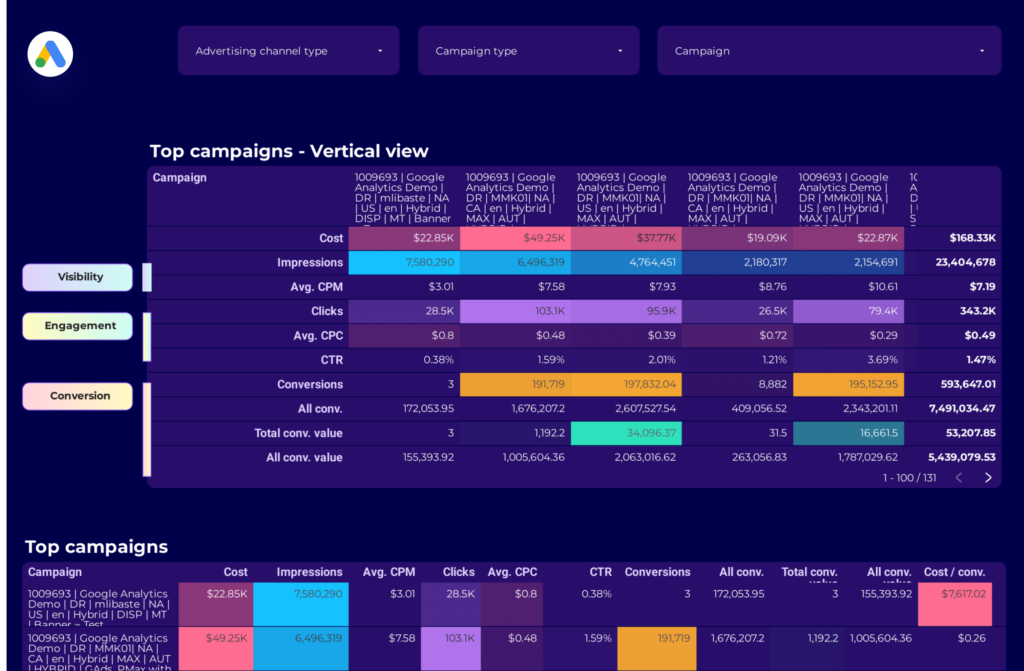
The Google Ads Campaign Performance Dashboard template provides a structured view of your PPC campaigns. This dashboard is designed to offer insights into various metrics that are crucial for analyzing the performance of your Google Ads campaigns.
With this dashboard, you can monitor:
- Impressions: Track how often your ads are shown.
- Clicks: Measure the number of times users click on your ads.
- Click-Through Rate (CTR): Calculate the ratio of clicks to impressions.
- Cost-Per-Click (CPC): Determine the average cost incurred for each click.
- Conversions: Analyze the number of completed actions defined as valuable.
- Conversion Rate: Assess the percentage of clicks that result in conversions.
- Cost-Per-Conversion: Evaluate the cost associated with each conversion.
This template is essential for PPC managers who need to track and report on the performance of their Google Ads campaigns. It provides a clear and concise view of the data, allowing for informed decision-making and strategic planning.
Google Ads Audience Dashboard template
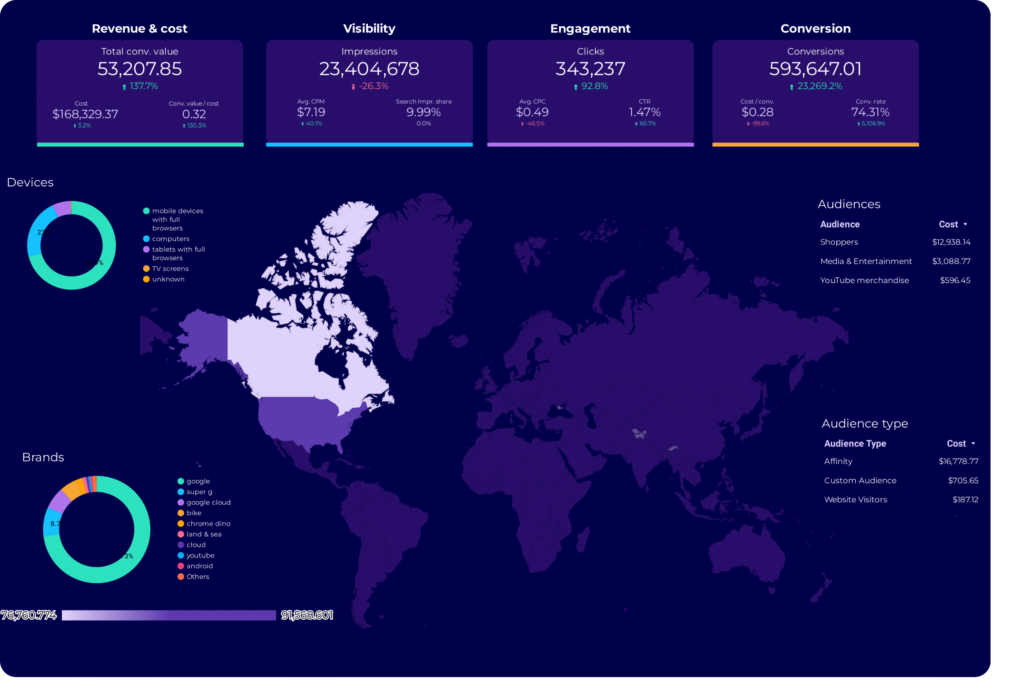
The Google Ads Audience Dashboard template is designed for PPC professionals seeking to optimize their advertising strategies. This dashboard provides a detailed view of audience performance metrics, enabling data-driven decisions.
With this template, users can:
- Analyze audience demographics and behavior patterns.
- Track conversion rates across different audience segments.
- Monitor ad spend and ROI for targeted groups.
Utilize this dashboard to align your campaigns with audience insights, ensuring your Google Ads efforts are precisely targeted and measurable.
Google Ads Dashboard template
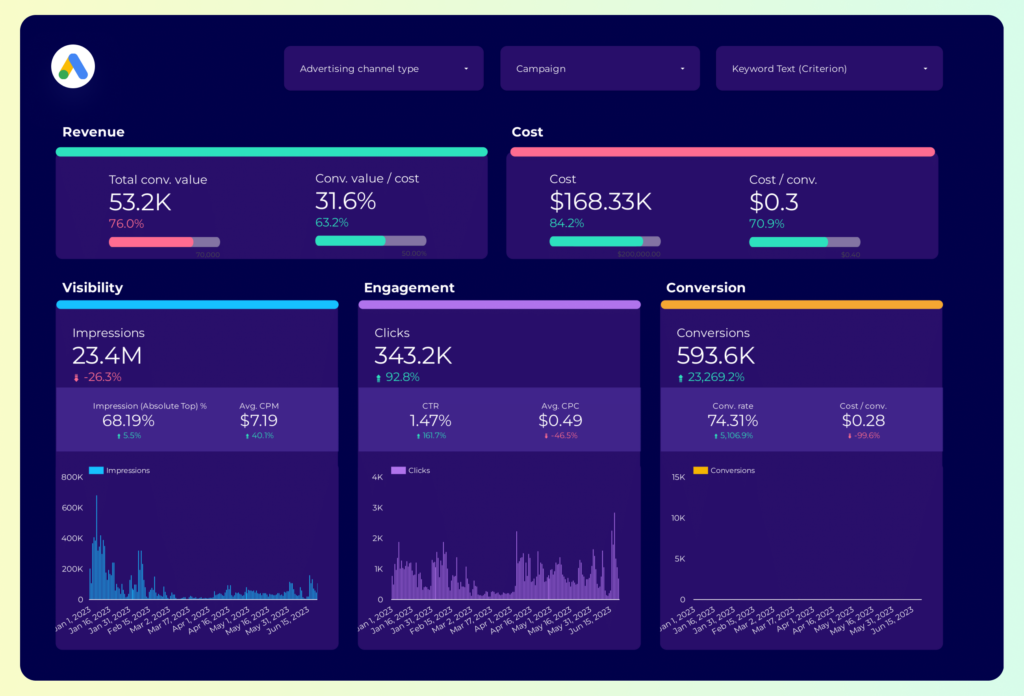
The Google Ads Dashboard template provides a robust solution for managing and analyzing your PPC campaigns. This template is designed to streamline your workflow by offering a centralized view of your Google Ads performance metrics.
Features include:
- Real-time Data Integration: Automatically syncs with your Google Ads account to provide up-to-date insights.
- Customizable Metrics: Tailor the dashboard to display the metrics that matter most to your campaigns, such as CTR, CPC, and conversion rates.
- Visual Data Representation: Utilize charts and graphs to visualize trends and patterns in your ad performance.
- Performance Tracking: Monitor campaign performance over time to identify areas for improvement and growth.
This template is an essential tool for PPC managers looking to optimize their Google Ads strategy and maximize ROI.
Google Ads Dashboard template
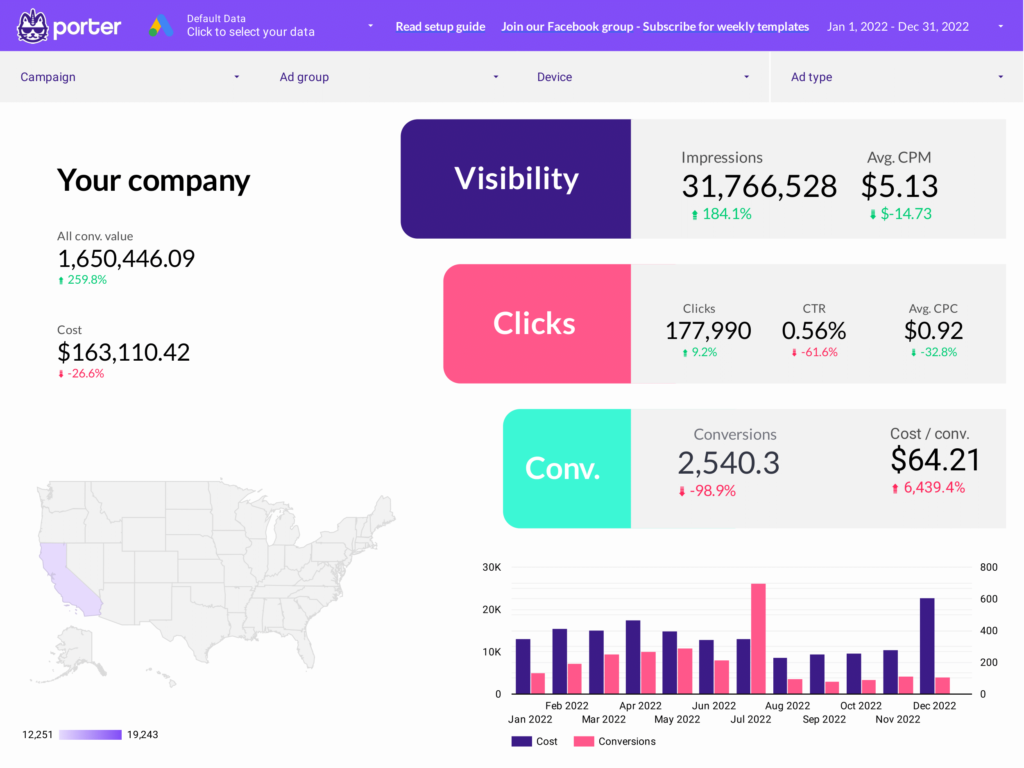
The Google Ads Dashboard Template is designed for PPC professionals seeking to streamline their advertising efforts. This template provides a structured view of your Google Ads data, allowing for quick analysis and decision-making.
Features include:
- Campaign Performance Metrics: Track impressions, clicks, and conversions to assess the effectiveness of your campaigns.
- Cost Analysis: Monitor your ad spend and cost-per-click to manage your budget effectively.
- Conversion Tracking: Evaluate conversion rates and return on ad spend to optimize your strategies.
- Keyword Insights: Analyze keyword performance to refine targeting and improve ad relevance.
This template is an essential tool for managing and optimizing your Google Ads campaigns, providing clear insights into your advertising performance.
Frequency Dashboard template
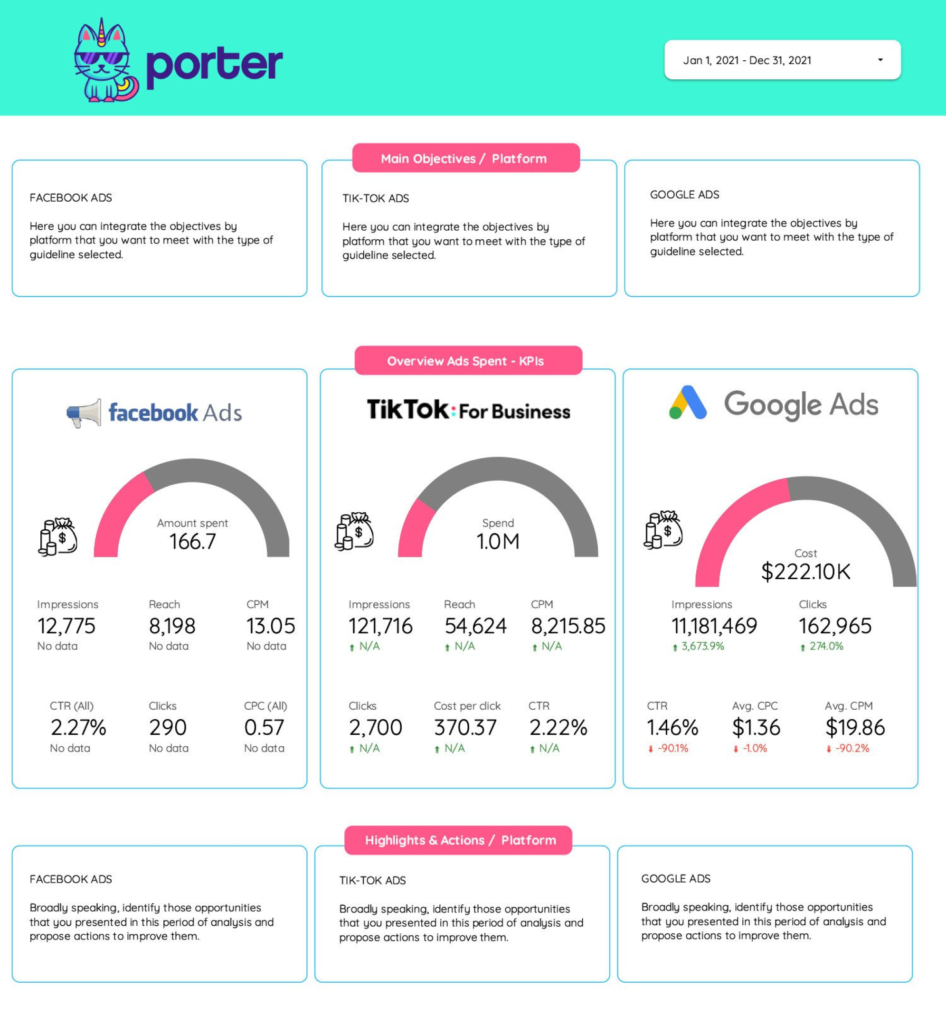
The Frequency Dashboard Template is designed for managing and analyzing PPC and Paid Media campaigns across multiple platforms. This template is essential for marketers focusing on TikTok Ads, Google Ads, Facebook Ads, and LinkedIn Ads.
With this dashboard, you can:
- Track the frequency of ad impressions across different channels.
- Monitor ad performance metrics for TikTok, Google, Facebook, and LinkedIn.
- Analyze audience reach and engagement to optimize ad spend.
Utilize this template to streamline your ad copy analysis and ensure consistent messaging across platforms. The dashboard provides a centralized view of your advertising efforts, allowing for data-driven decision-making.
Facebook Insights competitors Dashboard template
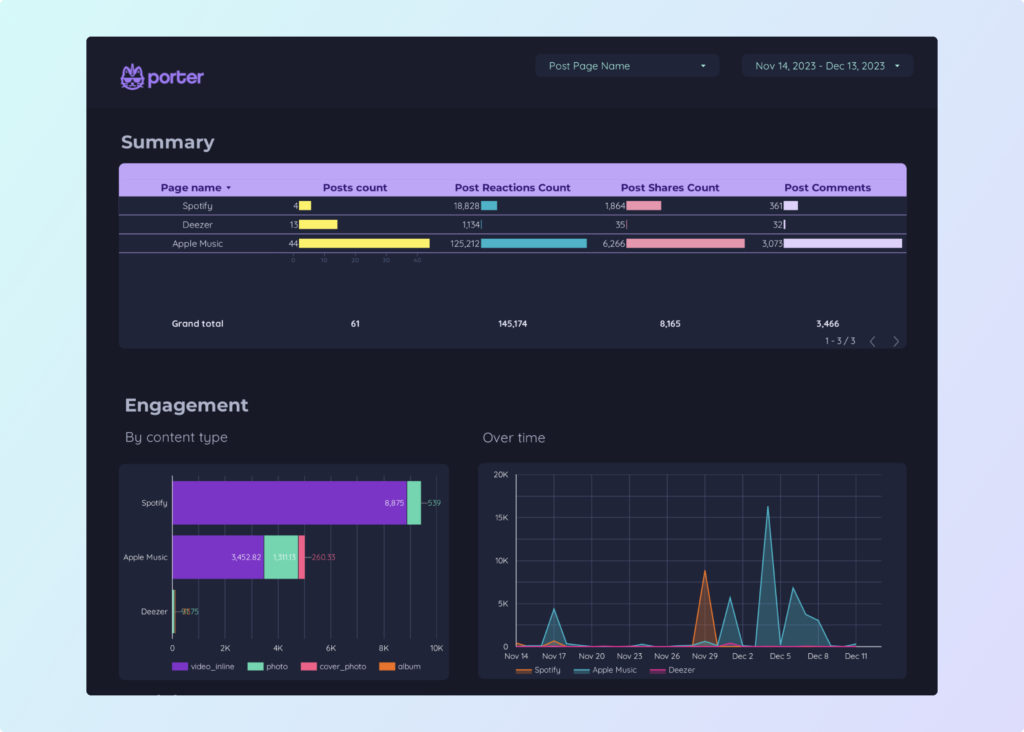
The Facebook Insights Competitors Dashboard template provides a structured approach to analyzing your competitors’ performance on Facebook. This tool leverages Facebook Public Data to offer insights into various metrics.
With this dashboard, you can:
- Track engagement metrics such as likes, shares, and comments.
- Analyze audience demographics to understand the reach and influence of competitors.
- Monitor content performance to identify successful strategies.
Utilize this template to gain a competitive edge by understanding how your competitors interact with their audience and what content resonates most effectively.
Facebook Insights Dashboard template
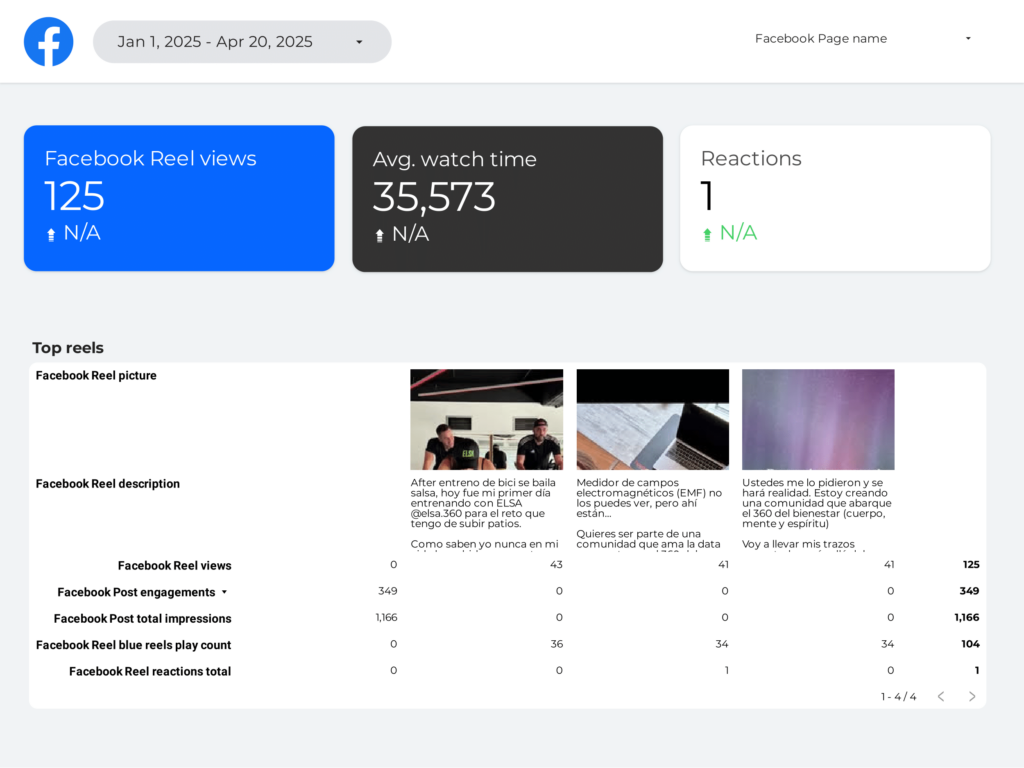
The Facebook Insights Dashboard template provides a structured view of your social media performance metrics. This tool is designed to help you track and analyze your Facebook page’s data effectively.
With this dashboard, you can:
- Monitor audience engagement through metrics such as likes, shares, and comments.
- Analyze post reach and impressions to understand content visibility.
- Track follower growth over time to assess audience expansion.
- Evaluate page performance with detailed insights into user demographics and behavior.
This template integrates seamlessly with your existing data sources, providing a centralized location for all your Facebook Insights. Utilize this dashboard to make informed decisions and optimize your social media strategy.