







To connect Google Ads to ChatGPT:
- Sign up free at portermetrics.com and connect your Google Ads account with your Google account.
- In ChatGPT, click + → Connectors → Manage connectors → Add custom connector, name it Porter, paste
https://mcp.portermetrics.com/mcp, then click Add and authenticate with Google.
That’s it, you’re connected. Porter’s free plan covers up to 3 Google Ads accounts with no usage limits on ChatGPT’s free plan. No credit card required.
What makes Porter different:
- Read + write, safely. Porter’s MCP lets you create, update, and delete Campaigns, Ad Groups, Responsive Search Ads, Keywords, and extensions (sitelink, callout, call, snippet) from inside ChatGPT, through deterministic code components. Campaigns are created in PAUSED by default so you can review before going live. Nothing hallucinates, and built-in rate limiting keeps your account safe from bans.
- 1,042+ Google Ads metrics and dimensions, and the only MCP that includes attribution coverage in the same connection.
- Universal Google Ads MCP. Hosted white-label dashboards and client portals, competitor tracking with Auction Insights competitive analysis, and automated campaign management with deterministic guardrails. Your whole Google Ads operation runs from one chat.
Prerequisites
- A Porter Metrics account with your Google Ads account connected (free tier is enough to try it end-to-end)
- A ChatGPT account — the free plan works for ChatGPT Web; a Pro subscription is needed for Codex and Desktop MCP features
- Admin or standard access to the Google Ads accounts you want to connect
Connect Google Ads to ChatGPT with MCP
For this tutorial we’re going with the MCP method. Here’s a quick explainer of what MCP is and why it’s the best path for Google Ads.
MCP (Model Context Protocol) is the open standard that lets AI tools like Claude, ChatGPT, Codex and others access and use external APIs — the things that make tools like Google Ads work under the hood. Instead of building a custom integration for every AI tool you use, you install one MCP and every compatible AI gets access to the same data.
Four reasons MCP wins for Google Ads:
The full setup takes under 5 minutes and breaks into three moves: connect Google Ads to Porter, point ChatGPT at the Porter MCP, and ask your first question.
1. Connect your Google Ads data to Porter
Porter sits between Google’s Google Ads API and ChatGPT. It handles OAuth, rate limiting, pagination and all the plumbing so ChatGPT only ever sees clean, structured data.
Sign up for Porter. Create a free account at portermetrics.com. The free tier is enough to run this full workflow end-to-end.
Connect your Google account. In Porter, click Create → pick ChatGPT as the destination → select Google Ads as the source → sign in with Google to grant access to your accounts.
Select your accounts. Choose the Google Ads accounts you want ChatGPT to query. When you select multiple accounts under a single connection, Porter automatically blends their data together so you can query them as one.
Optional: enable automatic BigQuery storage if you’re connecting multiple accounts with large data volumes. This keeps ChatGPT’s responses fast even at scale.
2. Connect the MCP to ChatGPT
Porter’s MCP URL is what you paste into ChatGPT. Once added, ChatGPT can query Google Ads data on demand in any conversation.
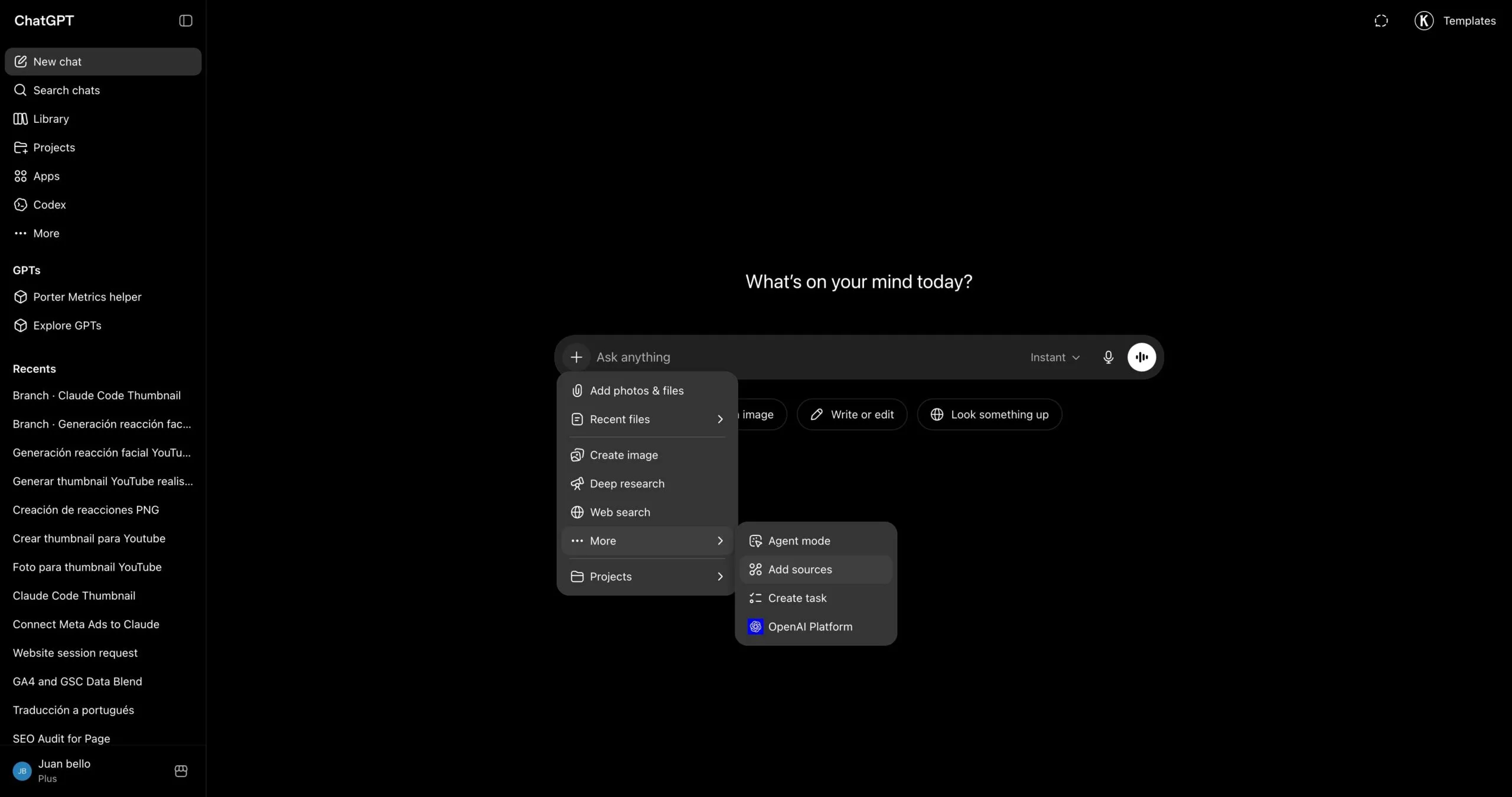
Go to chatgpt.com and click the + icon in the chat input to open the tools menu.
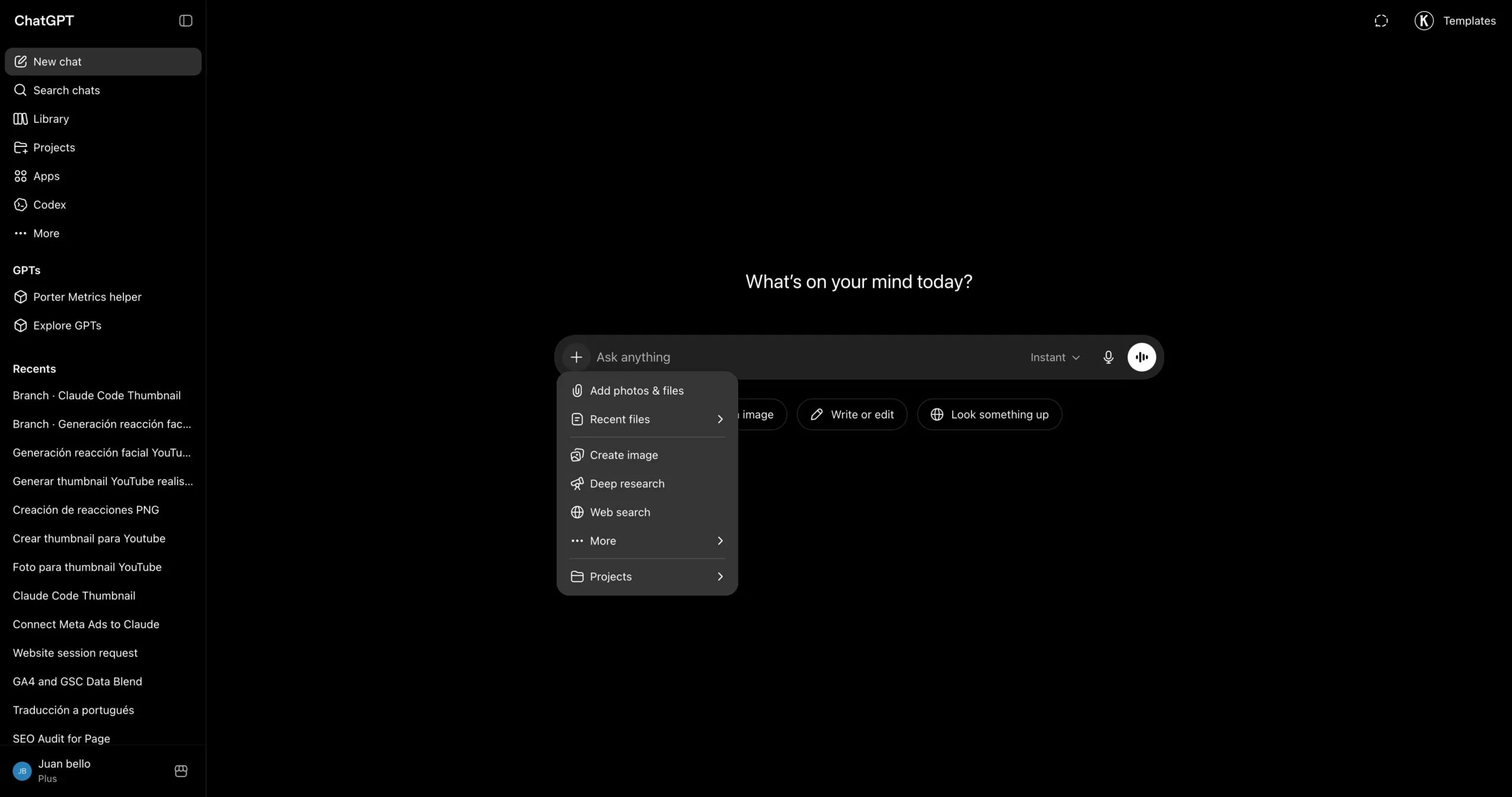
In the menu that opens, hover over Connectors and click Manage connectors.
In the Connectors panel, click the + button at the top of the list to start adding a new connector.
Pick Add custom connector from the dropdown that appears.
A dialog opens with the name and URL fields. Type Porter in the first field to name the connector.
In the second field, paste https://mcp.portermetrics.com/mcp. Leave the advanced settings alone.
Click Add at the bottom right of the dialog. ChatGPT opens a sign-in window — use the same Google account linked to your Porter workspace and approve access.
Once the authorization finishes, you’ll see Porter’s tools appear in the connectors panel. You’re ready to start asking questions (and, for connectors that support it, running actions).
For a fuller walkthrough with screenshots at every step, see the Porter MCP tutorial.
3. Start building questions and dashboards
With Porter connected, open a new ChatGPT chat and ask anything about your Google Ads in plain English. ChatGPT calls Porter behind the scenes, pulls live data from Google, and answers with tables, charts, or summaries.
Try one of these to verify the setup is working:
For a full catalogue of copy-paste prompts organized by use case (campaign management, budgets, creatives, performance, agency, e-commerce, cross-channel), jump to the prompts section below.
Alternative ways to connect Google Ads to ChatGPT
Porter MCP is the path we just walked through and the one we recommend for most marketers. It is not the only way to get Google Ads data in front of ChatGPT, though. The most common alternatives are Google Ads’s direct API, a live Google Sheets bridge or CSV upload, and BigQuery for scale. Each has trade-offs, so pick the one that fits how your team already works.
- 🔌 Google Ads’s direct API — Talk to Google’s Google Ads API yourself. Maximum control, but you handle auth, rate limits and pagination — and you only get one source. (Google doesn’t ship an official MCP yet.)
- 📊 Google Sheets — Live Sheet or one-off CSV upload. Auditable, familiar, faster for big exports — but aggregation happens in the Sheet, not the API.
- 🗄️ Google BigQuery — For large accounts or agencies running multi-account analysis. BigQuery aggregates; ChatGPT only queries pre-built summaries.
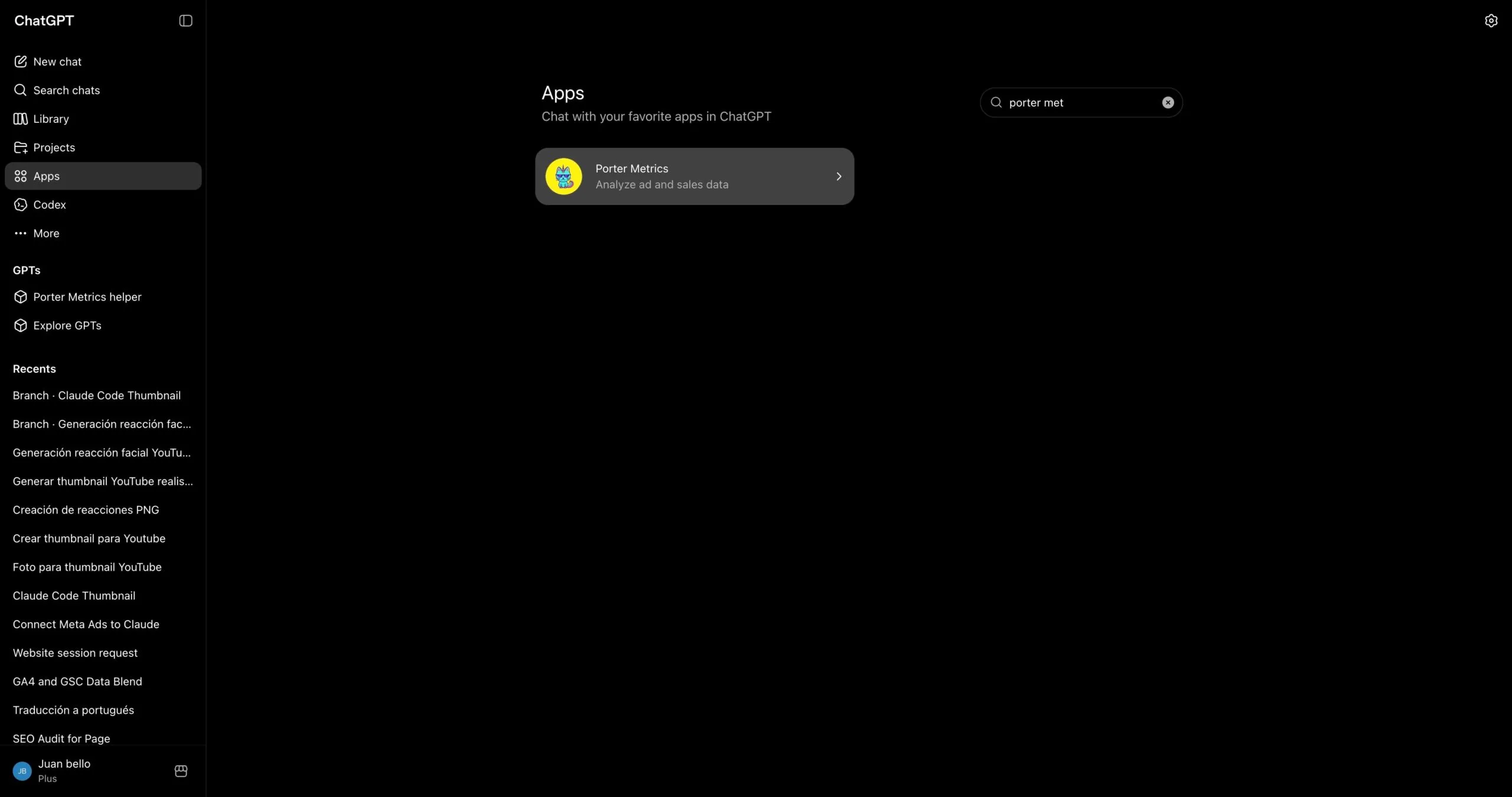
Via the Porter Metrics app in the ChatGPT marketplace
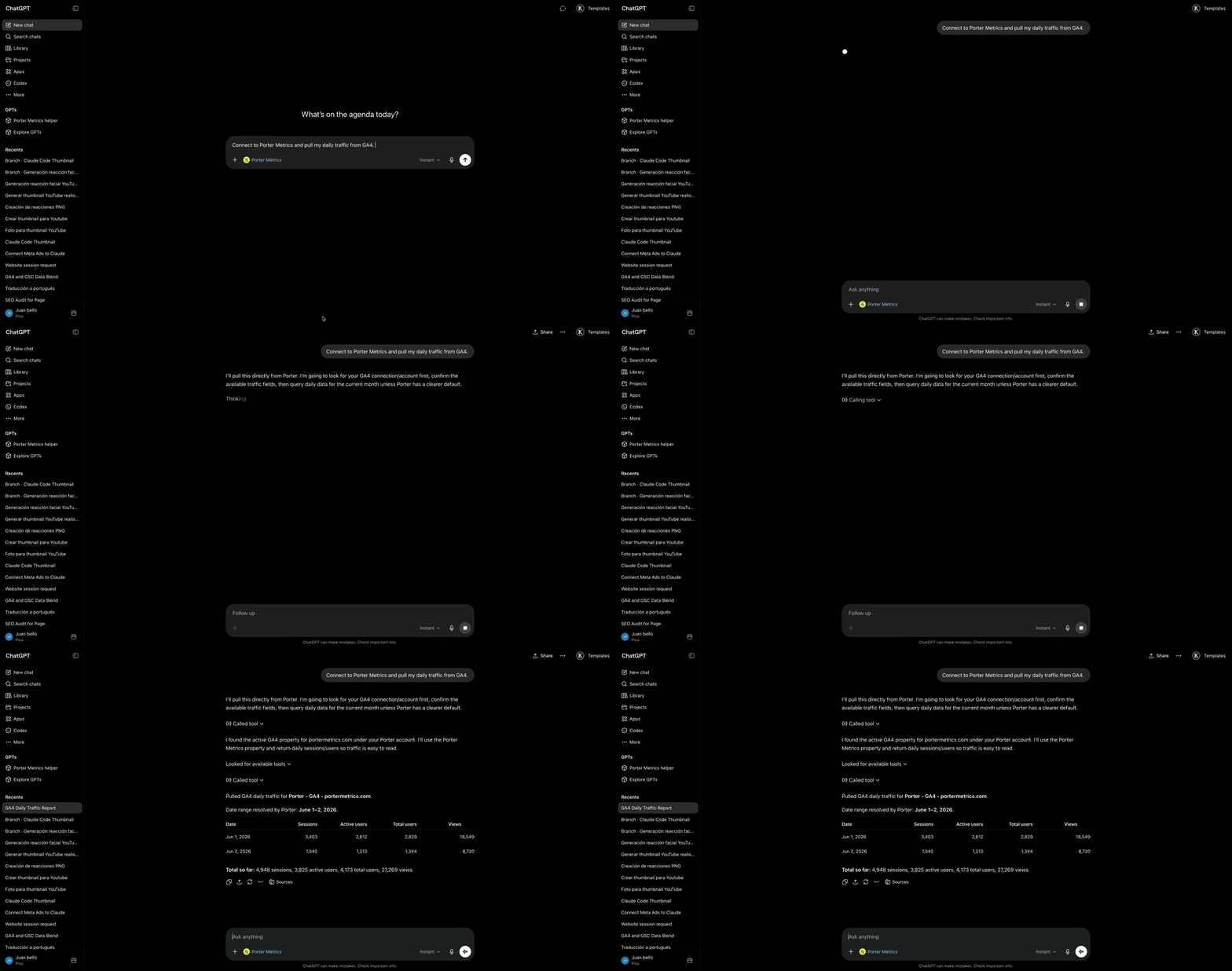
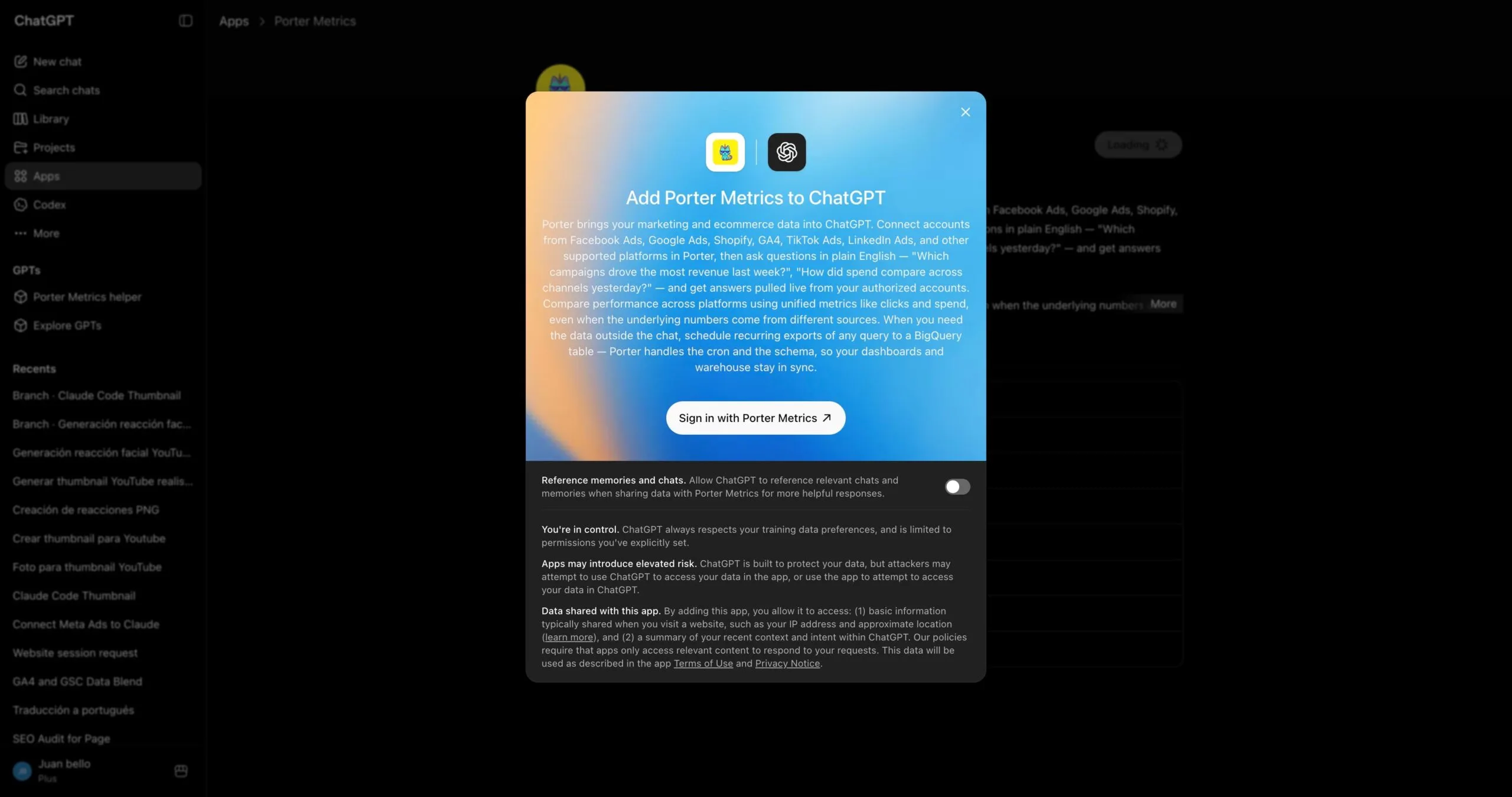
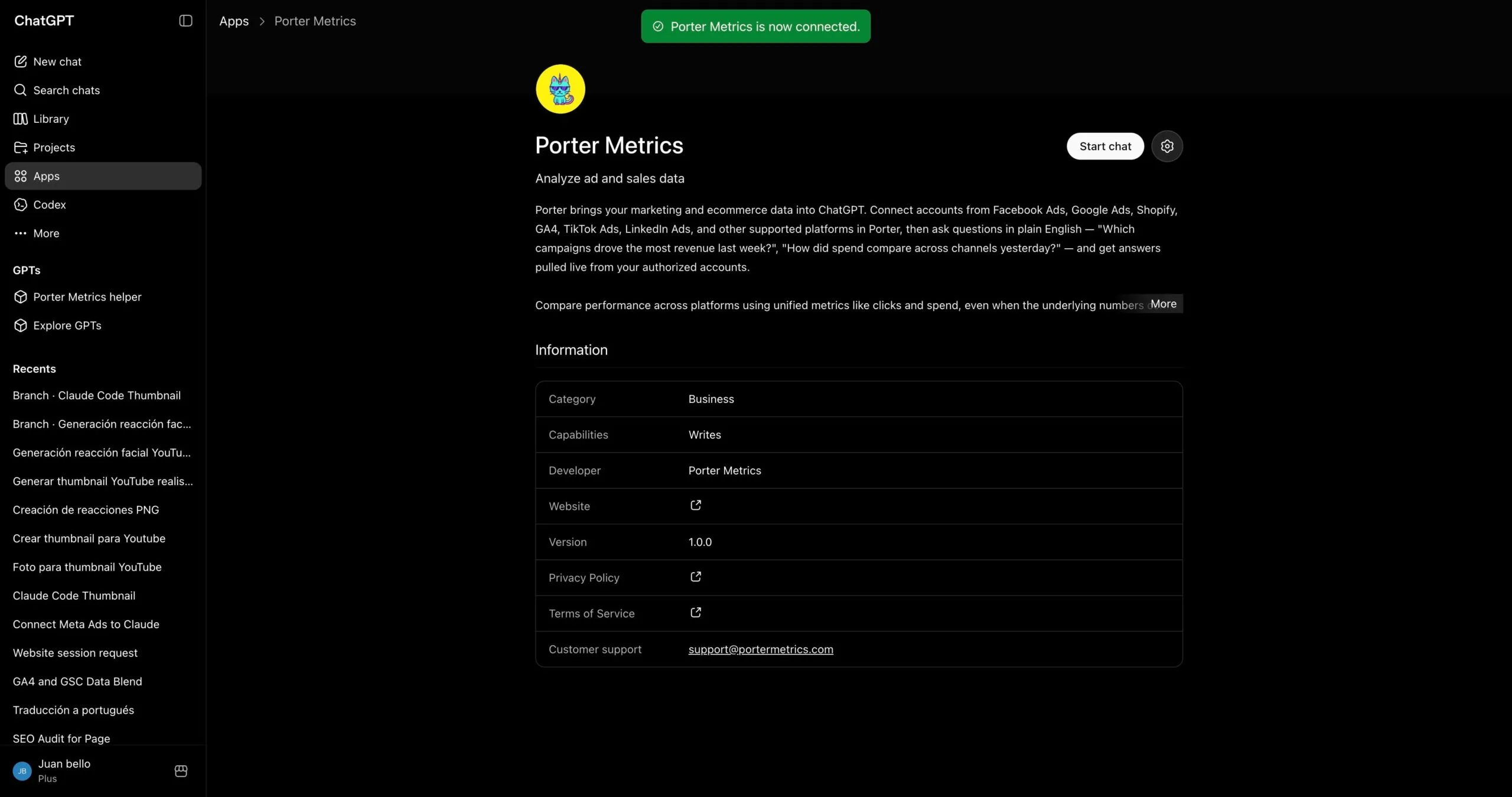
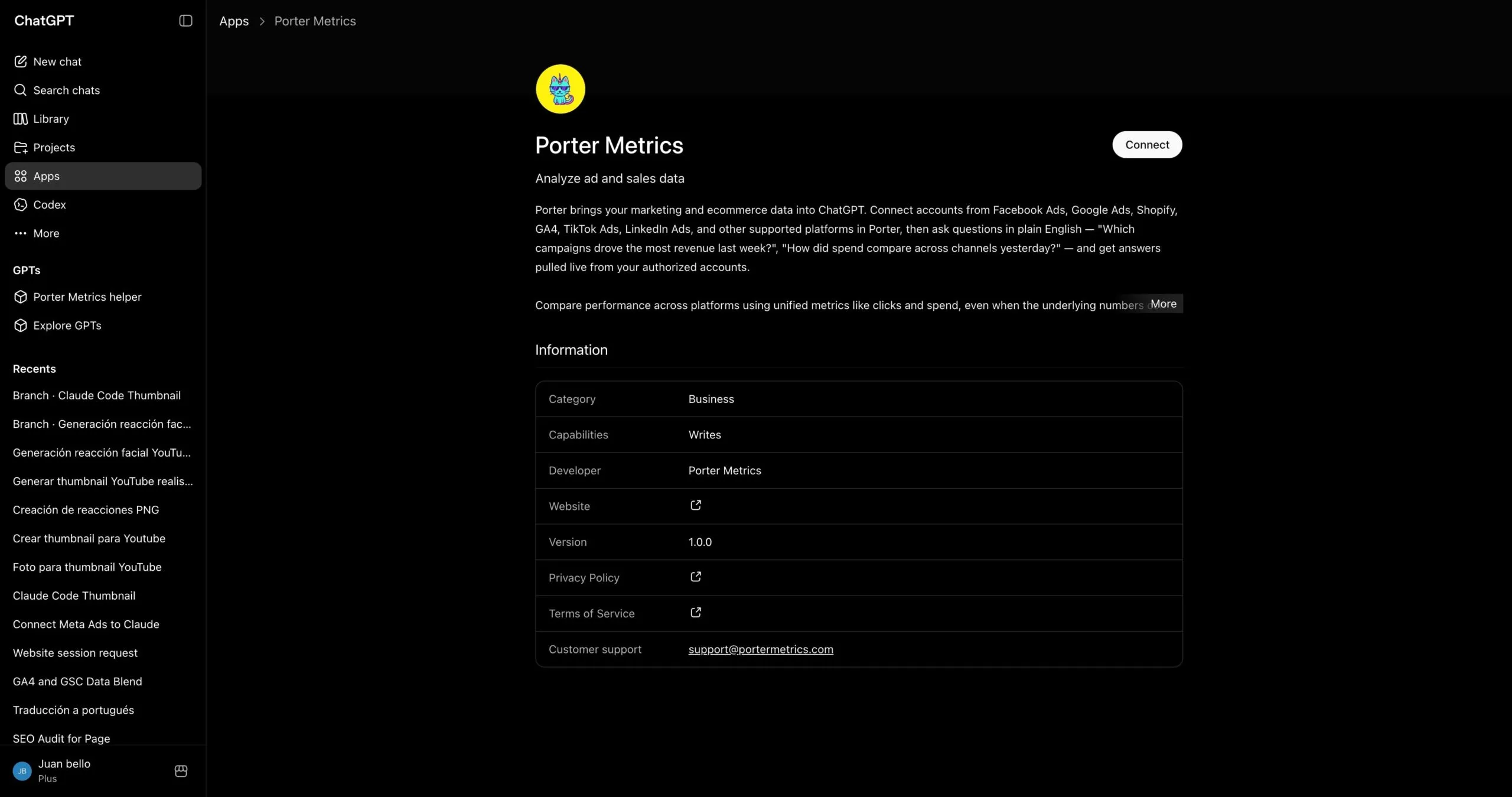
If you’d rather not paste a connector URL, install Porter straight from ChatGPT’s app gallery — it’s the same Porter connection behind the scenes, published as an approved ChatGPT app:
- Open the Porter Metrics app page in ChatGPT (or search “Porter Metrics” in the apps gallery).
- Click Connect and sign in with the same account you use in Porter.
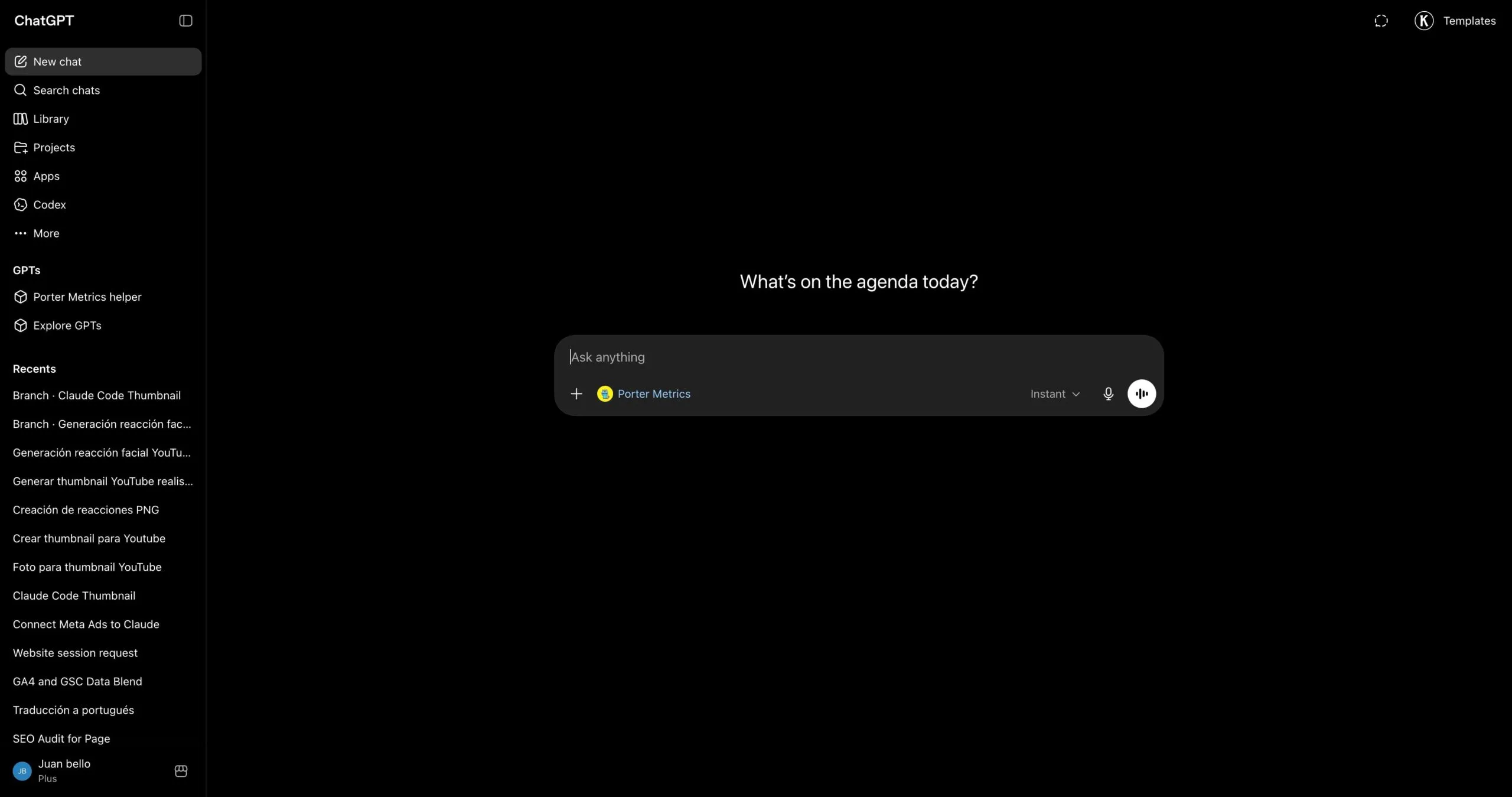
- Authorize it and ask your first Google Ads question — same live data as the MCP.
The trade-off to know: the marketplace app only updates after each ChatGPT review cycle, while the MCP updates the moment Porter ships. If you want every new tool and data source immediately, use the MCP; if you want the one-click install and don’t mind waiting for new features, the marketplace app is the shortest path — including write actions through your connected Porter account.
Via Google Ads’s direct API
If you’re building a product around Google Ads — or you’re a developer who’d rather own every layer of the integration — the most direct path is talking to Google’s Google Ads API yourself, or — where it exists — Google Ads’s own official MCP. Google doesn’t ship an official Google Ads MCP as of June 2026. Whichever route you pick, you still follow Google’s rate limits & quotas. Either way you skip Porter and call Google from your own code, from Codex, or from Google Ads’s own connector.
Via Google Sheets (live Sheet or manual CSV)
If your team already lives in Google Sheets — or you want a paper trail before ChatGPT touches anything — feed Google Ads into a Sheet, then let ChatGPT read the Sheet. You can automate the Google Ads → Sheets pipeline with Porter so it refreshes daily, or do one-off CSV exports from Google Ads’s native UI for static analysis.
Via Google BigQuery (for scale)
This is the path most people overlook — and it’s the one that saves you when your Google Ads account gets serious. A single large advertiser or an agency managing 10+ accounts will hit API rate limits and latency problems querying ChatGPT directly. ChatGPT will literally tell you it’s taking too long or timing out on big pulls.
BigQuery fixes that. You load Google Ads data into BigQuery tables on a schedule, then connect BigQuery to ChatGPT — either through a BigQuery MCP or via Codex with SQL queries. Instead of asking ChatGPT to pull raw Google Ads data, you let BigQuery aggregate into small, optimized tables, and ChatGPT only queries the summarized output. Scale problem solved.
Read the full BigQuery tutorial →
Connecting Google Ads to Codex
Most marketers lump ChatGPT and Codex together and miss the biggest advantage of the entire MCP ecosystem. They’re not the same tool — and the difference matters enormously once you start working with Google Ads data seriously.
ChatGPT is a chat interface. You ask a question, ChatGPT pulls live data through the MCP, answers, maybe builds a quick dashboard inside the conversation. Great for one-off analysis. The problem: everything is ephemeral. Want to refresh the dashboard tomorrow? You regenerate it from scratch. Want the same report every Monday? You re-ask the question every Monday.
Codex is ChatGPT running inside your computer’s terminal. Because it has access to your filesystem, runtime, and other developer tools, it doesn’t just answer questions — it can build real software. Persistent scripts, scheduled routines, HTML apps, internal dashboards, integrations that run 24/7 without your input. Once it’s connected to Porter’s MCP for Google Ads, a whole category of work becomes possible.
What Codex unlocks that ChatGPT alone cannot
This is where the MCP ecosystem pays off most. Because Codex can combine Porter’s MCP with other MCPs — Firecrawl for web scraping, Airtable for structured data, Notion for wikis, Vercel for deployment, Slack and Gmail for delivery — you’re no longer querying data. You’re building tools.
🛠
Best for:agencies that want white-label client dashboards without Looker or Data Studio dependencies.
Best for:in-house teams that need market context, not just internal numbers.
Best for:agencies and ops teams onboarding analysts or rotating account managers frequently.
Best for:any team that’s ever discovered a problem 48 hours too late because nobody opened the report.
Bottom line: ChatGPT is for quick questions and ad-hoc dashboards. Codex is for building apps, live dashboards, alerts, and actual tools — anything you want to run on its own without re-asking. Same Porter MCP URL works in both, so you don’t pick once and lock in.
Use cases — what you can actually do once Google Ads is connected to ChatGPT
Getting the connection right is half the battle. The real value shows up in what you do next — these are the jobs Porter users actually solve once Google Ads data is live inside ChatGPT.
Find where conversion lag is hiding your real ROAS
Google Ads attributes conversions back to the click date, so recent days keep filling in as offline imports, store visits, and view-through conversions land. A beginner reads yesterday's Conversions and Cost / Conv. as final and pauses a campaign that actually converts on a multi-day delay. ChatGPT with Porter MCP can pull Conversions, Conversion Value, Cost, and ROAS across a trailing window and flag where the most recent days are still maturing, so you don't kill a campaign on incomplete data.
Catch Search query waste that the campaign view hides
At the campaign level a Search campaign can look efficient while a chunk of spend leaks into irrelevant search terms that match broadly. The trap is that broad and phrase match keep matching new queries you never added, and the damage only shows at the search-term level. ChatGPT can break down Cost, Clicks, Conversions, and Cost / Conv. by search term and surface high-spend, zero-conversion queries that belong as negatives.
Tell whether Performance Max is cannibalizing your branded Search
Performance Max blends Search, Shopping, Display, and YouTube inventory and reports as one channel, so its Conversions can quietly absorb branded searches that your Search campaigns would have won cheaply anyway. A beginner sees a great PMax ROAS and scales it without realizing part of that value was already-cheap brand traffic. ChatGPT can line up PMax against your branded Search campaign on Conversions, Conversion Value, and Cost so you can judge incremental versus borrowed credit.
Diagnose a CPA spike before you blame the bids
When Cost / Conv. jumps, the instinct is to lower bids, but the real driver is often a Search Impression Share or auction shift, a quality-score slide, or a landing experience change that tanked conversion rate. ChatGPT can decompose the CPA move into its parts using Cost, Clicks, CTR, Conversion Rate, and Average CPC across the same window, so you fix the actual cause instead of just starving the campaign.
Spot budget-constrained winners that deserve more money
A campaign capped by its daily budget will show a healthy ROAS but a high lost impression share due to budget, meaning you're leaving cheap conversions on the table. Beginners scale the loudest campaign rather than the one that's profitable and throttled. ChatGPT can cross Conversions, ROAS, Cost, and budget signals to rank which campaigns are both efficient and constrained, the cleanest place to add spend.
Build a weekly account review without exporting a single CSV
The native UI makes you bounce between campaign, ad group, and keyword tabs and manually reconcile date ranges, which is why weekly reviews get skipped. ChatGPT with Porter MCP can assemble the whole picture, Cost, Conversions, Conversion Value, ROAS, CTR, and Average CPC, in plain language and call out the three things that actually moved. You read a summary instead of rebuilding a report.
Google Ads fields and metrics you can query with ChatGPT
Before you start writing prompts, it helps to know what data is actually available. Porter MCP gives ChatGPT access to 1,042 Google Ads fields and metrics across every reporting level, plus breakdowns by audience, placement, device, and geography. And the same MCP URL also unlocks 25+ other sources — so ChatGPT can blend Google Ads with Meta Ads, GA4, Shopify, HubSpot and more in a single prompt.
Prompts you can copy-paste today
For agencies & PPC managers
When you manage multiple client accounts and need standardized reporting, pacing checks, and fast performance summaries.
For B2B & lead-gen advertisers
When you run lead-gen campaigns and need to connect lead volume to lead quality and funnel performance.
For DTC & e-commerce advertisers
When you track ROAS, purchase value, and the funnel from click to checkout across products and audiences.
For cross-channel & full-funnel teams
When you run on multiple platforms and need unified reporting and budget-allocation decisions across channels.
How to use Codex for Google Ads without getting banned
The most common painful outcome with Google Ads is not a ban, it's acting on numbers that weren't finished yet. Conversions attribute back to the click date and keep filling in for days as offline conversions, store visits, and view-through actions import, so recent days almost always look worse than they'll end up. Marketers who pause campaigns or slash budgets based on the last day or two regularly cut campaigns that were actually converting fine on a delay, then have to rebuild momentum and re-enter the learning phase. The cost is lost conversions and wasted re-ramp time, not a disabled account.
Google's Ads API enforces a daily operations quota and per-request limits tied to your access tier rather than punishing reporting. Heavy or sloppy automation hits rate limits and gets throttled, and reads of partially-attributed recent data simply return incomplete numbers. The real failure modes here are quota exhaustion, sync lag on fresh dates, and acting on unsettled conversions, not account suspension.
The behaviors that actually put accounts at risk
Treating today's and yesterday's conversions as final. Recent days are still attributing. Reading Conversions or Cost / Conv. for the last day or two as settled numbers leads to pausing campaigns that convert on a delay. Always judge fresh dates as provisional.
Letting an agent push rapid budget or status changes unsupervised. Even though account bans aren't the risk here, a loop of automated edits can blow through API quota, fight the bidding algorithm's learning phase, and create changes you can't easily audit. Keep a human approving each write.
Comparing metrics across mismatched attribution or date settings. Pulling one campaign on one conversion window and another on a different range produces apples-to-oranges ROAS and CPA. Lock the window before you compare.
The safety protocol
- Treat recent dates as provisional. For conversion-based metrics, assume the last several days are still maturing and label them as not-yet-final rather than acting on them.
- Confirm before any write. Budget, bid, and pause changes go through explicit human confirmation. ChatGPT proposes, you approve, and the change is logged.
- Lock the date range and attribution before comparing. Use the same window and conversion settings on both sides of any comparison so ROAS and CPA are actually comparable.
- Respect API quota. Pull what you need in consolidated queries instead of hammering the API with many tiny calls, so you don't hit rate limits mid-analysis.
- Reconcile against the native UI for big decisions. Before a major budget move, sanity-check the totals against the Google Ads interface so you're not acting on a sync gap or a metric definition mismatch.
What Porter MCP does differently: Porter MCP reads and analyzes your Google Ads data by default, pulling real metrics like Cost, Conversions, Conversion Value, ROAS, CTR, and Average CPC at the level you ask for. Where write actions are supported, they run through deterministic components with explicit human confirmation and backoff rather than free-form unsupervised edits, so a budget or status change only happens when you approve it. It does not browser-automate the Google Ads UI and does not fire rapid bursts of changes, which keeps you inside API quota and away from fighting the bidding algorithm.

Ready to chat with your Google Ads?
Open ChatGPT, add the Porter connector, and ask your first question. If you don’t have Porter yet, start a free trial and connect your Google Ads account — you’ll be chatting with your campaigns in under five minutes.
rocket_launchStart free Porter trialopen_in_newOpen ChatGPT