Google BigQuery for Marketers – Porter Metrics
No-Code ETL
BigQuery Google BigQuery

Google BigQuery
for Marketers

Learn how to connect and store your marketing data in Google BigQuery without running a single line of SQL.

Course Modules

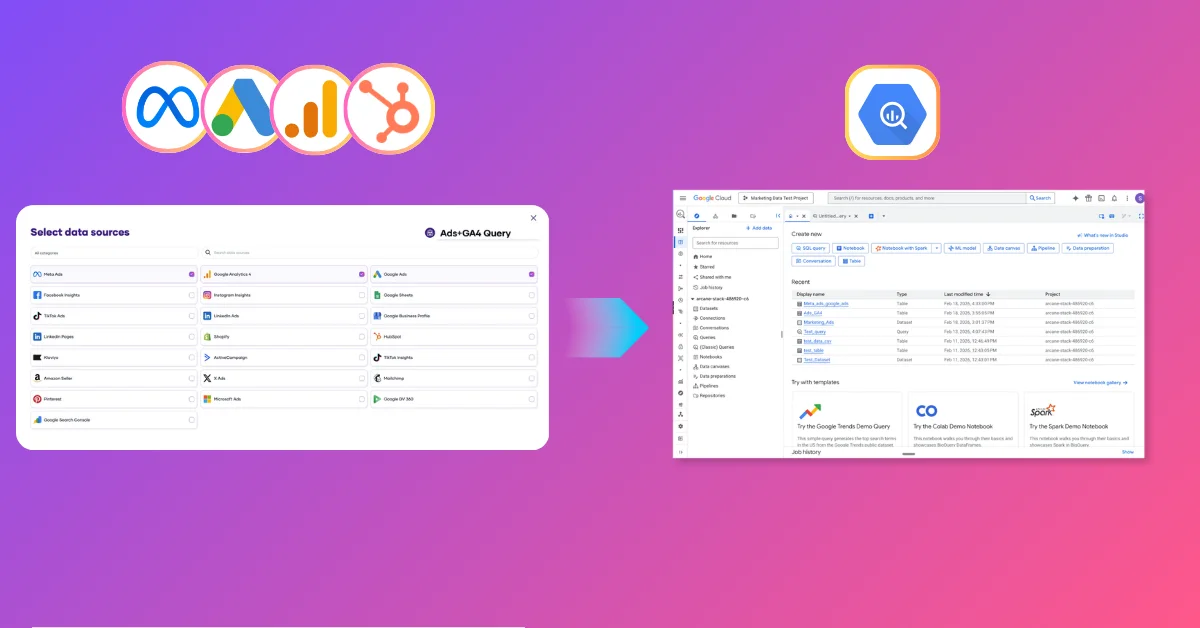
Set up BigQuery for free, connect your marketing data and have it flowing in minutes inside BigQuery using Porter Metrics, and build your first reports.
Module 01
01

What is Google BigQuery and Why Marketers Need It

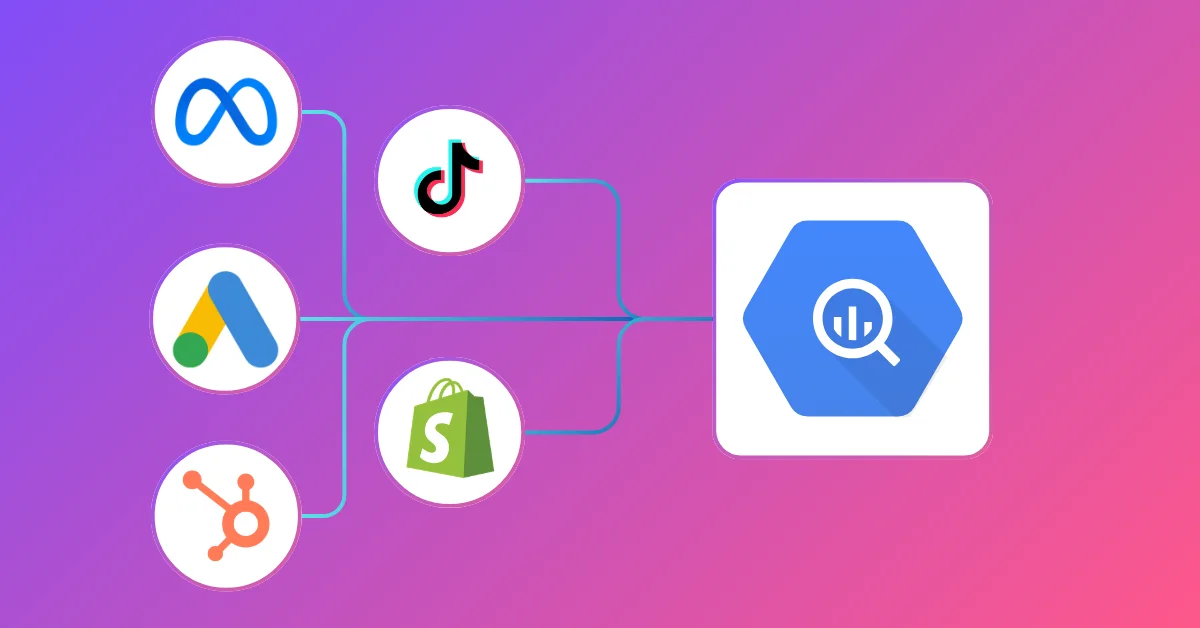
Learn what BigQuery is, how it compares to other data warehouses, and why marketing teams use it to centralize data from Meta Ads, Google Ads, GA4, and CRM.

10 Classes
43 min
20:11
Module 02
02

How to Create a Google BigQuery Account for Free

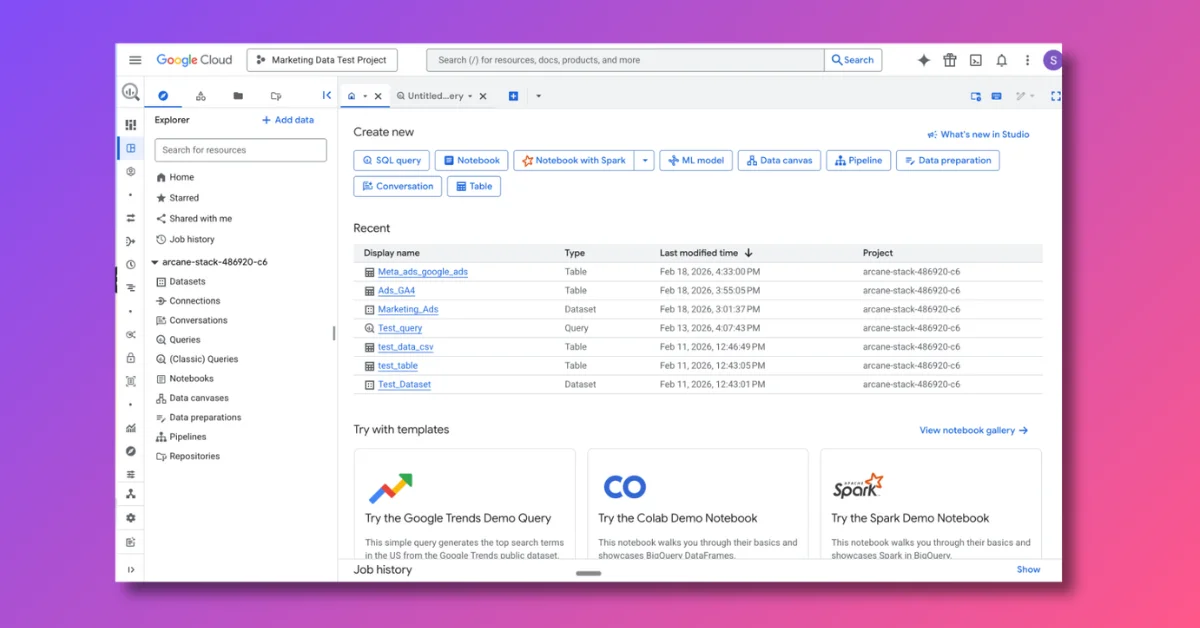
Set up your Google Cloud account,how organizations, projects and billing works, and get familiar with the BigQuery Studio interface.

4 Classes
16 min
9:37
Module 03
03

How to Connect Marketing Data to BigQuery

Connect your ad accounts, configure your dataset, schedule automatic updates, and verify your data is flowing into BigQuery correctly.

9 Classes
35 min
29:37
Module 04
04

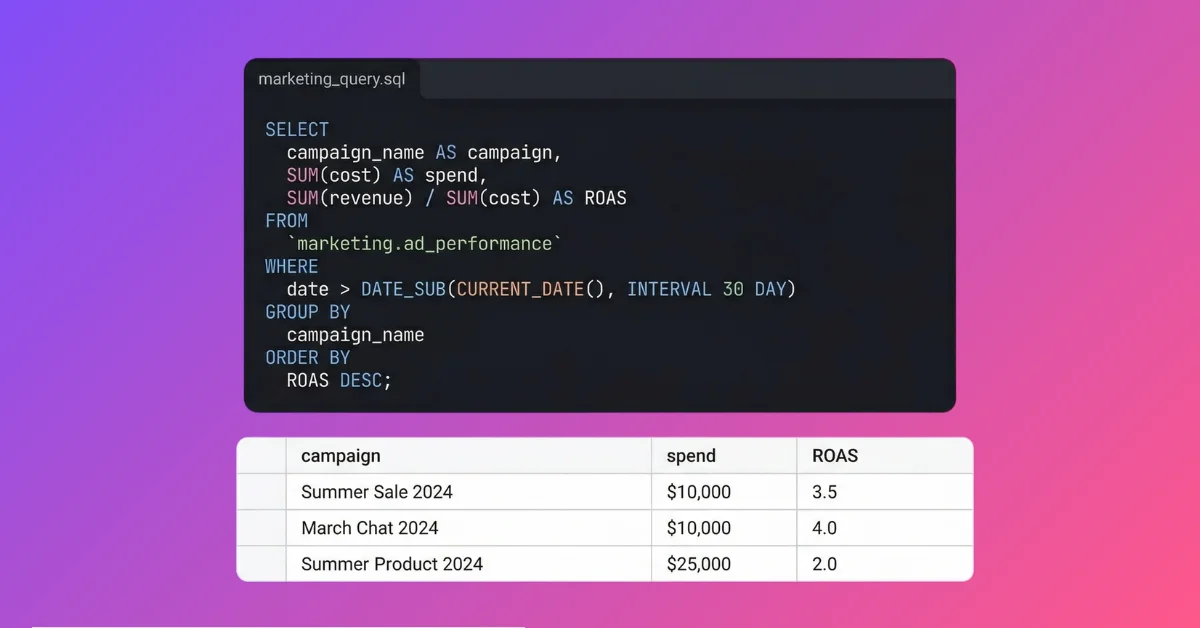
SQL and Regex for Marketers

Learn the SQL queries you need to blend data sources, build custom metrics and dimensions, and join tables across ad platforms.

5 Classes
22 min
45:37
Module 05
05

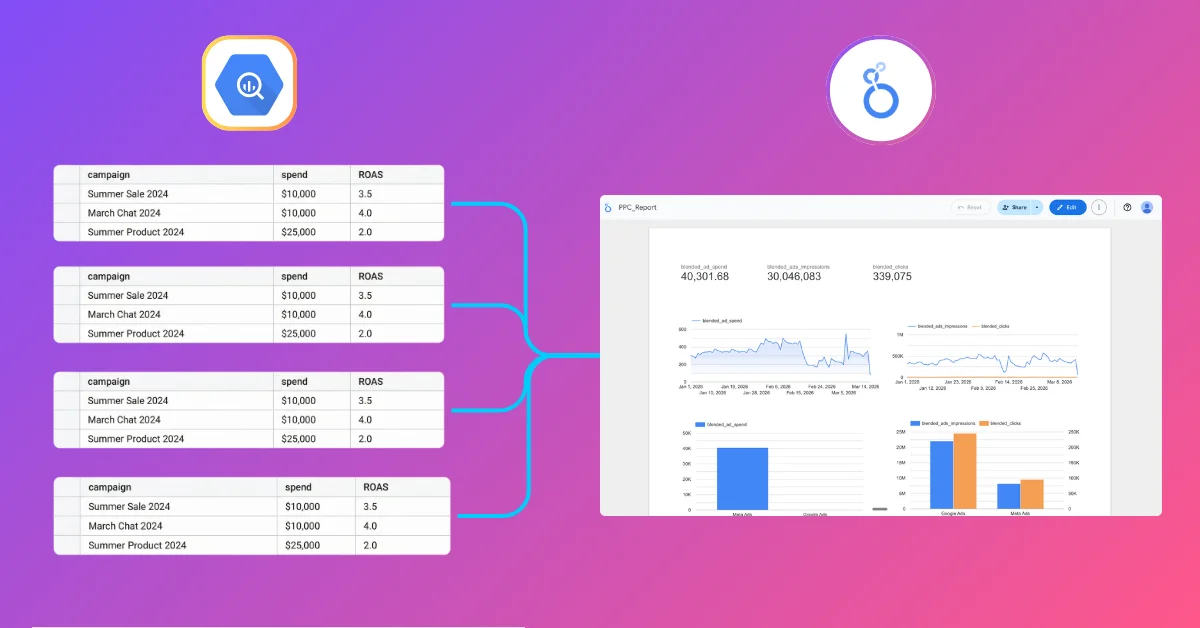
How to connect your marketing data from BigQuery to Looker Studio

Build dynamic, real-time dashboards in Looker Studio powered by your BigQuery data warehouse.

0 Classes
TBD
TBD
Module 06
06

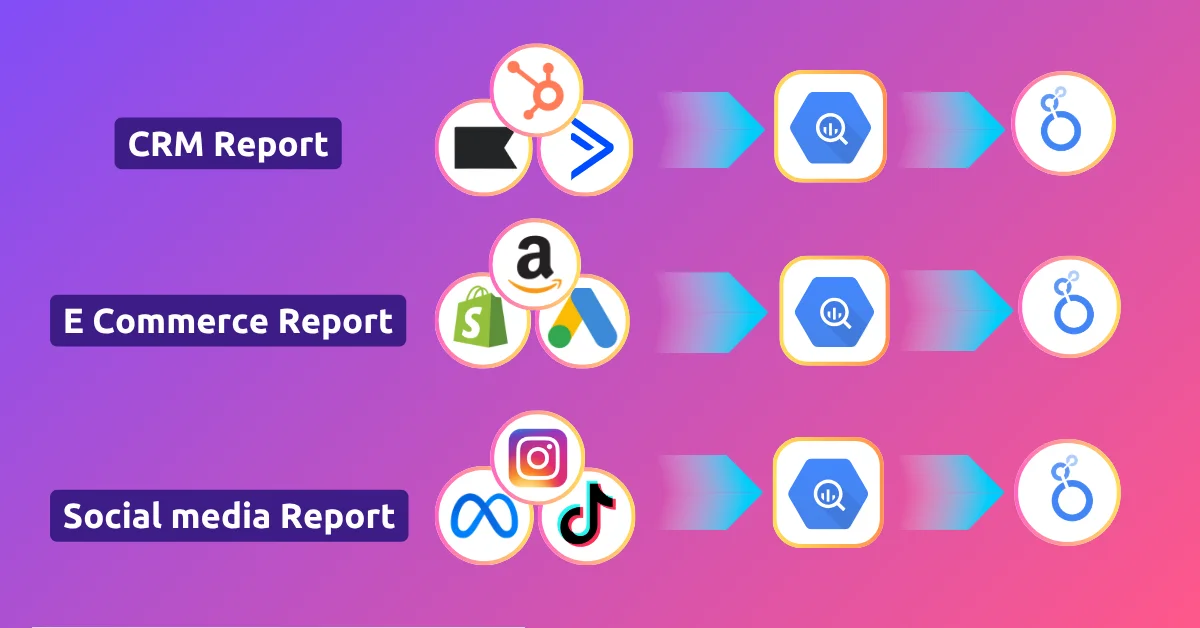
Marketing Reporting Use Cases

Six end-to-end tutorials to build PPC, social media, SEO, CRM, ecommerce, and multi-client reports in BigQuery.

6 Classes
24 min
1:08:09

Why Marketers Move to BigQuery

Traditional tools hit limits. BigQuery gives you the power to handle millions of rows and complex attribution models with ease.

Data ownership

Other departments already use BigQuery. Company policy, data governance, single source of truth—now marketing needs to centralize too.

Slow, unstable Looker Studio reports

Direct connectors take 10+ seconds to load. Or don’t load at all. Broken charts in client calls. Broken dashboards in board presentations. BigQuery loads in 2 seconds.

Data blending

Combine all your marketing sources with CRM, ERP, GA4, sales. Measure real profit, not just ROAS. One warehouse, all your sources.

Too many data sources

Multiple clients, channels, brands—each a separate connection. Reports break at scale. Centralize in BigQuery. One table, one connection, one report.

Ready to connect your marketing data to BigQuery?

Book a Demo

We’ll set up your first sync, free

Start Free Trial

14 days, no credit card required