Best Free Content Marketing Report Templates for Looker Studio (2026)

Free content marketing report templates for Google Looker Studio. Track blog performance, organic traffic, social engagement, and content ROI. Built for content teams and agencies.

Connect your data for free →

Last updated: April 2026

What is a content marketing dashboard on Looker Studio?

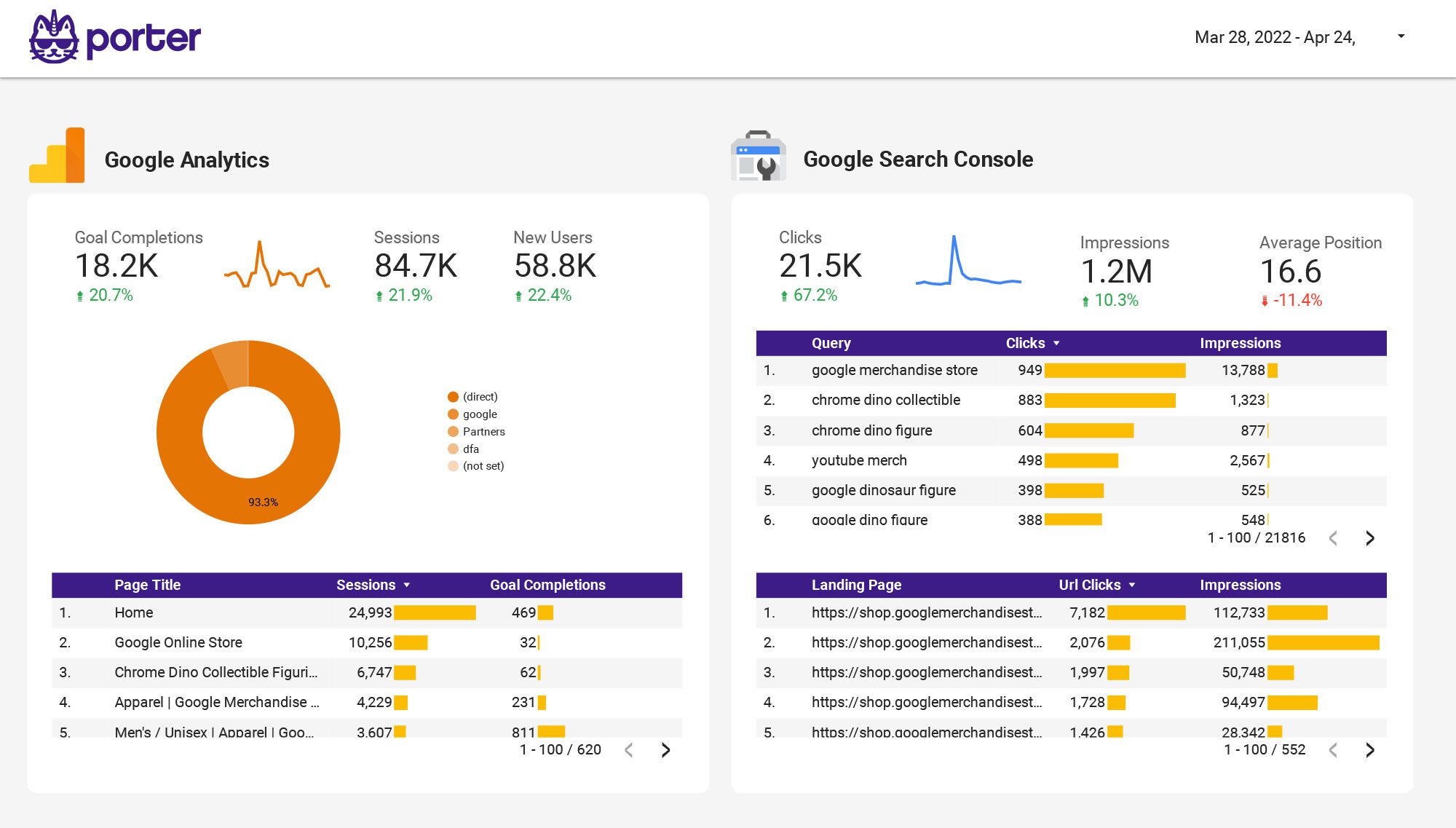
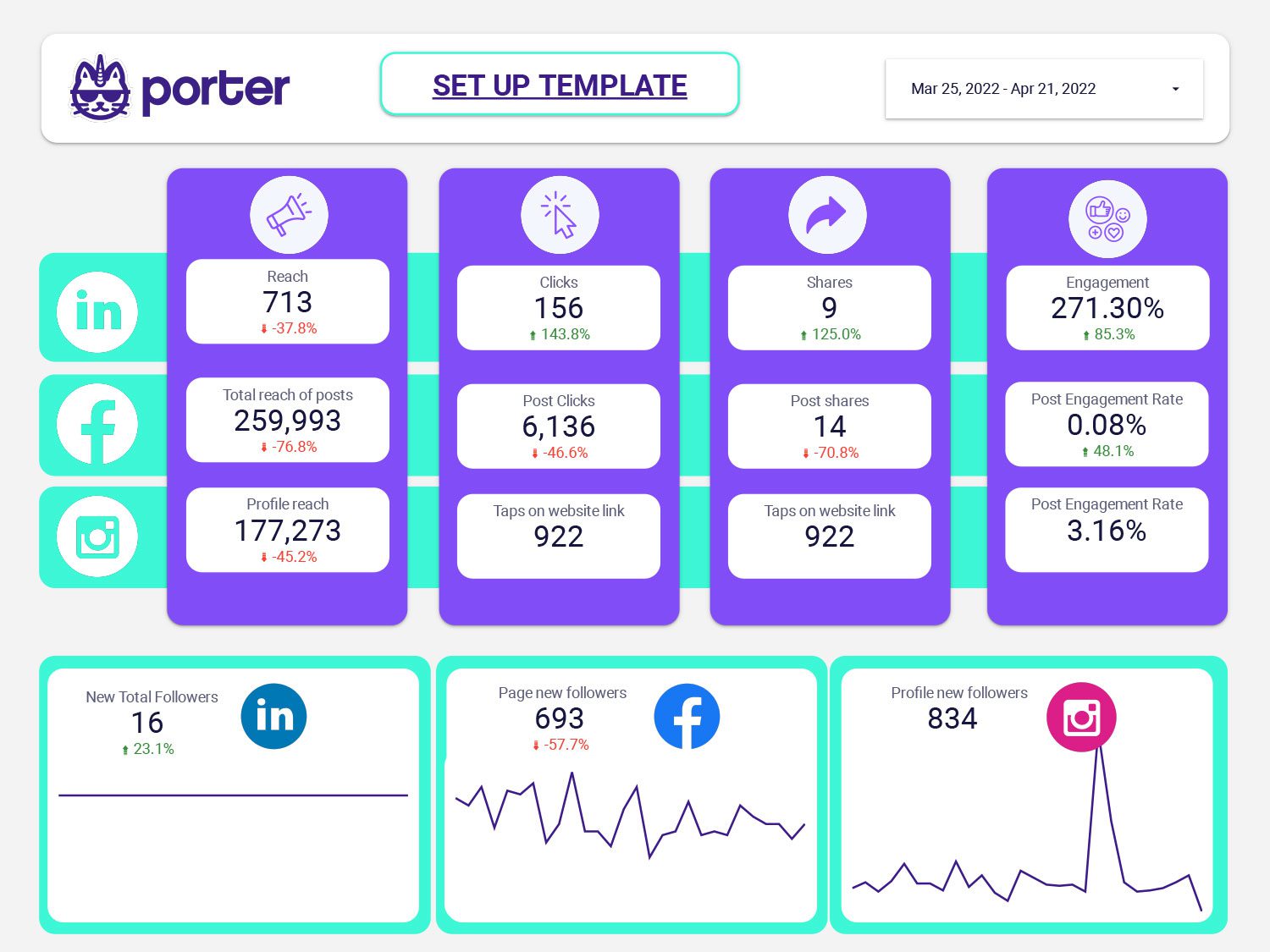
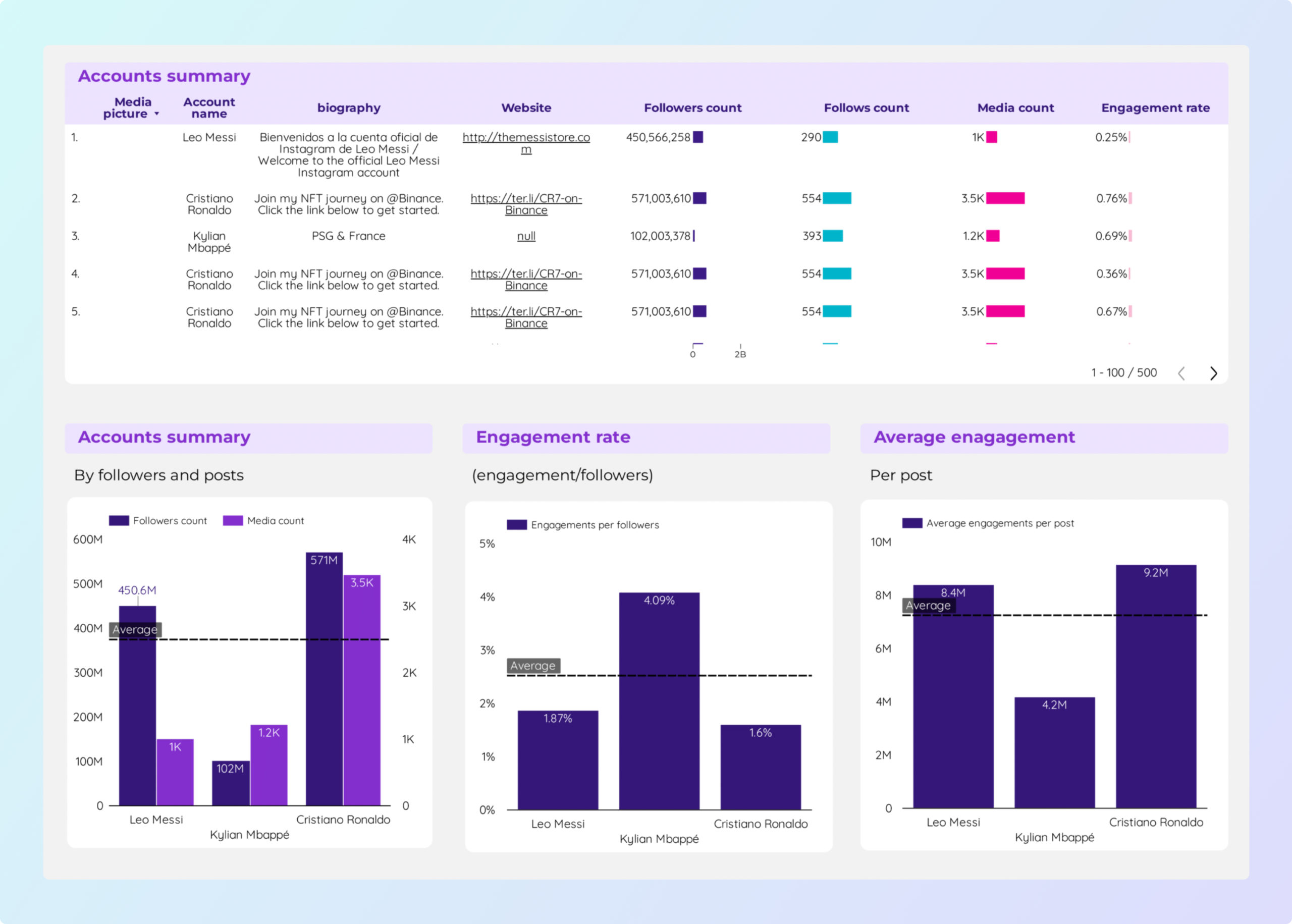
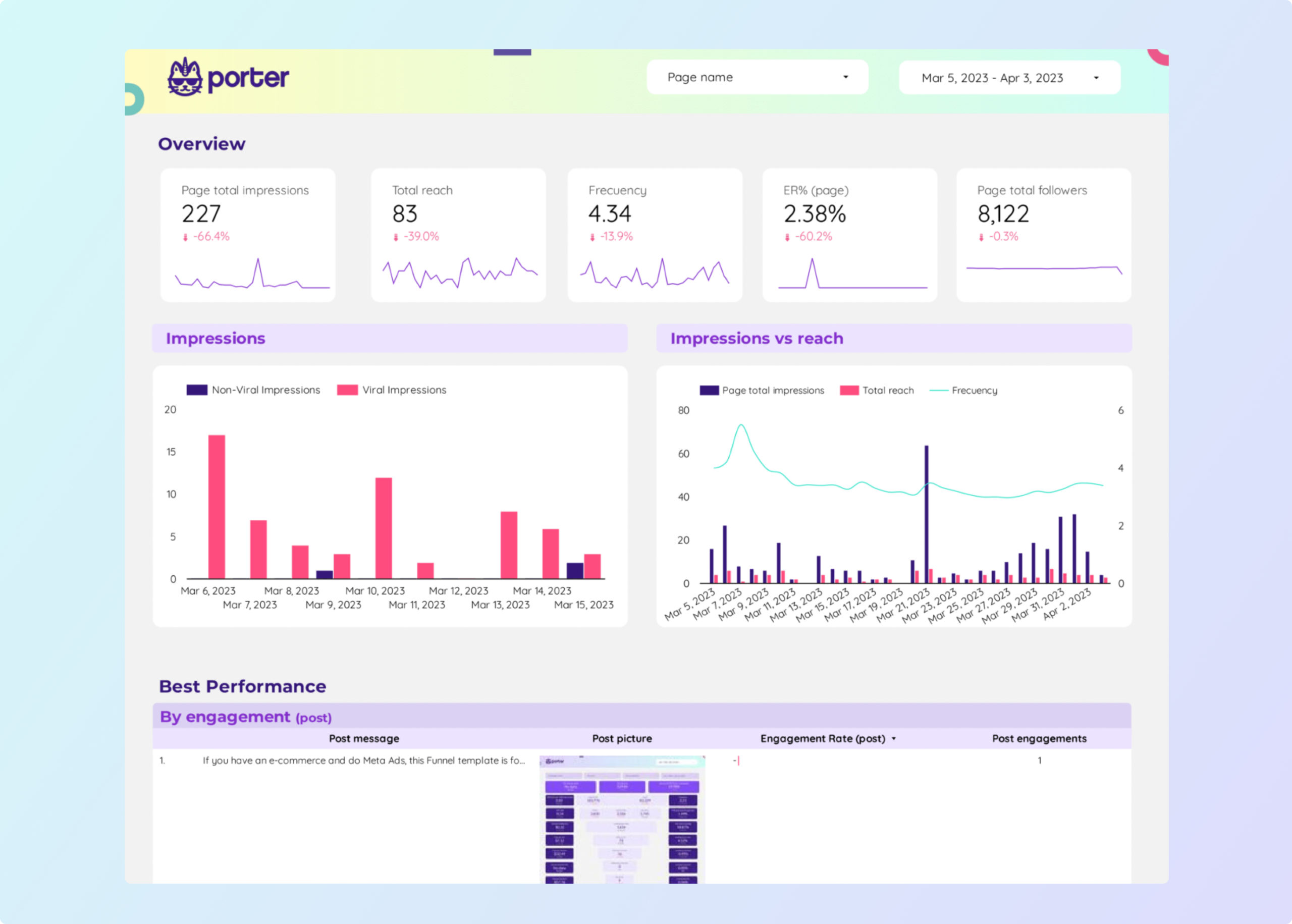
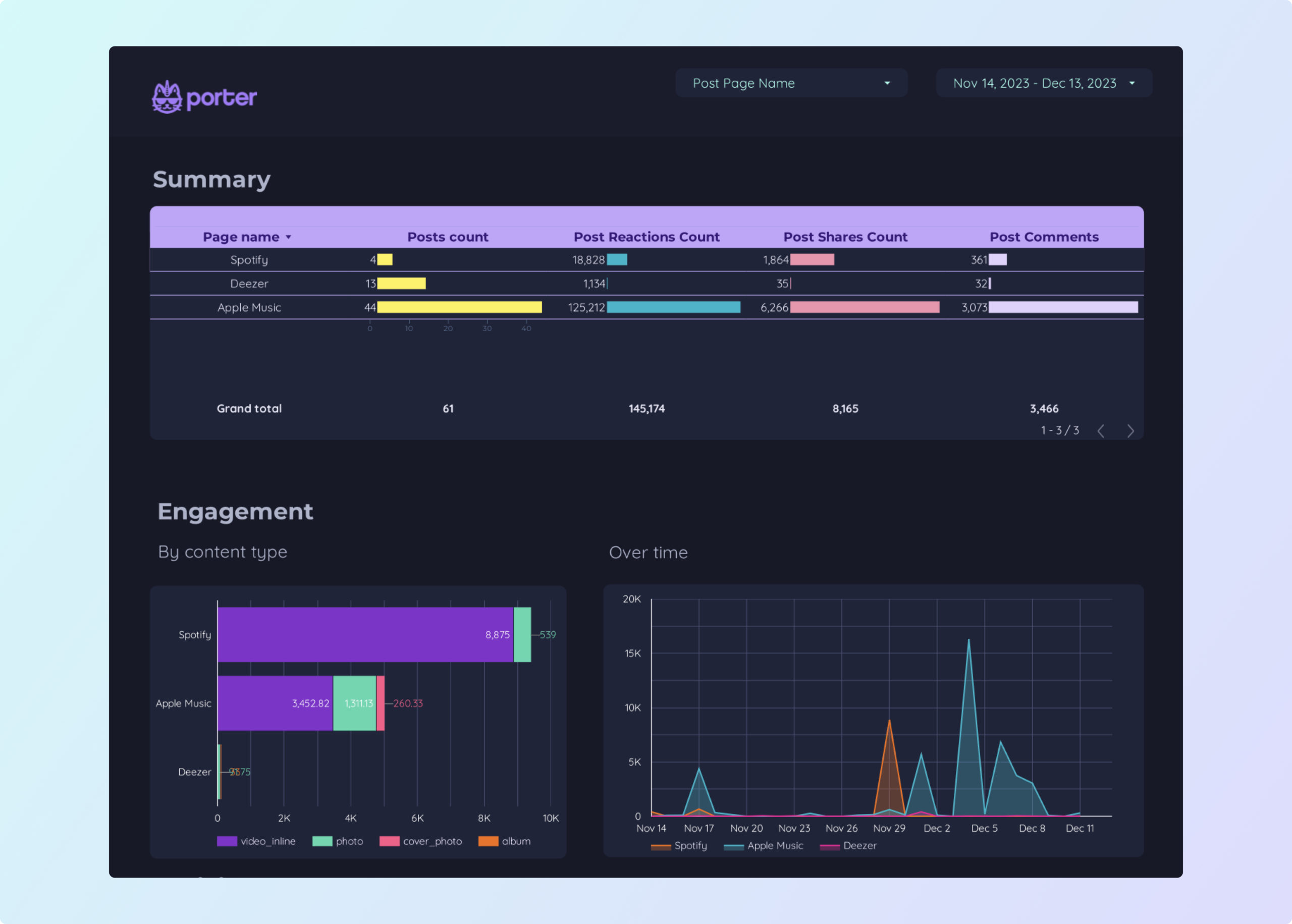
A content marketing dashboard on Looker Studio tracks how your content performs across organic search, social media, and website engagement. Connect Google Analytics 4, Google Search Console, and social platforms to measure content ROI.

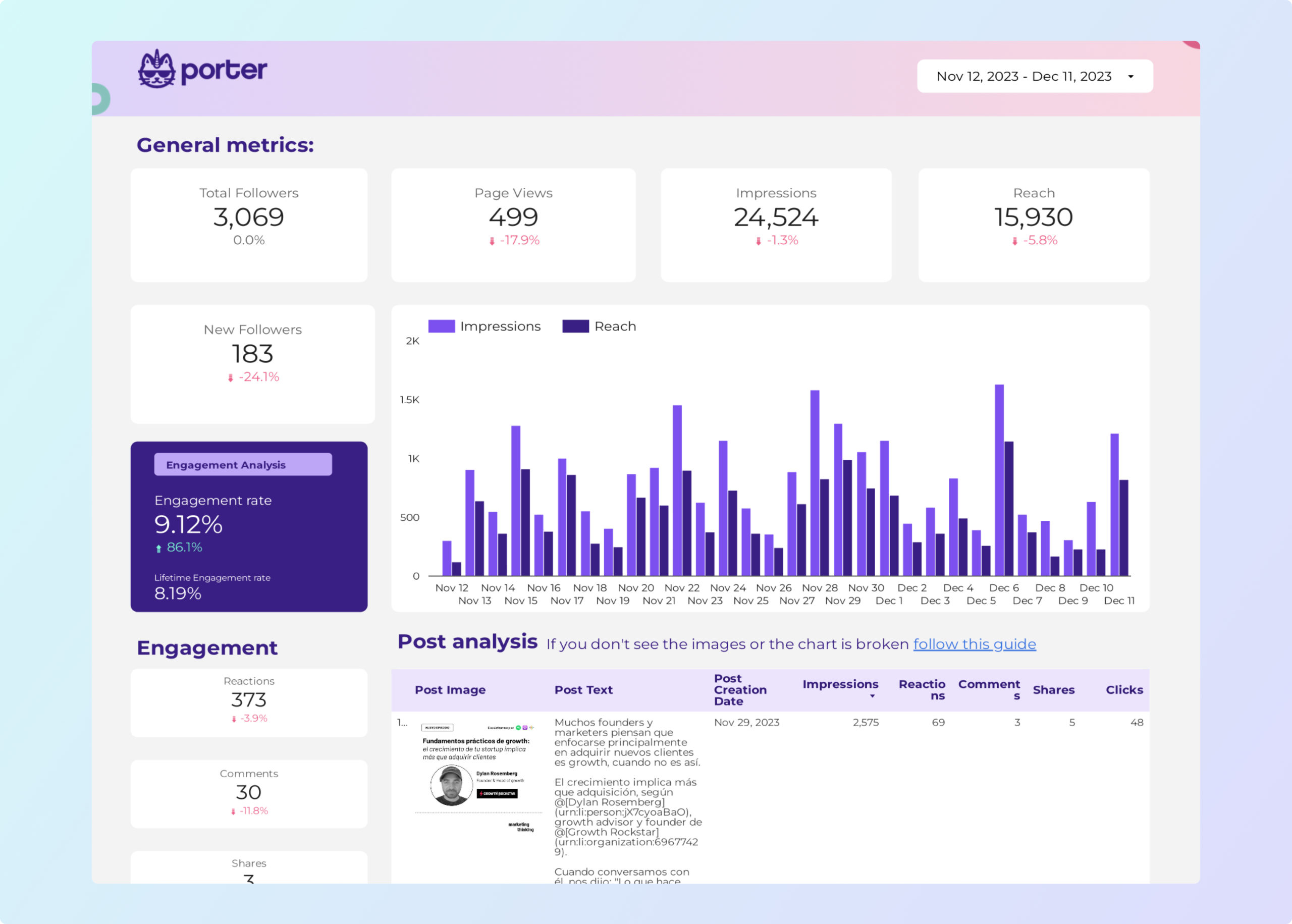
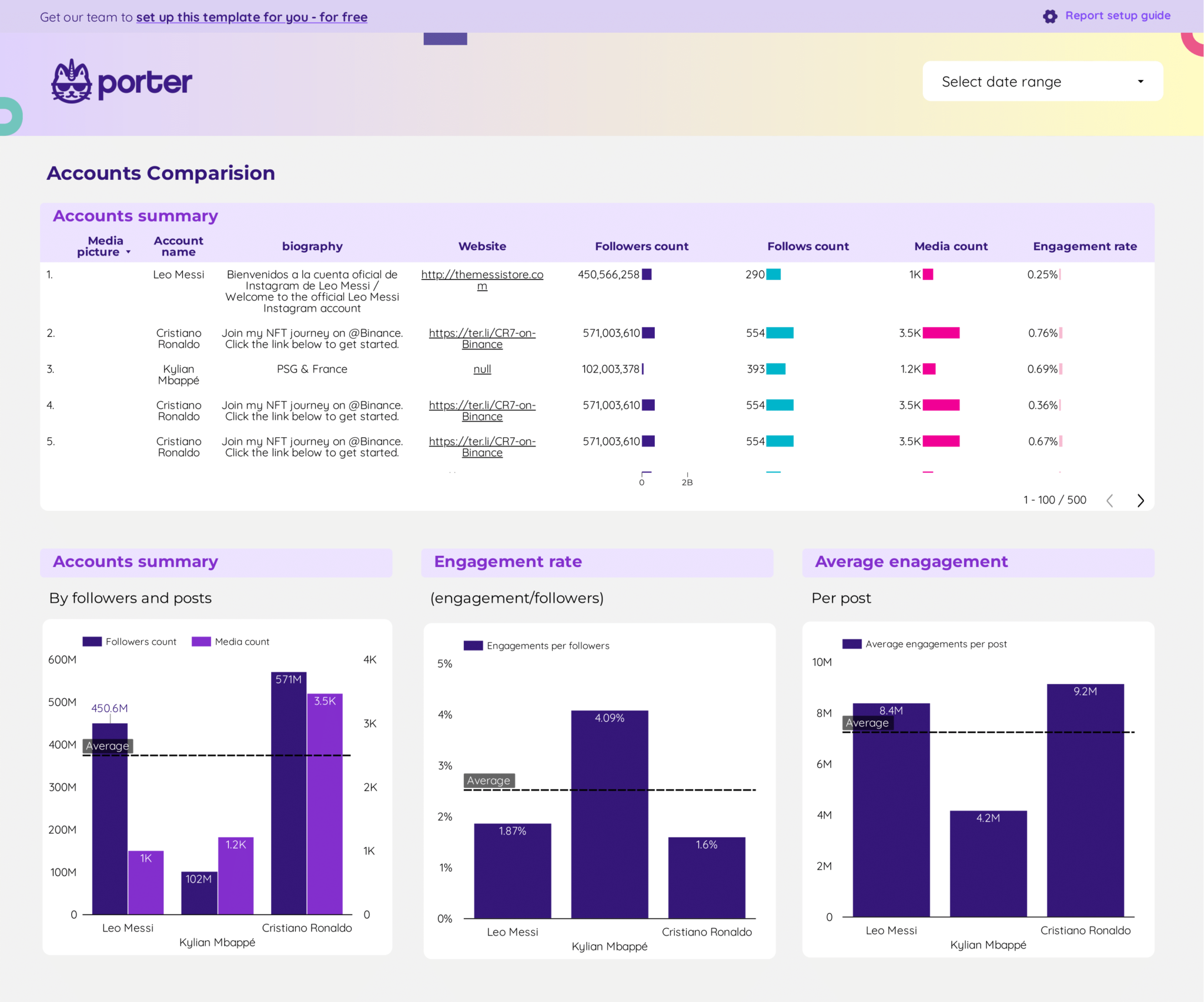
Track content across channels: With Porter Metrics connectors, connect GA4, Search Console, Instagram, Facebook, LinkedIn, and YouTube to measure your content performance.

Why use a content marketing dashboard?

article

Track content ROI

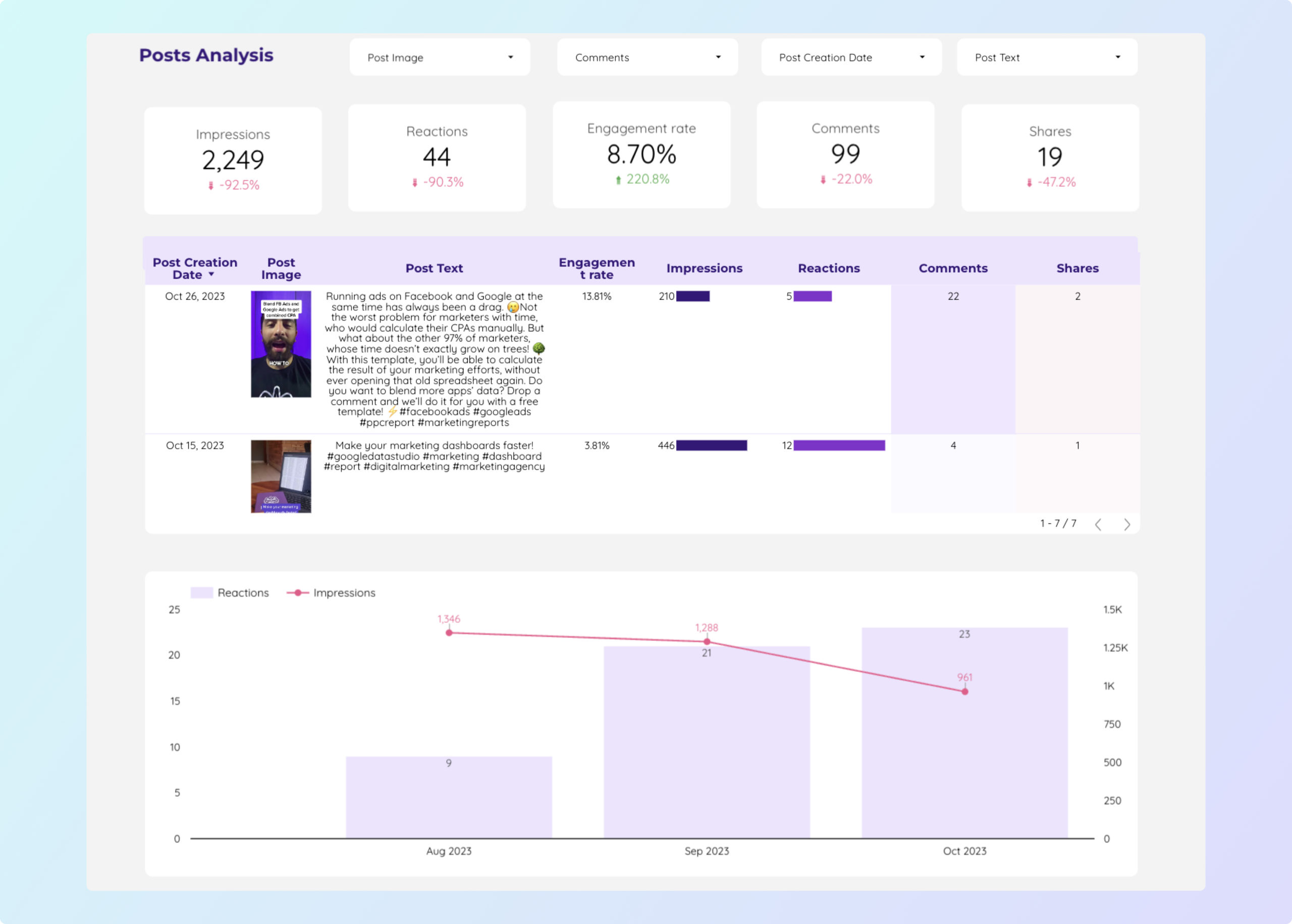
Measure which blog posts, videos, and pages drive the most traffic and conversions. Our content performance template connects content to business results.

search

SEO + content alignment

See which keywords drive traffic to your content. Use our SEO template alongside content dashboards for full visibility.

share

Social distribution

Track how content performs on social media: engagement, shares, reach, and clicks across all platforms.

schedule_send

Automated reporting

Schedule automated reports to stakeholders showing content performance over time.

How to build a content marketing dashboard

1

Connect your content data sources

Go to portermetrics.com and connect GA4, Search Console, and social platforms. Tutorial: connect GA4, connect Instagram.

2

Choose a content template

Browse our content marketing gallery. Learn how to copy a Looker Studio template.

3

Customize your metrics

Add pageviews, organic sessions, engagement rate, social shares. Use calculated fields and regex grouping to tag content by topic.

4

Design your dashboard

Follow our design tutorial to brand your report.

5

Share and automate

Schedule email delivery to your content team.

Key metrics for a content marketing dashboard

Content Performance

  • Pageviews — total views per piece
  • Avg. time on page — reading depth
  • Bounce rate — single-page visits
  • Scroll depth — content consumption

SEO Impact

  • Organic sessions — search-driven visits
  • Keyword rankings — content visibility
  • Impressions — search appearances
  • CTR — click-through from search

Social Distribution

  • Shares — content shared across platforms
  • Engagement rate — interactions per post
  • Reach — audience size
  • Referral traffic — social to website

Conversion

  • Leads from content — form submissions
  • Content-assisted conversions — attribution
  • Email signups — newsletter growth
  • Download rate — gated content

Measure your content marketing ROI today

Connect GA4, Search Console, and social media in minutes. Track content performance with free templates on Looker Studio. Get started for free →

Frequently Asked Questions

What is a content marketing dashboard?
A content marketing dashboard tracks how your content performs across organic search, social media, and website engagement in a single Looker Studio report.
What data sources do I need?
Google Analytics 4 for website data, Google Search Console for SEO, and social platform connectors (Instagram, Facebook, LinkedIn, YouTube) for distribution metrics.
Can I track content by topic or category?
Yes. Use Looker Studio regex grouping to tag and filter content by topic, author, or content type.
Are these templates free?
Yes, all templates are free to download and use with Porter Metrics free plan.
Can I track SEO and content together?
Yes. Blend GA4 landing page data with Search Console keyword data to see which content ranks and converts.

Start building your dashboard today

Connect your data sources in minutes. Choose from 66 free templates on Looker Studio.

Get started for free →