Best Free Digital Marketing Report Templates for Looker Studio (2026)

Free, white-label digital marketing report templates for Google Looker Studio. Track campaigns across Google Ads, Meta Ads, GA4, SEO, social media, email, and e-commerce. Built and curated by our team, used by +10,000 marketing teams and agencies.

Connect your data for free →

Last updated: April 2026

What is a digital marketing dashboard on Looker Studio?

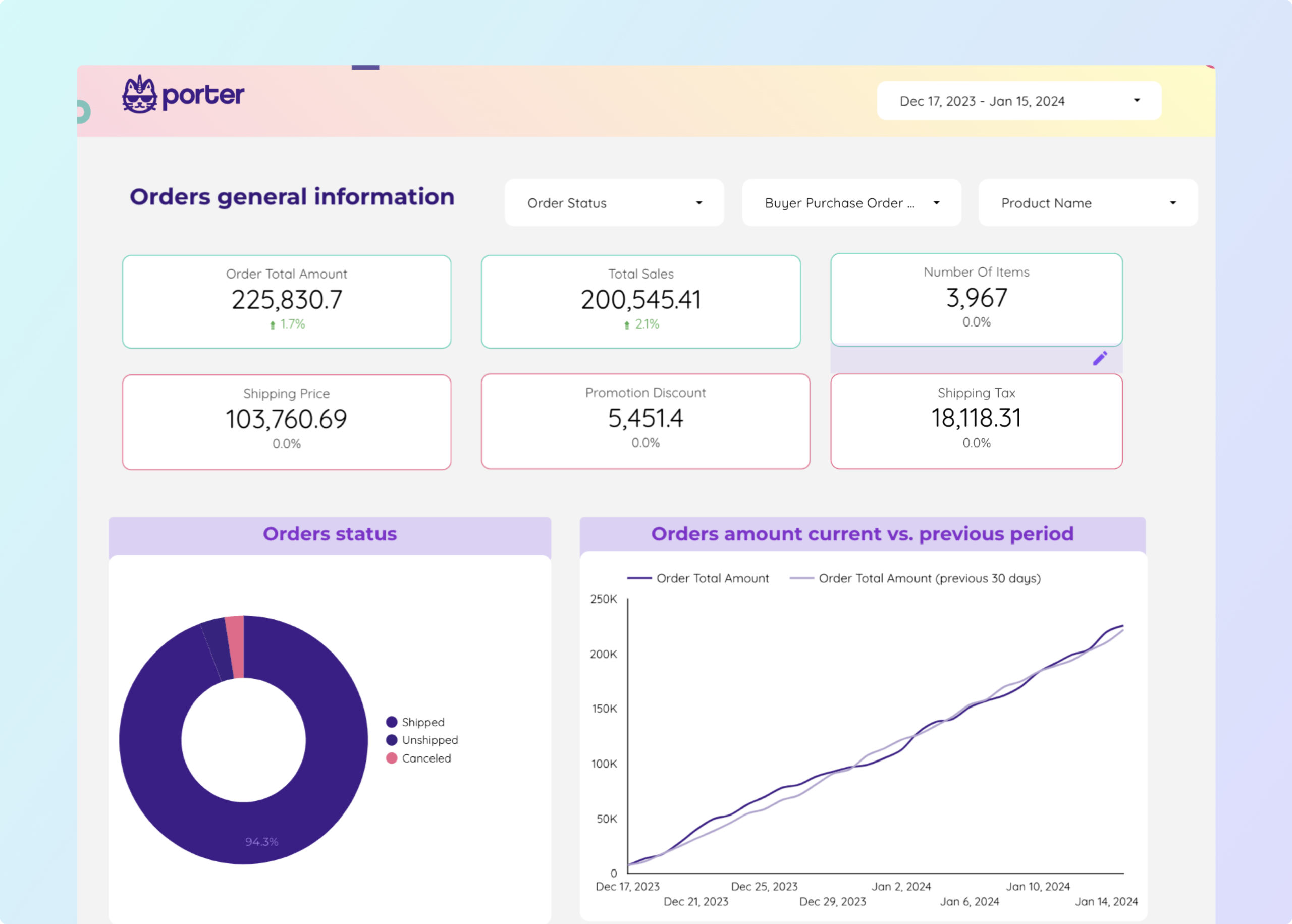
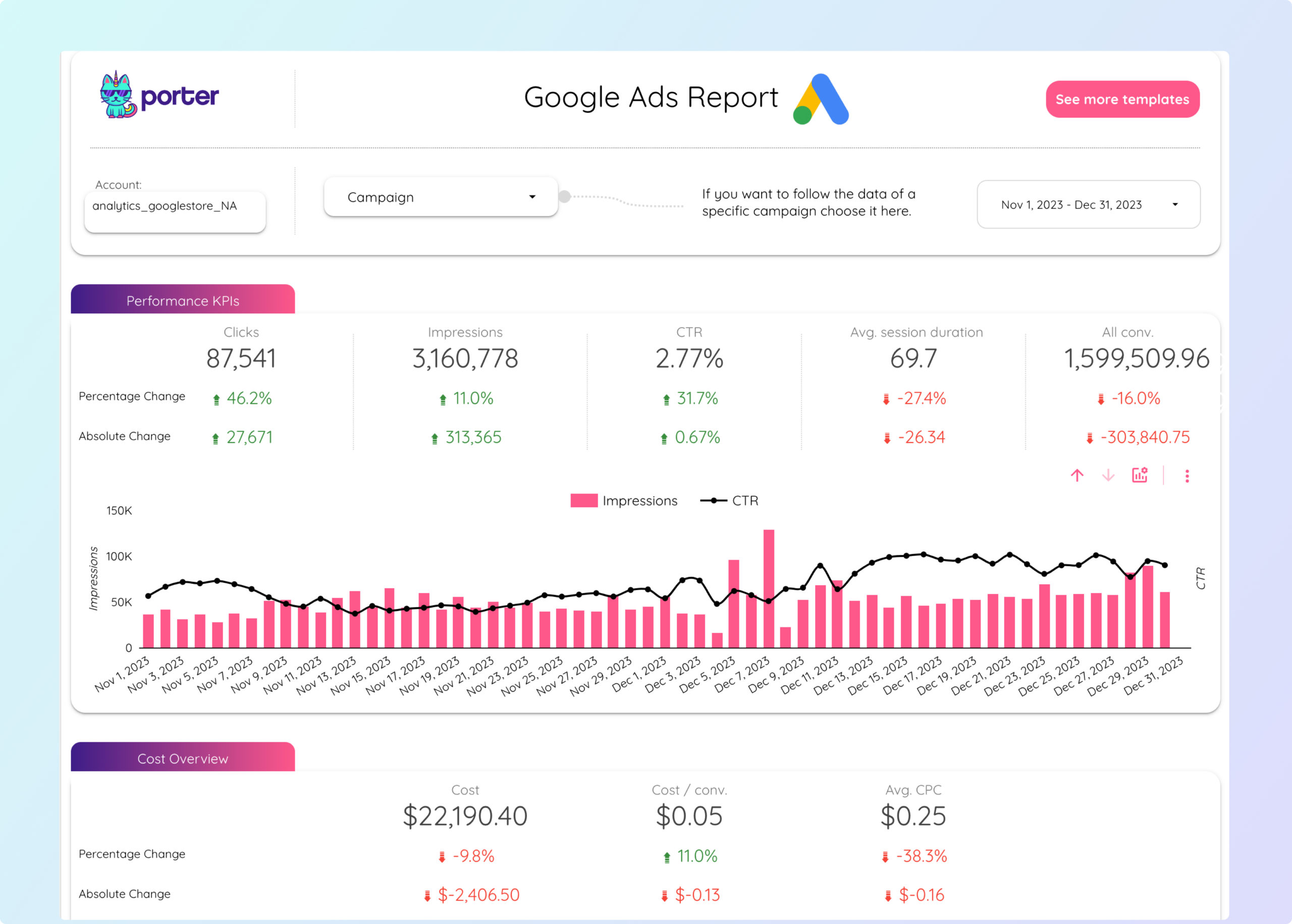
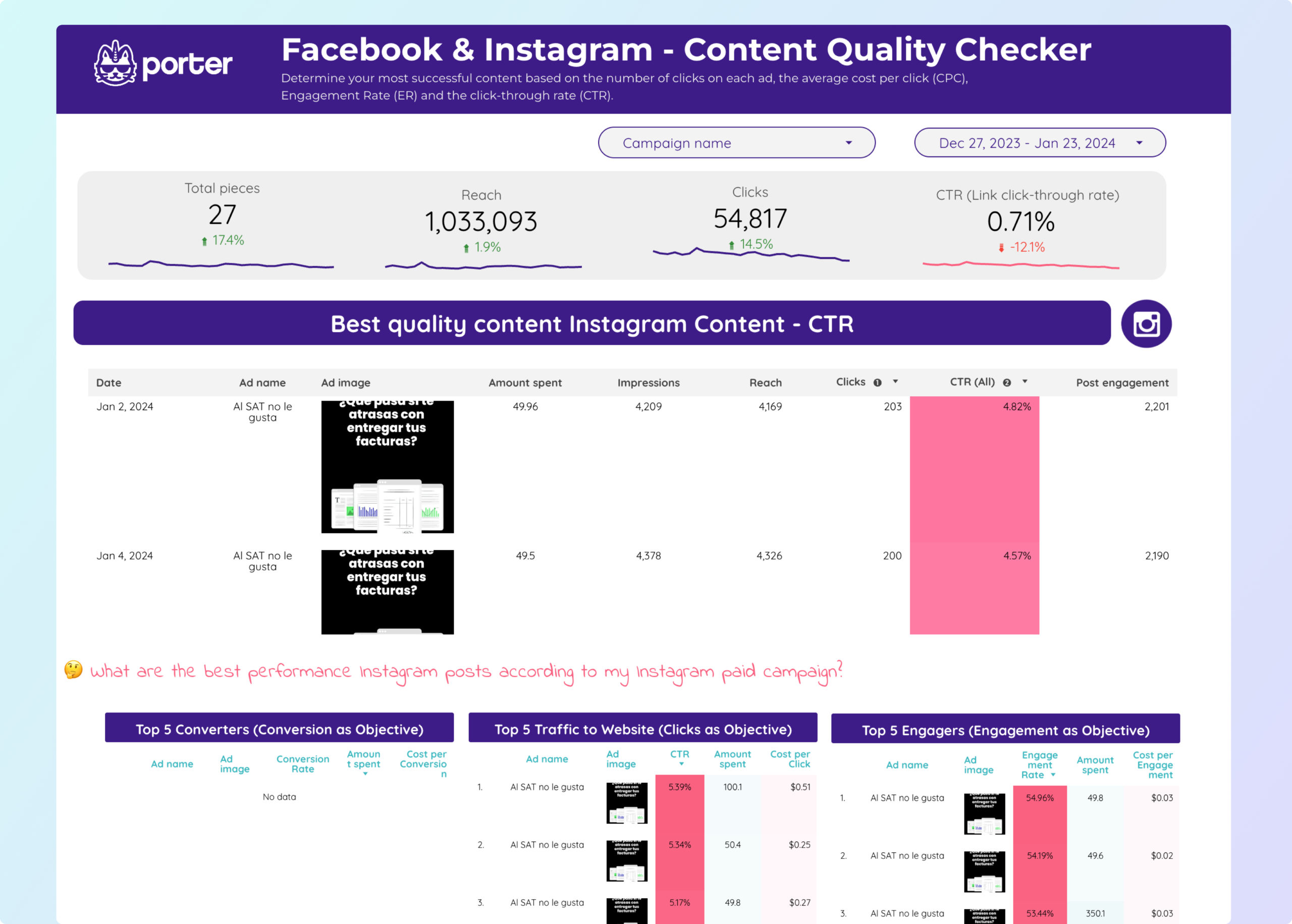
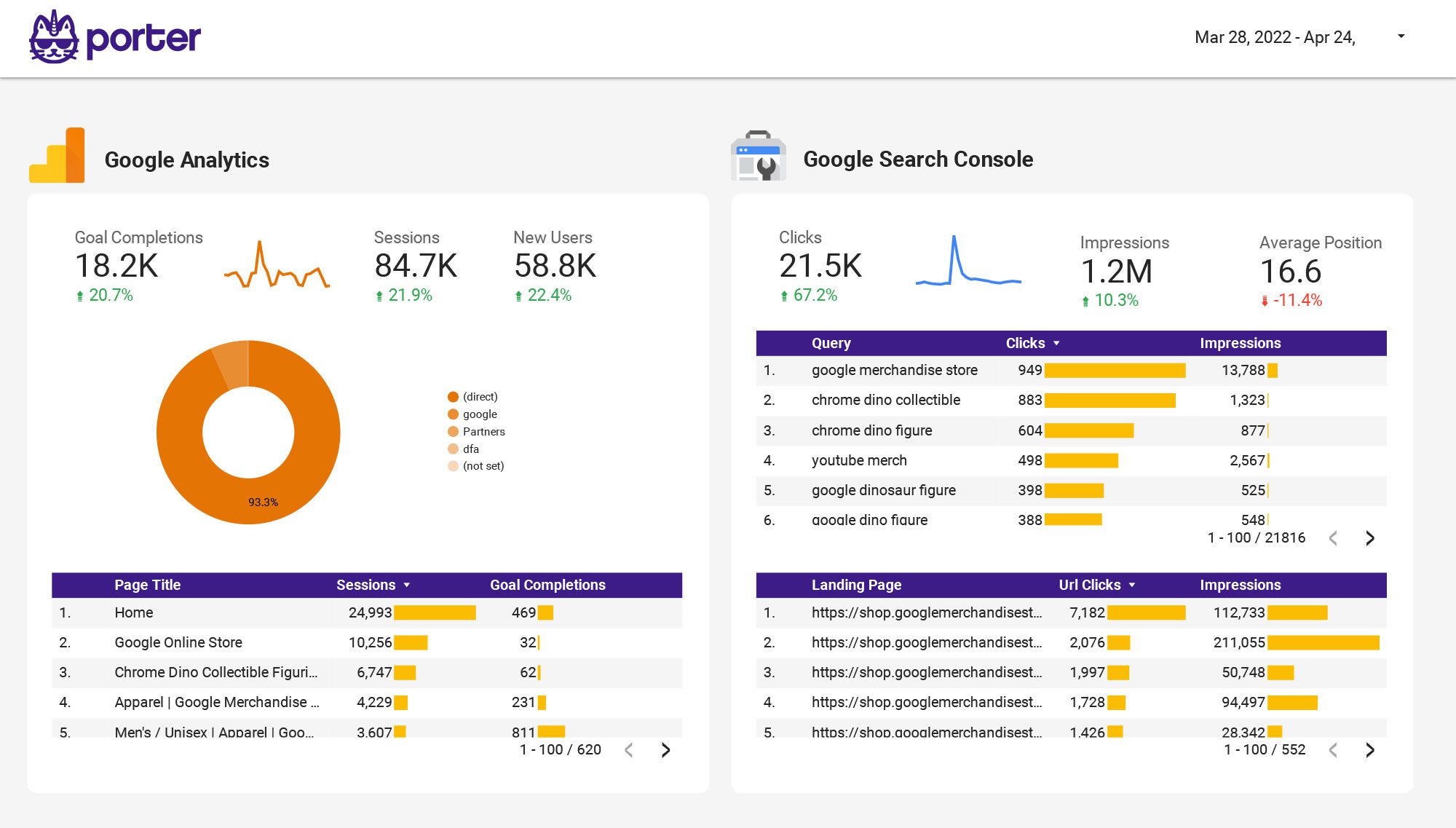
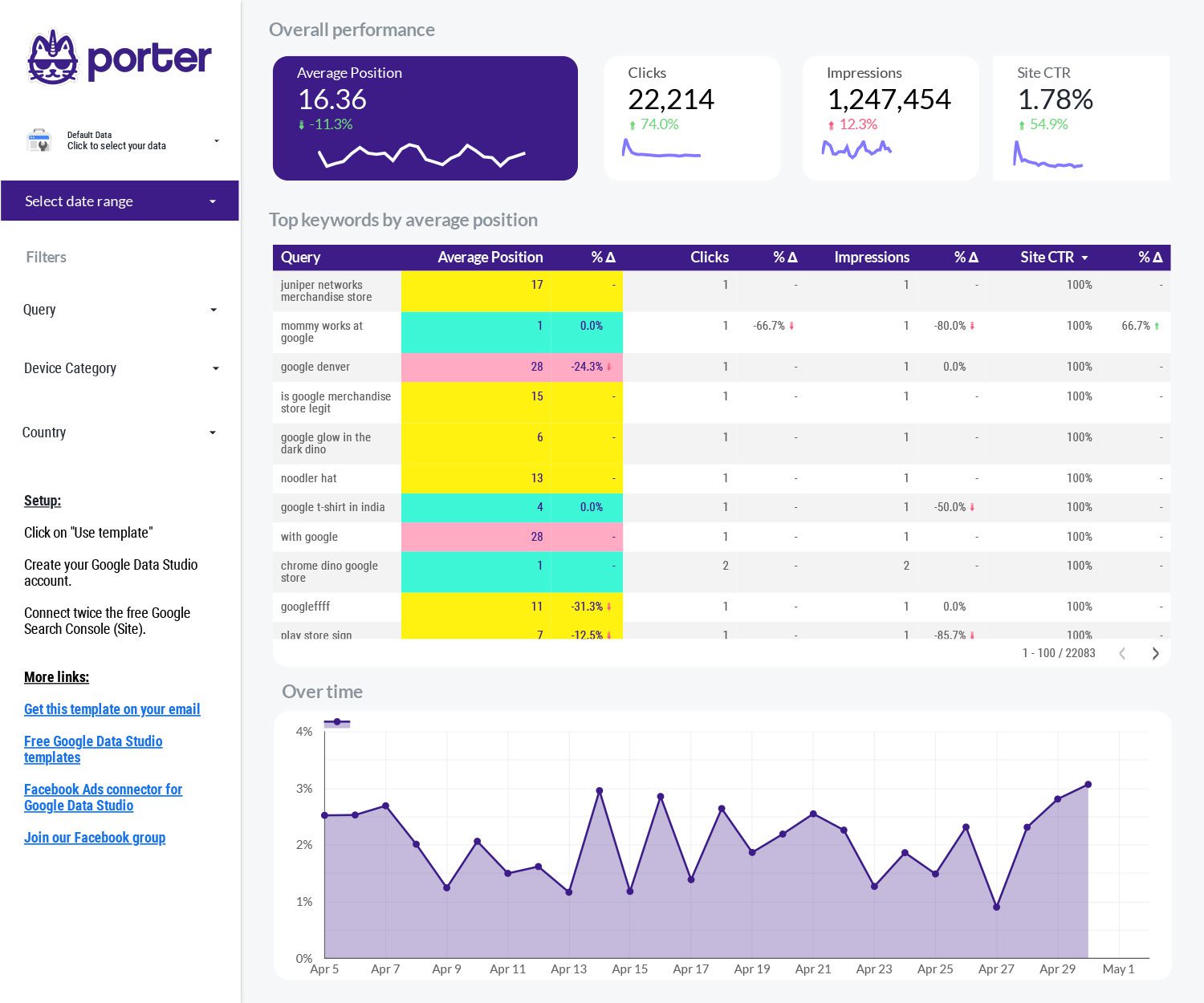
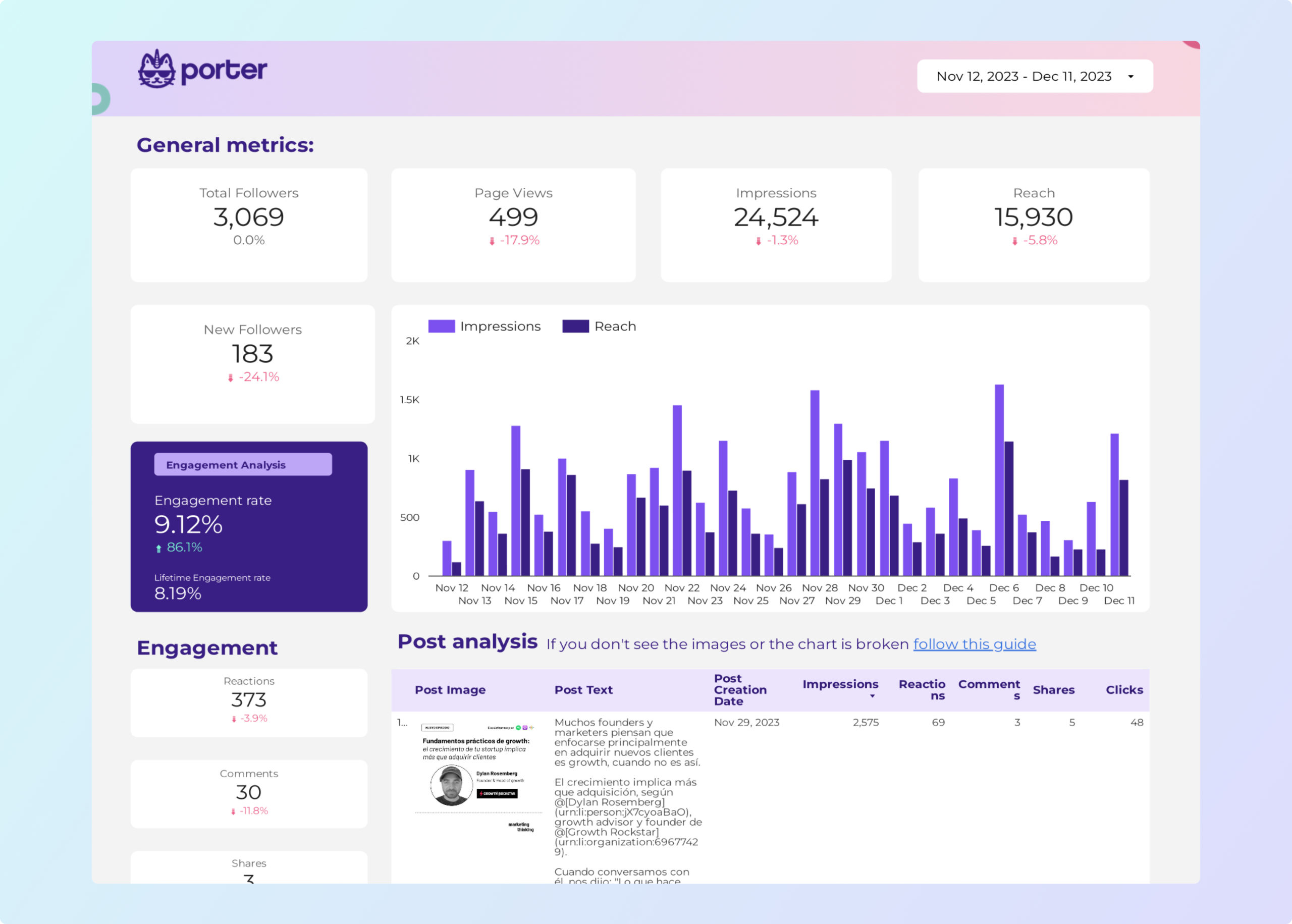
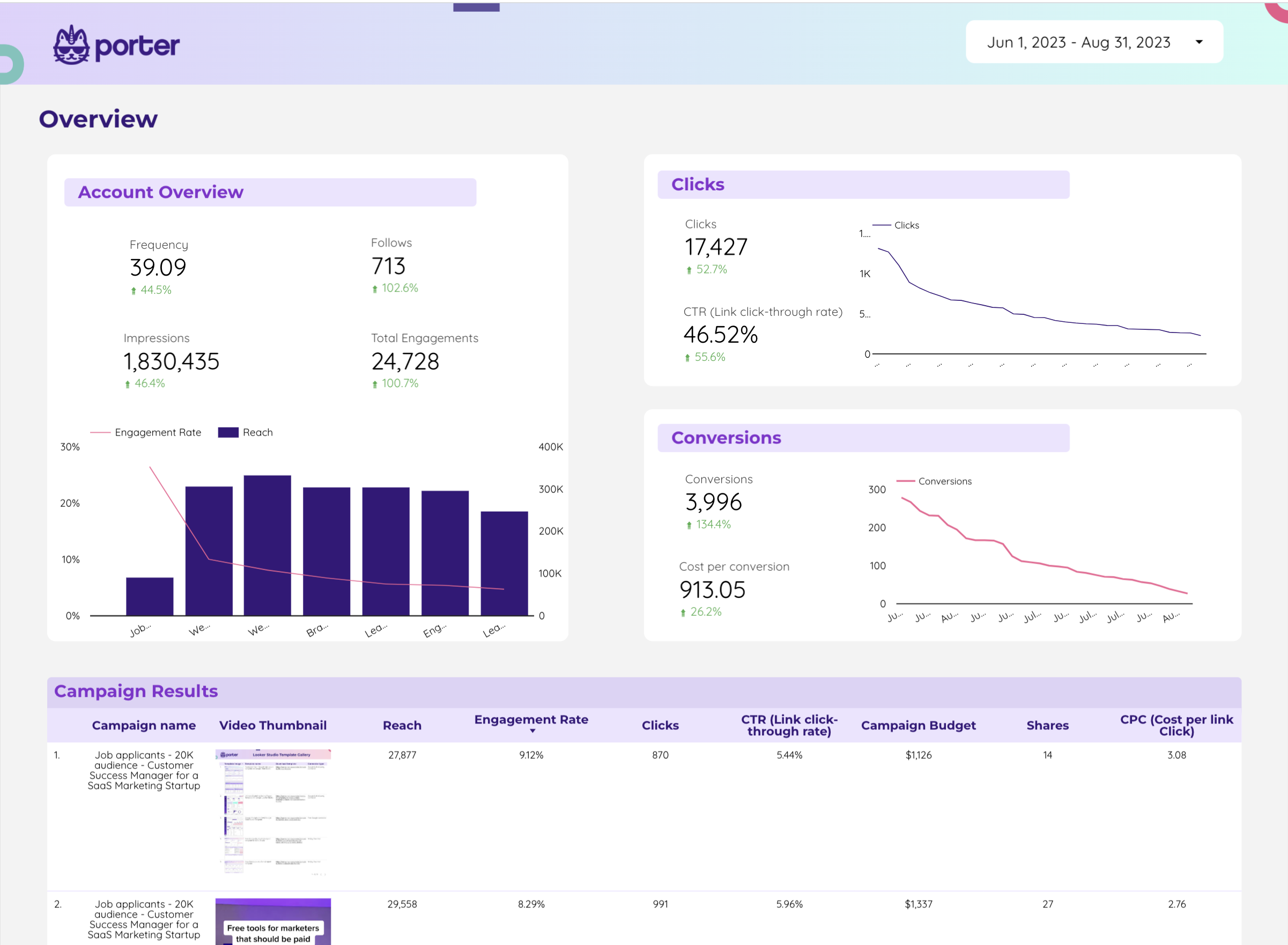
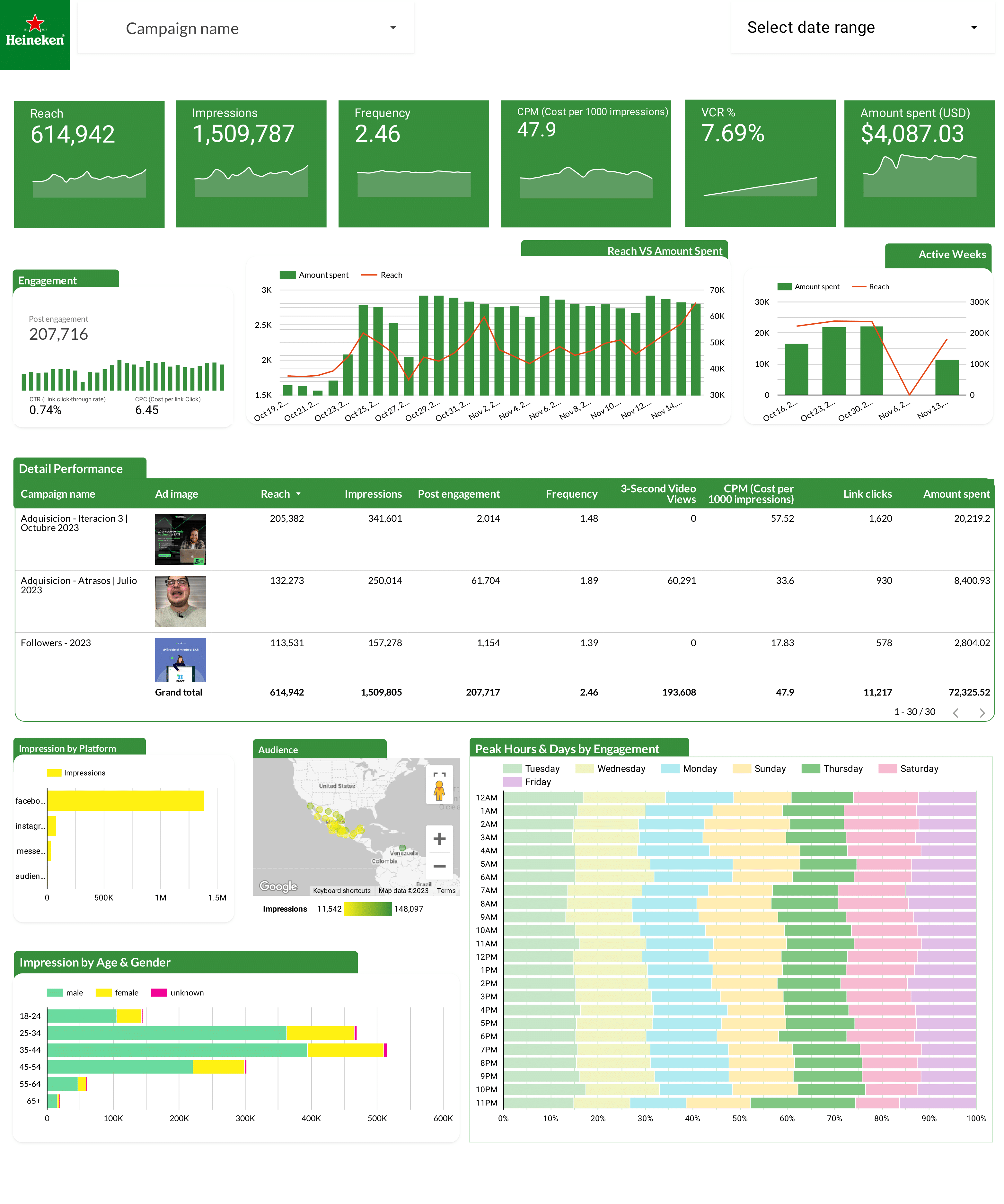
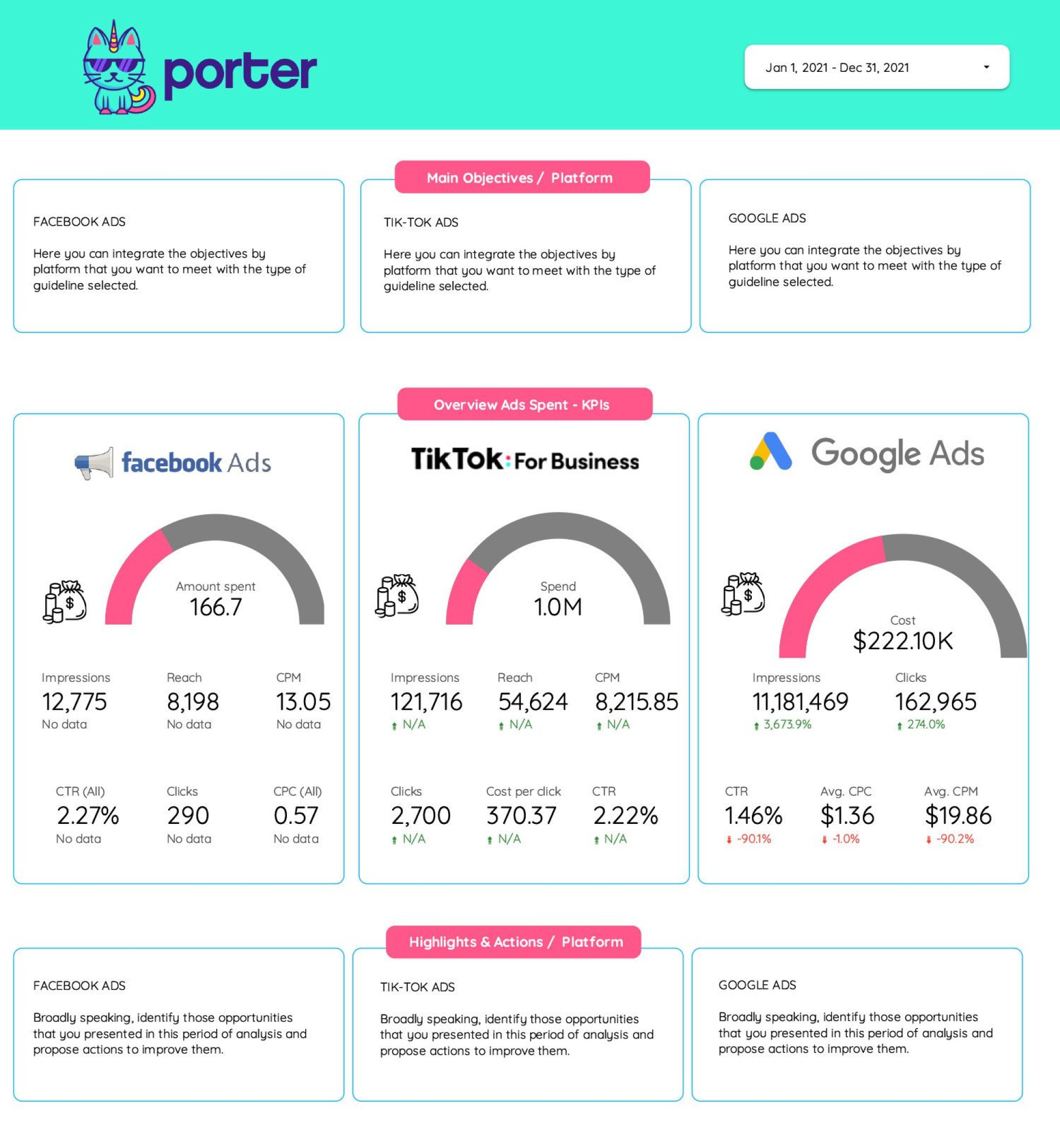
A digital marketing dashboard on Looker Studio is a centralized report that pulls data from all your marketing channels—Google Ads, Meta Ads, Google Analytics 4, social media, email, and CRM—into one visual interface. Instead of logging into each platform separately, you see all your marketing KPIs in a single view.

80+ data sources: With Porter Metrics connectors, connect Google Ads, Meta Ads, GA4, LinkedIn, TikTok, Shopify, HubSpot, and 70+ more sources to Looker Studio in minutes.

Why use a digital marketing dashboard on Looker Studio?

hub

Cross-channel visibility

See Google Ads, Meta Ads, GA4, social media, and email performance side by side. Our cross-channel template blends data from multiple sources into one unified report.

monitoring

Real-time campaign tracking

Monitor campaign performance as it happens. Track spend, conversions, ROAS, and CPA across all channels with our campaign monitoring template.

schedule_send

Automated reporting

Stop building reports manually. Schedule automated reports to clients and stakeholders via email, PDF, or live dashboard links.

palette

White-label for agencies

Add your logo, colors, and branding. Our templates are fully customizable for agency client reporting. Follow our design tutorial to match your brand.

How to build a digital marketing dashboard on Looker Studio

1

Connect your marketing data sources

Go to portermetrics.com and connect your channels. Tutorials: connect Meta Ads, connect GA4, connect Instagram, connect LinkedIn Ads.

2

Choose a digital marketing template

Browse our template gallery and pick one that matches your channels and use case. Learn how to copy a Looker Studio template.

3

Customize your metrics and KPIs

Add the metrics that matter: clicks, impressions, conversions, ROAS, CPA, CTR. Use calculated fields for custom KPIs and filters for campaign-level views.

4

Design and brand your dashboard

Add your logo, match your brand colors, and structure pages by channel or funnel stage. Follow our dashboard design tutorial.

5

Share and automate delivery

Share via link, export to PDF, or schedule automated email delivery to clients and stakeholders.

Key metrics and KPIs for a digital marketing dashboard

Paid Advertising

  • Ad spend — total investment across channels
  • ROAS — return on ad spend
  • CPA / CPL — cost per acquisition or lead
  • CTR — click-through rate by campaign

Website & Analytics

  • Sessions — total visits from all channels
  • Conversion rate — visitors who complete goals
  • Bounce rate — single-page visit percentage
  • Source/medium — traffic attribution by channel

Social Media

  • Engagement rate — interactions per post
  • Follower growth — audience size over time
  • Reach & impressions — content visibility
  • Video views — video content performance

Email & CRM

  • Open rate — email opens vs. sent
  • Click rate — link clicks in emails
  • Leads generated — new contacts from campaigns
  • Pipeline value — revenue from marketing leads

Build your digital marketing dashboard today

Connect all your marketing channels in minutes. Choose from 119 free templates on Looker Studio and automate your cross-channel reporting. Get started for free →

Frequently Asked Questions

What is a digital marketing dashboard?
A digital marketing dashboard is a visual report that consolidates data from multiple marketing channels—Google Ads, Meta Ads, GA4, social media, email, and more—into a single interface on Looker Studio.
What is the best tool to build a digital marketing dashboard?
Google Looker Studio is the most popular free tool. With Porter Metrics, you can connect 80+ data sources and use pre-built templates to get started in minutes.
Are these digital marketing templates free?
Yes, all 119 templates are free to download and use with Porter Metrics free plan.
What data sources can I connect?
Porter Metrics supports 80+ sources including Google Ads, Meta Ads, GA4, Google Search Console, LinkedIn Ads, TikTok Ads, Shopify, HubSpot, Mailchimp, and many more.
Can I use these for client reporting?
Yes. All templates are white-label. Add your agency branding and share automated reports via email, PDF, or live links.
How do I connect my marketing data to Looker Studio?
Go to portermetrics.com, select your data source, authorize access, then copy a template. Your data populates automatically in the dashboard.

Start building your digital marketing dashboard today

Connect 80+ data sources in minutes. Choose from 119 free templates on Looker Studio.

Get started for free →